Faq Hub
WordPress Hosting Theme FAQs: WHMCS, Pricing, Builders, and Setup Answered
28 answers to real WordPress hosting theme questions: WHMCS integration, Bridge plugins, licensing, page builders, and setup, each linked to a deeper guide.
This hub answers the questions hosting resellers, freelance developers, and IT businesses ask most about WordPress hosting themes. It covers WHMCS integration, theme selection, pricing and licensing, page builders, setup, performance, and reseller tools.
Every answer below is direct and complete on its own. Where a question needs more depth than a short answer can give, the answer links to the full guide.
WHMCS Integration and the Bridge Plugin
This category covers the Bridge-plugin-versus-template decision every hosting theme buyer eventually faces.
What's the difference between a WHMCS Bridge plugin and a WHMCS-ready WordPress theme?
A WHMCS Bridge plugin embeds WHMCS inside WordPress through a connector, using theme inheritance and single sign-on so the client area matches your site automatically. A WHMCS-ready theme instead ships template files that install directly into WHMCS, styled to match without any connector plugin. Read the WHMCS Bridge explainer for the full mechanics.
Do I need a WHMCS Bridge plugin if my hosting theme already has WHMCS templates built in?
No. A Bridge plugin is redundant when your theme already ships its own WHMCS templates for the client area and order forms. It adds a recurring fragility point some themes are built specifically to avoid. Independent buyer commentary on Quora confirms this: a Bridge purchase is not required when the theme installs directly into WHMCS. See MaxHost's no-bridge WHMCS templates for how that model works.
What is WHMCS, and why do hosting companies use it?
WHMCS (Web Host Manager Complete Solution) is client management, billing, and provisioning software that hosting companies use to automate the entire signup-to-termination cycle. Its core modules cover invoicing and recurring billing, account provisioning through control-panel and registrar integrations, and client support with tickets and a knowledge base. It has been the hosting industry's standard billing platform since 2003. Learn what WHMCS is and how it works.
Will updating WHMCS or WordPress break my hosting theme's client area design?
Usually not from the update itself. Breakage after an update is typically caused by outdated customized template files, not the update process. WHMCS 8.1 and later reads a theme.yaml compatibility declaration. It flags version mismatches between an order form template and its parent system theme before you apply the update. Check your theme's declared WHMCS compatibility range before every major upgrade.
How do I integrate WHMCS with a WordPress hosting site?
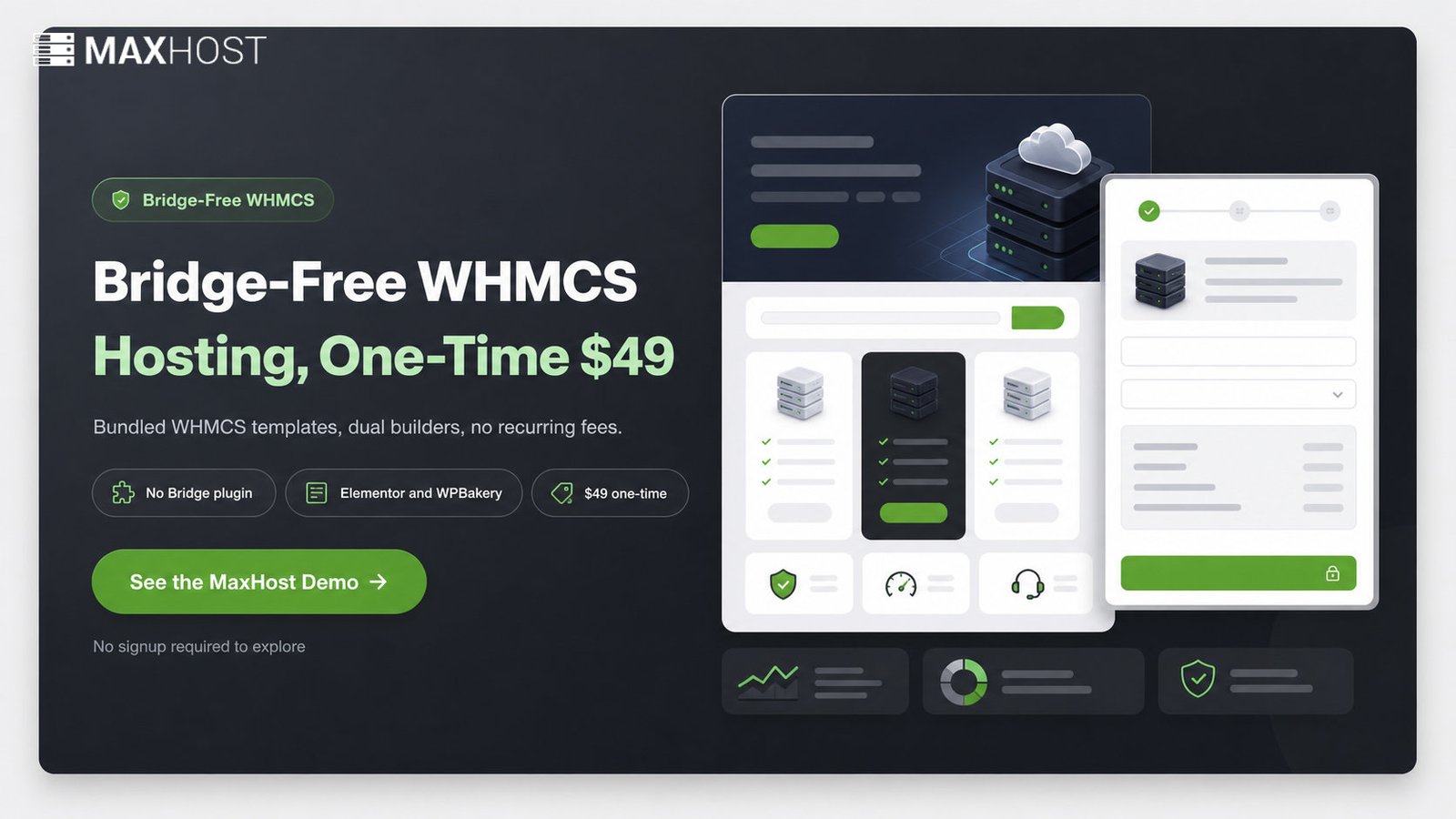
Two routes exist: a Bridge plugin that syncs WHMCS inside WordPress, or a bundled WHMCS-template theme like MaxHost that installs templates directly into WHMCS. The Bridge route adds single sign-on and shortcodes; the template route trades that convenience for one less moving part to maintain. See the full walkthrough on integrating WHMCS with WordPress.
Choosing a WordPress Hosting Theme
Every hosting theme is scored the same way across this network. See our review methodology for the exact rubric behind every ranking below.
How do I choose the right WordPress hosting theme for my hosting business?
Weigh WHMCS version compatibility, the Bridge-versus-template model, page-builder choice, demo variety, update recency, and included support terms, in that order. Buyers who skip this checklist commonly end up stuck between competing themes with no clear winner, per recurring Quora buyer-confusion threads. Walk through our hosting-theme buying guide before you commit to a purchase.
What's the best WordPress hosting theme with WHMCS integration?
There is no single universal winner. The right pick depends on whether you want a Bridge plugin or bundled templates, which page builder you prefer, and your budget. Compare the full field in the best WordPress hosting themes ranked rather than picking on name recognition alone.
What's the best WHMCS WordPress theme specifically for billing integration?
The billing-specific pick narrows further: look for genuine WHMCS templating, not a superficial styled wrapper around a Bridge plugin. The Bridge-versus-standalone distinction is the decisive filter for a theme whose primary job is client-area billing. See the best WHMCS WordPress themes for themes evaluated specifically on that filter.
Are there good free WHMCS-ready WordPress themes?
Genuine free WHMCS-ready themes are rare. Most free hosting themes handle only the WordPress marketing site and leave WHMCS templating unsolved, or bundle a Bridge plugin with limited free-tier functionality. Read the best free WHMCS themes and their trade-offs before assuming a free option covers your billing needs.
What are the real alternatives to MaxHost for a WHMCS hosting site?
Hostiko, Phox, Hostinza, and VirtuSky are the named alternatives buyers compare against MaxHost in this category, each with a different Bridge-versus-template approach and builder lineup. None is a universal replacement; each trades differently on price, demo breadth, and update cadence. See the full breakdown in MaxHost alternatives.
Pricing and Licensing
What's the difference between a Regular License and an Extended License for a hosting theme?
A Regular License covers an end product distributed for free, per ThemeForest's own licensing rules. An Extended License is required when the end product is sold or paid for. The test is whether your end users pay to access the product, not whether you charge a client to build the site. MaxHost prices these at $49 for Regular and $2,950 for Extended, both single-use per license. Review MaxHost's pricing page for the exact breakdown.
Are WordPress hosting themes usually a one-time purchase or a subscription?
One-time purchase is the marketplace norm. ThemeForest themes sell for a flat price with a time-boxed support window, typically 6 months, rather than a recurring subscription. MaxHost follows this pattern exactly: $49 one-time with 6 months of included support, extendable to 12 months for a small add-on fee.
Can I get a refund on a ThemeForest hosting theme?
Refunds on ThemeForest follow Envato's marketplace-wide policy, not any individual theme author's discretion. The specific terms depend on whether the item was downloaded and how it was used. Check Envato's own help center for the current refund window before purchasing, since marketplace policy can change independently of any single theme.
Is a premium hosting theme worth it compared to hiring a developer?
For straightforward hosting-site requirements, a premium theme is the cost-effective default. It trades a lower price and faster launch for some author-dependency and potential feature bloat. A custom build trades higher cost and longer timelines for a lighter, purpose-built result. See the full theme vs custom-built comparison for where each approach wins.
Page Builders: Elementor vs WPBakery
Elementor or WPBakery: which page builder is better for a hosting site?
Elementor generally wins on editing speed, a true drag-and-drop experience, and better measured Core Web Vitals scores. WPBakery keeps a leaner raw code footprint and offers a one-time payment option instead of a subscription, which suits agencies maintaining legacy sites. Elementor also deactivates cleanly, while WPBakery leaves shortcodes behind in your content when disabled. Read our Elementor vs WPBakery comparison for the full feature-by-feature verdict.
Do I have to use WPBakery, or can I build a hosting site with Elementor only?
No. Most dual-builder hosting themes, MaxHost included, support either builder independently, so you can build the entire site in Elementor and never touch WPBakery. Pick the builder that fits your team's existing skill set rather than using both out of obligation.
Which page builder is easier for a beginner building a hosting website?
Elementor's interface is generally rated more beginner-friendly, with a true what-you-see-is-what-you-get editor and simpler global style controls than WPBakery's backend-first workflow. Start with our theme-install and demo-import guide once you have picked a builder.
Demos, Setup, and Getting Started
How do I import a hosting theme's demo content into WordPress?
First install and activate every plugin the theme recommends, since demo content often depends on the page builder and any bundled widgets. Then run a one-click demo importer, or use WordPress's built-in Tools to XML Import for a manual import. Back up your site before either method, and select the specific demo variant you want.
How long does it take to launch a hosting website with a pre-built theme?
A straightforward demo-import-plus-WHMCS-template setup takes a few hours to about a day. A fully custom build, by comparison, runs days to weeks depending on scope. See our full hosting-site build guide for the complete timeline, from theme install to a live WHMCS-connected site.
How do I set up WHMCS for a new hosting business?
At a high level: license and install WHMCS on a compatible server stack, then configure your hosting products and payment gateways. Apply a matching theme or template last, so the client area looks consistent with your marketing site. Follow our WHMCS setup guide for the full step-by-step process.
Can I migrate my WordPress hosting site to a new theme without losing content?
Yes, with a backup-first, staged migration. Back up the full site and database, then stage the new theme on a test environment. Migrate content and WHMCS templates in sequence, then cut over once everything checks out. Walk through our zero-downtime migration guide for the exact steps.
Performance and Site Speed
Do hosting WordPress themes with sliders and page builders slow down a site?
Yes, potentially. Page builders and sliders are consistently cited as the single biggest contributors to WordPress performance bloat. They load large CSS and JavaScript libraries regardless of page simplicity. They also store complex layout data in the database, slowing server lookups, and they delay Largest Contentful Paint (LCP). Measured comparisons show a builder-heavy setup adding real load-time cost over a base theme. The fix is disciplined use, not necessarily avoidance.
Should I choose a lightweight theme or an all-in-one hosting theme with builders?
It depends on the trade-off between out-of-the-box features and raw speed. An all-in-one theme with honest vendor performance guidance, trimming sliders, enabling caching, and compressing images, can perform acceptably if you apply that discipline. A lightweight, block-editor-only theme wins on raw speed but requires you to build hosting-specific components yourself.
How can I speed up a builder-heavy hosting website?
Limit sliders and parallax effects, compress every image before upload, and enable a caching plugin. Minimize the number of custom fonts and widgets loaded per page too. MaxHost's own product documentation gives this exact guidance, since the vendor flags its builder-and-slider-heavy default as a trade-off buyers should manage. See MaxHost's own performance guidance for the full recommendations.
Reseller Hosting and Domain Search
Does a WordPress hosting theme work with the GoDaddy Reseller Store plugin?
Compatibility depends on the specific theme, since GoDaddy's own plugin creates a custom post type that some themes and builder plugins can interfere with. GoDaddy states it cannot test every theme, but recommends deactivating other plugins first if you hit a conflict. MaxHost documents compatibility with the GoDaddy Reseller Store plugin version 2.2.6. See MaxHost's reseller-hosting demo for the live example.
How do I add a live domain availability search to my hosting site?
Domain-search widgets are a category-standard feature, confirmed by competing hosting themes shipping their own dedicated domain-search documentation. Most wire the widget to WHMCS's own domain-search and registration flow, or to a dedicated domain-reseller plugin. Follow our domain-search setup guide to add one to your own site.
What's the difference between reseller hosting and white label hosting?
Reseller hosting resells another host's capacity under your own retail pricing, though the parent host's branding often still shows on control panels and nameservers. White label hosting is a specific type of reseller hosting that hides the underlying provider's identity entirely, so every touchpoint carries only your brand. Read reseller vs white label hosting explained for the full comparison.
Can I sell domains and hosting from the same WordPress site?
Yes. Pair a domain-reseller storefront with a live domain-search widget to sell both from one site. Add the GoDaddy Reseller Store plugin or a similar registrar API for the checkout flow. See our domain-reseller template guide for a ready-made storefront layout.
Still Have Questions?
Every answer above links to the full guide behind it. Start with whichever question matches where you are right now: WHMCS integration, pricing, page builders, or setup. See a bridge-free WHMCS integration, dual page builders, and a $49 one-time license in action: try the MaxHost demo.