Feature Page
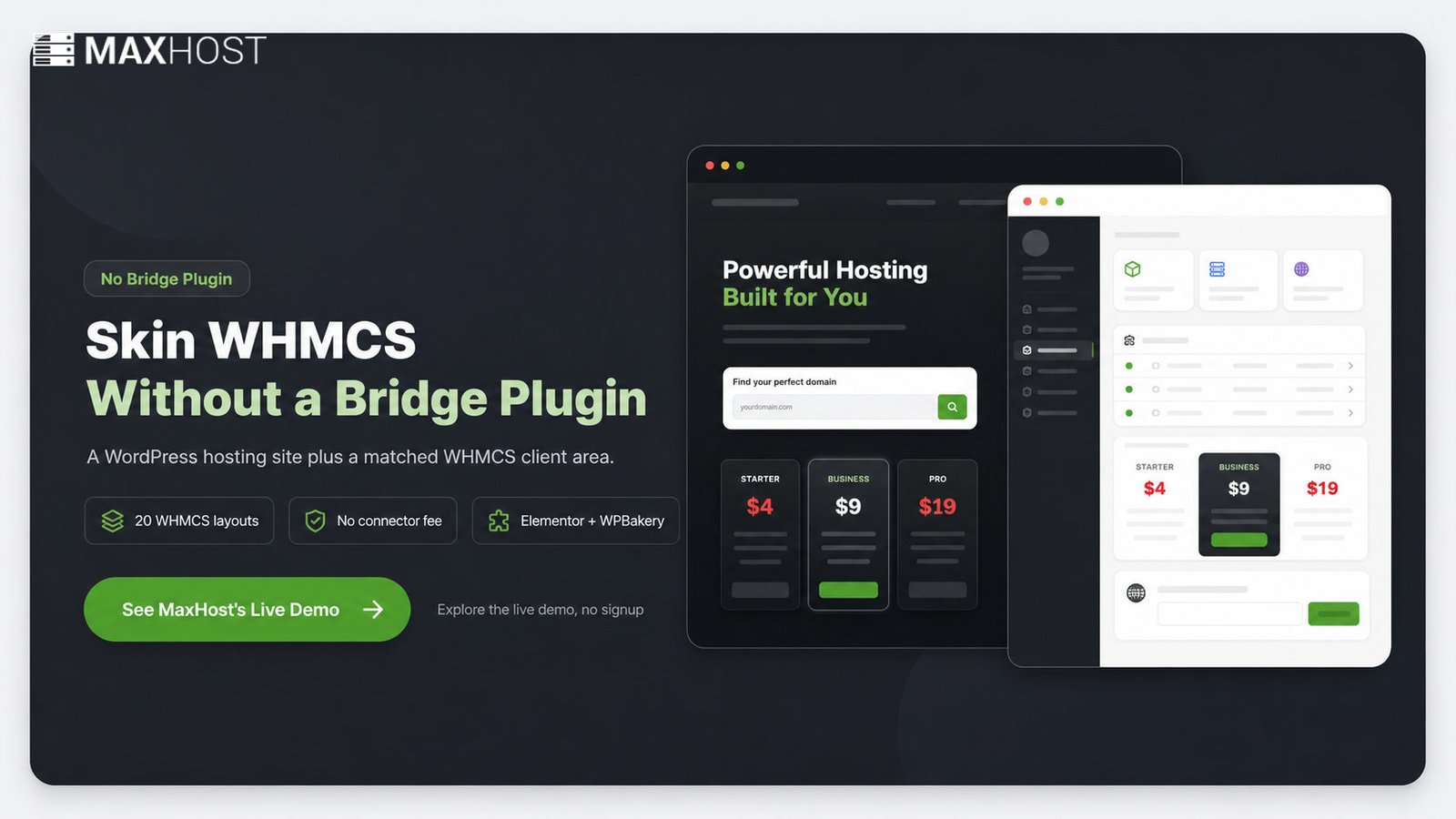
Skin WHMCS to Match Your Site, No Bridge Plugin
See how MaxHost's WHMCS WordPress theme integration works: bundled templates install straight into WHMCS, with no Bridge plugin and no recurring fee.
What Is a WHMCS WordPress Theme?
MaxHost's bundled client-area templates install straight into WHMCS, so nothing syncs, nothing breaks on updates, and no connector fee ever renews.
- No Bridge plugin, no sync layer
- 20 client-area layouts included
- $49 one-time, no connector fee
A WHMCS WordPress theme pairs a WordPress marketing site with a matching WHMCS billing and client area. WordPress runs your public pages. WHMCS handles the cart, invoicing, and the logged-in portal. The theme skins both to look like one brand.
New to the billing platform? Start with what WHMCS is before choosing a theme layer.
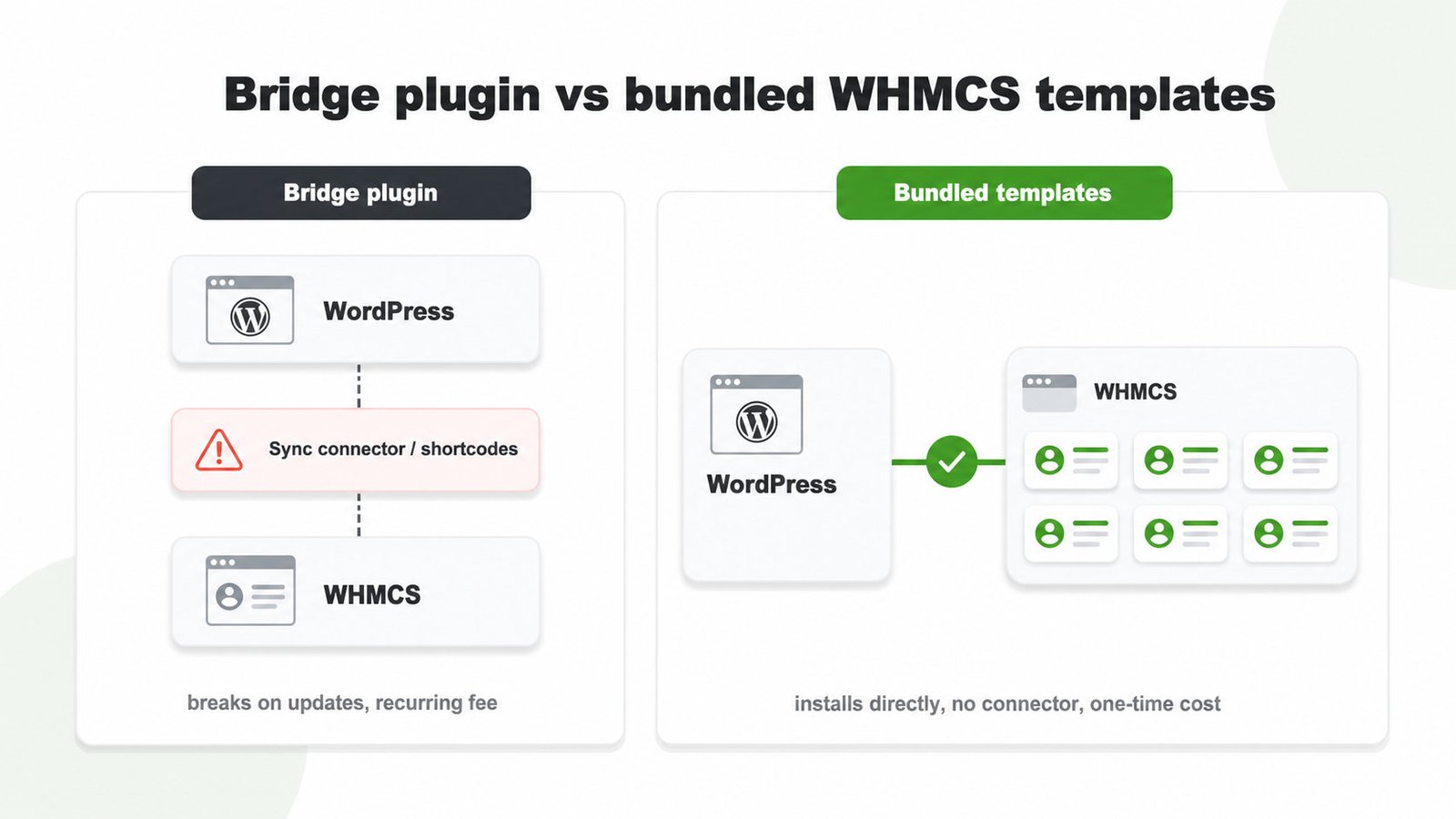
Bridge Plugin vs Bundled WHMCS Templates
Bundled templates win when you want the fewest moving parts; a Bridge plugin only suits reusing an existing, non-matching WordPress theme.
| Approach | How it connects | Ongoing fragility | Cost model |
|---|---|---|---|
| Bridge plugin | Syncs WHMCS into WordPress via shortcodes | Higher: platform or plugin updates break the link | Often a recurring annual license |
| Bundled templates (MaxHost) | Installs matching templates directly into WHMCS | Lower: no connector sits between the systems | One-time theme purchase, no connector fee |
| Header/footer matching | Copies WordPress header and footer into WHMCS by hand | Low, but matches only the page frame | Free, no plugin |
MaxHost ships bundled templates and no Bridge plugin, so nothing re-syncs on updates. See what a WHMCS Bridge is for the full connector breakdown.
What You Get in MaxHost's WHMCS Integration
MaxHost covers every surface a customer touches, from your marketing pages to a paid order.
Keep Checkout On-Brand From Login to Invoice
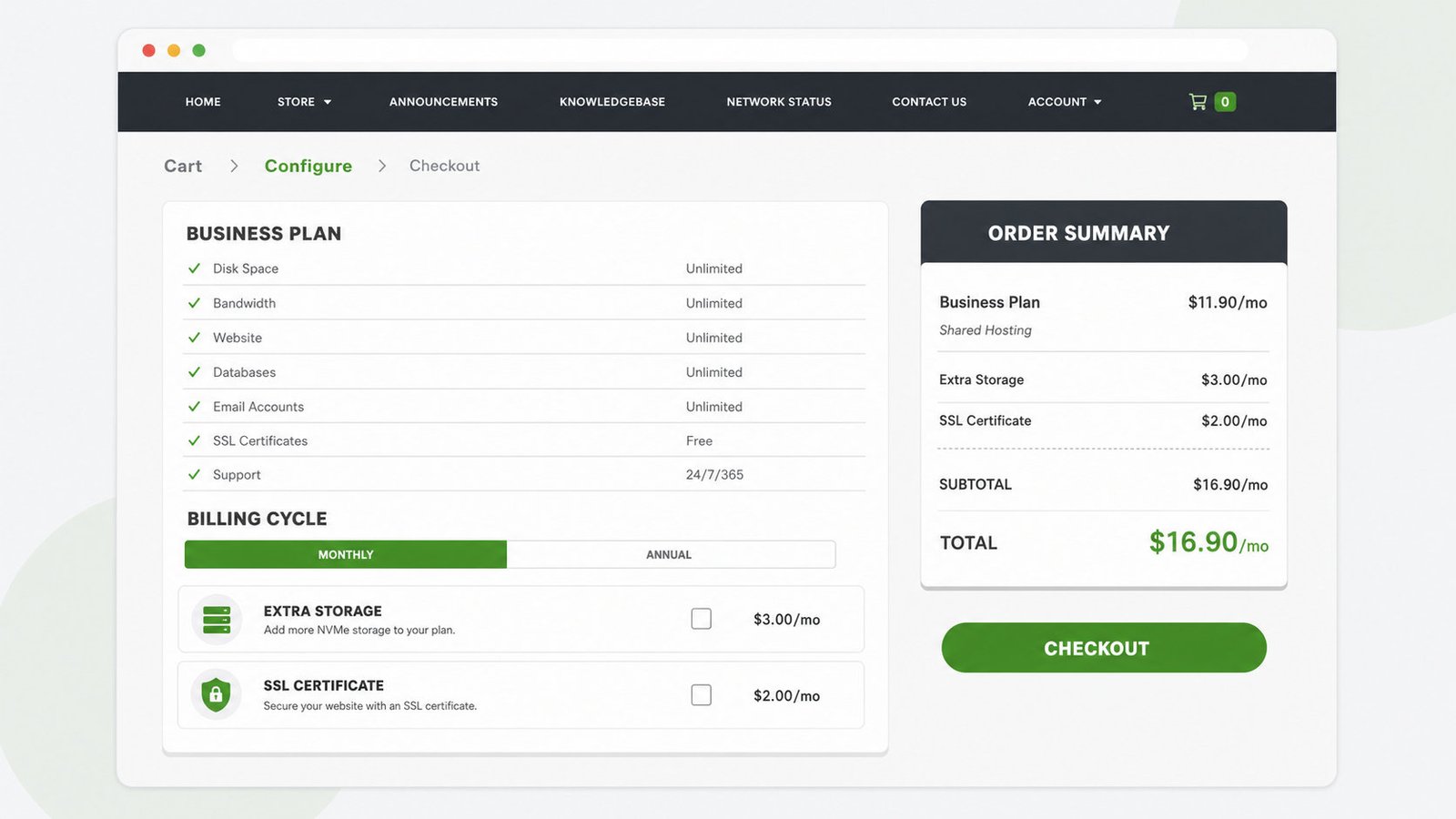
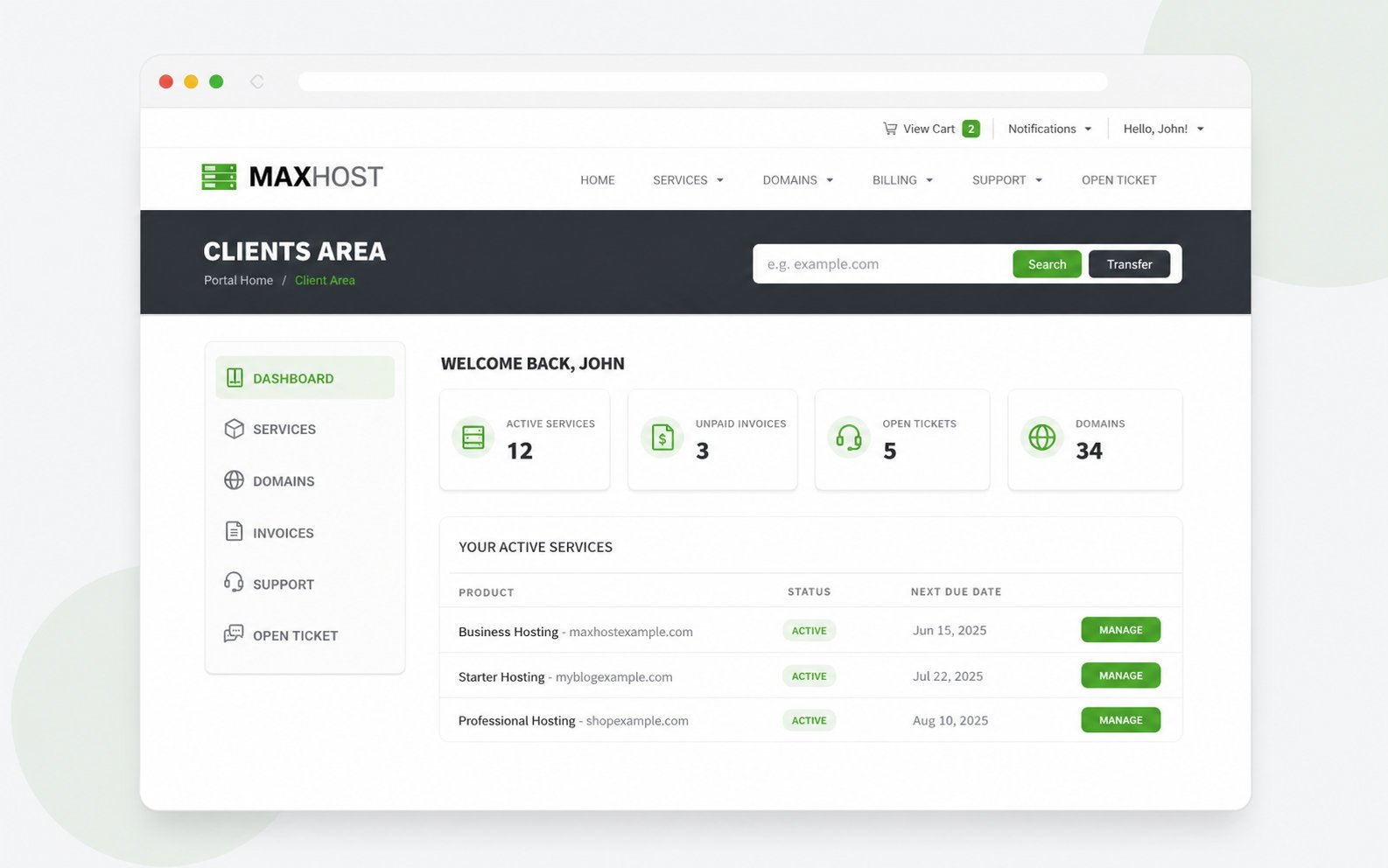
Twenty bundled layouts skin the WHMCS client area and order form to match your WordPress design exactly.
- Choose one of 20 client-area layouts
- Manage services, invoices, and tickets in-brand
- Run signup and checkout through WHMCS Cart
Convert Visitors With Live Domain Search
An AJAX domain checker returns availability without a reload, then hands results to WHMCS domain and reseller flows.
- Check domain availability without a page reload
- Route queries into WHMCS domain and transfer flows
- Display shared, VPS, and cloud plans in filterable tables
Sell Add-Ons and Build Pages Your Way
WooCommerce handles one-off sales alongside WHMCS, and dual page builders let you edit in Elementor or WPBakery.
- Sell SSL certificates, licenses, and services via WooCommerce
- Build pages in Elementor or WPBakery
- Skip the single-builder lock-in most rivals impose
How to Set It Up
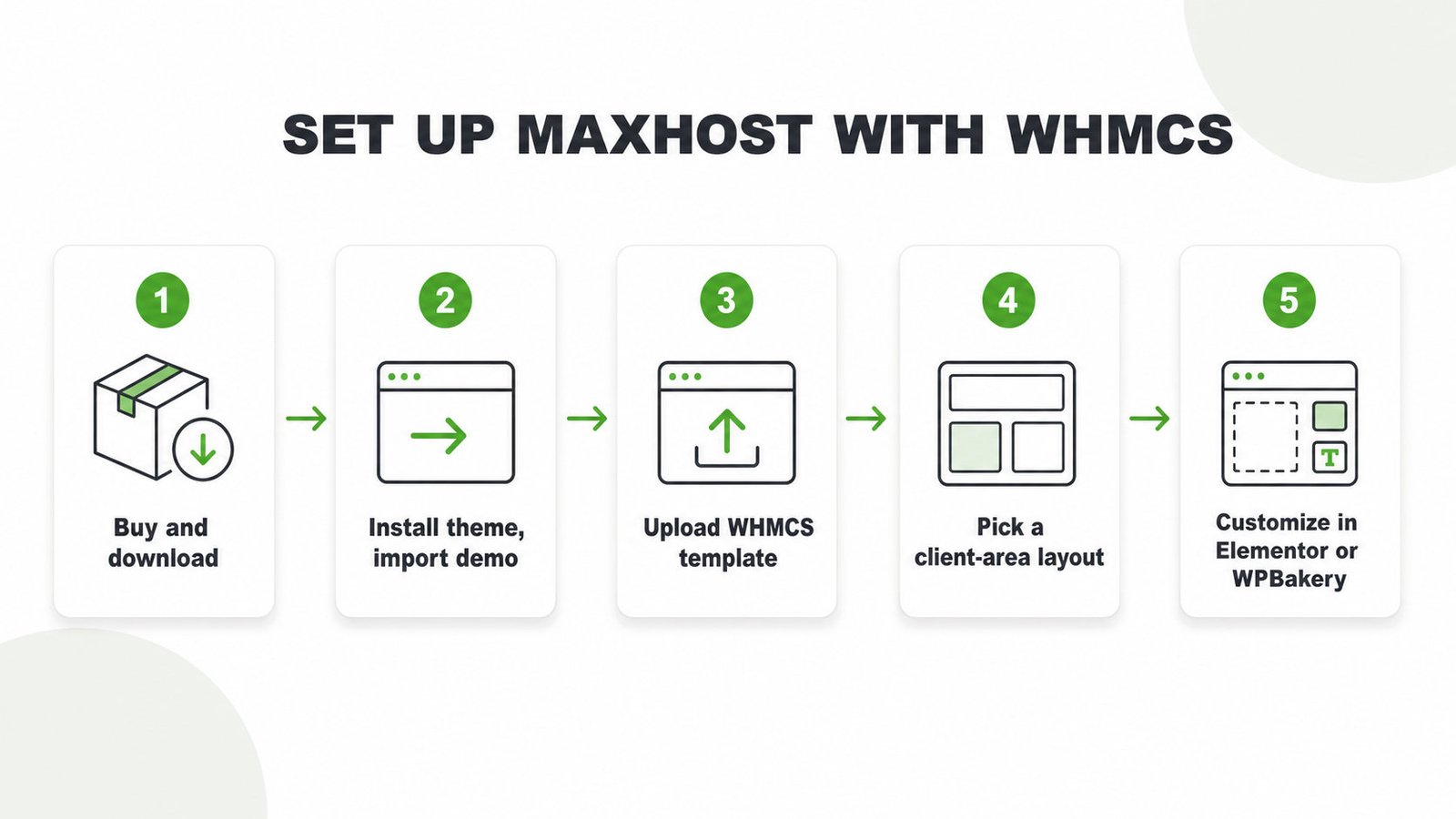
Install the theme, import a demo, then load the matching WHMCS template.
- Buy MaxHost on ThemeForest and download the theme package.
- Install the theme in WordPress, then one-click import a hosting demo.
- Upload the matching WHMCS template into your WHMCS instance.
- Select your client-area layout from the 20 bundled options.
- Customize pages in Elementor or WPBakery to finish branding.
When WHMCS ships a new version, update your theme files first, then load the new template. For a tool-agnostic walkthrough, read how to integrate WHMCS with WordPress.
Where MaxHost's WHMCS Integration Fits
MaxHost fits teams that want a matched WHMCS client area without ongoing connector upkeep.
Great fit if:
- You run WHMCS 8.8.x through 9.0.x, each version with its own template
- You want a one-time $49 cost, with no connector renewals
- You are starting fresh and want zero sync-plugin dependency
Look elsewhere if:
- You need deep custom cart, checkout, or provisioning logic beyond the skin
- You want a block-editor-only, minimal-plugin build
MaxHost earns that trust with a long track record. It holds a 4.69 rating across about 48 reviews and roughly 1,250 sales on its ThemeForest listing, updated from 2016 to 2026.
Launch Your Hosting Site With MaxHost
Get a WordPress hosting site and a design-matched WHMCS client area from one theme, with no connector to renew.
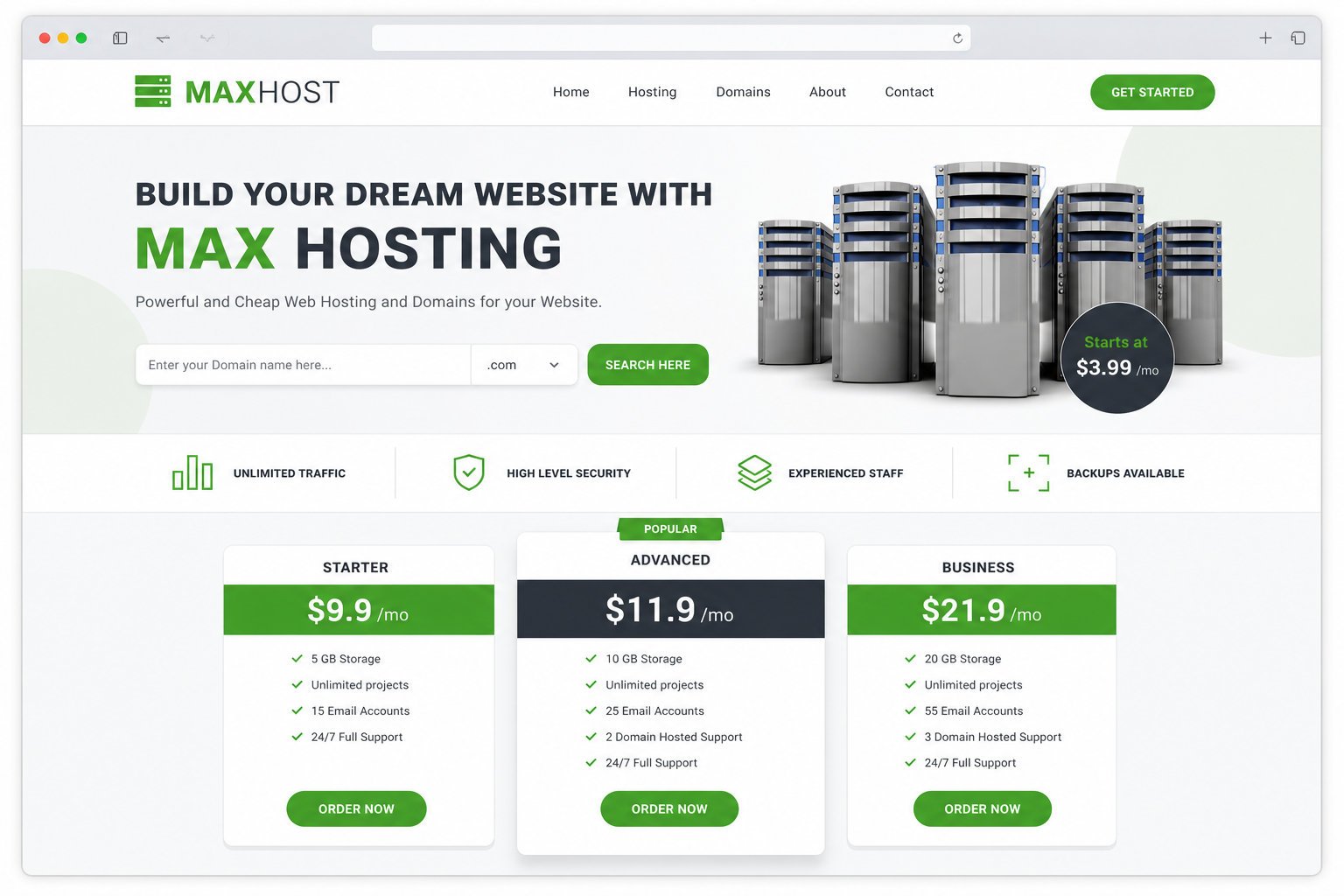
See it live on the MaxHost demo, then check the one-time $49 cost on the pricing page. Still comparing options? Weigh them in our best WHMCS WordPress themes roundup.
Frequently asked questions
Straight answers to the questions that matter most
Does MaxHost need a WHMCS Bridge plugin?
No. MaxHost needs no WHMCS Bridge plugin. It installs bundled WHMCS templates directly into WHMCS, so there is no connector to configure, maintain, or renew.
Which WHMCS versions work with MaxHost?
MaxHost works with seven WHMCS releases: versions 8.8.x, 8.9.x, 8.10.x, 8.11.x, 8.12.x, 8.13.x, and 9.0.x. Each version gets its own bundled template, and the theme was last updated on 28 April 2026.
Can I use MaxHost's WHMCS templates with WooCommerce?
Yes. MaxHost is WooCommerce-ready up to WooCommerce 10.7.x. You can sell add-ons like SSL certificates and licenses through WooCommerce while WHMCS handles your recurring hosting plans.
Does MaxHost include a domain checker?
Yes. MaxHost includes an AJAX domain search widget. It checks availability without reloading the page, then passes the query into WHMCS domain, transfer, and reseller flows.
Can I build with Elementor only, or do I need WPBakery too?
You can build with Elementor only. MaxHost ships both Elementor and WPBakery, but the two are alternatives, not requirements. Pick whichever builder your team already knows and ignore the other.
Will a WHMCS or WordPress update break MaxHost's templates?
An update is far less likely to break MaxHost than a bridge setup. Because no connector sits between WordPress and WHMCS, there is no sync layer to fail. MaxHost's decade of updates, from 2016 to 2026, also signals ongoing compatibility work.
Can MaxHost handle deep custom WHMCS logic, not just the client-area design?
MaxHost handles the client-area and order-form design, not deep custom WHMCS logic. Custom cart rules, provisioning workflows, or checkout logic beyond the skin need separate developer work. The theme solves the design-match problem, not full billing customization.
More buyer questions about hosting themes and WHMCS live on our full WordPress hosting theme FAQ.