A WHMCS Bridge is a WordPress plugin that embeds a WHMCS client area inside WordPress, using shortcodes or wrapper templates so both share one design. It syncs live WHMCS data into WordPress pages and is one of several ways to connect the two platforms.
This guide covers how a Bridge plugin works, the main products, and its real update-breakage risk. It also compares Bridge plugins with bundled WHMCS templates, the alternative that skips them entirely.
How Does a WHMCS Bridge Work?
A WHMCS Bridge plugin connects to WHMCS through an API key entered in the WordPress plugin settings. It then uses shortcodes and theme-matched wrapper templates to render the client area, cart, and order forms inside WordPress pages. The site visitor never leaves the WordPress domain during checkout.
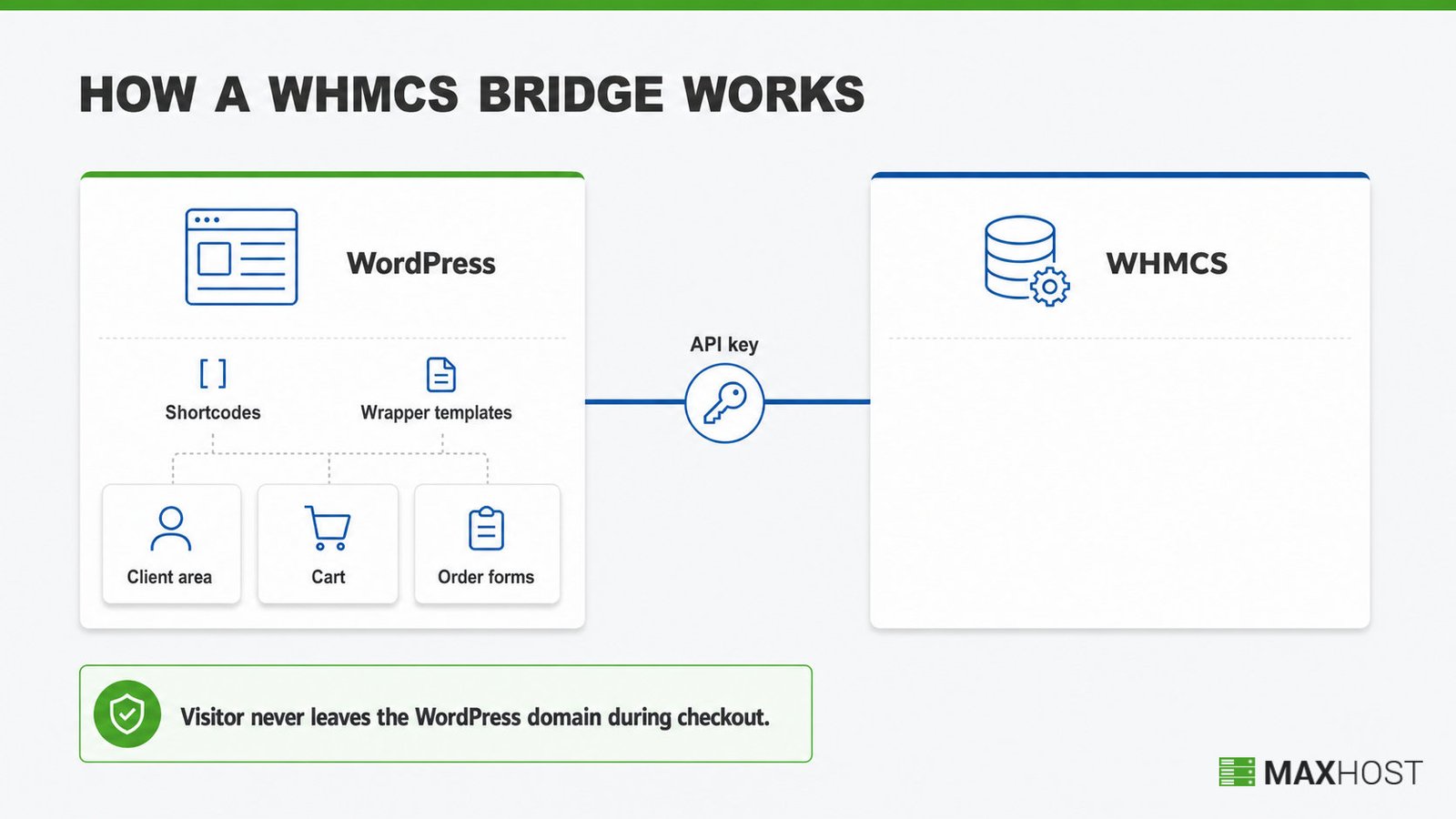
Readers new to the billing platform itself should read what WHMCS is before evaluating a Bridge plugin. WHMCS itself only handles billing, provisioning, and support, not design; the Bridge is purely a display and sync layer on top of it.
Shortcodes and Theme Inheritance
Shortcodes pull live WHMCS data directly into a WordPress page, and theme inheritance matches the surrounding WordPress design automatically.
A site owner inserts a Bridge shortcode into any WordPress page or post. WHMpress ships more than 25 shortcodes. They cover pricing tables, domain search, and order buttons. The plugin caches WHMCS data locally, and it re-syncs only when a page pulls fresh changes from WHMCS.
i-Plugins' WHMCS Bridge uses the same shortcode approach and adds theme inheritance, so the WHMCS client area does not need manual restyling. The client area's fonts, colors, and layout follow the active WordPress theme automatically, instead of requiring hand-written CSS.
Wrapper Templates and API Credentials
Setting up a Bridge plugin starts with a WHMCS URL and API credentials entered inside WordPress.
The site owner enters a WHMCS URL and an API identifier and secret in the plugin's settings page. i-Plugins' WHMCS Bridge Pro tier adds Single Sign-On on top of this connection, so a WordPress login also authenticates the WHMCS client area. A WordPress page then hosts the Bridge shortcode, and the plugin authenticates between the two systems on every page load.
What Are the Main WHMCS Bridge Plugins?
Two named products dominate the WHMCS Bridge category. i-Plugins markets WHMCS Bridge as a free WordPress.org plugin, listed there under the developer Global Programming, plus a paid Pro tier. WHMpress is a shortcode-driven bridge built around more than 25 components for pricing tables, domain search, and package comparisons.
The free and Pro tiers differ mainly in login, permalinks, and localization.
- i-Plugins WHMCS Bridge Free installs from WordPress.org and covers the core shortcode and theme-inheritance mechanism.
- i-Plugins WHMCS Bridge Pro adds Single Sign-On, Pretty Permalinks, and multi-language support through WPML.
- WHMpress adds WPML-ready translations and, per its own documentation, never stores the WHMCS password inside WordPress.
What Are the Risks and Limitations of a WHMCS Bridge?
A Bridge plugin depends on continued compatibility between WordPress core, the active theme, and each WHMCS release. When any one of the three updates, the connection can break.
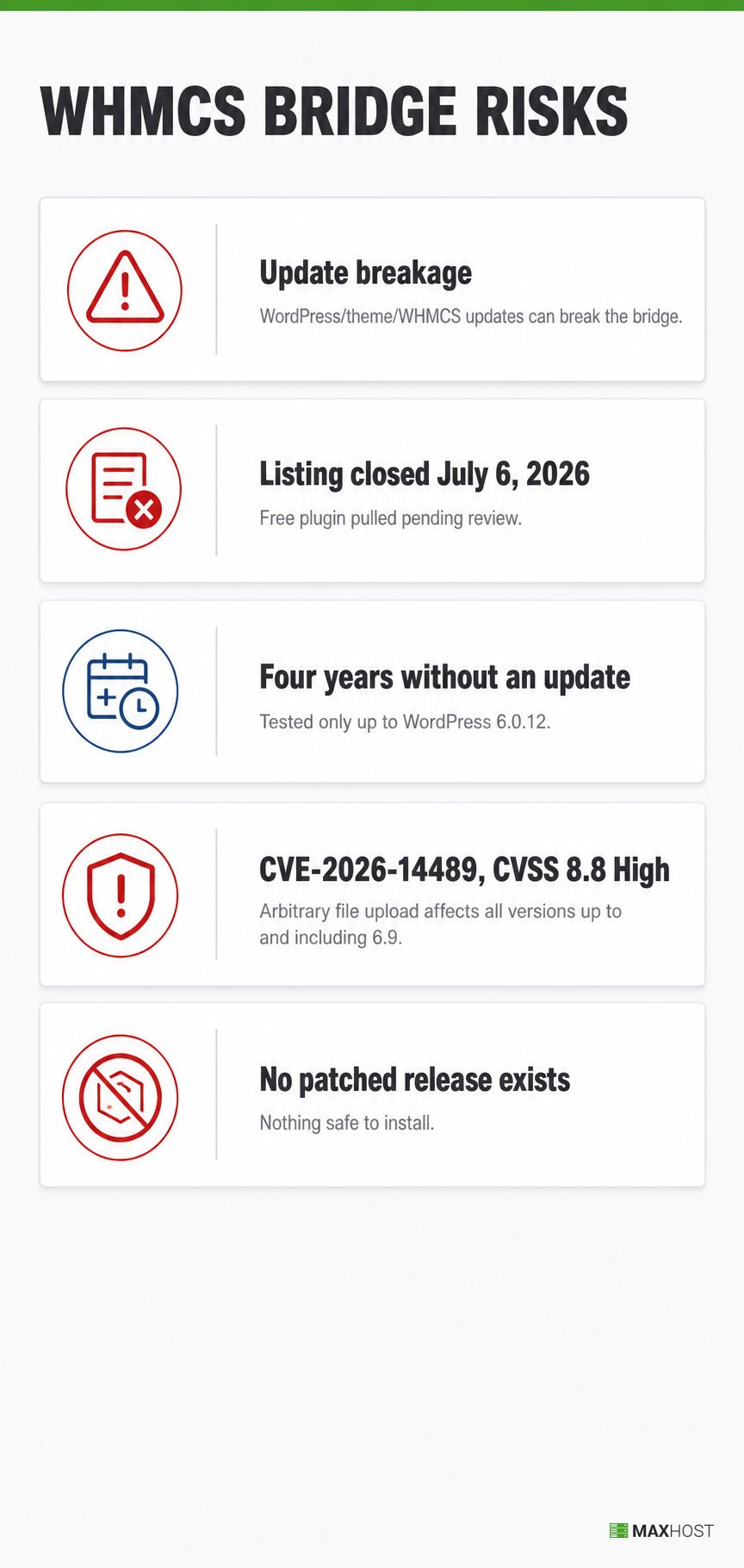
The free WHMCS Bridge plugin's own WordPress.org listing closed on July 6, 2026, pending a full review, after four years without an update. That listing's own reviews document the failure pattern directly. One review reports the cart URL returning a 404 Page Not Found error against WHMCS 8.4. Another describes checkout redirection breaking and staying broken since the last WHMCS update. A third states bluntly that the plugin is no longer working and that support has stopped.
The same listing shows the plugin was tested only up to WordPress 6.0.12, on version 6.9. Current WordPress releases have moved well past that version.
The stall now carries a security cost, not just a styling one. In July 2026, researchers disclosed CVE-2026-14489, an arbitrary file upload flaw in the plugin's connect() function. It affects every version up to and including 6.9 and scores 8.8 on the CVSS scale, a high severity rating. With the listing closed, no patched release exists to install.
A stalled free plugin that breaks on updates and ships an unpatched vulnerability is the single biggest risk the WHMCS Bridge model carries.
WHMCS Bridge vs. Bundled WHMCS Templates: How Do They Differ?
A Bridge plugin and a bundled WHMCS template solve the same design-match problem in two different ways.
| Aspect | WHMCS Bridge plugin | Bundled WHMCS template |
|---|---|---|
| Mechanism | Connects two live systems with shortcodes and an API key | Installs a themed skin directly into the WHMCS instance |
| Ongoing update dependency | Re-checked at every WordPress, theme, or WHMCS update | None; no connector sits between the two systems |
| Setup step | Install the plugin, then configure the API connection | Upload the template, then select a client-area layout |
| Design-match depth | Depends on how well the wrapper template matches the theme | Full; WHMCS is skinned to match the front end natively |
WordPress and WHMCS can connect three ways in practice: a Bridge plugin, a bundled matching template, or manual WHMCS template customization by hand. For a full walkthrough of every method, see how to integrate WHMCS with WordPress.
Do You Need a WHMCS Bridge?
A Bridge plugin fits site owners who already run a WordPress theme unrelated to hosting or WHMCS and want a lightweight connector. A bundled, no-Bridge template fits better when you are choosing your hosting theme now and want to avoid an ongoing plugin dependency.
Use this quick guide to decide.
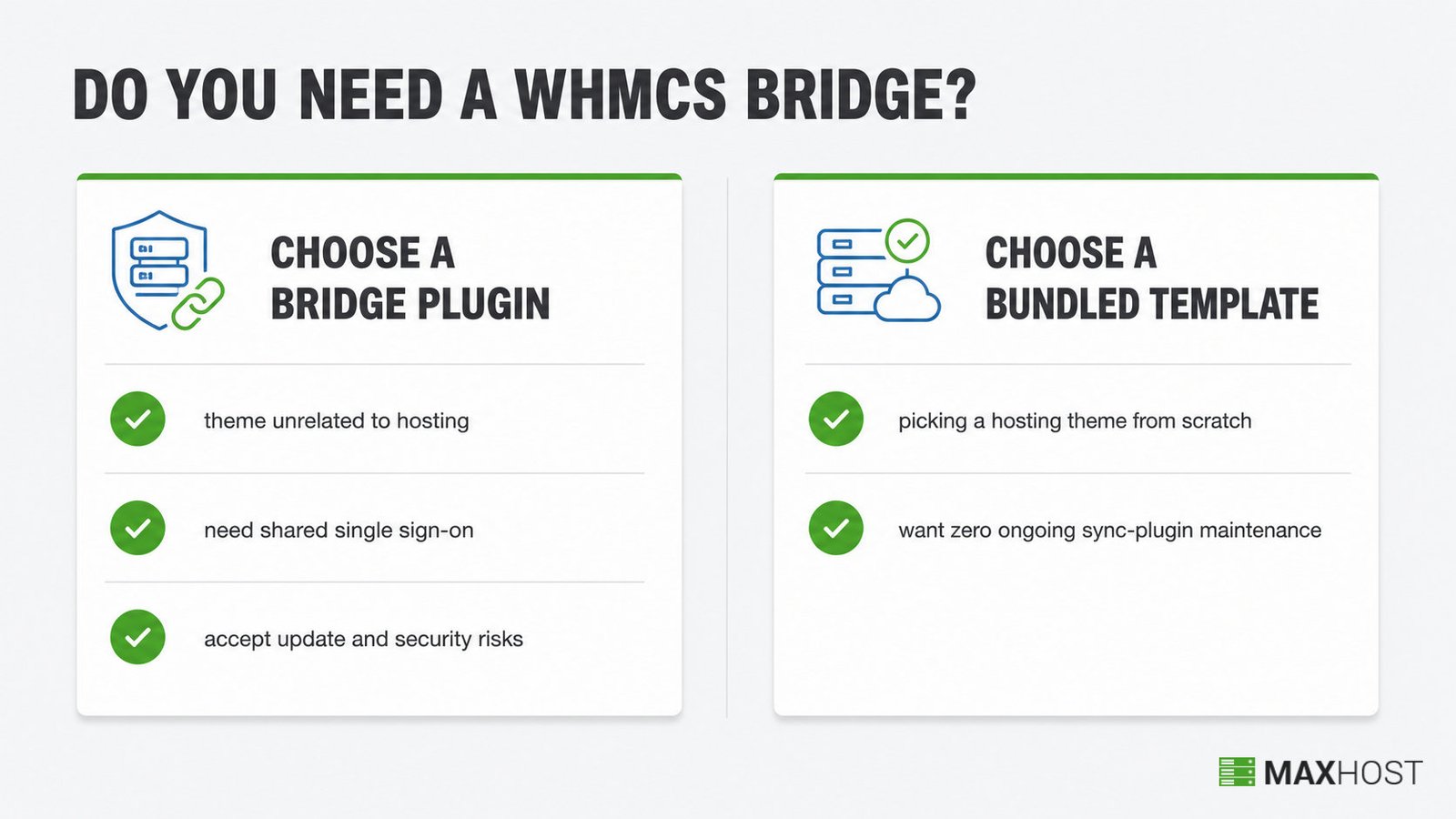
- Choose a Bridge plugin if your current WordPress theme has nothing to do with hosting or billing.
- Choose a Bridge plugin if you specifically need shared single sign-on between WordPress and WHMCS, which the Pro tier adds.
- Choose a Bridge plugin only if you accept the update-breakage and security risks documented above.
- Choose a bundled WHMCS template if you are picking a hosting theme from scratch.
- Choose a bundled WHMCS template if you want zero ongoing sync-plugin maintenance.
Compare options in our best WHMCS WordPress themes roundup if you are picking a hosting theme from scratch. This integration-method choice is separate from your hosting control panel. Setting up server-level access runs through WHM or cPanel, a different layer entirely from WHMCS billing.
How MaxHost Avoids the WHMCS Bridge Problem
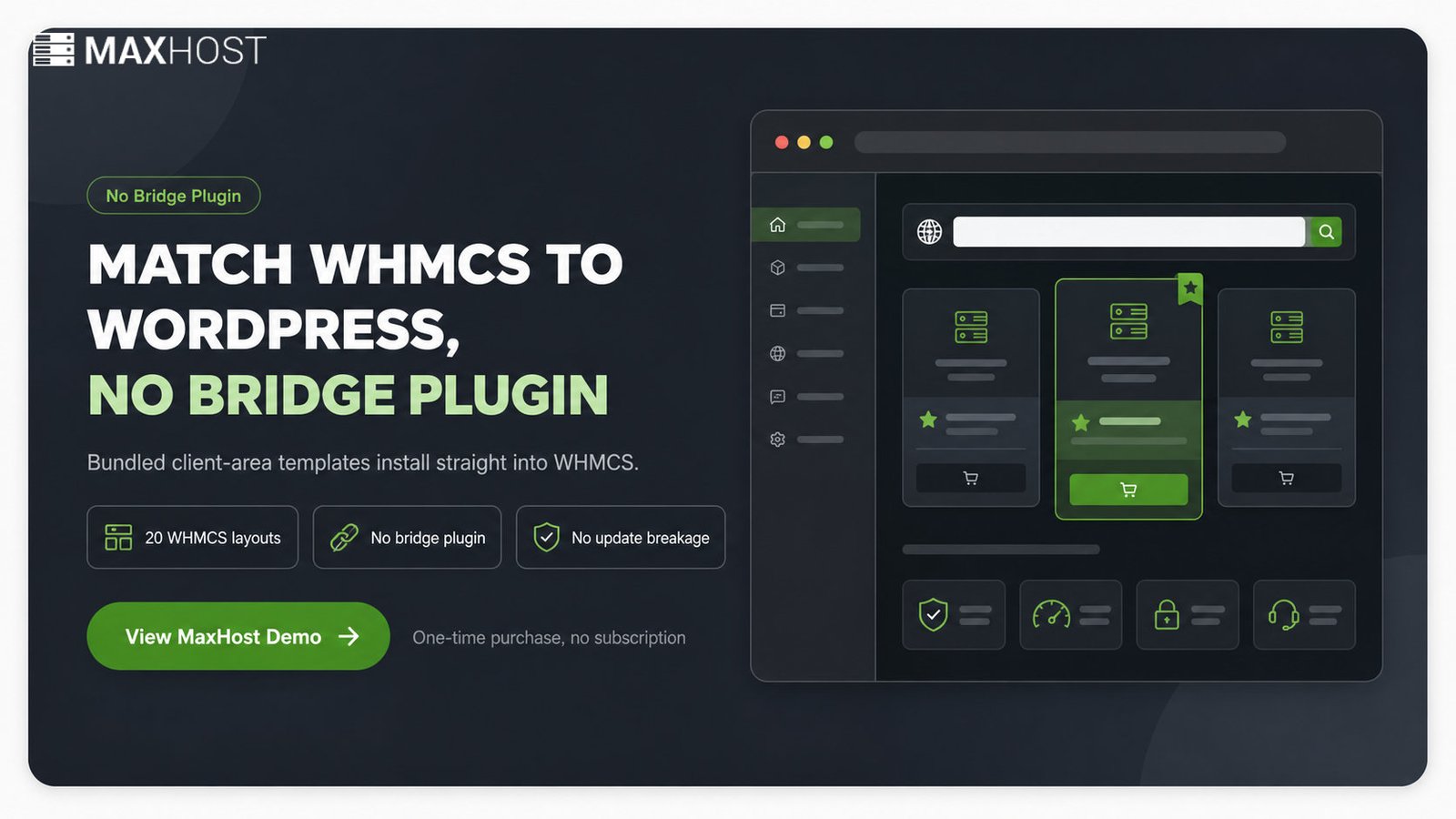
MaxHost ships bundled WHMCS client-area templates that install directly into WHMCS. There is no Bridge plugin, no API-key connection to configure, and no update-breakage risk to manage between WordPress and WHMCS releases.
MaxHost is a WordPress and WHMCS hosting theme that replaces the Bridge-plugin step entirely. Its WHMCS templates install straight into a live WHMCS instance rather than connecting two separately running systems. That single design choice removes the update-breakage pattern documented above.
MaxHost bundles 20 WHMCS client-area layouts, so a site owner picks a design instead of building one. Each layout is one of the bundled WHMCS templates, not a Bridge shortcode wrapper, so it installs directly into the WHMCS instance.
See MaxHost's WHMCS integration for the full mechanism and setup steps, or view the live MaxHost demo to see the bundled templates in action.
FAQs
What is a WHMCS Bridge?
A WHMCS Bridge is a WordPress plugin that embeds a WHMCS client area inside a WordPress site using shortcodes or wrapper templates. It syncs live billing and client data so the two systems share one visual design.
What is WHMCS used for?
WHMCS is used for billing, provisioning, and client management at web hosting companies. It automates invoicing, recurring payments, and order fulfillment across a reseller's client base.
Which plugin is best for connecting WordPress and WHMCS?
The two most prominent options are i-Plugins' WHMCS Bridge and WHMpress. i-Plugins offers a free WordPress.org version plus a paid Pro tier with Single Sign-On. WHMpress ships more than 25 shortcodes for pricing, domain search, and order flows.
How do you integrate WHMCS with WordPress?
WHMCS integrates with WordPress through a Bridge plugin, a bundled matching theme template, or manual WHMCS template customization by hand. Each method trades setup effort against ongoing maintenance differently.
What's the difference between a WHMCS bridge plugin and a WHMCS theme?
A WHMCS Bridge plugin connects two separately running systems and needs ongoing maintenance at every update. A bundled WHMCS theme template installs once, directly into WHMCS, with no live connector to break.
Will a WHMCS Bridge plugin break after an update?
Yes, it can. The leading free WHMCS Bridge plugin's own WordPress.org listing shows exactly that, with reviews describing cart errors and a July 2026 closure.
Do I need a WHMCS Bridge if I use a WordPress hosting theme?
No, not if the theme bundles matching WHMCS templates. A theme like MaxHost skins the WHMCS client area directly, so the Bridge step is unnecessary.