Homepage
Launch a Hosting Site With a Matching WHMCS Client Area
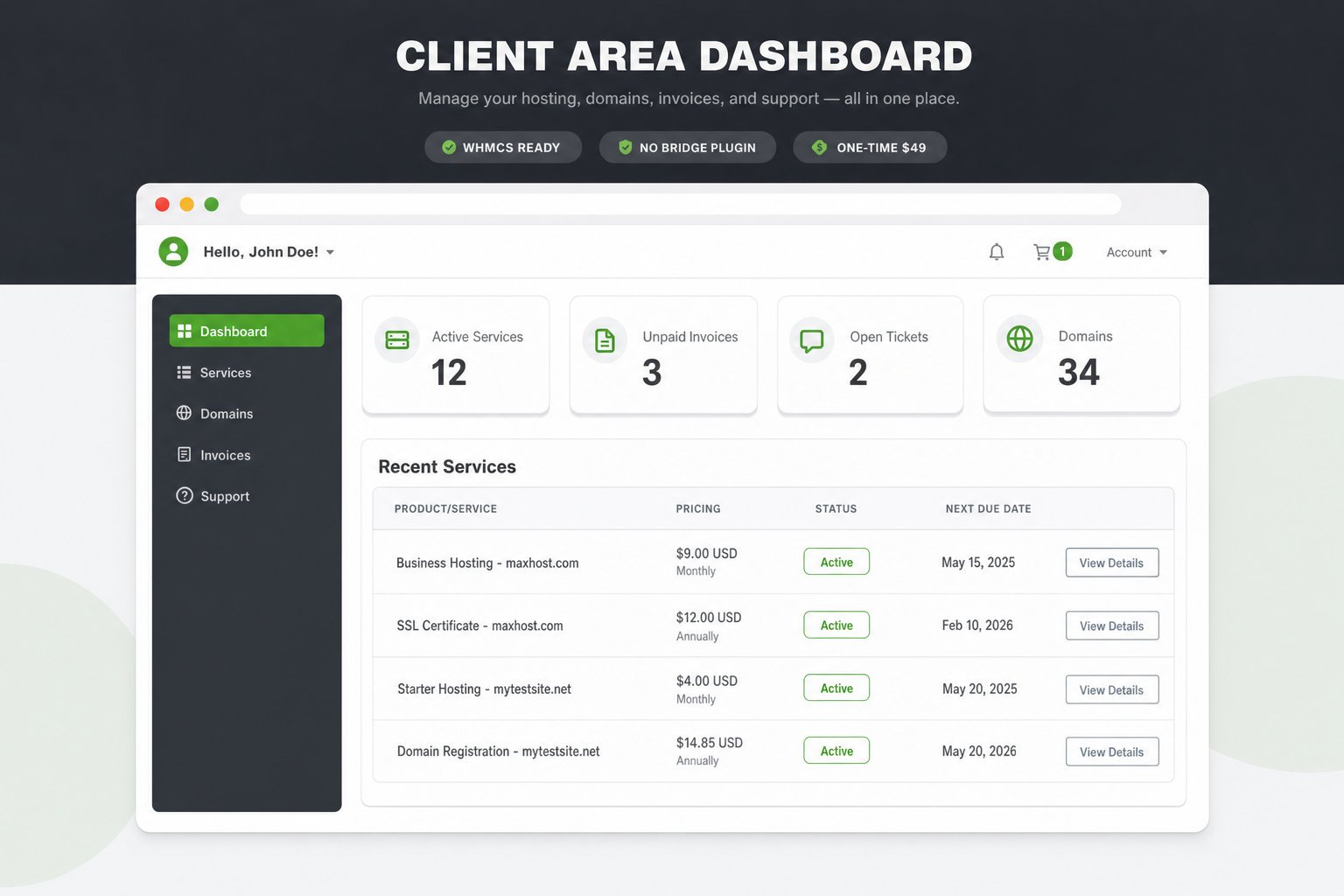
MaxHost is a WordPress hosting theme with bundled WHMCS templates and no bridge plugin. Launch a hosting site plus a matching client area for a one-time $49.
MaxHost bundles WHMCS client-area templates and skips the bridge plugin, so you own the whole stack for a one-time $49.
- No bridge plugin to maintain
- One-time $49, no subscription
- 9 hosting demos, 20 WHMCS layouts
What Is MaxHost?
MaxHost is a one-time-purchase WordPress theme from Fluent-Themes for hosting companies, resellers, and corporate businesses. It pairs importable hosting demos with WHMCS client-area templates, so your marketing site and billing match.
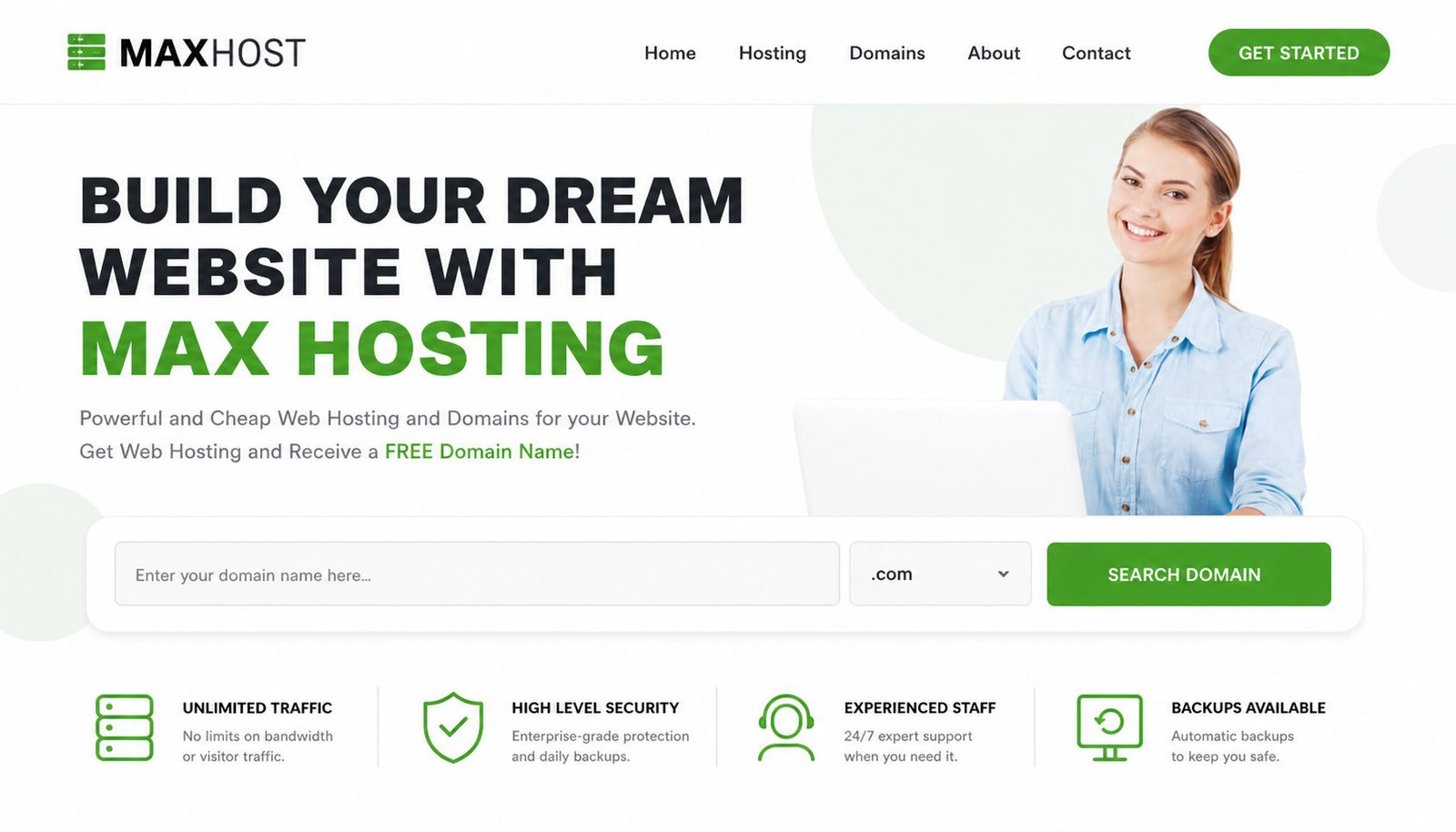
It is a theme, not a hosting service; the namesake maxhost.com platform is a separate company. MaxHost installs on your own WordPress and web hosting stack.
How MaxHost's No-Bridge WHMCS Integration Works
MaxHost skins WHMCS directly, so no fragile bridge plugin sits between WordPress and billing.
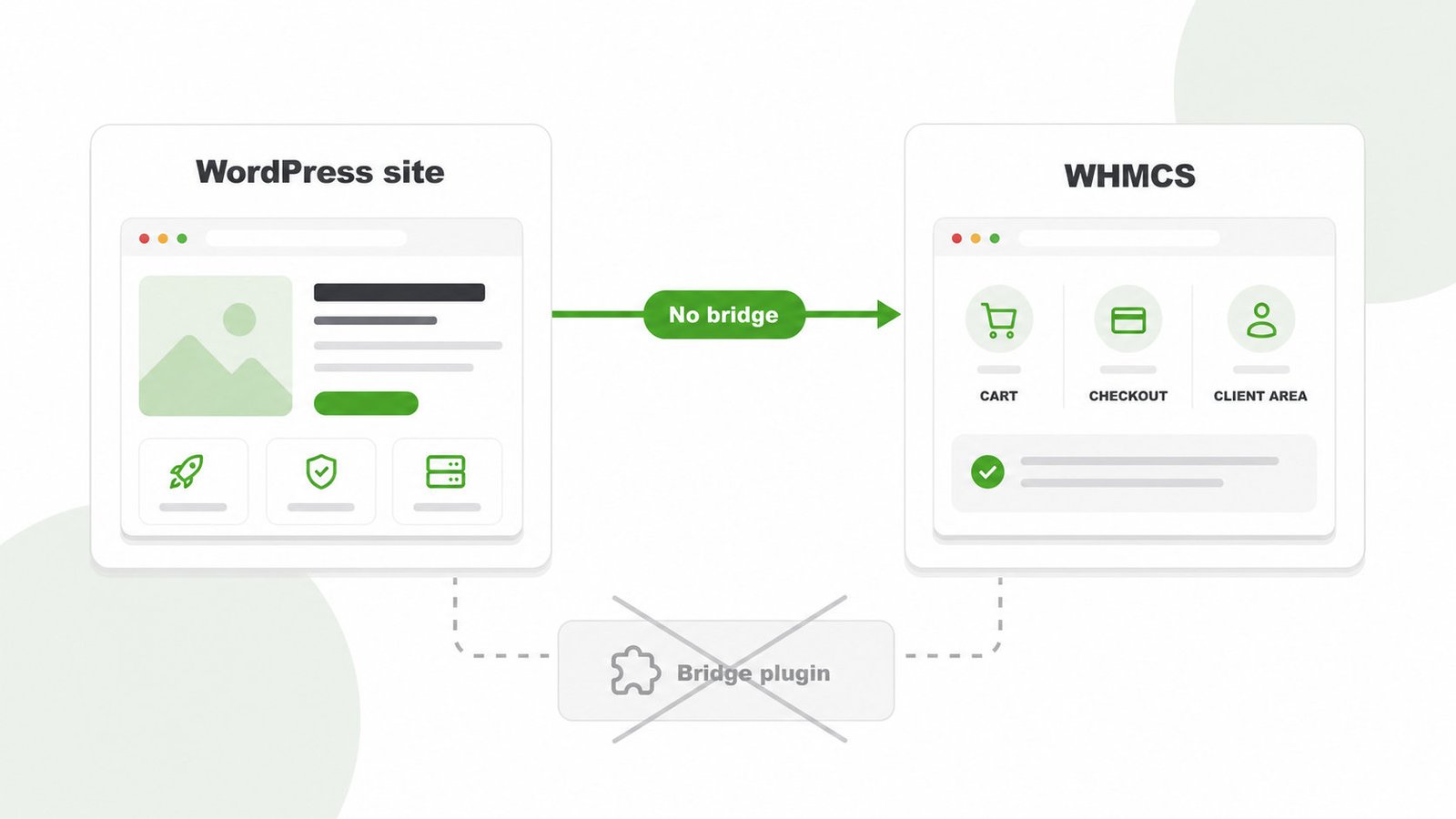
- Install the MaxHost theme and import a hosting demo.
- Load a bundled WHMCS template into your WHMCS instance.
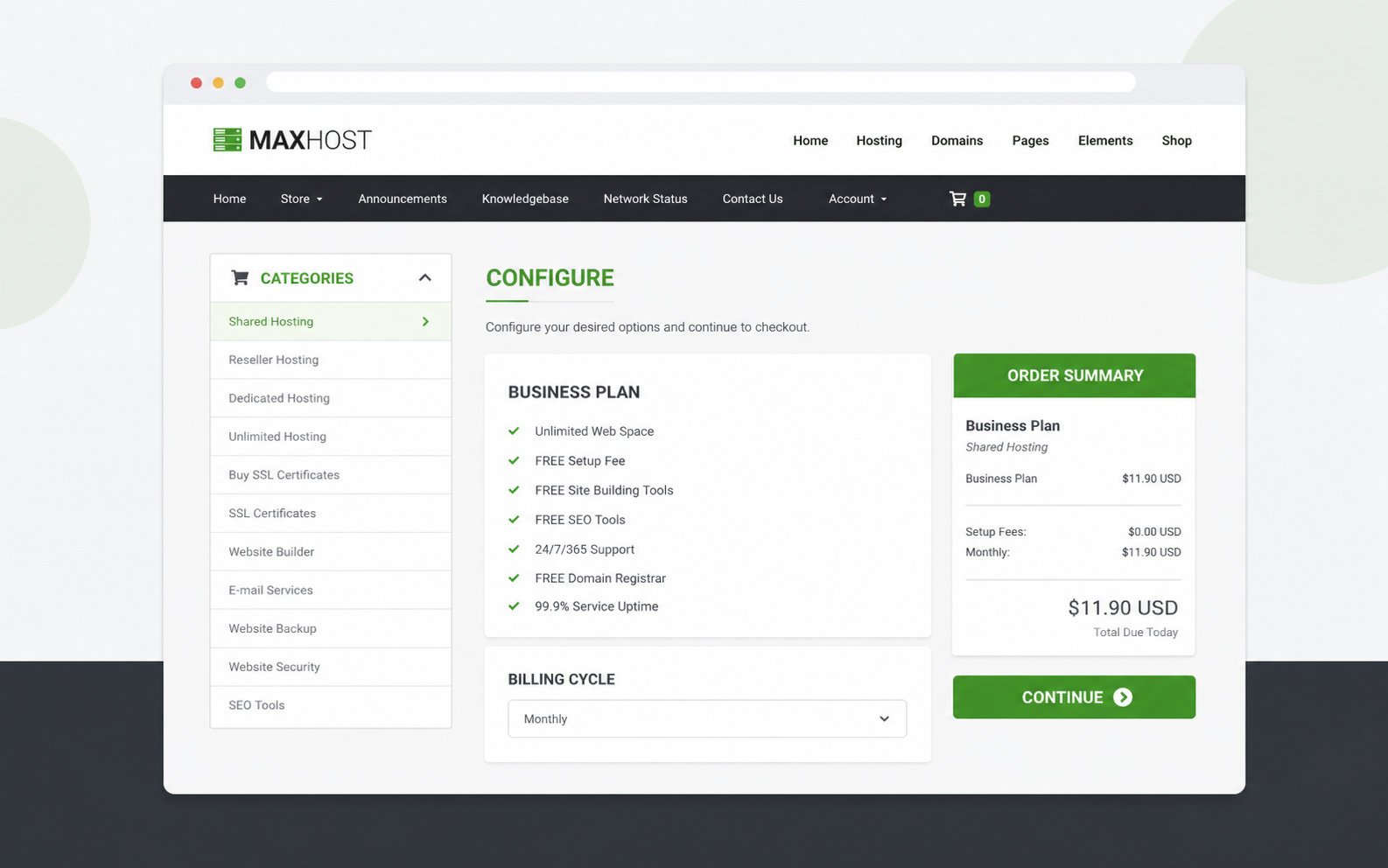
- Match your cart, checkout, and client area to the site.
- Skip the manual header and footer editing a match usually needs.
The WHMCS integration guide walks through installing the client-area templates step by step.
Who MaxHost Is Built For
MaxHost fits three buyers who need a professional hosting presence without a custom build, each with ready demos and a matching client area.
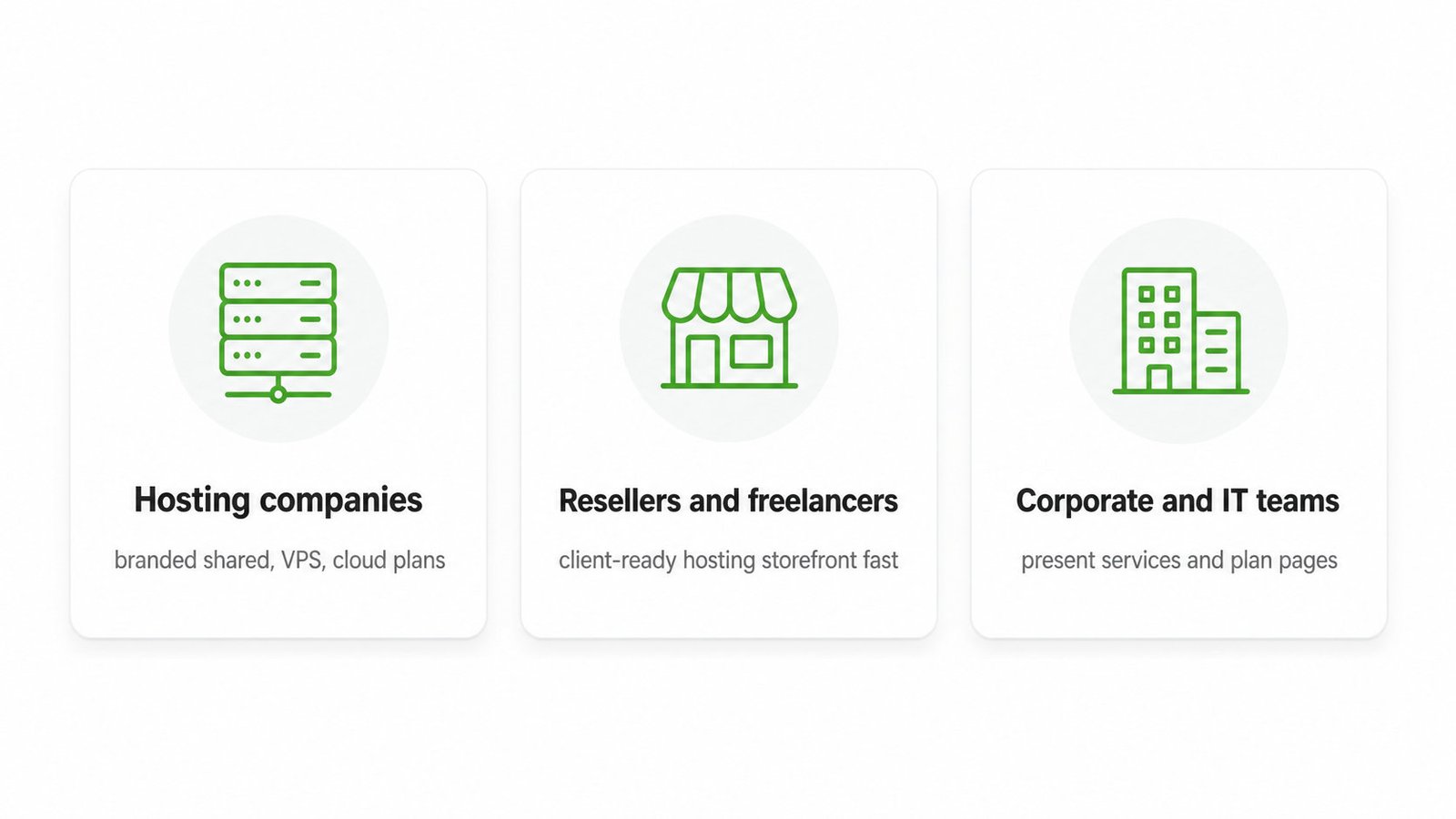
- Hosting companies: launch branded shared, VPS, or cloud plans with the web hosting company theme guide.
- Resellers and freelancers: stand up a client-ready hosting storefront fast, following the start a hosting business playbook.
- Corporate and IT teams: present services and optional plan pages with the corporate business theme page.
What You Get With MaxHost
MaxHost bundles the demos, builders, and store tools a hosting site needs in one package.
Ready Hosting and WHMCS Demos
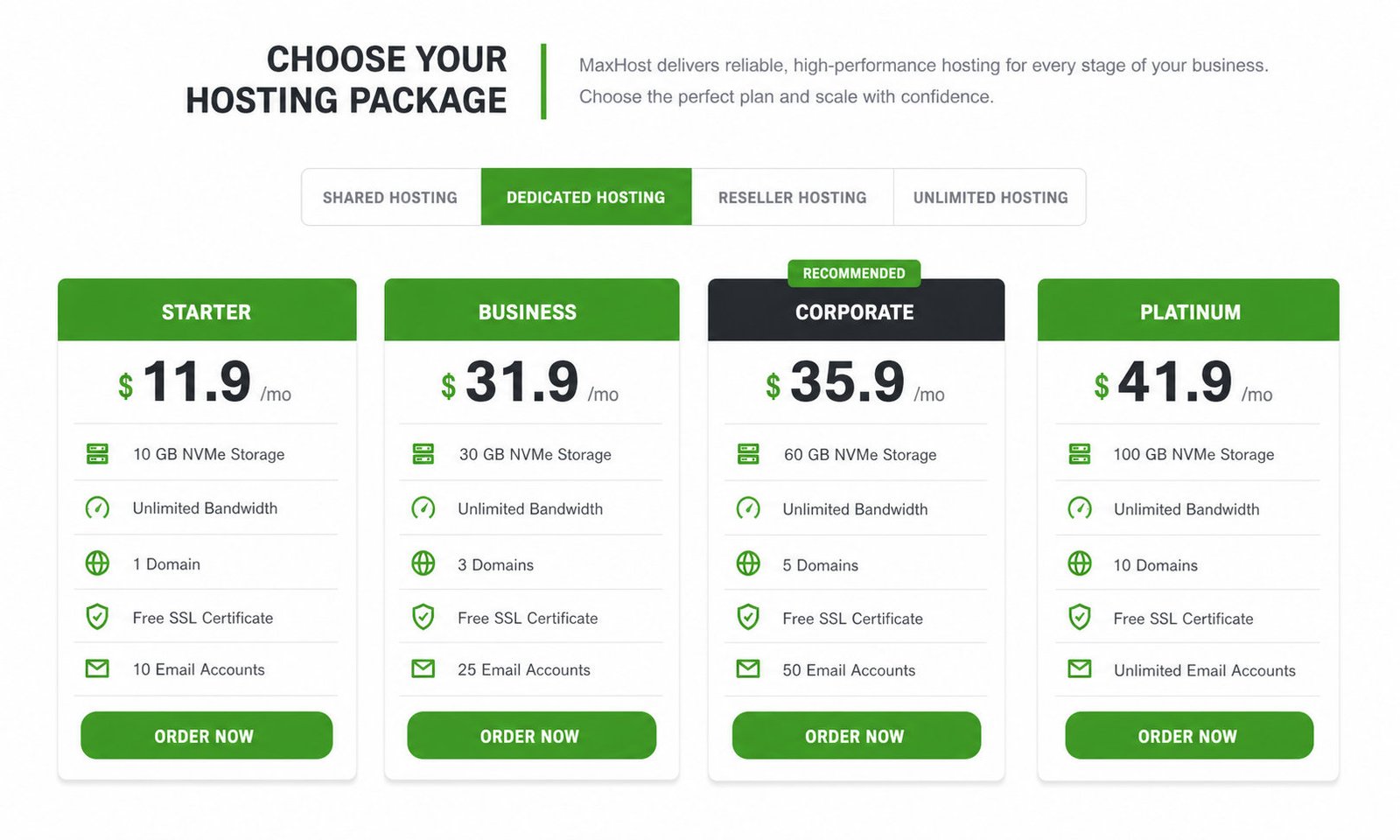
Nine hosting demos and twenty WHMCS layouts ship a matching front end and client area.
- Import shared, VPS, cloud, or agency layouts
- Pick from twenty WHMCS client-area skins
- Target CyberPanel or cPanel hosting stacks
Dual Page Builders
Edit every page in Elementor or WPBakery, whichever builder your team prefers.
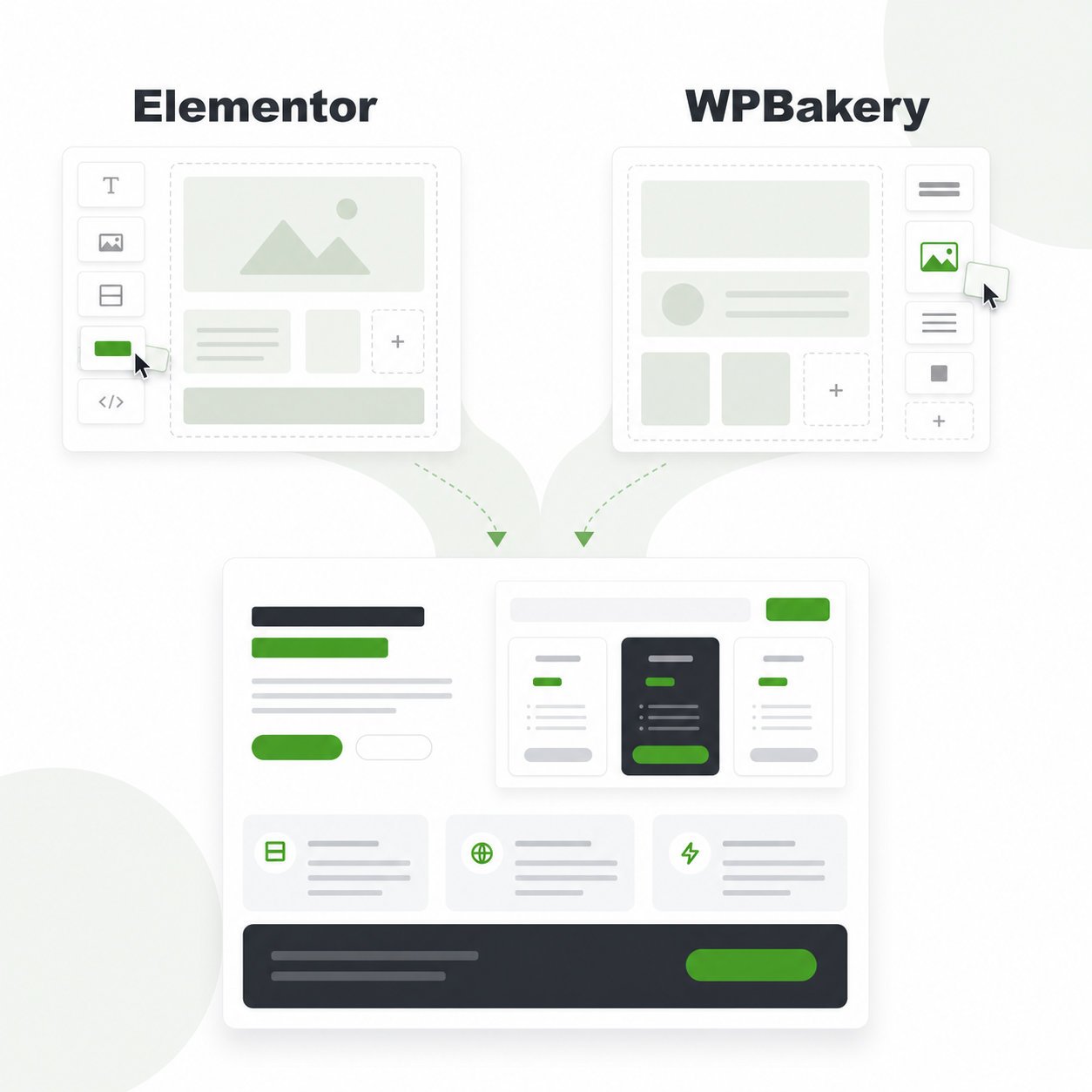
- Build with Elementor and Elementor Pro widgets
- Drag and drop with WPBakery, front or back end
- Compare both in the Elementor vs WPBakery guide
WooCommerce and Lead Capture
Sell add-ons beside your plans and capture leads without bolting on extra plugins.
- Sell SSL, licenses, and add-ons through WooCommerce
- Capture signups with built-in Aweber and tawk.to
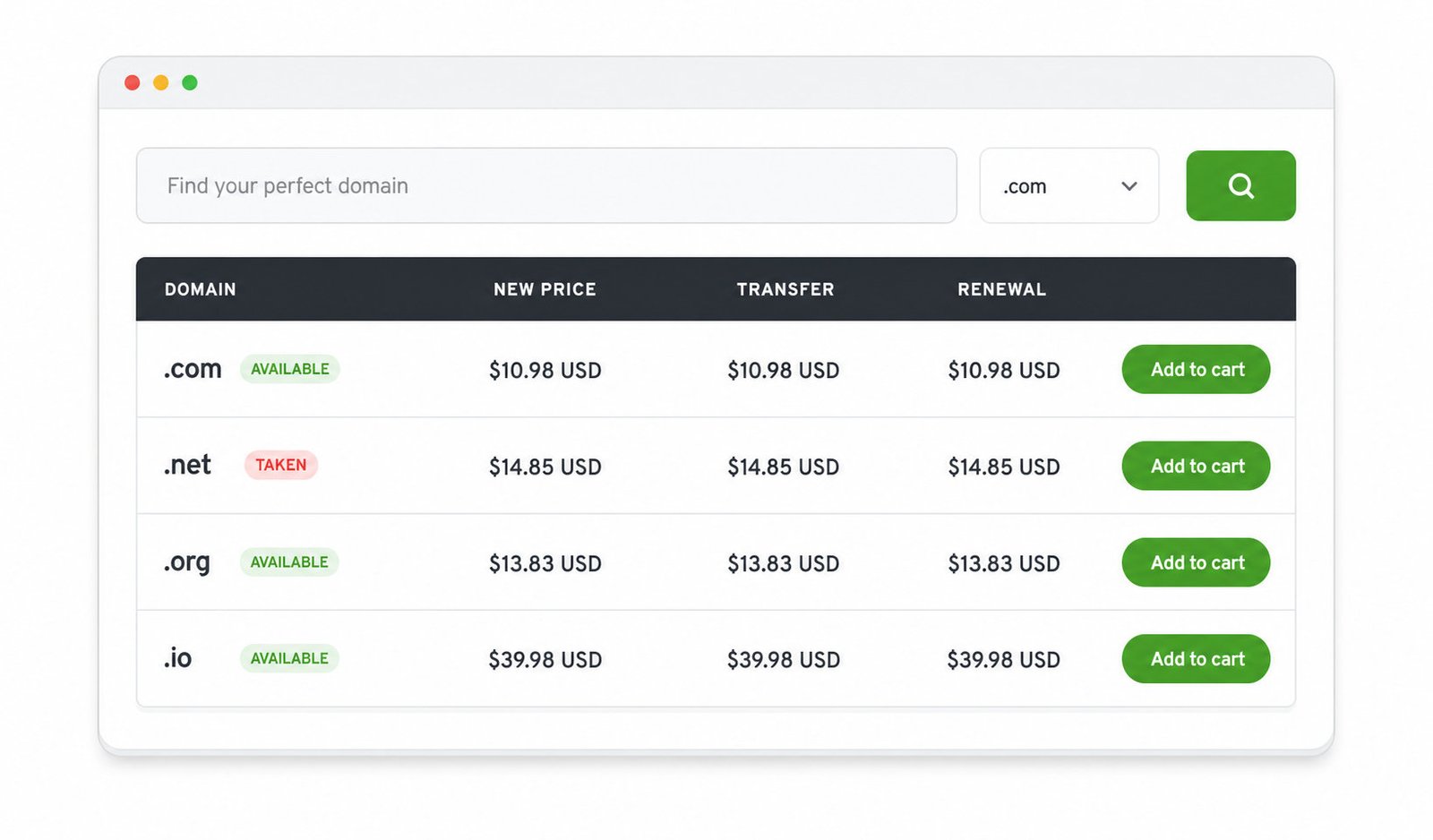
- Route domain searches to WHMCS via AJAX
How Much Does MaxHost Cost?
MaxHost costs $49 one-time for the Regular License, or $2,950 for the Extended License, with no subscription and no free trial. Version updates are free for life, while support runs six months and extends to twelve for $13.88.
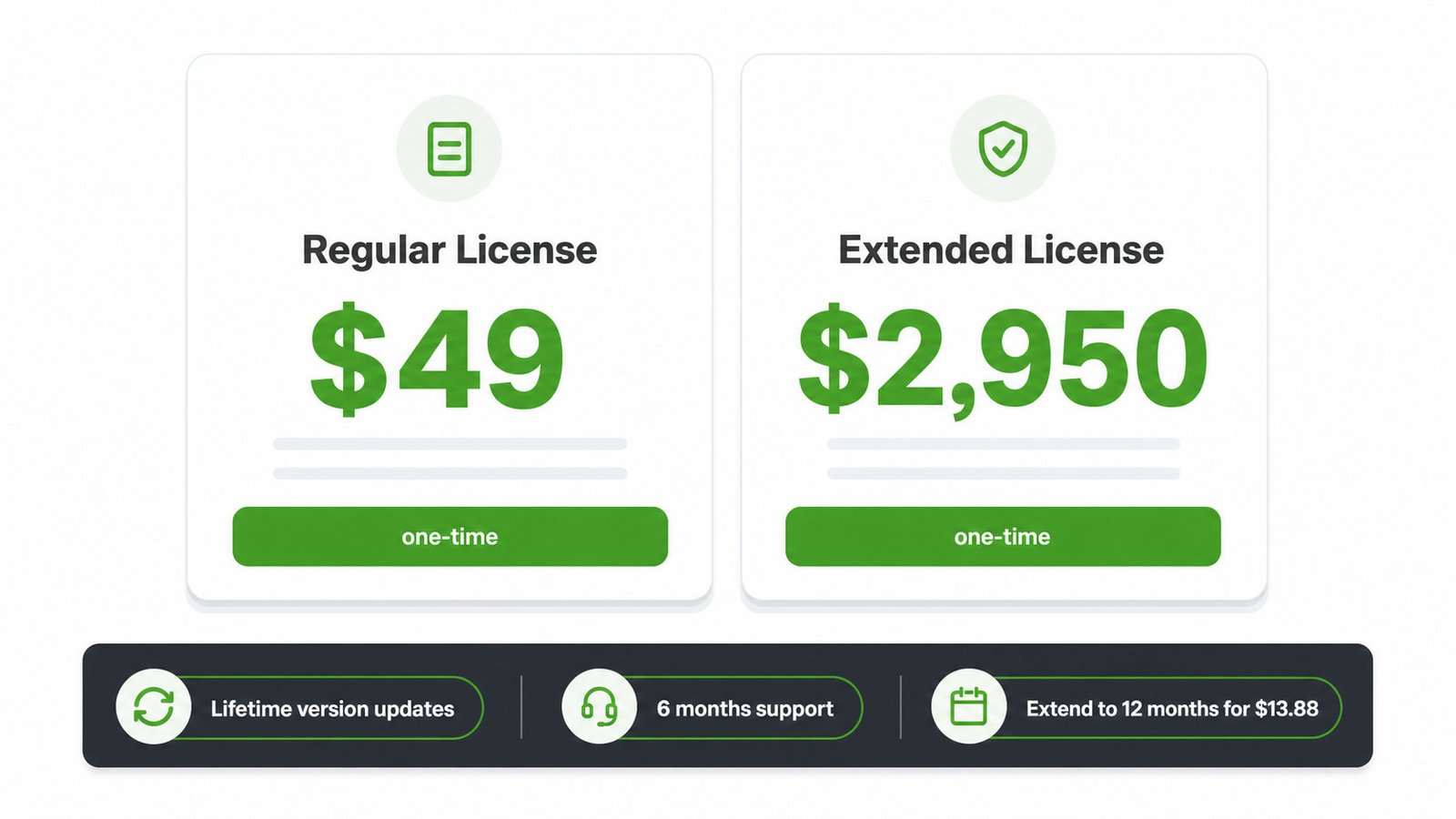
See the ThemeForest listing for authoritative pricing, and the MaxHost pricing page for the full license and support breakdown.
How MaxHost Compares to Other WHMCS WordPress Themes
MaxHost is a solid mid-tier pick, not the category leader, and its closest rivals also skip the bridge plugin.
| Theme | WHMCS approach | Builders | Regular price |
|---|---|---|---|
| MaxHost | No bridge, 20 templates | Elementor, WPBakery | $49 |
| Hostiko | No bridge, templated | Elementor, WPBakery, Gutenberg | $49 |
| Phox | Bridge-free base, optional bridge | Elementor only | $59 |
| ZionHost | No bridge, one template | WPBakery only | $33 |
Hostiko outsells MaxHost roughly six to one with more demos, so it wins on scale. MaxHost's honest edges are dual-builder support and twenty WHMCS layouts against ZionHost's single design, plus a current April 2026 update.
MaxHost and ZionHost are both Fluent-Themes products, scored on the same public rubric in how we review. For the wider field, see the best WordPress hosting themes ranking and MaxHost alternatives.
Is MaxHost Right for You?
Great fit if:
- You resell hosting and want a matching site plus client area
- You value owning a $49 asset over monthly SaaS fees
- You prefer Elementor or WPBakery over a block-only build
Look elsewhere if:
- You need a lightweight, block-editor-only theme for raw speed
- You want deep custom WHMCS logic beyond skinning templates
- You expect long-term support past the six-month window
MaxHost backs this with a 4.69 rating, 48 reviews, roughly 1,254 sales, and updates from 2016 to 2026.
Launch Your Hosting Site With MaxHost
MaxHost trades monthly SaaS fees for a one-time $49 theme with bundled WHMCS templates and no bridge to maintain, plus lifetime version updates.
Follow the how to build a web hosting website walkthrough from demo import to a live client area. Then view the MaxHost demo before you buy.
FAQs
These are the questions hosting buyers ask most about MaxHost; the broader wordpress hosting theme faq hub covers the category in more depth.
Does MaxHost need a WHMCS bridge plugin?
No. MaxHost installs its own WHMCS client-area templates directly into WHMCS, so no bridge plugin connects WordPress and billing. That removes a common breakage point and the recurring cost of a bridge license.
Can I sell WooCommerce products alongside my hosting plans on MaxHost?
Yes. MaxHost is fully WooCommerce ready, styled to WooCommerce 10.7.x. You can sell SSL certificates, licenses, and other add-ons beside your WHMCS hosting plans in one store.
How much does MaxHost cost, and is there a free trial?
MaxHost costs $49 for the Regular License and $2,950 for the Extended License, both one-time. There is no free trial; you evaluate the theme through its public live demo before purchasing on ThemeForest.
Is there a free version of MaxHost?
No. MaxHost is a premium theme sold only through ThemeForest and the WHMCS Marketplace for $49. Nulled or "free download" copies skip updates, void support, and often carry tampered code, so they put your hosting site at risk.
Which WHMCS versions does MaxHost support?
MaxHost supports WHMCS 8.0.x through 9.0.x. Its bundled client-area templates are maintained to track current WHMCS releases, which keeps the checkout and client area from breaking on an update.
Do I need WPBakery, or can I build with Elementor only?
You can build with Elementor only. MaxHost bundles both Elementor and WPBakery, so you pick one workflow and ignore the other. The theme is also Gutenberg-optimized for block editing.
Is MaxHost still being updated in 2026?
Yes. MaxHost was last updated on 28 April 2026, per its ThemeForest listing, continuing an update record that runs from its 2016 release. That decade of maintenance is its strongest trust signal in a category full of abandoned themes.
Does MaxHost work with GoDaddy Reseller Store?
MaxHost lists compatibility with the GoDaddy Reseller Store plugin at version 2.2.6. This is a medium-confidence claim, since no public case study demonstrates a live reseller storefront built on it, so confirm it for your use case.
How is MaxHost different from Hostiko or Phox?
MaxHost supports both Elementor and WPBakery and skips the bridge plugin entirely, while Phox is Elementor-only and uses an optional bridge for three sync features. Hostiko is the larger best-seller with more demos, but MaxHost matches its no-bridge model at a lower entry commitment.