cPanel is a Linux-based web hosting control panel with a graphical interface for account-level management. It handles files, email, databases, domains, and SSL certificates without command-line work. Hosting providers install cPanel on the server, then hand each customer their own account inside it.
This guide covers what cPanel does, how it differs from WHM, current pricing, and the leading alternatives.
What Can You Do With cPanel?
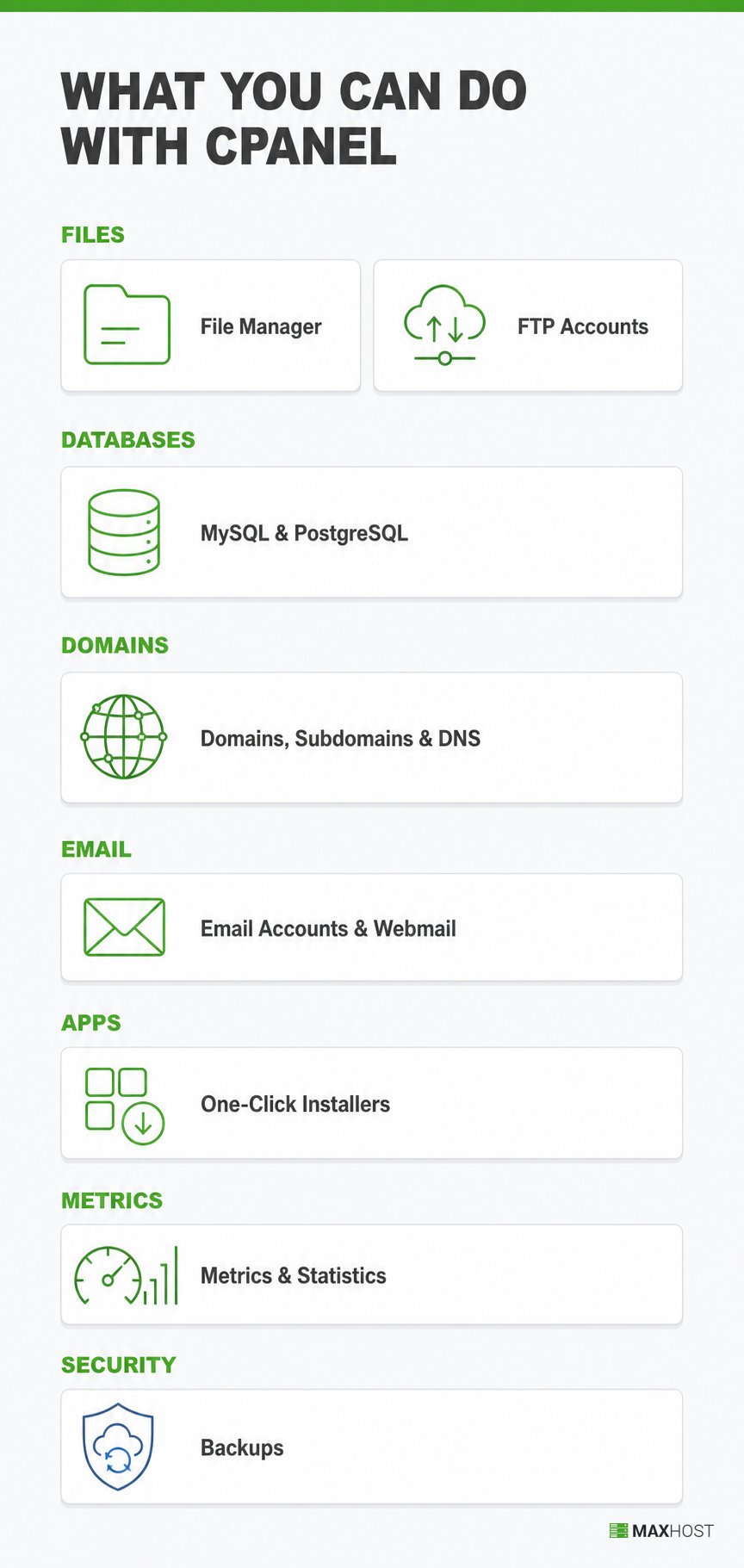
cPanel account holders manage eight core hosting tasks entirely through the browser. No task on this list touches a server's command line.
- File Manager manages uploads, edits, and folder structure directly in the browser, as an alternative to FTP.
- MySQL and PostgreSQL Databases creates and manages databases and database users for WordPress, custom apps, and other software.
- Email Accounts and Webmail creates mailboxes, forwarders, and autoresponders inside a cPanel account. This is the core of email hosting, and cPanel's built-in Webmail client reads that mail in the browser.
- FTP Accounts sets up file-transfer credentials for developers who prefer a dedicated FTP client over the File Manager.
- Domains, Subdomains, and DNS adds, parks, and redirects domains and subdomains, and edits the DNS zone records that point each name at the server.
- One-Click Installers deploys WordPress, Joomla, and other apps through Softaculous, without manual server setup.
- Metrics and Statistics tracks bandwidth, disk usage, and visitor stats so an account holder can watch resource limits.
- Backups downloads full or partial backups and restores files, databases, or email on demand.
Each tool lives behind an icon in the cPanel dashboard, grouped by category (Files, Databases, Domains, Email, Metrics, and Security).
Why Do You Need cPanel?
cPanel matters because it replaces command-line server administration with a point-and-click interface. A site owner manages hosting tasks alone, without hiring a system administrator for routine work.
cPanel is not web hosting itself; it is the management layer for an account already hosted somewhere. A hosting provider runs the underlying server, and cPanel gives the account holder a point-and-click way to manage their slice of it. A plan without cPanel still hosts the site; it just requires the command line or a different panel to manage it.
How Does cPanel Work?
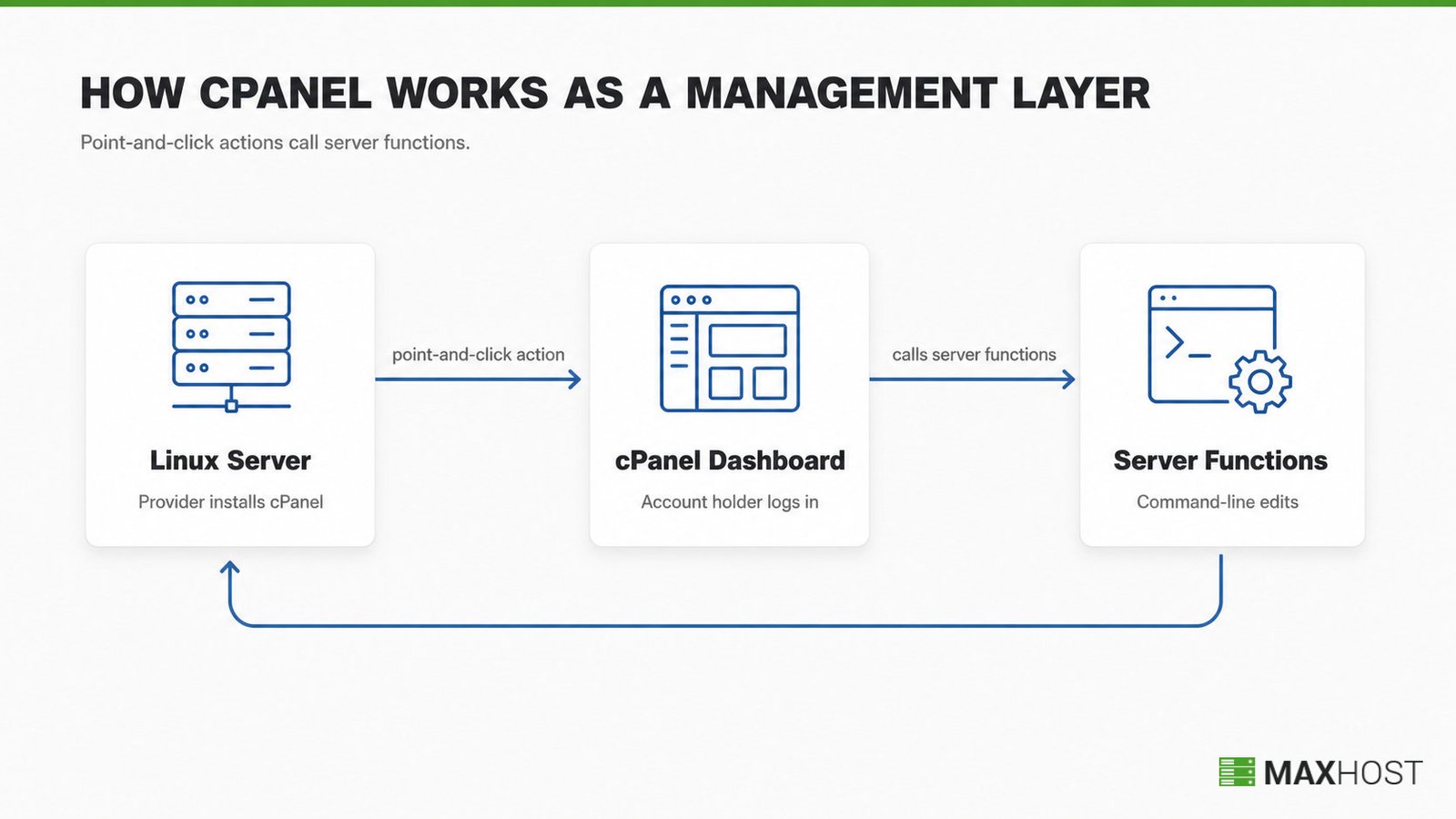
cPanel runs as software installed on a Linux server by a hosting provider or system administrator. The account holder logs in through a browser, and every point-and-click action calls the same server functions a command-line edit would trigger.
J. Nick Koston created cPanel in 1996, and cPanel 3 introduced the companion tool WHM in 1999, according to cPanel's own history. That WHM relationship is where account-level and server-level management split, covered in full below.
How Much Does cPanel Cost?
cPanel licenses the hosting provider on an account-based tier, not the end customer directly. cPanel's own pricing sets four monthly tiers for 2026. Annual billing trims roughly 8% off the Solo, Admin, and Pro rates.
| License | Account limit | Monthly price |
|---|---|---|
| Solo | 1 account | $29.99 |
| Admin | Up to 5 accounts | $35.99 |
| Pro | Up to 30 accounts | $53.99 |
| Premier | Up to 100 accounts, plus $0.49 per extra account | $69.99 |
Hosting providers, not individual site owners, pay this license fee and roll it into the plans they resell. Many reseller hosting businesses pay less per account through a partner program than the direct price above. Exact partner rates vary by provider.
cPanel moved to this account-based model in 2019, replacing an older per-server license. It raised prices for the seventh straight year in January 2026, part of a climb of more than 55% since 2019, per independent pricing tracking. A hosting company usually bills this cost into its own plans. Billing software such as WHMCS automates that invoicing, rather than charging cPanel's fee as a separate line item.
How Does cPanel Differ from WHM?
cPanel manages one hosting account; WHM manages the whole server and every cPanel account on it.
| cPanel | WHM | |
|---|---|---|
| Who uses it | The site owner or account holder | The hosting provider, reseller, or server admin |
| What it manages | Files, email, databases, and domains for one account | Root-level server settings and every cPanel account on the server |
| Access level | Account-level, no root access | Root-level, full server control |
You need only cPanel to run a single site on shared hosting. You need both cPanel and WHM to resell hosting or run your own server.
WHM (or the billing software connected to it) is what actually creates a new cPanel account when a customer orders hosting. See what is WHM for the full server-admin picture of the companion tool cPanel introduced in 1999. The cPanel vs WHM guide breaks down every role-by-role difference in more depth.
What Are the Alternatives to cPanel?
cPanel alternatives fall into two groups: paid commercial panels like Plesk and DirectAdmin, and free open-source panels like CyberPanel and HestiaCP. Rising cPanel license prices push many providers to test them.
| Control panel | License | OS support | Best fit |
|---|---|---|---|
| cPanel | Paid, from $29.99/mo | Linux only | Providers wanting the most widely supported panel |
| Plesk | Paid, from around $18/mo | Linux and Windows | Providers running Windows servers or WordPress-heavy fleets |
| DirectAdmin | Paid, from $5/mo | Linux only | Providers wanting a lighter, cheaper commercial panel |
| CyberPanel | Free, open-source | Linux only | WordPress sites on OpenLiteSpeed wanting speed at no license cost |
| HestiaCP | Free, open-source | Linux only | Beginners and low-resource servers wanting a clean, simple panel |
DirectAdmin's Standard license covers unlimited accounts for $29 a month, well below cPanel's Premier-tier pricing at scale. Plesk adds Windows Server support, a gap cPanel does not fill at all.
On the free side, CyberPanel runs on OpenLiteSpeed and targets fast WordPress hosting, while HestiaCP stays lightweight and beginner-friendly. Webmin with Virtualmin and CloudPanel are other open-source options for admins comfortable managing their own server. The main trade-off is support: paid panels ship with vendor support, while free panels lean on community forums.
How MaxHost Supports cPanel-Based Hosting Businesses
MaxHost does not touch cPanel directly. It is the WordPress and WHMCS theme that skins the storefront and client area for a hosting company. That client area is where cPanel accounts get sold and provisioned when a customer orders hosting.
MaxHost, a hosting company WordPress theme with a matching WHMCS client area, sits one layer above cPanel. cPanel and WHM are the host's infrastructure; MaxHost is the storefront and billing skin a hosting business runs on top of that infrastructure.
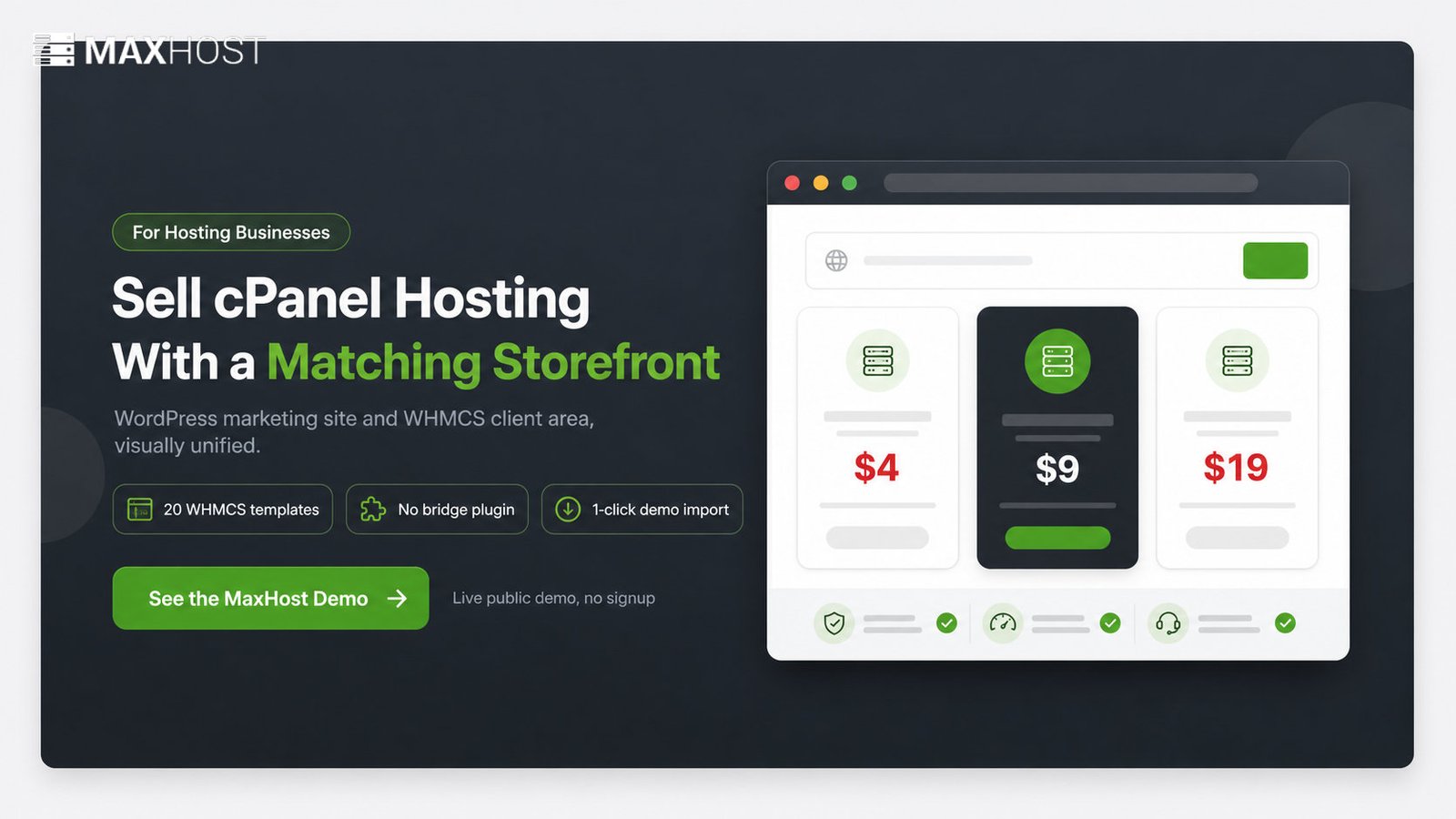
MaxHost bundles 20 WHMCS client-area templates that install directly into WHMCS, with no bridge plugin required. Its MaxHost WHMCS integration keeps the ordering flow, where a new cPanel account gets provisioned, visually consistent with the marketing site.
See the MaxHost demo to view the WHMCS-matched client-area templates in action.
FAQs
What is cPanel?
cPanel is a Linux-based web hosting control panel that manages an account's files, email, databases, and domains through a browser interface. Hosting providers install it on the server and hand each customer their own account.
Is cPanel the same as web hosting?
No, cPanel is not the same as web hosting. Web hosting is the server space a provider rents out; cPanel is the management layer for controlling an account on that server.
Is cPanel free?
cPanel itself is not free software. The hosting provider pays a per-account license fee. That cost is typically folded into the plan price, so most customers never see a separate cPanel charge.
What are the disadvantages of cPanel?
cPanel's main drawbacks are cost and platform limits. Its license price has risen most years since 2019, it runs on Linux only, and it can feel heavy on low-resource servers. Free panels like CyberPanel and HestiaCP avoid the license fee.
How do I log in to my cPanel account?
Most hosts expose cPanel at yourdomain.com/cpanel or a dedicated login link the provider sends after signup. Check the welcome email from your hosting provider for the exact URL and credentials.
Can I manage email through cPanel?
Yes, cPanel manages email through its Email Accounts and Webmail tools. Account holders create mailboxes and forwarders, then read mail directly in the browser without a separate email client.