VPS hosting is a type of web hosting that uses virtualization to split one physical server into isolated virtual servers. Each virtual server gets dedicated CPU, RAM, and storage plus root access. It costs more than shared hosting but less than a dedicated server, and it scales further than either one.
This guide covers how VPS hosting works, its benefits, and the managed and unmanaged support models. It also covers how VPS compares to shared, dedicated, and cloud hosting, real use cases, and the signals that mean you actually need one.
How Does VPS Hosting Work?
VPS hosting works by running a hypervisor, a virtualization software layer, on one physical server. The hypervisor splits that machine into several independent virtual servers, each with its own operating system. Every virtual server, or VPS, receives a fixed share of that machine's CPU, RAM, and storage that no other tenant can consume. AWS defines a VPS as a machine that "hosts all the software and data required to run an application or website". Each customer gets dedicated resources on that hardware, even though the server itself is shared.
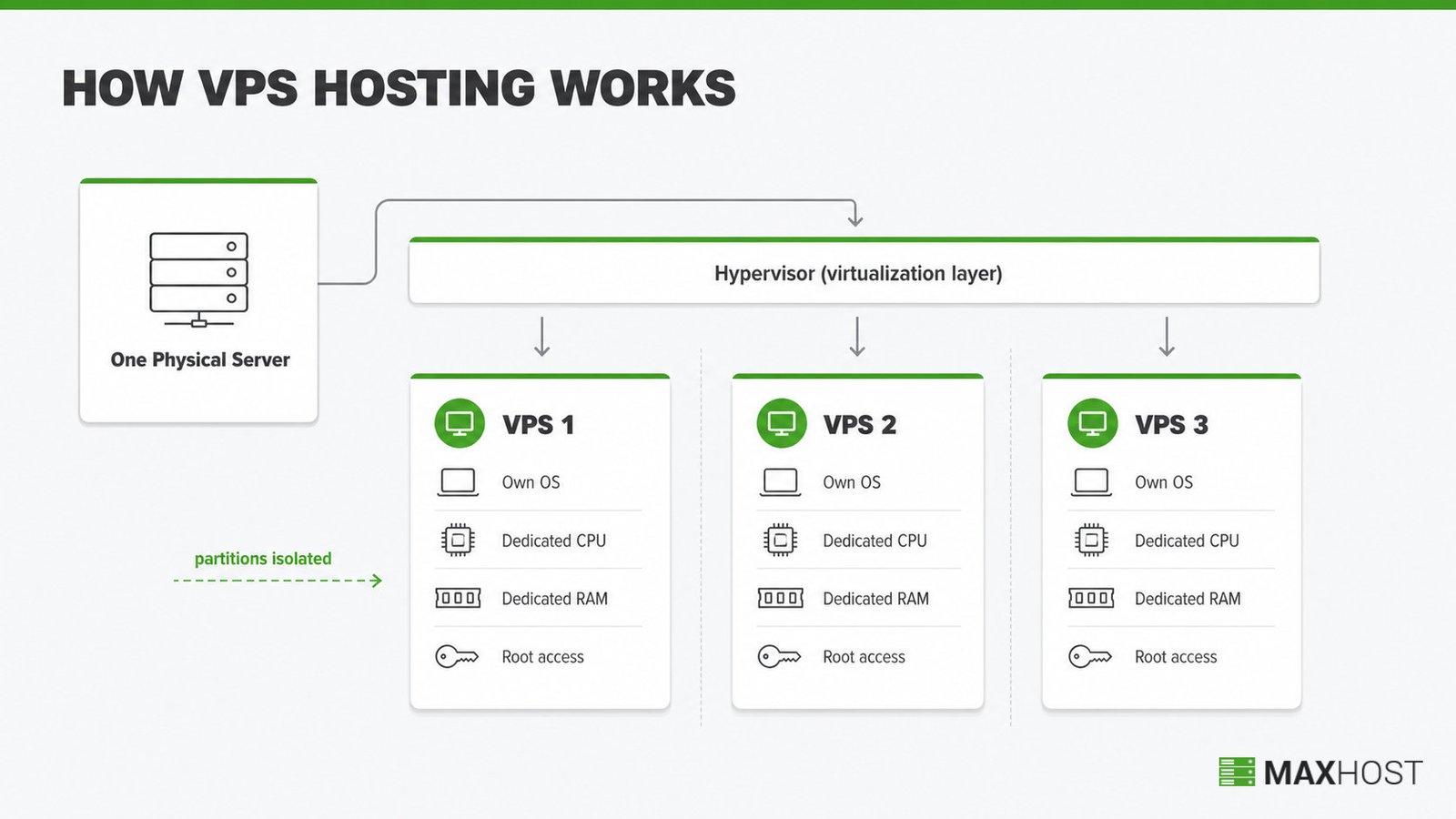
Root access on the VPS lets you install any software, edit server configuration, and manage user accounts, exactly like an administrator on a standalone machine. The virtualization layer isolates each partition, so a neighboring VPS's crash or heavy CPU use does not slow yours down. That isolation is why a VPS behaves like its own physical server, even on hardware it shares with other customers.
What Are the Benefits of VPS Hosting?
VPS hosting's top benefits are dedicated resources, root-level customization, and scaling that is easier than on shared hosting. Dedicated resources stop other sites from slowing yours down. Several more benefits round out the case for upgrading.
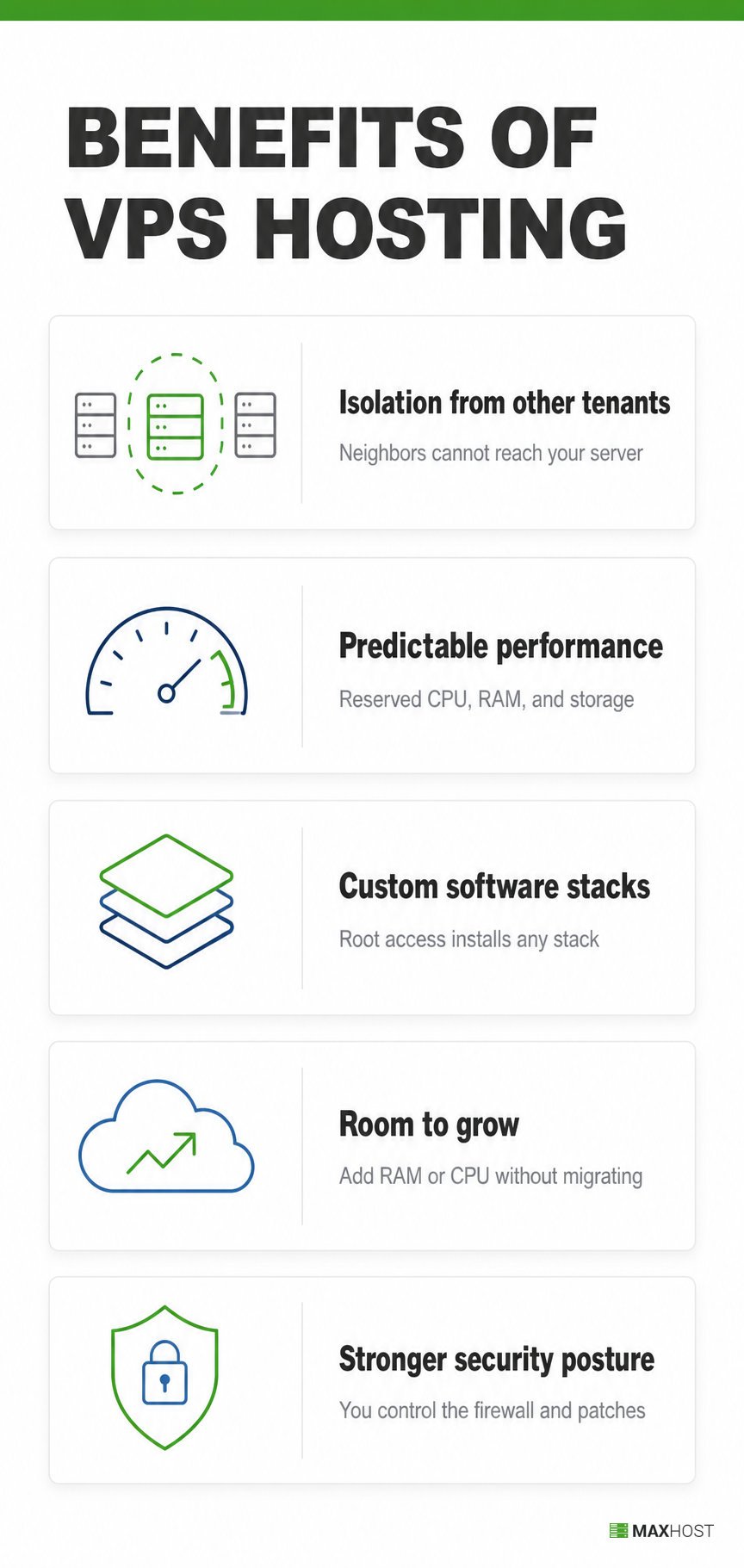
- Isolation from other tenants. A VPS partition is sealed off from its neighbors, so another customer's traffic spike or compromised site cannot reach your server.
- Predictable performance. Your CPU, RAM, and storage are reserved, not pooled, so a busy day on someone else's site never slows your pages down.
- Custom software stacks. Root access lets you install a specific PHP version, database engine, or caching layer that a shared environment blocks.
- Room to grow. Adding RAM or CPU to an existing VPS is faster than migrating off a shared plan once you outgrow it.
- Stronger security posture. You control the firewall, patch schedule, and user accounts instead of relying on every other tenant on a shared server to behave.
What Are the Types of VPS Hosting?
VPS hosting splits into three support models, unmanaged, managed, and semi-managed, based on how much server administration the provider handles.
| Support model | Who manages what | Best fit |
|---|---|---|
| Unmanaged VPS | You handle OS updates, security, and software; the provider covers only the physical hardware and uptime | Developers and sysadmins comfortable with Linux |
| Managed VPS | The provider handles updates, security, monitoring, and backups end to end | Site owners who want VPS resources without server admin work |
| Semi-managed VPS | The provider covers OS patches, security hardening, and monitoring; you still configure your own applications | Teams who want a middle ground between cost and hands-on control |
Managed VPS hosting overlaps in spirit with managed WordPress hosting: both trade server control for less maintenance work. Managed WordPress hosting typically runs on shared or cloud infrastructure tuned specifically for WordPress, rather than a dedicated VPS built for any workload.
How Does VPS Hosting Compare to Shared, Dedicated, and Cloud Hosting?
VPS hosting sits between shared hosting and dedicated hosting on both cost and control. Cloud hosting spreads the same dedicated-resource idea across a network of servers instead of one machine.
| Hosting type | Typical monthly cost | Resource control | Best for |
|---|---|---|---|
| Shared hosting | $1 to $15 | Shared with every other site on the server | Small, low-traffic sites |
| VPS hosting | $2 to $150 or more | A dedicated, isolated slice with root access | Growing sites that need consistent performance |
| Dedicated hosting | $60 to $600 or more | An entire physical server to yourself | High-traffic or compliance-heavy workloads |
| Cloud hosting | $5 to $500 or more, pay-as-you-go | Resources drawn from a network of servers | Traffic spikes and unpredictable scaling |
For the full breakdown across all four types, see shared vs vps vs dedicated vs cloud hosting. For a direct, one-to-one look, read vps vs cloud hosting.
What Is VPS Hosting Used For?
VPS hosting runs production websites, game servers, self-hosted apps, staging environments, and WordPress sites that need root-level tuning. It also powers private VPNs and reverse proxies for home labs behind carrier-grade NAT.
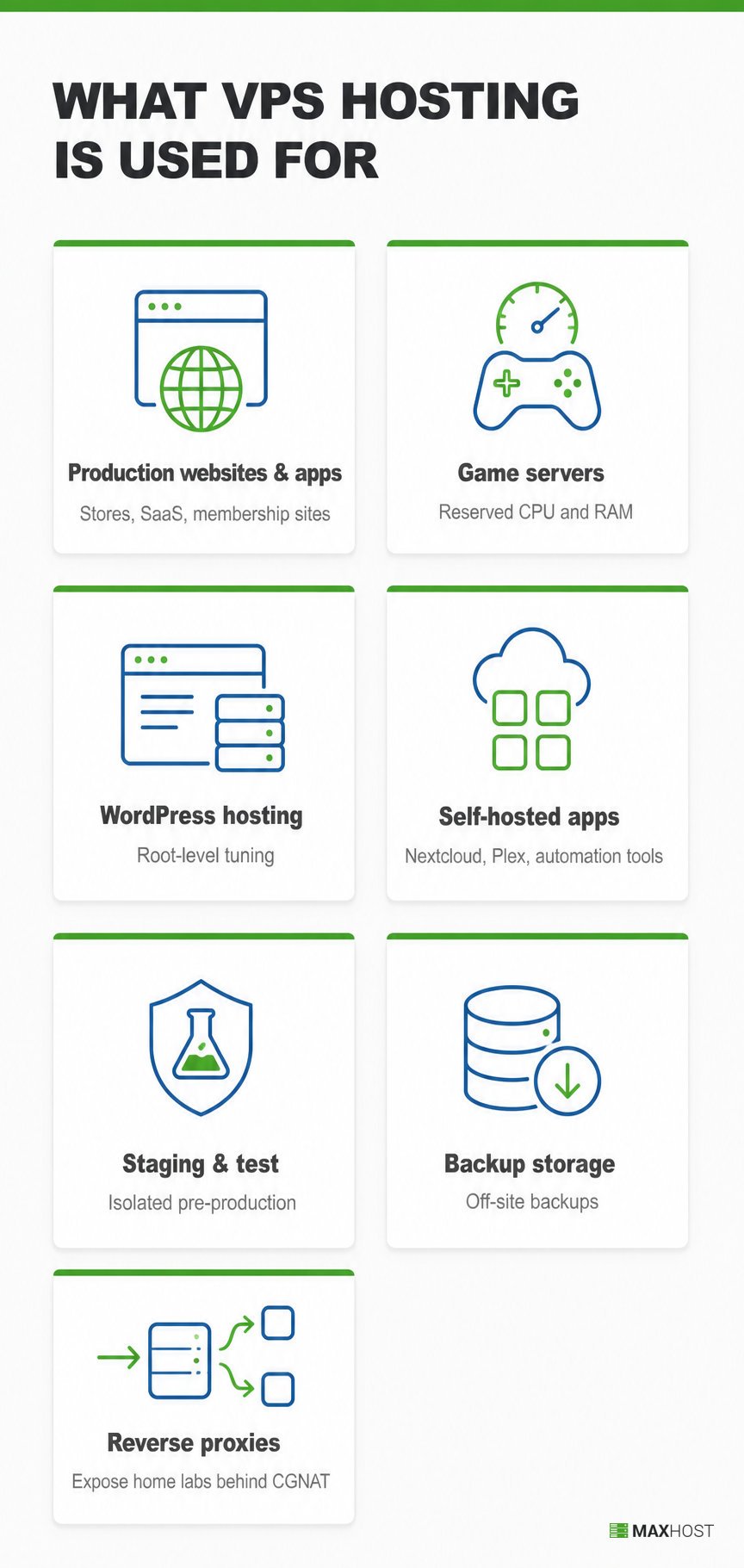
- Production websites and apps. E-commerce stores, SaaS front ends, and membership sites that need consistent, isolated resources.
- Game servers. Hosting multiplayer games like Minecraft or Counter-Strike on a VPS keeps the CPU and RAM those servers need reserved and lag-free.
- WordPress hosting. Hosting a WordPress site is one of the most common reasons people move to a VPS; see what is WordPress hosting for how that differs from a managed WordPress plan.
- Self-hosted apps. A VPS runs private cloud storage like Nextcloud, a Plex media server, or automation tools you would rather own than rent.
- Staging and test environments. Teams spin up an isolated VPS to test code changes before pushing them to production.
- Backup and secondary storage. A VPS gives you an off-site location for backups, separate from your main hosting account.
- Self-hosted reverse proxies. A cheap VPS with a static public IP address runs a tool like WireGuard or Nginx as a reverse proxy, letting a home network behind CGNAT (carrier-grade NAT) expose self-hosted services to the internet. Open-source projects document this exact pattern for home labs stuck without a public IP.
Do You Need VPS Hosting?
Most small sites do not need VPS hosting; shared hosting covers them. Multiple hosting guides agree that a low-traffic blog or a new business site rarely outgrows a shared plan in its first year.
You probably need VPS hosting if any of the following apply to your site.
- Your shared hosting plan throttles CPU or memory during traffic spikes.
- You need root access to install a specific PHP version, database, Docker container, or caching layer.
- Your site runs a database-driven store or a custom application that competes with other tenants for resources.
- You run multiple sites or services from one account and want them isolated from each other.
- You want a security posture you control instead of trusting shared hosting's other tenants to behave.
If you are not sure VPS is the right hosting category at all, start with the types of web hosting overview. For a broader, weighted framework across every hosting type and budget, see how to choose a web host.
Is VPS Hosting the Same as a VPN?
No, a VPS is a hosting server you rent to run a website or application. A VPN is a privacy tool that routes your traffic through an encrypted tunnel. VPS hosts; VPN routes.
Both names shorten to three letters, which is where the confusion starts. A VPS gives you dedicated server resources to run software or a website. A VPN protects a user's connection and hides their IP address while browsing. You can run VPN software on a VPS, but the two solve completely different problems.
| VPS | VPN | |
|---|---|---|
| What it is | A rented virtual server | An encrypted network tunnel |
| What it does | Hosts a website or app | Routes and hides your traffic |
How MaxHost Supports VPS Hosting Businesses
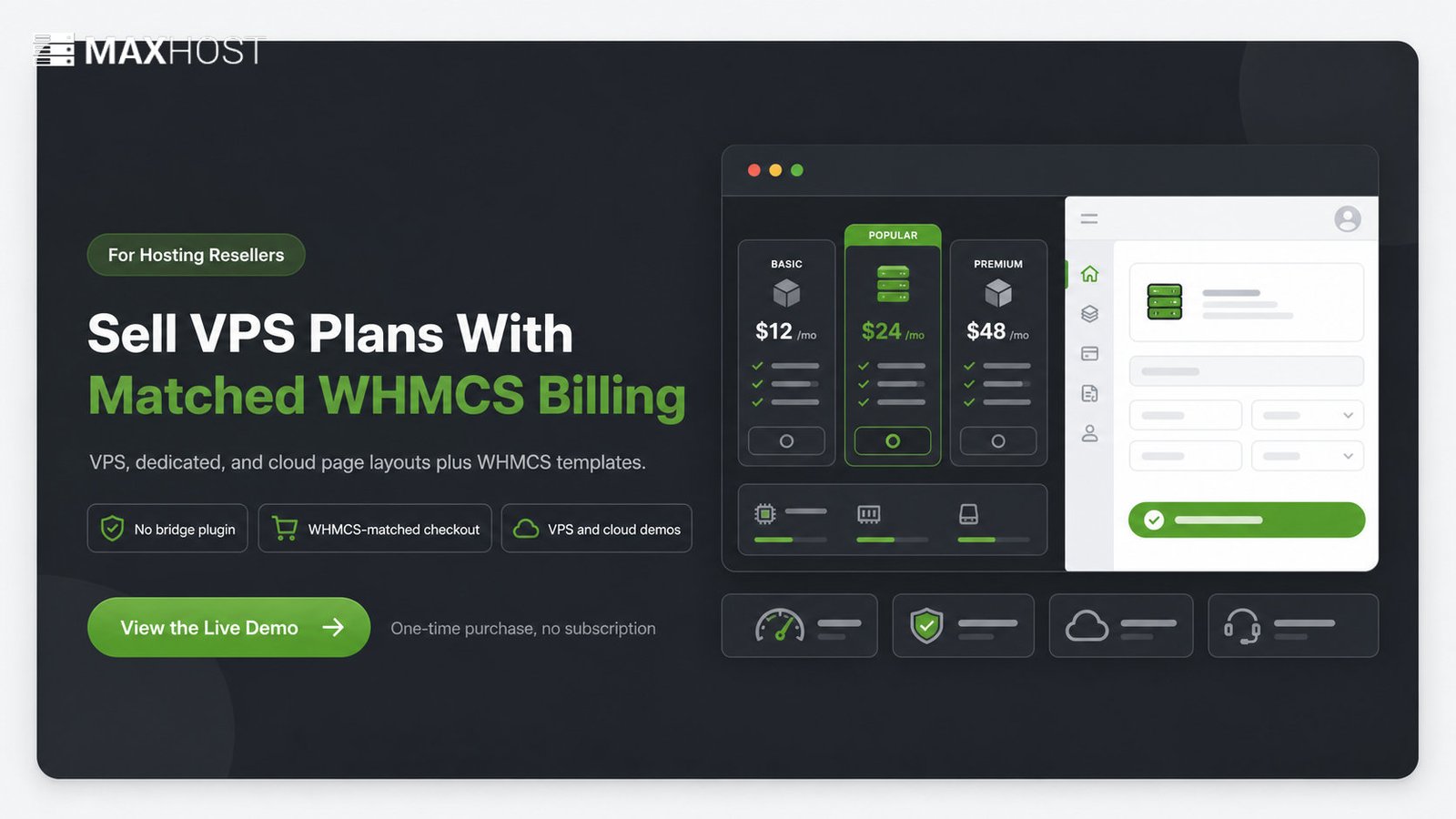
MaxHost is a WordPress theme built for hosting resellers, bundling ready-made VPS, dedicated, and cloud hosting page layouts with WHMCS-matched client-area templates. It gives a hosting business reselling VPS plans a storefront and billing experience that match, without a bridge plugin.
A hosting company reselling VPS plans still needs its own marketing site. That site needs a WHMCS client area that reads as one brand, not two disconnected products. MaxHost ships a dedicated Cloud Hosting demo alongside its VPS and dedicated-server page structures for exactly that job.
Plan-comparison tables and pricing-table components let a reseller publish VPS tiers next to a matching WHMCS checkout. The setup takes hours, not weeks. The server hosting WordPress theme page shows the VPS, dedicated, and cloud demo layouts with a WHMCS-matched checkout. Try the live demo before buying.
FAQs
What is VPS hosting?
VPS hosting is a type of web hosting that uses virtualization to give each customer a dedicated slice of a physical server. That slice includes its own CPU, RAM, storage, and root access. It costs more than shared hosting but less than a dedicated server.
How much does VPS hosting cost per month?
VPS hosting typically costs $2 to $40 a month for unmanaged plans. Managed plans run $30 to $150 or more a month, based on current provider pricing such as DigitalOcean's Droplet pricing. Exact cost depends on CPU, RAM, storage, and how much server management is included.
Is VPS hosting free?
No, VPS hosting is not free long-term. Some providers offer time-limited trials with starter credit, but they require a payment method on file, and the trial converts to a paid plan.
Is VPS hosting secure?
Yes, VPS hosting is secure when configured correctly, because each virtual server is isolated from its neighbors on the same physical machine. On an unmanaged plan, you are still responsible for patching, firewalls, and access control yourself.
Can I upgrade from VPS hosting to dedicated hosting later?
Yes, moving from VPS hosting to dedicated hosting is a standard upgrade path once a site outgrows a shared physical server entirely. Most providers migrate your data to a dedicated plan without a from-scratch rebuild.