Use Case Page
WordPress Theme for a VPS, Dedicated, and Cloud Server Hosting Business
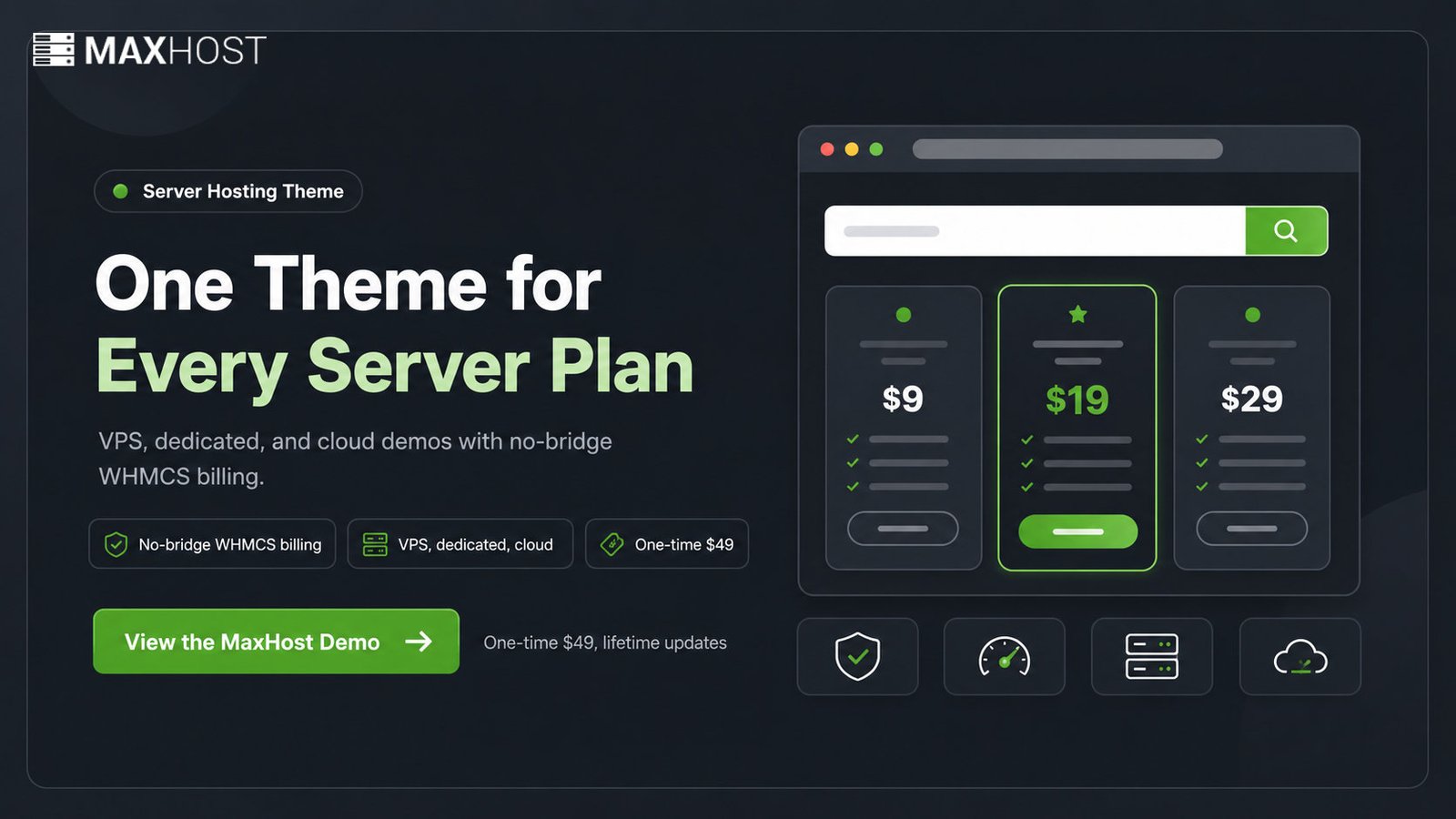
MaxHost is a server hosting WordPress theme covering VPS, dedicated, and cloud plans with spec tables and no-bridge WHMCS billing, for a one-time $49.
What Does a VPS, Dedicated, and Cloud Server Hosting Business Need From a WordPress Theme?
Run VPS, dedicated, cloud, and datacenter plans on one theme, with spec tables and no-bridge WHMCS billing.
- One theme for every server type
- No-bridge WHMCS client-area billing
- One-time $49, lifetime updates
A VPS, dedicated, and cloud server hosting business needs a theme that presents technical plans and bills them cleanly. It must show specs per plan, then route buyers into WHMCS without a fragile bridge.
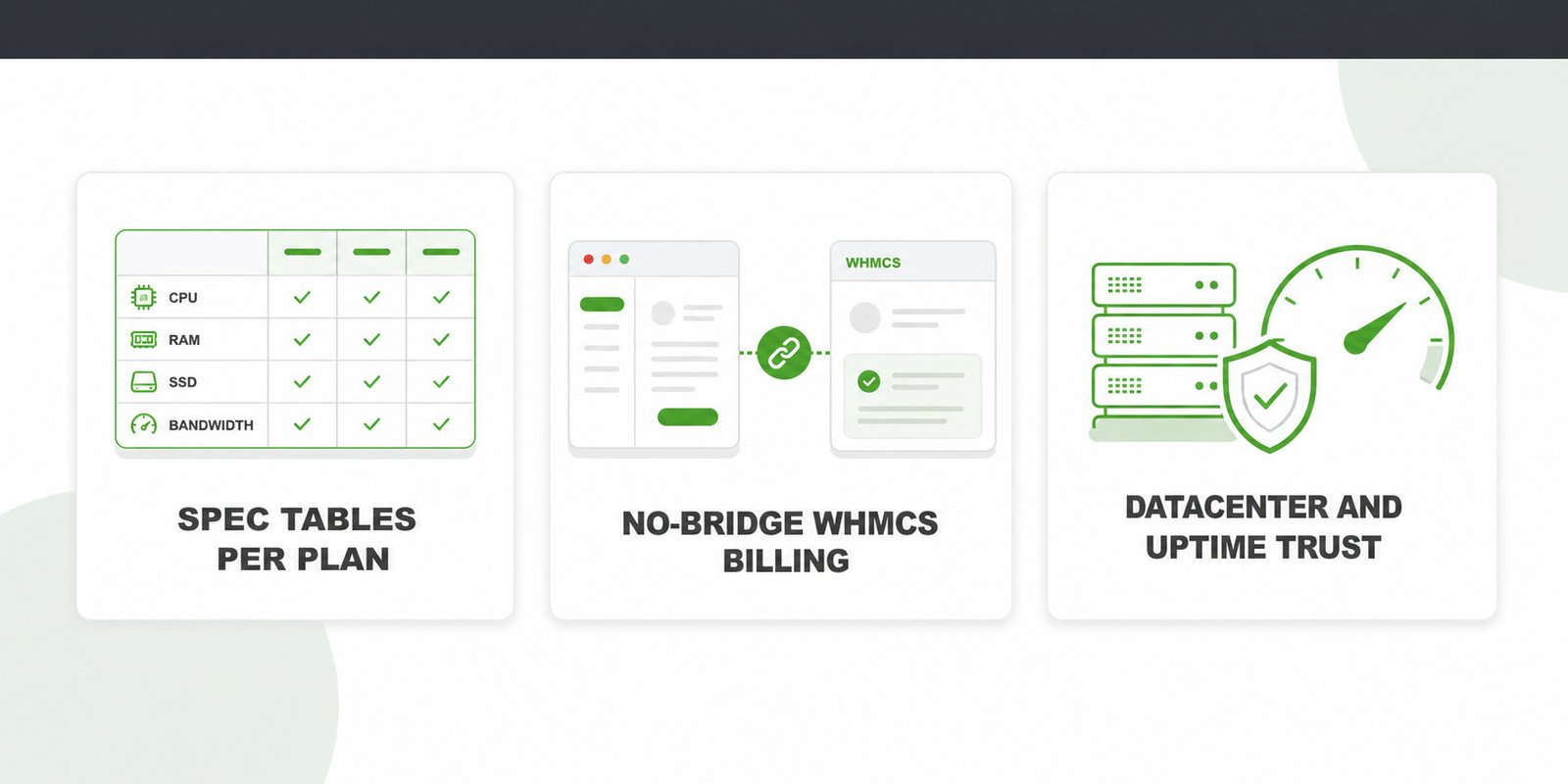
- Spec tables showing CPU, RAM, SSD, and bandwidth per plan
- No-bridge WHMCS billing that skins the client area
- Datacenter and uptime trust signals buyers judge reliability by
Define what VPS hosting, dedicated hosting, and cloud hosting mean first, since each changes how your spec tables read. The broader guide for a web hosting company covers shared needs.
How MaxHost Delivers It
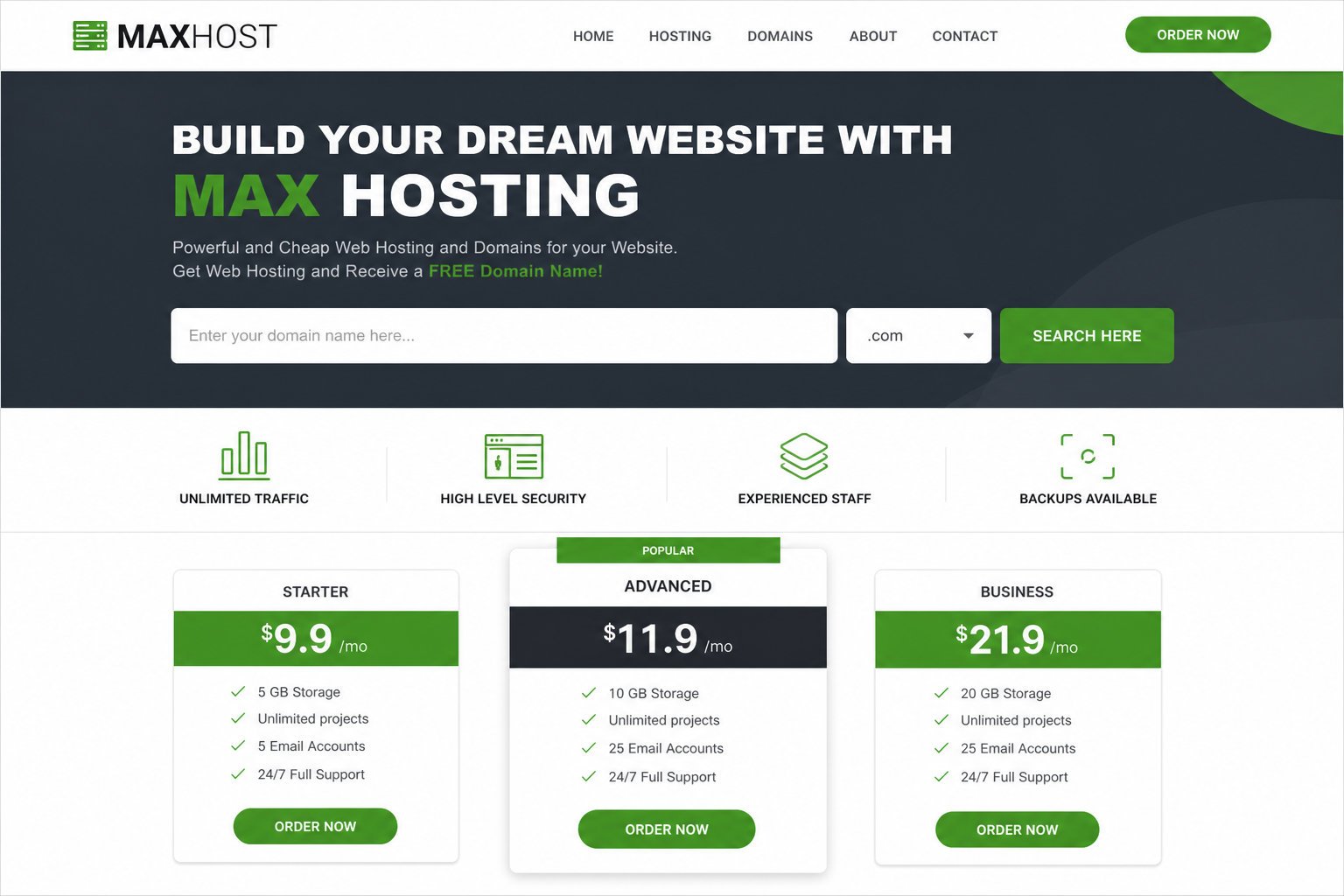
MaxHost covers server hosting through three capabilities in one purchase, edited in a page builder.
Show Every Server Type From One Theme
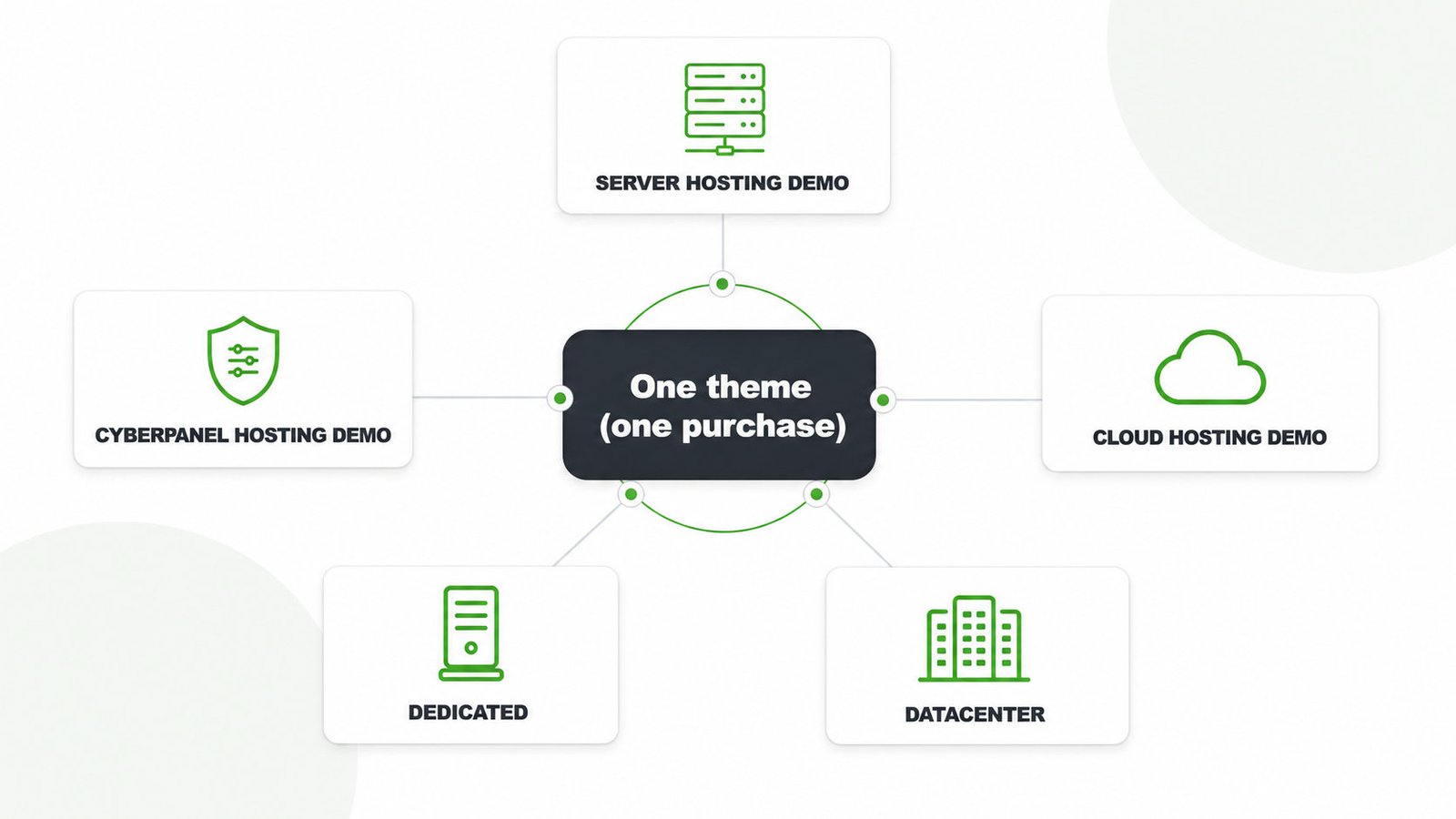
MaxHost bundles demos for VPS, dedicated, cloud, and datacenter plans, so you skip a theme per server type.
- Import Server Hosting, CyberPanel Hosting, or Cloud Hosting demos
- Serve dedicated buyers through the Server Hosting layout
- Edit any demo in Elementor or WPBakery
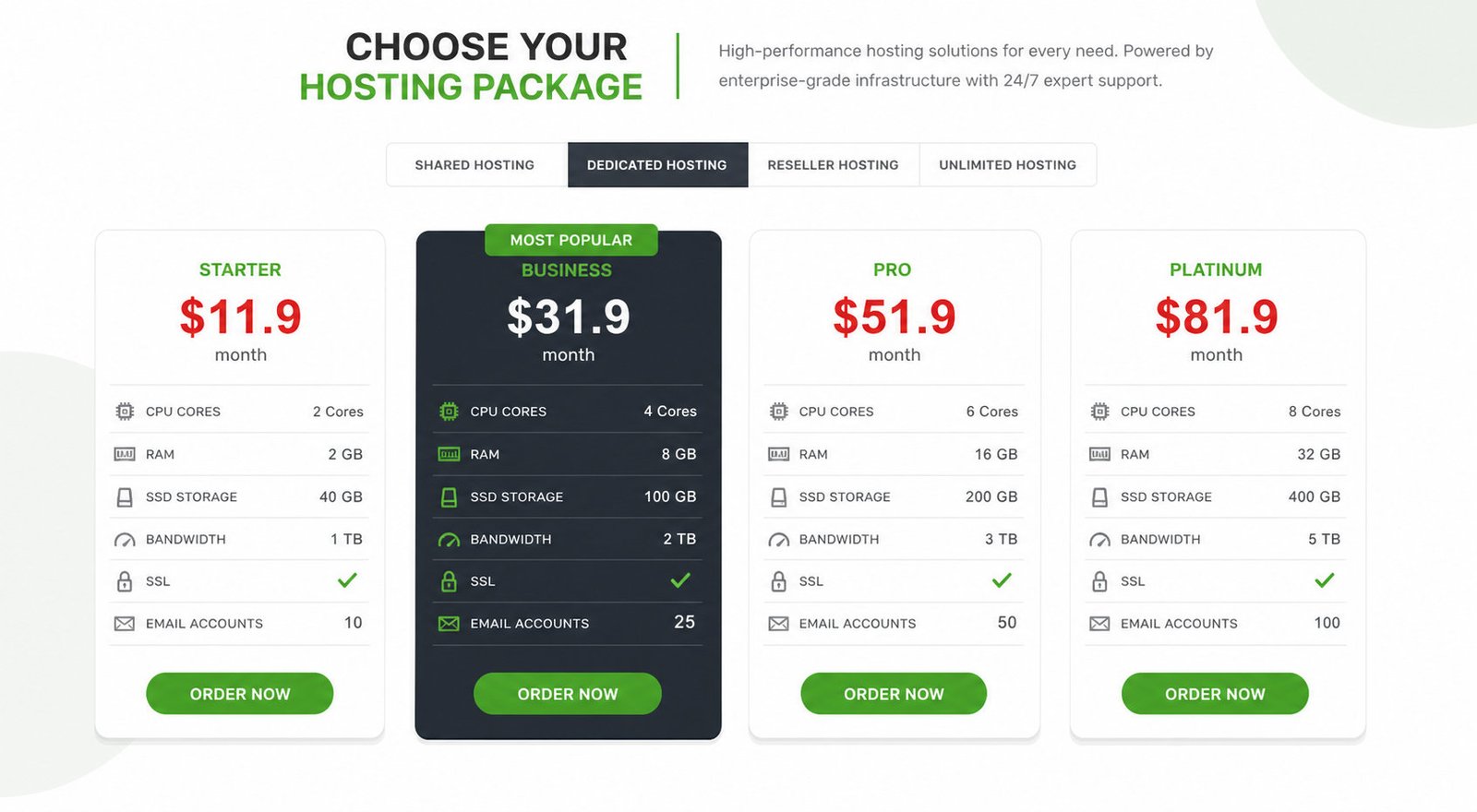
Let Buyers Compare Specs at a Glance
Pricing tables and comparison blocks present CPU, RAM, SSD, and bandwidth the way a server buyer scans them.
- List CPU, RAM, SSD, and bandwidth per tier
- Stack plan tiers side by side for comparison
- Study live web hosting design examples before you build
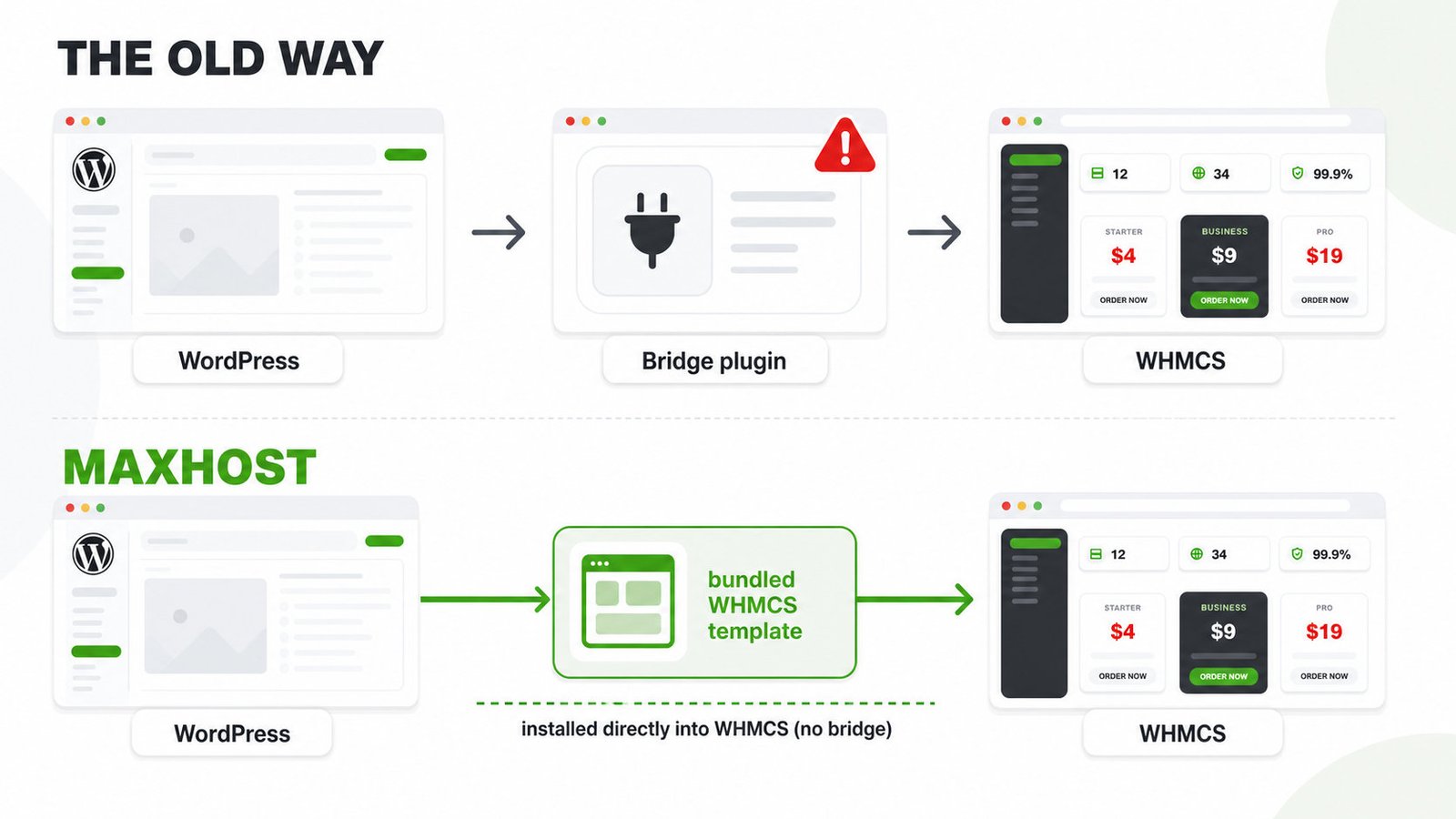
Bill Server Plans Without a Bridge Plugin
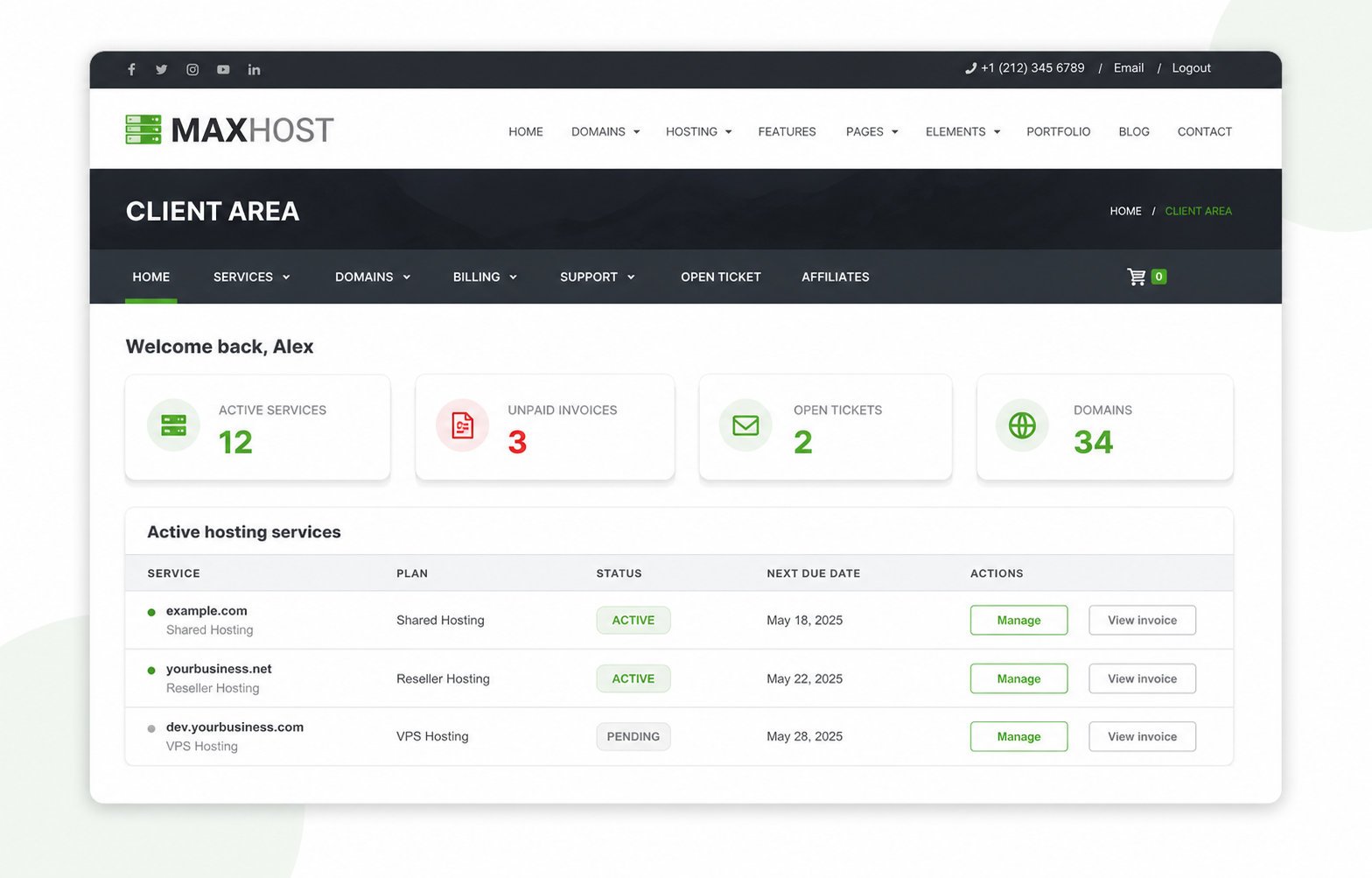
Bundled WHMCS templates install straight into WHMCS, so your client area matches the site.
- Skin the WHMCS cart and client area
- Choose from 20 bundled WHMCS layout skins
- Sell SSL and add-ons through WooCommerce
Setting Up WHMCS Billing for Your Server Business
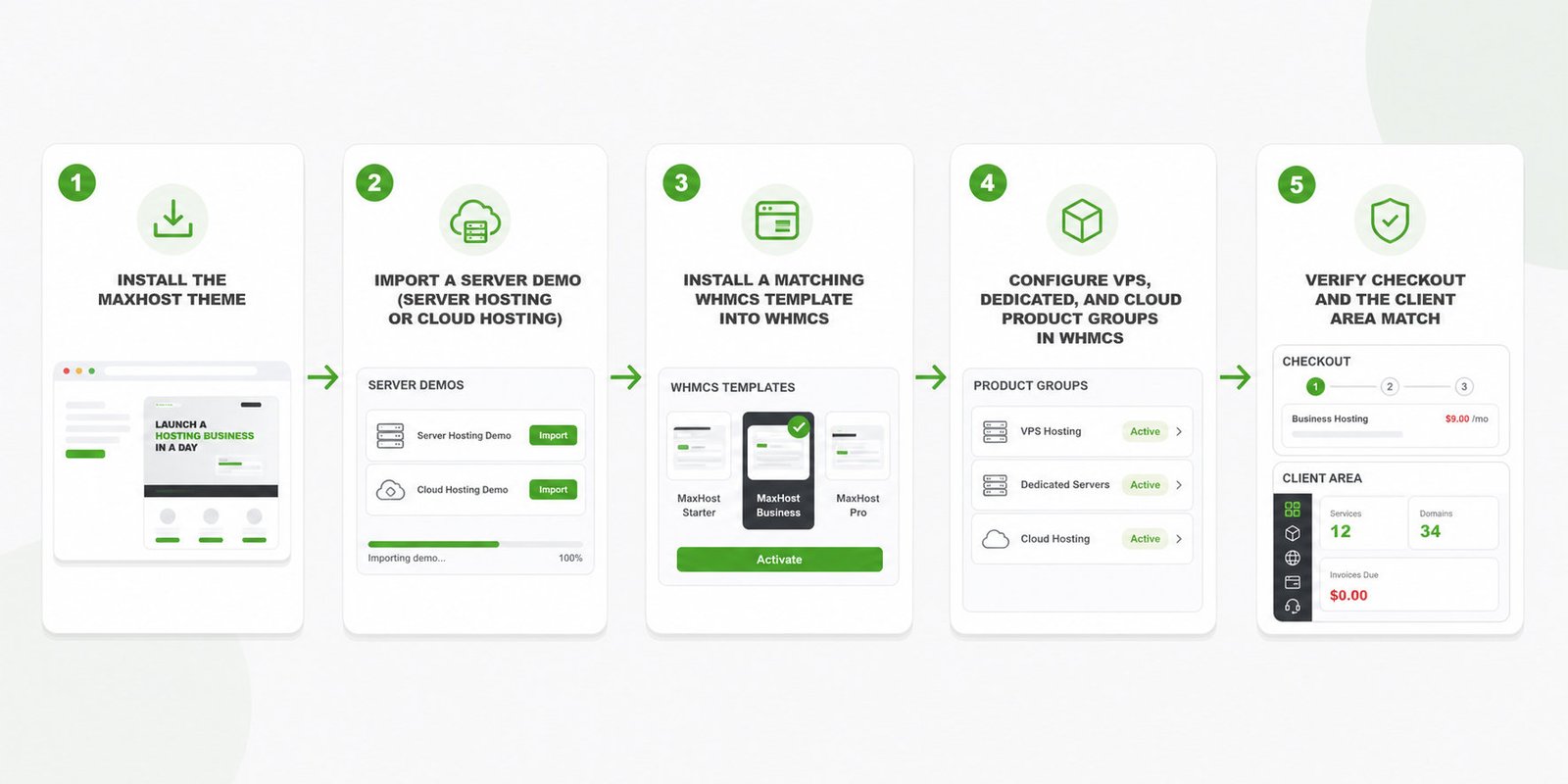
Set up WHMCS billing for your server plans in five steps.
- Install the MaxHost theme on your WordPress site
- Import a server demo such as Server Hosting or Cloud Hosting
- Install a matching MaxHost WHMCS template into WHMCS
- Configure your VPS, dedicated, and cloud product groups in WHMCS
- Verify checkout and the client area match your marketing site
The full how to make a web hosting website walkthrough covers wiring the theme to WHMCS.
MaxHost vs Other Server Hosting WordPress Themes
MaxHost is the only option here that pairs named server demos with no-bridge WHMCS billing and a decade of updates.
| Theme | Price | WHMCS approach | Server-type focus |
|---|---|---|---|
| MaxHost | $49 one-time | Bundled templates, no bridge | VPS, cloud, CyberPanel, and datacenter demos |
| Hostiko | Premium | Bridge plugin | VPS, cloud, and dedicated, 100-plus demos |
| Phox | $59 one-time | Deep WHMCS sync | Hosting and VPS |
| VW Hosting | $49 | Not mentioned | Shared, VPS, cloud, and dedicated |
| Web Hosting Lite | Free | Bridge-style | Servers, hosting, and IT services |
Hostiko outsells the field but routes WHMCS through a bridge, the part MaxHost's templates remove. Phox rates 4.7 yet ships no named server demos. See the ranked field in the best WordPress hosting themes roundup.
Is MaxHost Right for Your Server Hosting Business?
MaxHost fits most server hosts, with a few honest tradeoffs to weigh first.
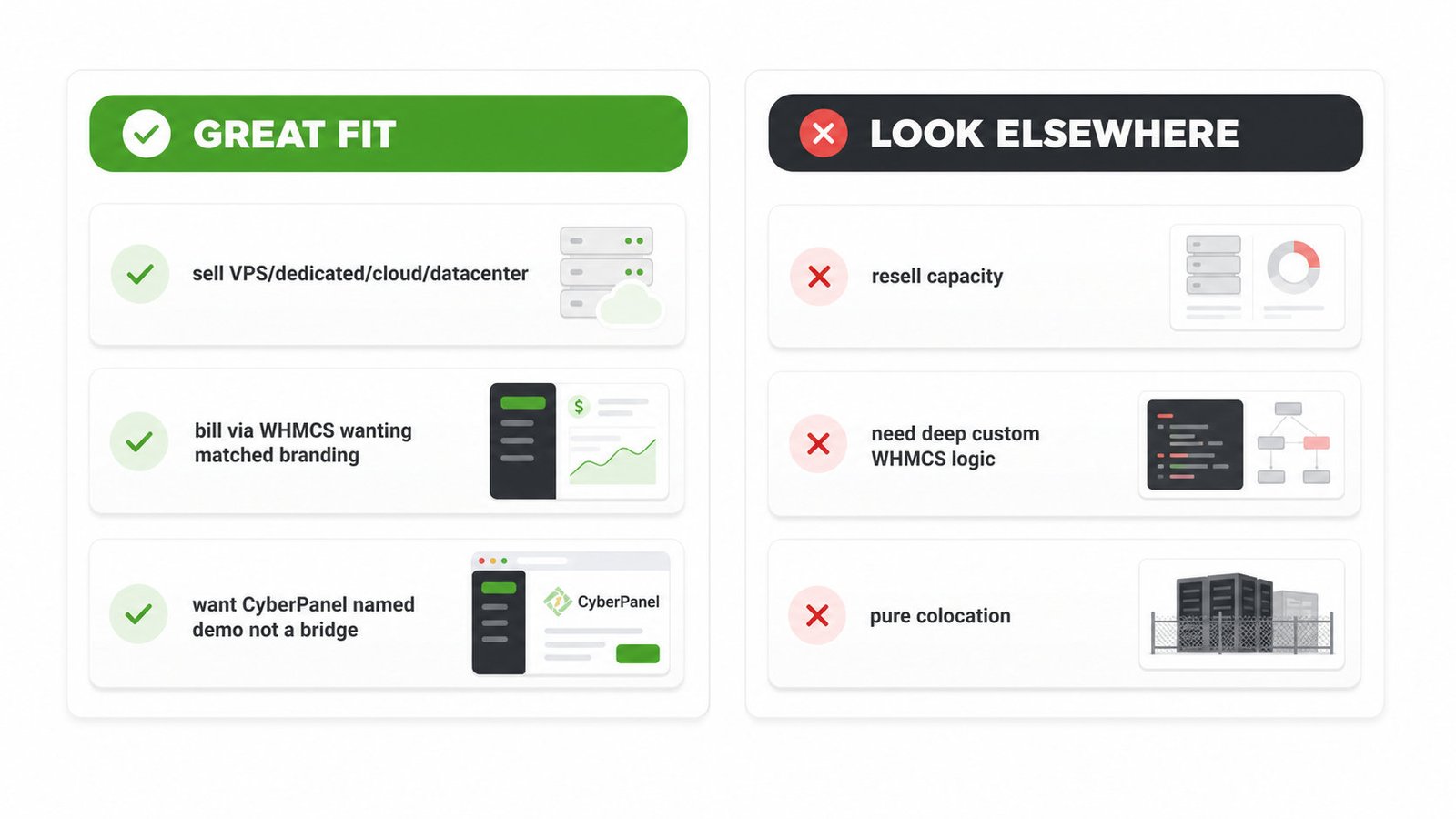
Great fit if:
- You sell VPS, dedicated, cloud, or datacenter plans
- You bill through WHMCS and want matched branding
- You want CyberPanel's named demo, not a bridge plugin
Look elsewhere if:
- You resell hosting capacity rather than run servers
- You need deep custom WHMCS logic beyond skinning
- You run a pure colocation site selling cage and power
The stack leans on WPBakery and sliders, so trim effects and cache pages for speed. cPanel and WHM hosts use the general Server Hosting layout, since only CyberPanel gets a named demo.
MaxHost costs a one-time $49, with six months of support and lifetime updates. See MaxHost pricing and licensing for the full breakdown.
Its ThemeForest listing shows roughly 1,250 sales and a 4.69 rating across 48 reviews. Our scoring weighs this performance discipline, detailed in how we review WordPress hosting themes.
Frequently asked questions
Straight answers to the questions that matter most
Is MaxHost one theme for VPS, dedicated, and cloud hosting, or do I need a different theme per server type?
MaxHost is one theme and one purchase for all three. VPS, dedicated, and cloud plans are covered by the Server Hosting, CyberPanel Hosting, and Cloud Hosting demos plus shared pricing and comparison components. You import the demo that matches each plan type. The general web hosting website template mechanics behind those demos are identical across server types.
Does MaxHost support CyberPanel specifically, or only cPanel and WHM hosts?
MaxHost supports CyberPanel specifically, with its own named CyberPanel Hosting demo. cPanel and WHM hosts do not get a separate demo. They use the general Server Hosting layout, which presents the same plans, specs, and comparison tables without control-panel-specific styling.
Do I need a WHMCS bridge plugin to bill for VPS or dedicated server plans on MaxHost?
No, you do not need a bridge plugin. MaxHost installs WHMCS client-area templates directly into your WHMCS instance, which skins the cart, checkout, and client area to match your site. This no-bridge approach applies to VPS, dedicated, and cloud plan billing exactly as it does to shared plans.
Can I use MaxHost for a datacenter or colocation business, not just VPS or cloud?
Partly. A datacenter provider selling standard VPS, dedicated, or cloud plans fits the demos cleanly, since those plans map onto the pricing and comparison components. A pure colocation business, selling cage space, power, and cross-connects, needs heavier customization, because MaxHost's demos are plan-oriented rather than facility-oriented.
How does MaxHost compare to VW Hosting for a VPS or dedicated server business?
MaxHost and VW Hosting both cost $49 and both name VPS and dedicated-server providers. The decisive difference is billing. VW Hosting's product page does not mention WHMCS, while MaxHost's no-bridge WHMCS templates are its headline feature. For a business that bills through WHMCS, MaxHost is the safer pick.
Is Web Hosting Lite a good free alternative for a small VPS or dedicated hosting site?
Web Hosting Lite is a reasonable zero-budget starting point, not a like-for-like swap. It is free, updated in July 2026, and Elementor and WHMCS compatible. It also carries only 100-plus installs and no reviews yet, so it is unproven at scale next to MaxHost's roughly 1,250 sales and 4.69 rating.
Is InHost still a good WordPress theme choice for a server hosting business?
No. InHost's ThemeForest listing returned HTTP 410 Gone this session, and it does not appear in current 2026 hosting-theme roundups. Both signals point to a discontinued or hard-to-verify product. Choose an actively maintained theme, such as MaxHost, rather than betting a revenue site on a delisted one.
Ready to Build Your Server Hosting Site?
MaxHost covers VPS, dedicated, cloud, and datacenter hosting through one theme, with no-bridge WHMCS billing at a one-time $49.
View the MaxHost demo to see the Server Hosting and Cloud Hosting layouts before you buy.