Use Case Page
Your Web Hosting Website, Ready to Launch
A web hosting website template gives you a ready-made hosting site. See what it must include, which format to pick, and where to get one for $49.
What Does a Web Hosting Website Template Need to Include?
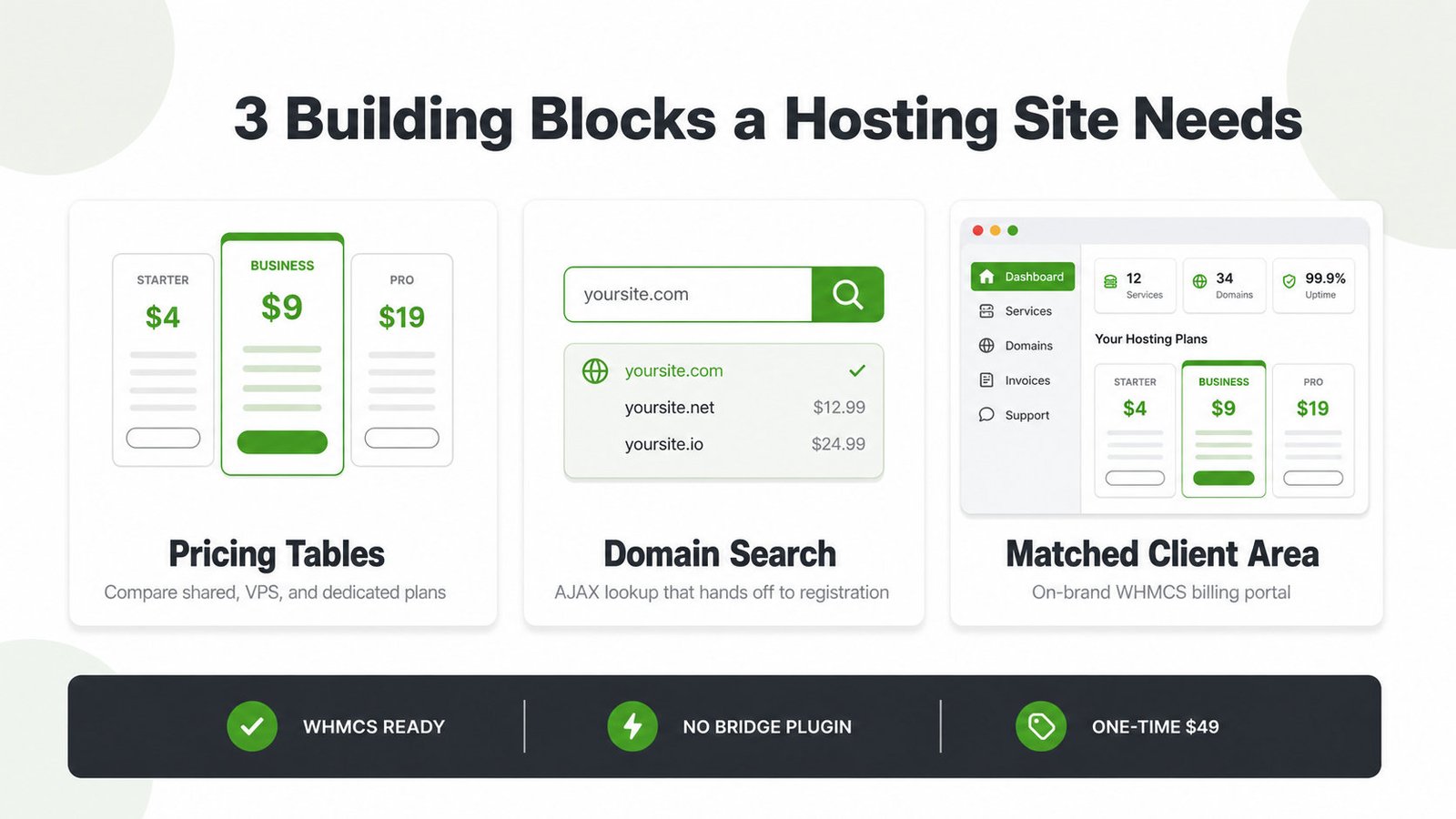
A web hosting website template hands you a full hosting site with pricing tables, domain search, and matched WHMCS billing.
- 9 hosting demos, ready to import
- Matched WHMCS client area, no bridge
- One-time $49, lifetime updates
A web hosting website template is a ready-made hosting-company site design. It ships every block you need to sell plans, not just a homepage. The template is the design; a WordPress theme like MaxHost runs it.
A production-ready template needs three building blocks:
- Pricing tables comparing shared, VPS, and dedicated plans
- AJAX domain search that hands off to registration
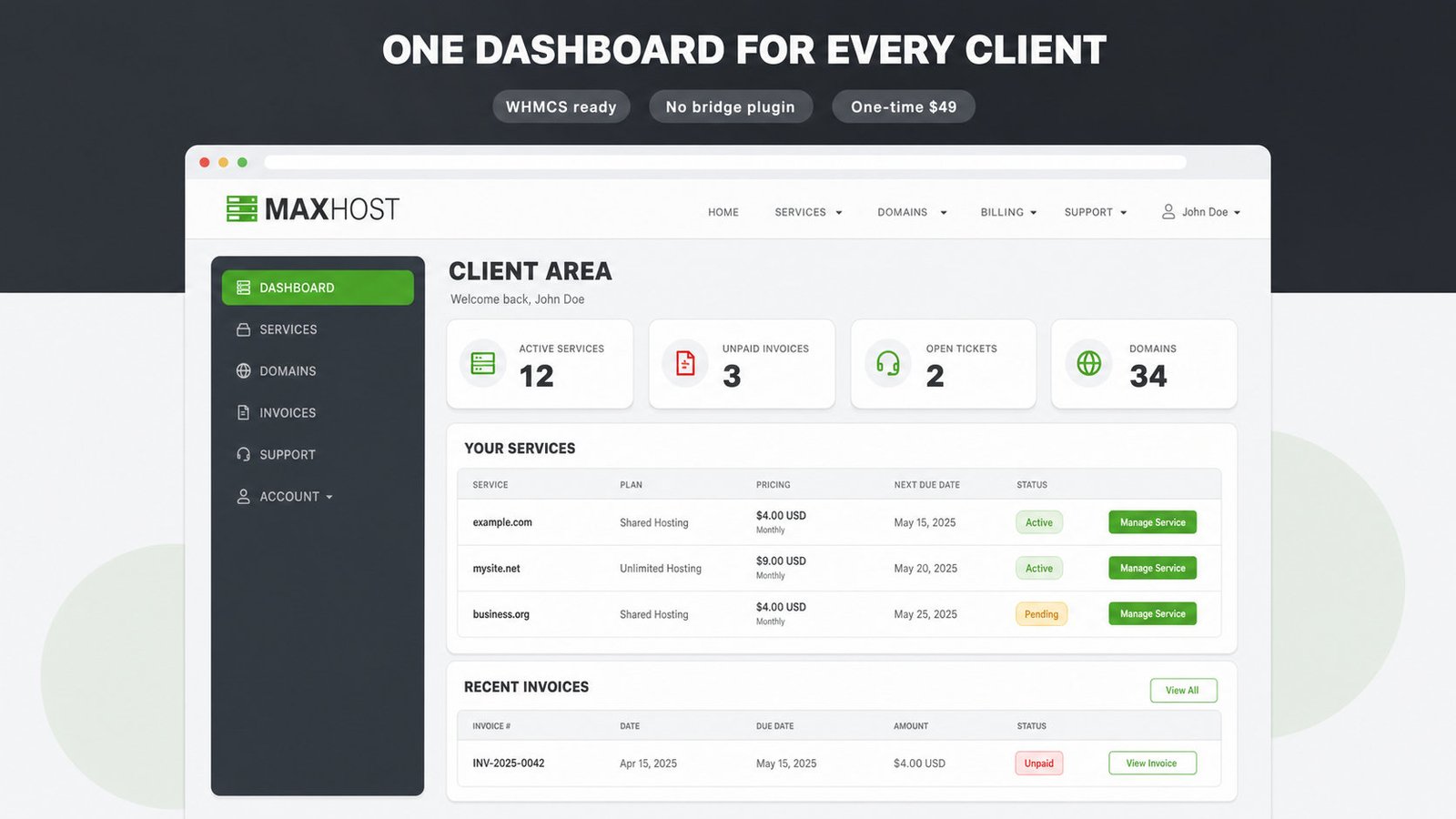
- A WHMCS client area matched to your brand
Our wordpress theme for web hosting company guide maps these needs to each hosting model.
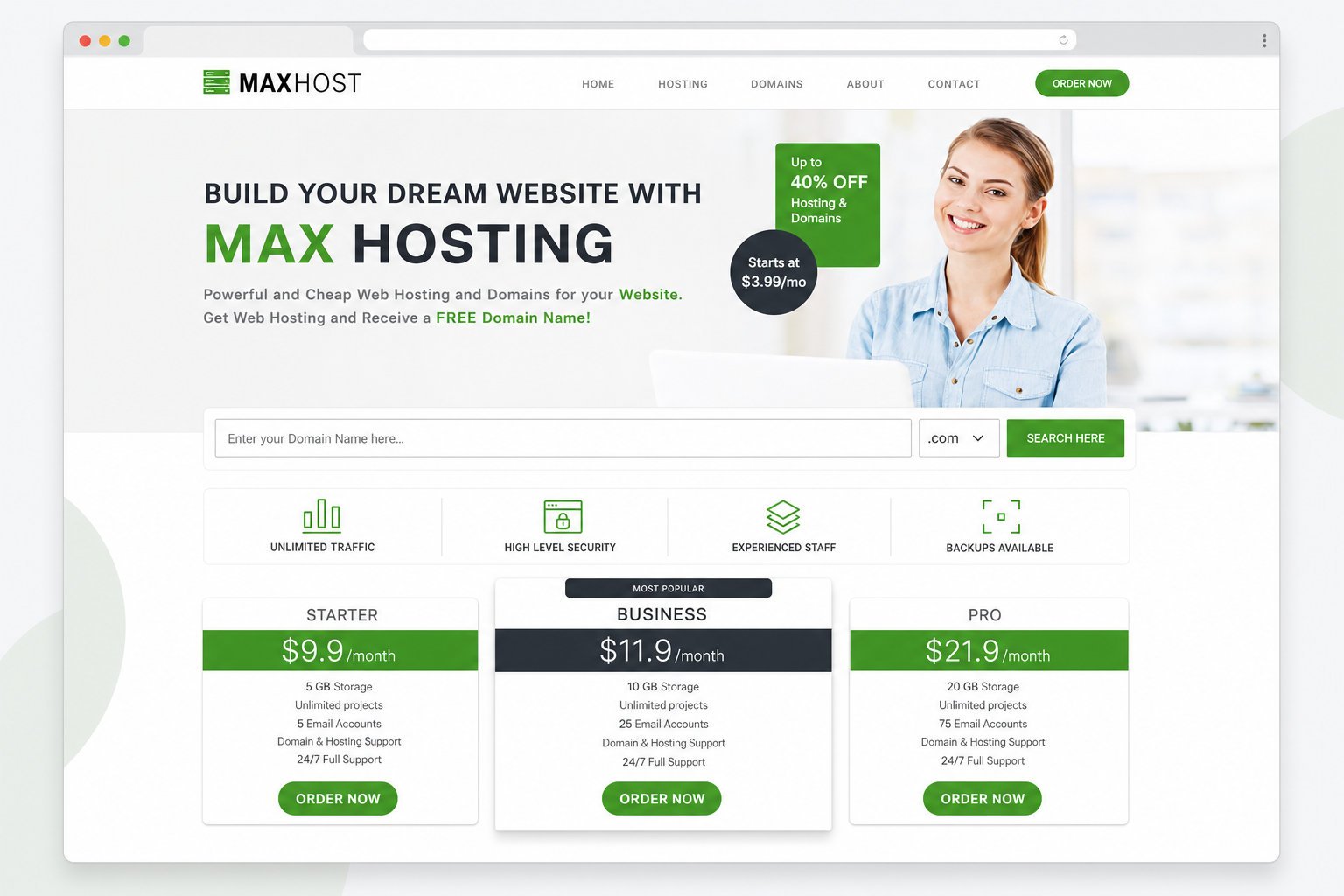
How MaxHost Delivers It
MaxHost packages the whole job into one WordPress theme.
Nine Hosting Demos Plus Twenty WHMCS Layouts
Import a marketing site and a matching client area together.
- Cover shared, VPS, cloud, and CyberPanel hosting models
- Match billing with 20 bundled WHMCS layouts
- Browse every demo in the hosting website design gallery
Edit Everything in Elementor or WPBakery
Edit pricing, plans, and copy yourself in a drag-and-drop builder.
- Build pages in Elementor Pro or WPBakery
- Sell add-ons through 100% WooCommerce-ready styling
- Capture leads with built-in tawk.to chat and Aweber
Import-Ready in Minutes, Not Weeks
Go live with one-click demo import, not a from-scratch build.
- Import any hosting demo with one click
- Install a matching WHMCS layout without a bridge plugin
- Bundle premium plugins like Slider Revolution free
Setting Up WHMCS Billing on Your Hosting Site
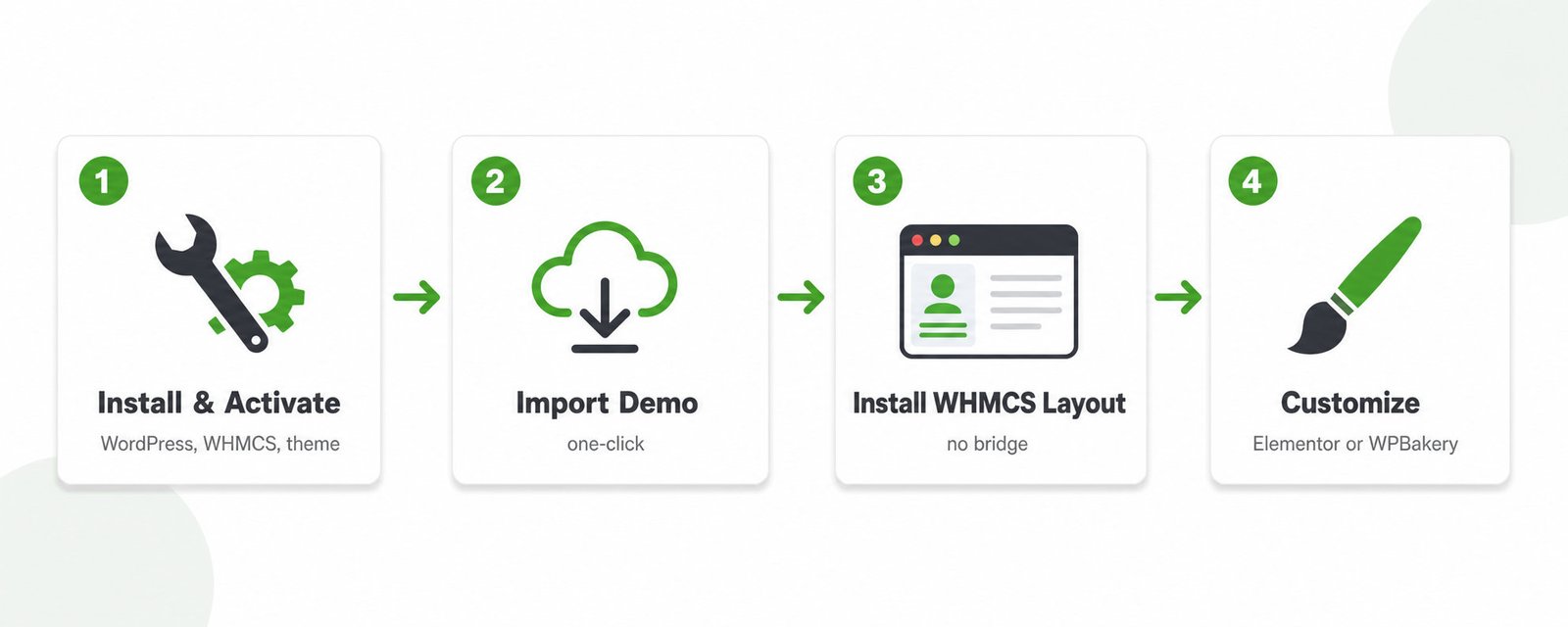
Turn a MaxHost demo into a live, billing-ready site:
- Install WordPress and WHMCS, then activate the MaxHost theme.
- Import a hosting demo with one click.
- Install the matching WHMCS layout into WHMCS.
- Customize pages in Elementor or WPBakery.
Follow our step-by-step guide to building a web hosting website for the full build.
WordPress vs HTML vs Webflow Template Formats
WordPress wins for most hosts: your marketing site and billing stay one brand.
| Format | Typical price | WHMCS-ready? | Best for |
|---|---|---|---|
| WordPress theme | $13 to $69 one-time | Yes, via MaxHost | Editable pages, matched billing |
| HTML template | $13 to $69 one-time | No, manual WHMCS work | Developers editing code |
| Webflow template | $24 to $169 one-time | No WHMCS support | Design-led sites billing elsewhere |
Compare named WordPress options in our best WordPress hosting themes roundup.
Is MaxHost Right for Your Hosting Site?
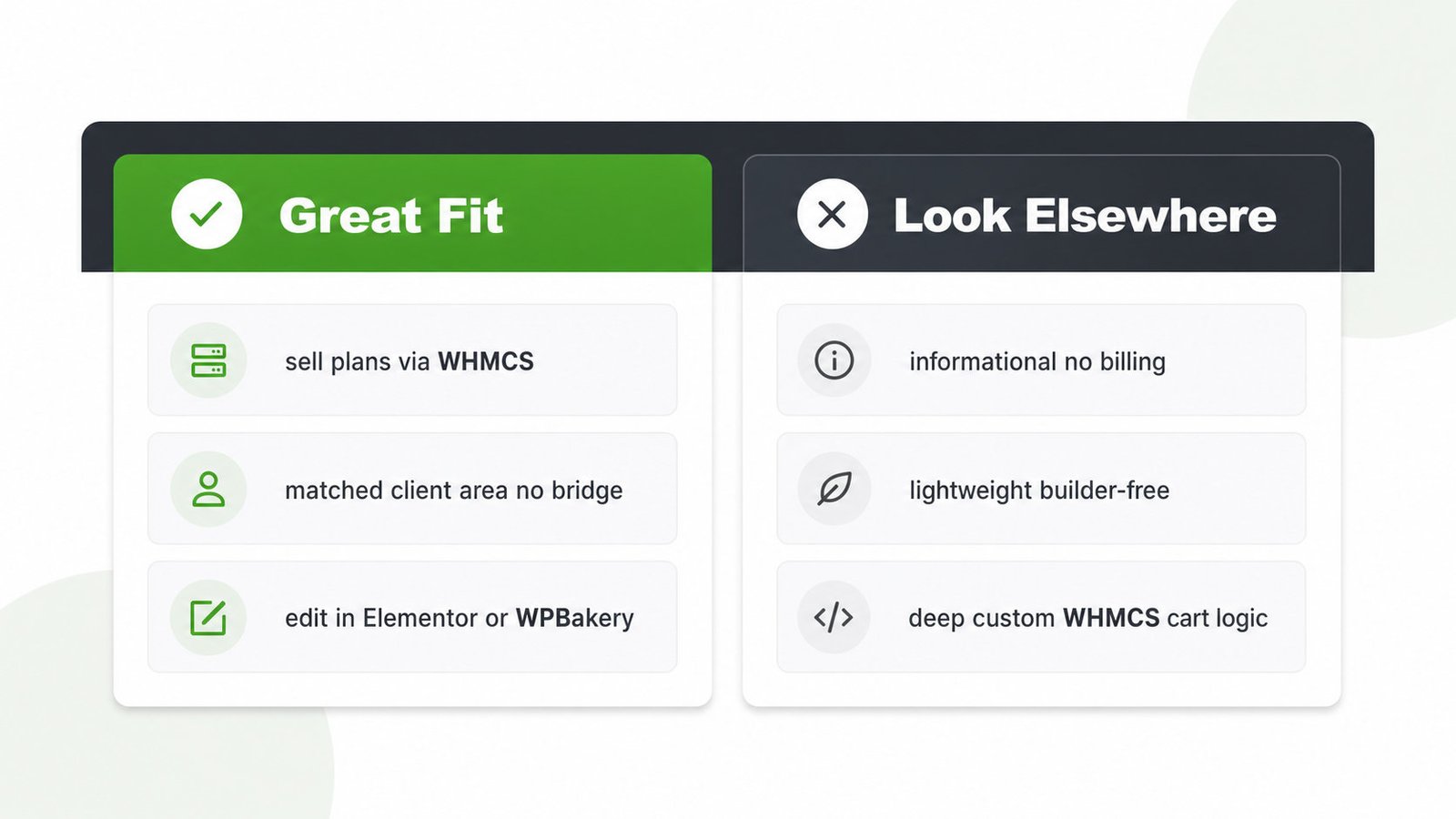
Great fit if:
- You sell hosting plans and bill through WHMCS
- You want a matched client area, no bridge plugin
- You prefer editing in Elementor or WPBakery
Look elsewhere if:
- You run an informational site with no billing
- You need a lightweight, builder-free build for speed
- You need deep custom WHMCS cart logic
MaxHost costs $49 one-time with lifetime updates, mid-range for a ThemeForest hosting template. It rates 4.69 of 5 across 48 reviews, with roughly 1,250 sales and a decade of updates. The builder-heavy stack needs caching to stay fast.
We weigh hosting themes on WHMCS depth, demos, and speed in how we review WordPress hosting themes. See the full MaxHost pricing and licensing breakdown.
Launch Your Hosting Site From a Ready Template
MaxHost packages the whole job into one theme: 9 hosting demos, 20 WHMCS layouts, and matched billing for a one-time $49 with lifetime updates. View the MaxHost demo before you buy.
Frequently asked questions
Straight answers to the questions that matter most
Is a web hosting website template the same as a web hosting theme?
Not exactly. A web hosting website template is the design, while a web hosting theme is the WordPress package that installs it. MaxHost is a theme that ships several hosting templates as importable demos. You get the template and the software that runs it in one $49 purchase.
Do I need WHMCS billing integration in my template?
You need WHMCS integration when your site sells and bills hosting plans. WHMCS runs the cart, invoices, and client area, and a matched template keeps checkout on-brand. Skip it only for a purely informational site with no plans to sell. MaxHost bundles 20 WHMCS layouts for this reason.
Can I use a free HTML template instead of a WordPress theme?
Yes, you can use a free HTML template for a simple, static hosting site. It works when you write code and do not need WHMCS billing built in. Free templates rarely include a client area or ongoing support. A premium WordPress theme fits better once you sell plans.
Which hosting business types is MaxHost's template built for?
MaxHost's templates are built for web hosting companies, domain resellers, and corporate or IT businesses that use WHMCS. Resellers launch a branded plan site, agencies deliver client hosting sites, and IT firms present services with optional plans. The demos cover shared, VPS, dedicated, cloud, and CyberPanel hosting.
Can I build a game-server hosting site with this kind of template?
MaxHost is built for standard web hosting, not game-server hosting, so it ships no game-panel features. You can still present game-hosting plans as pricing tables and sell them through WHMCS. The theme will not manage game servers directly. A dedicated game-hosting template suits that niche better.
How do I add pricing tables to a hosting website template?
To add pricing tables, use MaxHost's prebuilt pricing table and plan comparison blocks in Elementor or WPBakery. Drop the block onto a plan page, then enter each tier's price, features, and order button. The button links to the matching WHMCS product. No coding is required.