WHM (Web Host Manager) is the administrative back end of cPanel. It gives hosting providers, resellers, and server administrators root-level control over a VPS or dedicated server. Its central job is creating and managing multiple individual cPanel accounts from one console.
This guide covers what WHM lets administrators do, who actually uses it, how it works, and how it differs from cPanel itself. It closes with how MaxHost fits into a WHM-provisioned reseller hosting stack.
What Does WHM Let You Do?
WHM centralizes every account-level and server-level task a hosting provider needs on one machine. From a single WHM console, an administrator handles six core tasks.
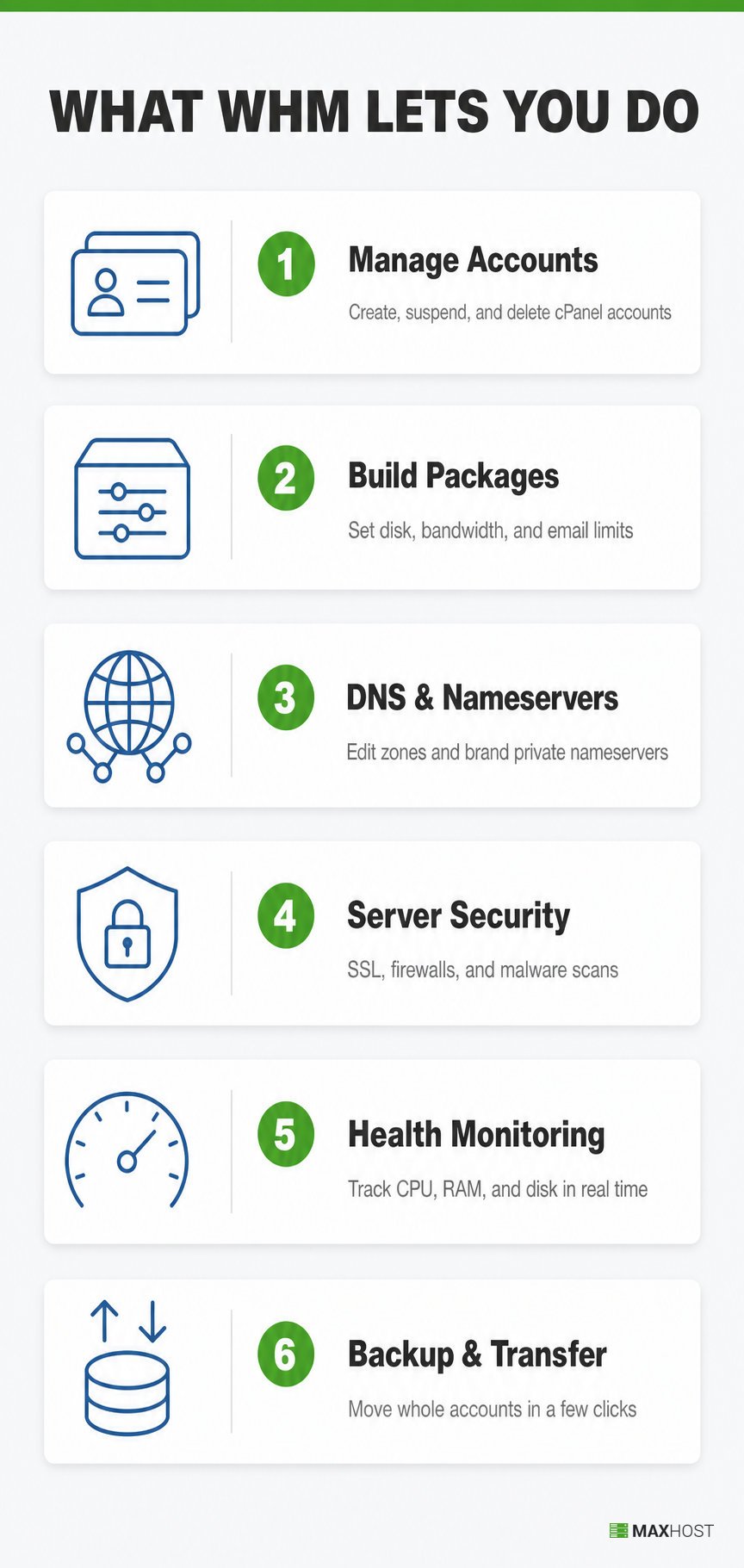
- Create, suspend, delete, and modify cPanel accounts from one console
- Build hosting packages with set disk space, bandwidth, and email limits
- Edit DNS zones and set up private, branded nameservers for every domain
- Install SSL certificates, configure firewalls, and scan the server for malware
- Monitor server health, CPU, RAM, and disk usage in real time
- Back up and transfer whole accounts in a few clicks
cPanel's own product page confirms the same three headline functions: creating cPanel accounts, monitoring and protecting the server, and transferring or backing up data. Each account WHM creates gets its own separate cPanel login for the customer who owns it.
Who Uses WHM? Why Resellers Need It
WHM is built for hosting providers, resellers, and server administrators, never for the end customer who buys a single hosting plan. A reseller uses WHM to create and brand hosting packages for their own customers, all from one VPS or dedicated server they control.
Reseller hosting means renting server capacity from an upstream provider, then selling branded packages to your own customers. WHM makes that model possible: it carves one server into dozens of separate, brandable cPanel accounts.
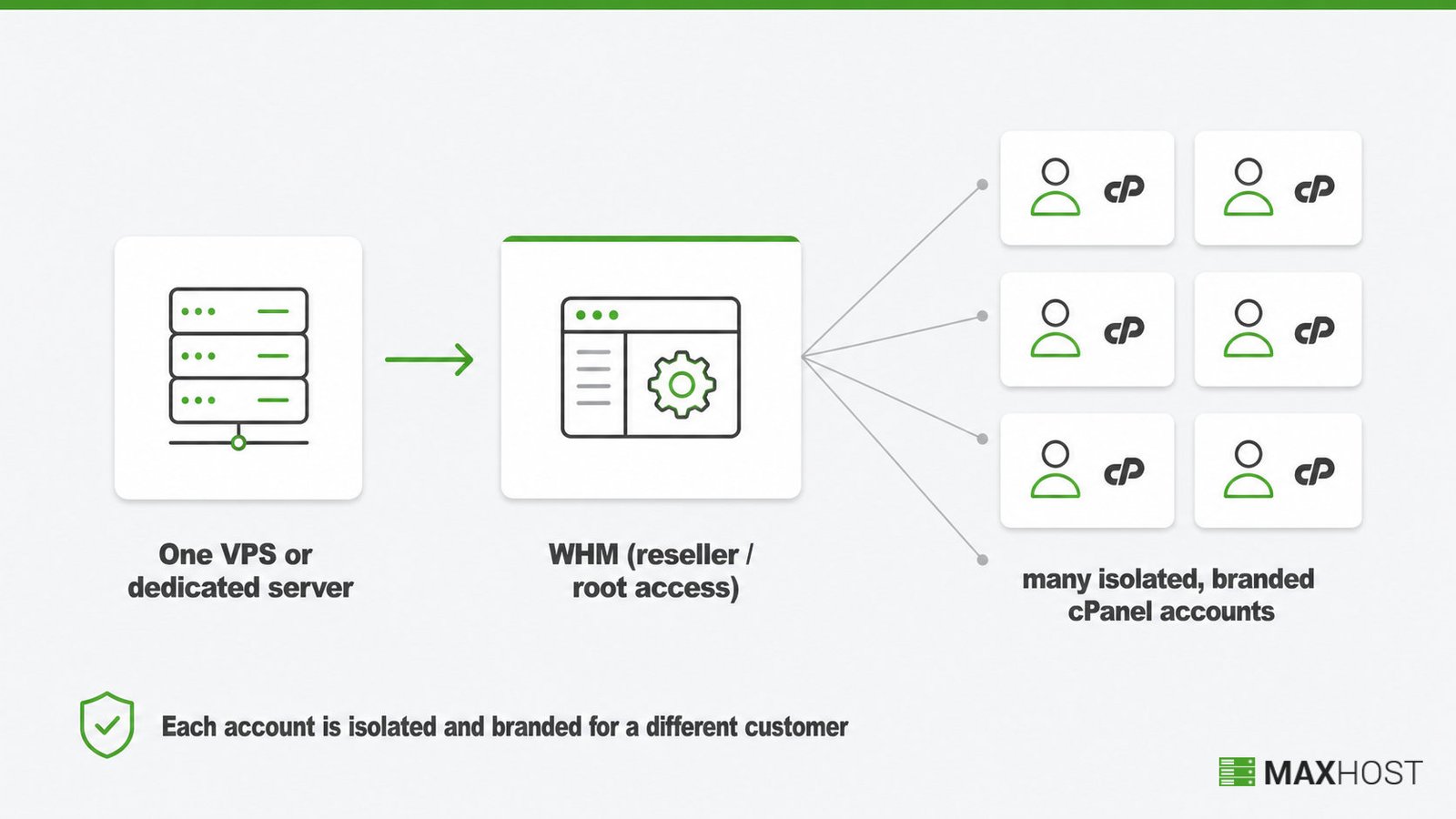
Web development agencies and freelancers use WHM the same way. They run many client sites on one server, giving each client an isolated cPanel account they manage without touching the others.
This is the exact mechanism behind reseller hosting, and it powers white label hosting too, where the reseller's own brand replaces the upstream host's entirely. WHMCS reinforces this workflow, offering resellers "branded experiences, automated tracking, and easy onboarding tools" to scale the program.
How Does WHM Work?
An administrator logs into WHM with root or reseller-level access, then builds a hosting package and creates an account from it. Each new account inherits its own separate cPanel login, isolated from every other account on the server.
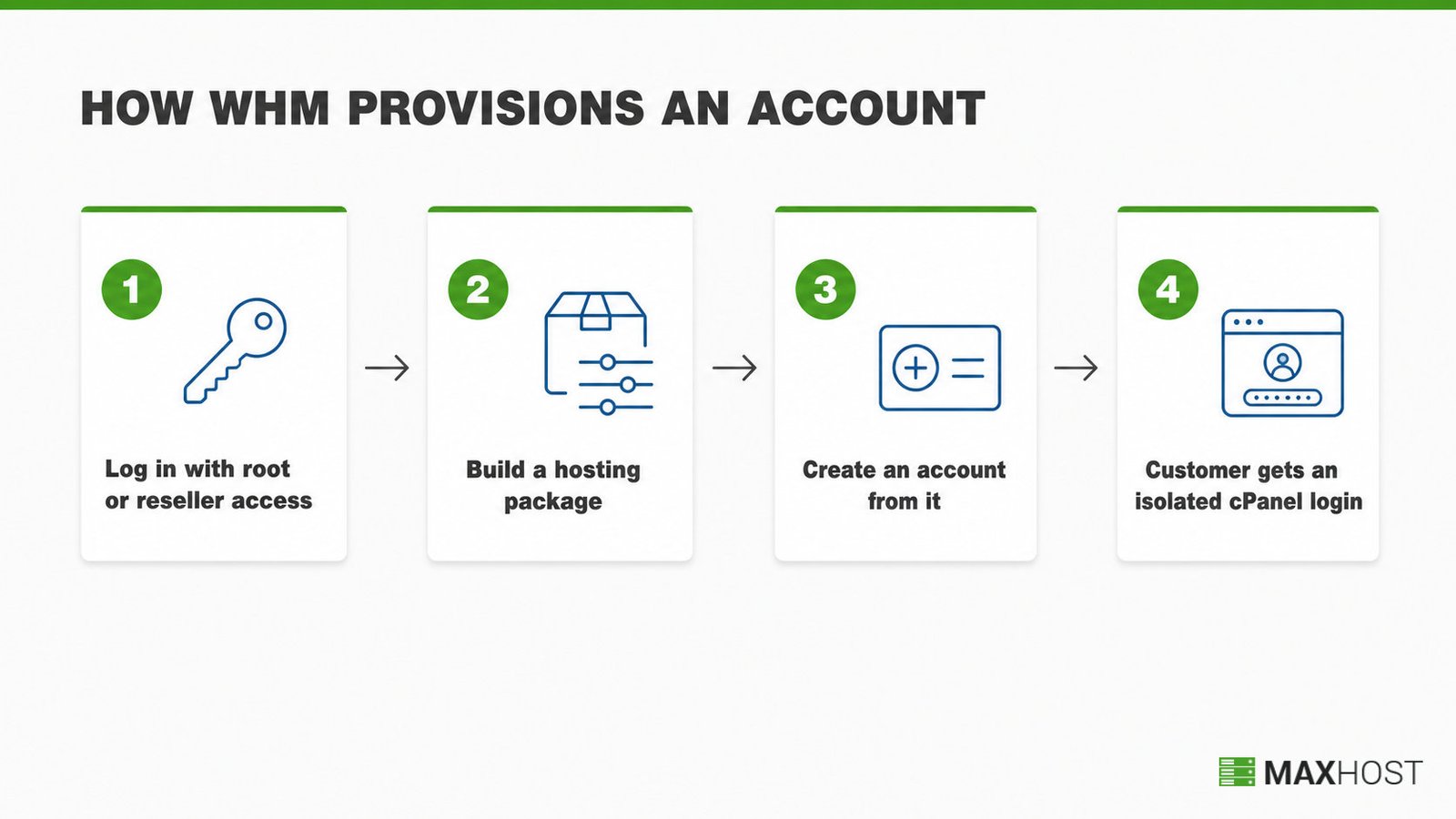
WHM only runs on a VPS or dedicated server. cPanel's Cloud license covers VPS and cloud instances; its Metal license covers dedicated hardware. Shared web hosting plans do not include WHM, because a shared plan is already just one account inside somebody else's WHM.
Is WHM the Same as cPanel?
WHM and cPanel are not the same tool, though they ship together. WHM is the server-level tool a host or reseller uses to administer the whole machine. cPanel is the account-level tool their customer uses to manage just one site.
Picture a multi-tenant building. WHM is the building manager who controls the foundation, security, and every unit; cPanel is one tenant furnishing their own apartment.
| WHM | cPanel | |
|---|---|---|
| Who uses it | Hosting providers, resellers, server admins | The site owner, the reseller's own customer |
| What it manages | The whole server, every account on it | One hosting account and its site |
| Typical login | Port 2087, or a host-issued URL | Port 2083, or a host-issued URL |
| Access level | Root or reseller-level | Single-account level |
Creating a cPanel account is itself a WHM action. A reseller builds the package in WHM, WHM provisions the account, and the resulting cPanel login goes straight to that reseller's customer. For the account-level side of that split, see our what is cPanel guide. For the full role-by-role breakdown, see our cPanel vs WHM guide.
How MaxHost Supports WHM-Based Reseller Hosting Businesses
MaxHost does not touch WHM directly. It is the WordPress and WHMCS theme that skins the storefront and client area a reseller uses to sell hosting packages. Those same packages get auto-provisioned through that reseller's own WHM.
WHM handles the server-side account creation. WHMCS handles the storefront, cart, and billing that trigger it, automatically creating and managing accounts through integrations with control panels like cPanel and WHM.
MaxHost is a hosting company WordPress theme with bundled WHMCS templates that install directly into WHMCS, no bridge plugin required. The reseller's client area then matches the marketing site, from the homepage through checkout.
See how those templates handle the reseller side of a WHM-provisioned account in MaxHost's WHMCS integration.
FAQs
What is WHM?
WHM (Web Host Manager) is the server-level administrative back end of cPanel. Hosting providers, resellers, and server administrators use it to create and manage multiple individual cPanel accounts from one console on a VPS or dedicated server.
How do I log in to WHM?
Most hosts expose WHM at your server's address on port 2087, or at a host-issued web address. Your hosting provider issues the exact URL and the root credentials once your VPS or dedicated server is provisioned.
Does WHM cost extra, or is it included with my server?
WHM ships bundled with a cPanel license rather than sold separately. cPanel's Cloud license covers VPS and cloud servers; its Metal license covers dedicated hardware. Check your host's current cPanel and WHM pricing directly, since license costs change.
Do I need a VPS or dedicated server to use WHM?
Yes. WHM requires root-level server access, which shared hosting plans do not grant. cPanel licenses WHM through a Cloud tier for VPS and cloud instances and a Metal tier for dedicated servers, never for shared accounts.
Is WHM necessary for website hosting?
WHM is not necessary if you run a single website on a shared or managed plan. Your host already administers the server through its own WHM. You need WHM only when you manage the whole server yourself or resell hosting accounts to your own customers.
What is the difference between WHM and WHMCS?
WHM is the server control panel that creates and manages hosting accounts. WHMCS is the separate billing and automation platform that calls WHM's API to provision that account the moment a customer orders. The similar names cause frequent confusion.