Buffer time is a deliberate gap scheduled before or after an appointment for travel, setup, cleanup, notes, or a short break. Also called padding or margin time, it prevents back-to-back bookings and lowers the risk of delays and burnout for the person providing the service.
Why Buffer Time Between Appointments Matters
Buffer time matters because a fully packed calendar with no gaps creates a chain reaction: one long appointment delays every appointment after it. A short buffer absorbs that overrun before it reaches the next booking. It also protects prep and cleanup time and gives the provider a moment to reset.
A buffer between appointments serves several purposes at once.
- Protecting prep and cleanup time between sessions
- Absorbing schedule overruns before they cascade into later bookings
- Reducing back-to-back burnout and decision fatigue for staff
- Lowering double-booking risk, a related but separate problem from slot capacity
This gap is often called intentional white space in a calendar, the deliberate room that prevents burnout from constant back-to-back sessions.
Types of Buffer Time: Before vs. After an Appointment
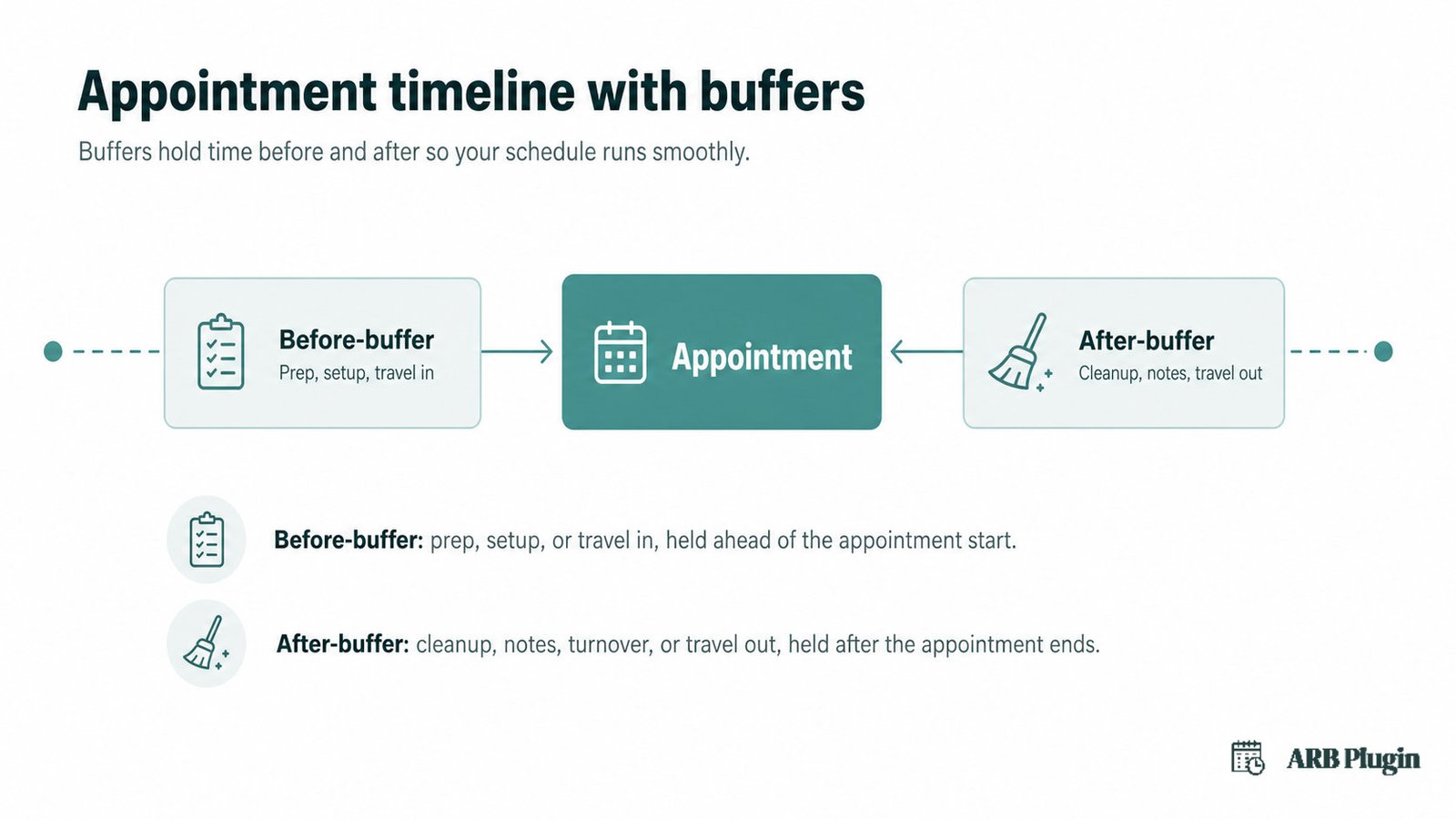
Buffer time comes in two types: before-buffer and after-buffer. Before-buffer holds time for prep, setup, or travel in advance of a booking. After-buffer holds time for cleanup, notes, or travel once a booking ends.
- Before-buffer: prep, setup, or travel in, held ahead of the appointment start
- After-buffer: cleanup, notes, turnover, or travel out, held after the appointment ends
For example, a hairdresser might use a 10-minute after-buffer to sweep the station, while a therapist adds a 5-minute before-buffer to review a client's file. Some scheduling tools let a user set both values independently, holding time on each side of a single booking.
How Much Buffer Time to Set (Typical Durations by Industry)
Buffer time commonly runs 5 to 30 minutes, though the right length depends on the task and the industry. A 30-minute buffer usually covers a high-complexity session, like a deep therapy appointment or a detailed consulting call.
| Business type | Typical buffer | Why |
|---|---|---|
| Salon or spa | 10 to 20 minutes | Cleanup and station reset between clients |
| Clinic or therapy practice | 5 to 15 minutes | Notes and room turnover between patients |
| Consulting or coaching | 10 to 30 minutes | Notes and mental reset between calls |
| Home or mobile services | 15 to 30 minutes or more | Travel time between job sites |
| Hotel or rental turnover | Longer, housekeeping-dependent | Housekeeping and inspection between stays |
A 30-minute buffer sits at the high end of that range. It is common after longer therapy sessions or detailed consulting calls, where notes take real time to write.
How to Set Buffer Time in a Booking System
Setting buffer time takes four general steps in most booking systems.
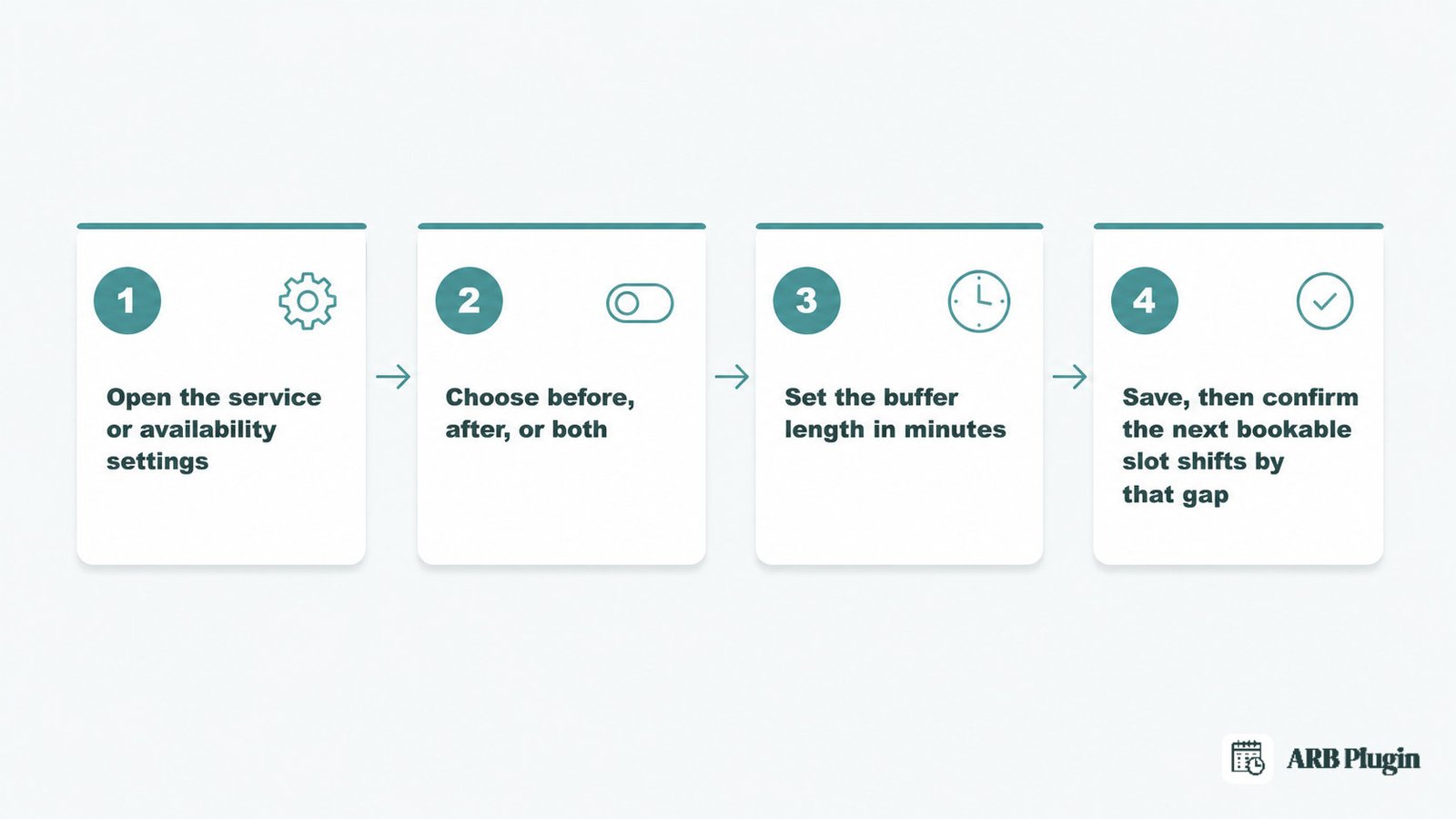
- Open the service or availability settings for the offering that needs a gap
- Choose whether the buffer applies before the booking, after it, or both
- Set the buffer length in minutes
- Save the setting, then confirm the next bookable time slot shifts by that gap
More buffer time means fewer bookable slots per day, so the length should match the actual task, not a guess. Setting the gap correctly shifts the next available time slot forward. It is usually configured once inside your appointment scheduling software, not per booking. For the exact steps and screenshots, see how to set buffer time between appointments.
Buffer Time vs. Advance Booking Notice (Lead Time)
Advance booking notice, also called lead time, is how far ahead a customer must book before an appointment can even go on the calendar. Buffer time is the gap scheduled around an existing appointment for prep or cleanup, a different setting entirely.
| Setting | Controls | Example |
|---|---|---|
| Buffer time | The gap around an existing booking | A 15-minute gap after a haircut, for cleanup |
| Advance booking notice (lead time) | How far ahead a booking can be made at all | A 2-hour minimum notice before a slot opens |
The two settings solve different problems, but they work together. Lead time decides when a slot becomes bookable; buffer time decides what happens once it is booked.
How ARB Sets Buffer Time Between Reservations in WooCommerce
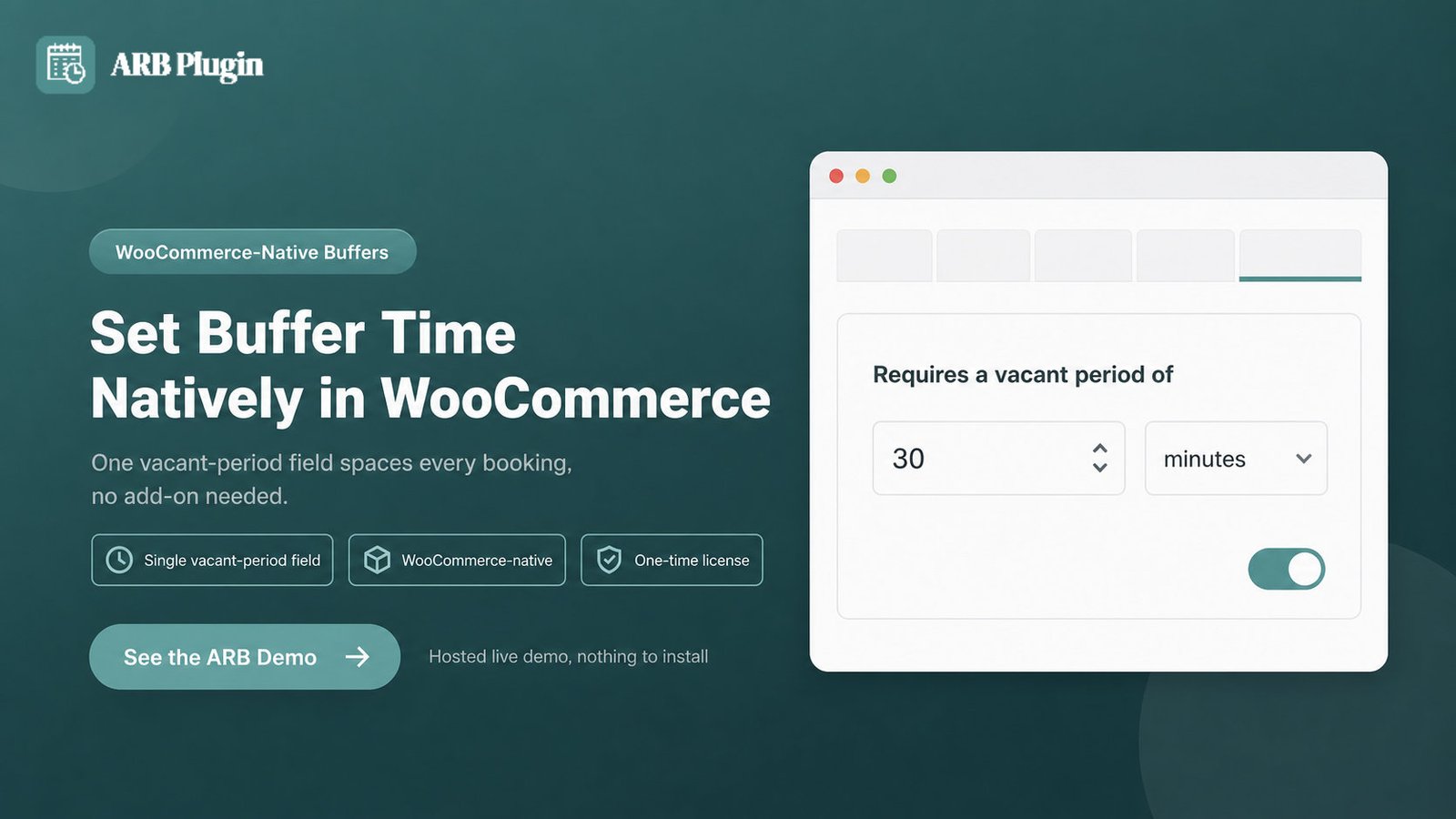
ARB adds buffer time through the Availability tab's "Requires a vacant period of" setting on any Reservable Product. Setting a value there shifts the next bookable slot forward by that many minutes.
Buffer time is native to ARB's Availability settings on a WooCommerce Reservable Product: no separate add-on or calendar tool is required. Any store owner running WooCommerce with ARB installed can set it directly on the product they are configuring.
Two Availability-tab fields do the work. "Requires a vacant period of" sets the buffer, in minutes, applied after each reservation on that product. "Max Reservations per Slot" is a separate setting: it caps how many bookings one slot can hold, guarding against double-booking rather than spacing bookings apart.
ARB's vacant period is a single value that opens time only after a reservation. It does not offer separate before-and-after buffer fields the way some competing scheduling tools do.
A salon might set a 15-minute vacant period for station cleanup between clients, while a clinic sets 10 minutes for notes between patients. Both configure the same field on their own Reservable Product, just with a different value. See ARB's other booking availability rules alongside the vacant period for the full set of ranges and rules.
Open the live ARB demo to watch the gap appear on a real time-slot grid.
FAQs
What is buffer time between appointments?
Buffer time is a scheduled gap before or after an appointment for travel, setup, cleanup, or a short break. It stops back-to-back bookings and keeps one session's overrun from delaying the next.
What does a 30-minute buffer mean?
A 30-minute buffer holds a 30-minute gap before or after an appointment, so the next booking cannot start until that time has passed. It is common after longer or higher-complexity sessions.
What is buffer time between meetings?
Buffer time between meetings is the same gap applied to calls instead of appointments. It gives attendees time to take notes, reset, or avoid one meeting running into the next.
Is buffer time the same as padding or margin time?
Yes. Padding and margin time are common synonyms for buffer time, the same scheduled gap around a booking used across different scheduling tools and industries.
What is buffer time in project management?
In project management, buffer time is slack added to a schedule or task to absorb delays. It is a related but different sense from the appointment gap this page covers.
Does buffer time reduce how many appointments you can book per day?
Yes. Every buffer consumes calendar capacity that would otherwise hold a booking, trading fewer appointments per day for a calmer, more reliable schedule.