Appointment scheduling software is a tool that lets customers self-book, reschedule, and pay for appointments online. It automates availability, reminders, and calendar sync for the business. Service businesses that book time, staff, or resources rely on it daily.
This guide covers its core features, deployment types, who needs it, its benefits, and how to choose one.
What appointment scheduling software does (core features)
Appointment scheduling software centers on five core capabilities.
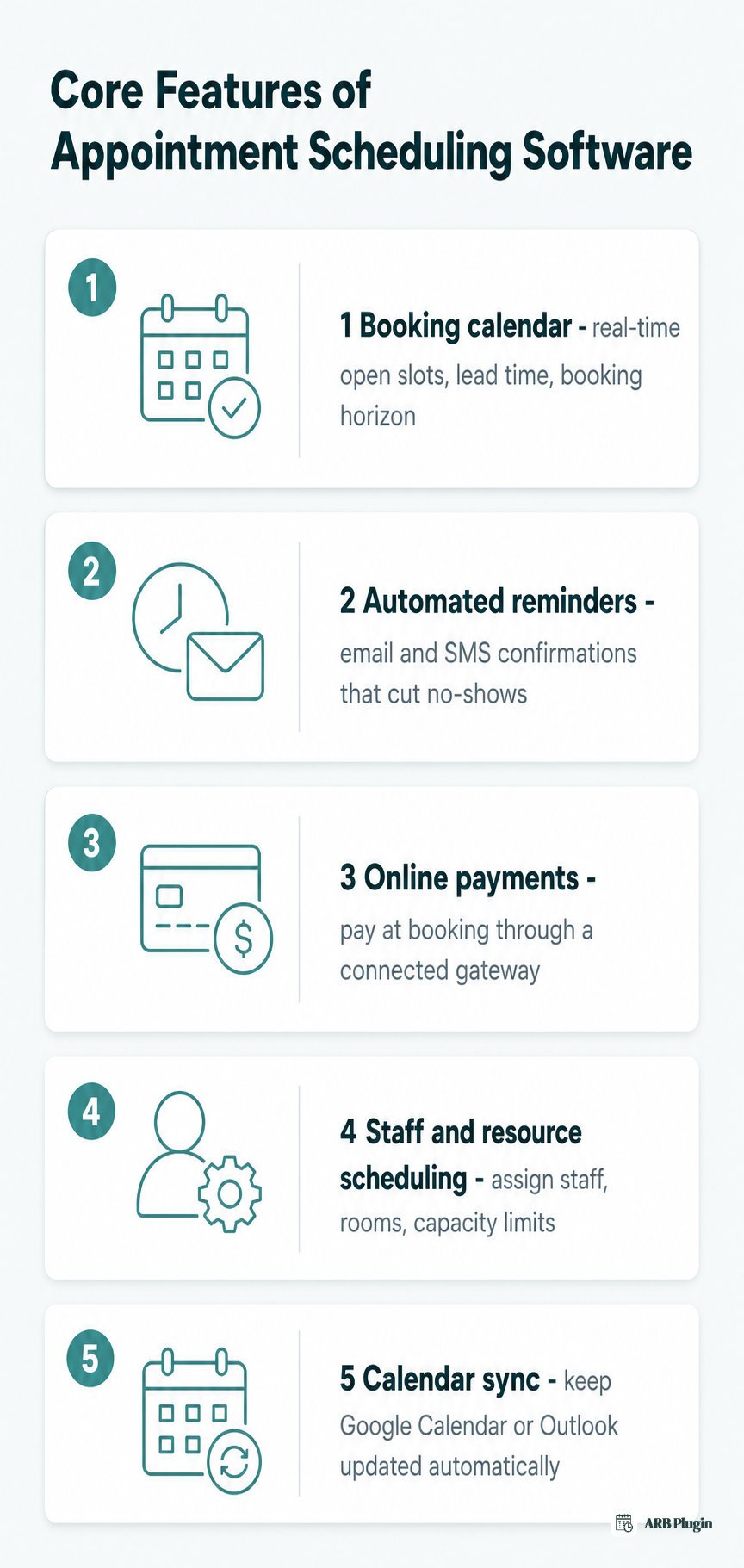
- Booking calendar and availability management
- Automated reminders and notifications
- Online payments and deposits
- Staff, resource, and capacity scheduling
- Calendar sync and integrations
Booking calendar and availability management
A booking calendar displays real-time open slots pulled from staff or resource availability. A minimum lead time stops customers from booking a slot minutes before it starts, and a booking horizon caps how far ahead they can see. Blackout or vacant periods block out windows that are not bookable. Many tools also generate a scheduling link, a shareable URL that opens the calendar directly.
Automated reminders and notifications
Automated reminders confirm a booking immediately, then follow up by email or SMS as the appointment date gets closer. Appointment reminders cut the number of no-shows, one of the largest sources of lost revenue for appointment-based businesses. Most tools let a business customize the reminder's timing and wording.
Online payments and deposits
Online payments let customers pay at the time of booking through a connected payment gateway. Some tools collect the full amount upfront. Others collect a deposit and the remaining balance later, or run a quote-first workflow where the business sets the final price after reviewing the request. Deposit support is inconsistent across tools: some collect a deposit at booking, others do not offer it at all.
Staff, resource, and capacity scheduling
Staff, resource, and capacity scheduling assigns specific staff members, rooms, or equipment to each booking. Staff scheduling sets who or what is available and when. Capacity limits cap how many people can book the same slot, which prevents double-booking and supports group booking for classes or events. Some tools also support round-robin scheduling, which distributes new bookings evenly across available staff.
Calendar sync and integrations
Calendar sync keeps an external calendar, such as Google Calendar or Outlook, updated the moment a booking is made or changed. Many tools export an iCalendar (.ics) file that a business or a customer can import manually. Deeper integrations connect a CRM or a video-meeting tool, so a confirmed booking can also generate a meeting link automatically.
Types of appointment scheduling software
Appointment scheduling software splits into four deployment types. Each type differs in where it lives and how it is priced.
| Type | Where it lives | Typical pricing | Best fit |
|---|---|---|---|
| Hosted SaaS scheduler | A separate, vendor-hosted booking page | Monthly or annual subscription | Fastest to launch; no existing site required |
| WordPress/WooCommerce plugin | Inside the WordPress or WooCommerce site a business already runs | Often a one-time license | Stores that want bookings inside their existing cart and checkout |
| POS-integrated system | Bundled into salon, clinic, or restaurant point-of-sale software | Part of the POS subscription | Businesses that already run daily operations on that POS |
| Enterprise scheduling platform | A dedicated, API-driven platform spanning many locations | Custom or per-location pricing | Multi-location chains needing centralized control |
The deployment type also decides whether scheduling lives inside the tools a business already runs or as a standalone add-on. A WordPress/WooCommerce plugin runs natively inside the store's own cart, checkout, and order records. A hosted SaaS scheduler instead sends bookings to a separate system. The business must then reconcile that system with its own records, manually or through an integration.
This page defines the software category itself. The step-by-step mechanics of online appointment scheduling, how a booking actually gets made and confirmed, are covered separately. For the WordPress/WooCommerce path specifically, see appointment booking software.
Who needs appointment scheduling software?
Any business that books time, staff, or resources for a customer needs appointment scheduling software.
- Salons and spas: book stylists, treatment rooms, and per-service time slots.
- Clinics and practitioners: book patient appointments and stop overlapping slots per provider.
- Tutors, coaches, and consultants: book one-on-one or group sessions by time and duration.
- Hotels and vacation rentals: book date-based stays with occupancy and per-night pricing.
- Courses and classes: book seats in a fixed-capacity session with a start and end date.
- Tours and activities: book fixed-date experiences with a per-person price.
- Restaurants: book tables or seats for a specific date and time.
- Events and quote-first services: book fixed-date tickets or request a custom quote before paying.
Benefits of appointment scheduling software
Appointment scheduling software pays off in measurable, day-to-day outcomes.
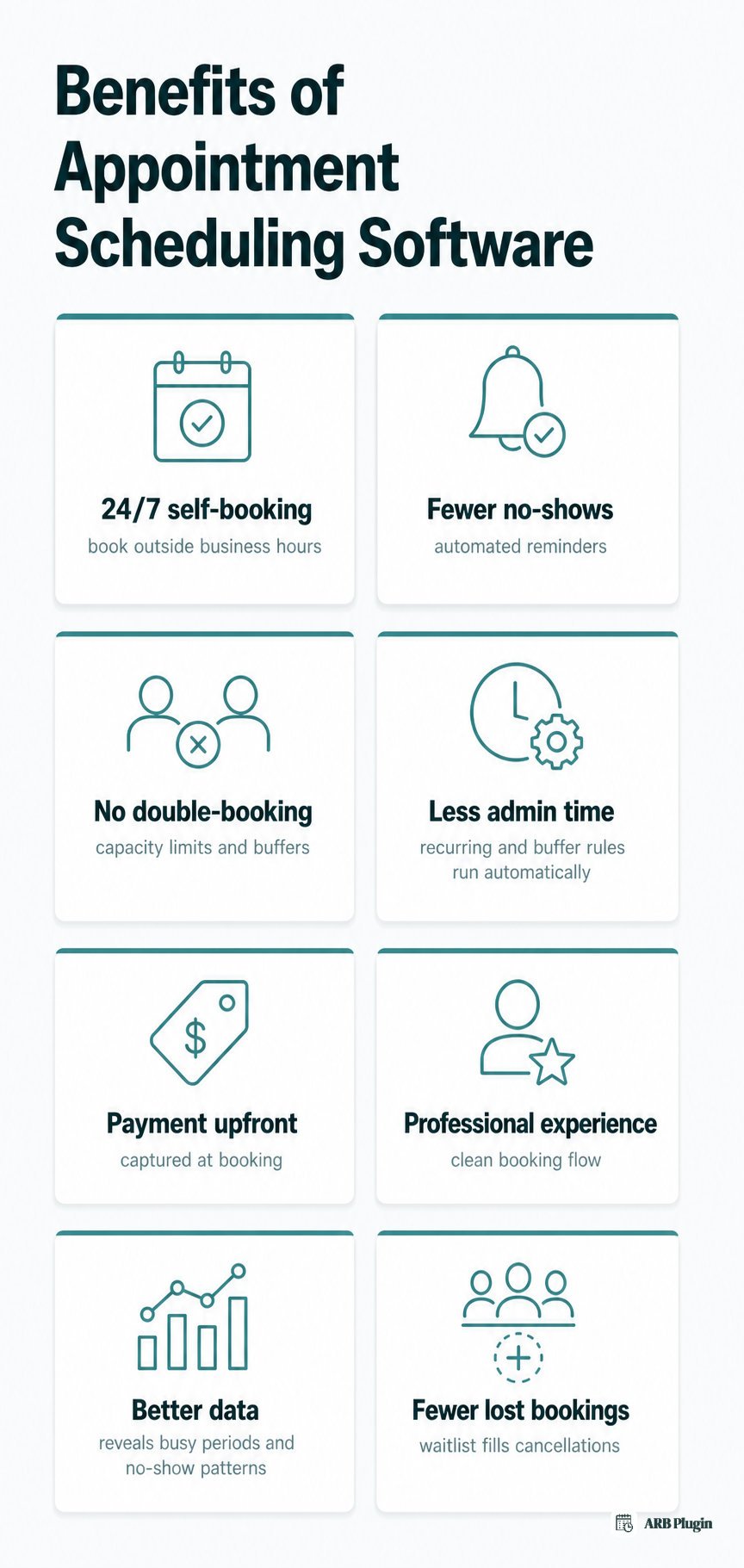
- 24/7 self-booking: customers book outside business hours without a phone call or an email.
- Fewer no-shows: automated reminders cut the number of missed appointments.
- No double-booking: capacity limits and buffer periods stop overlapping reservations.
- Less admin time: recurring appointments and buffer time rules run automatically instead of by hand.
- Payment captured upfront: online payment at booking reduces chasing invoices later.
- A more professional customer experience: a clean booking flow reflects well on the business.
- Better data and reporting: booking history reveals busy periods and no-show patterns.
- Fewer lost bookings: an appointment waitlist fills a cancellation automatically instead of leaving the slot empty.
How to choose appointment scheduling software
Choosing the right appointment scheduling software comes down to seven buyer criteria.
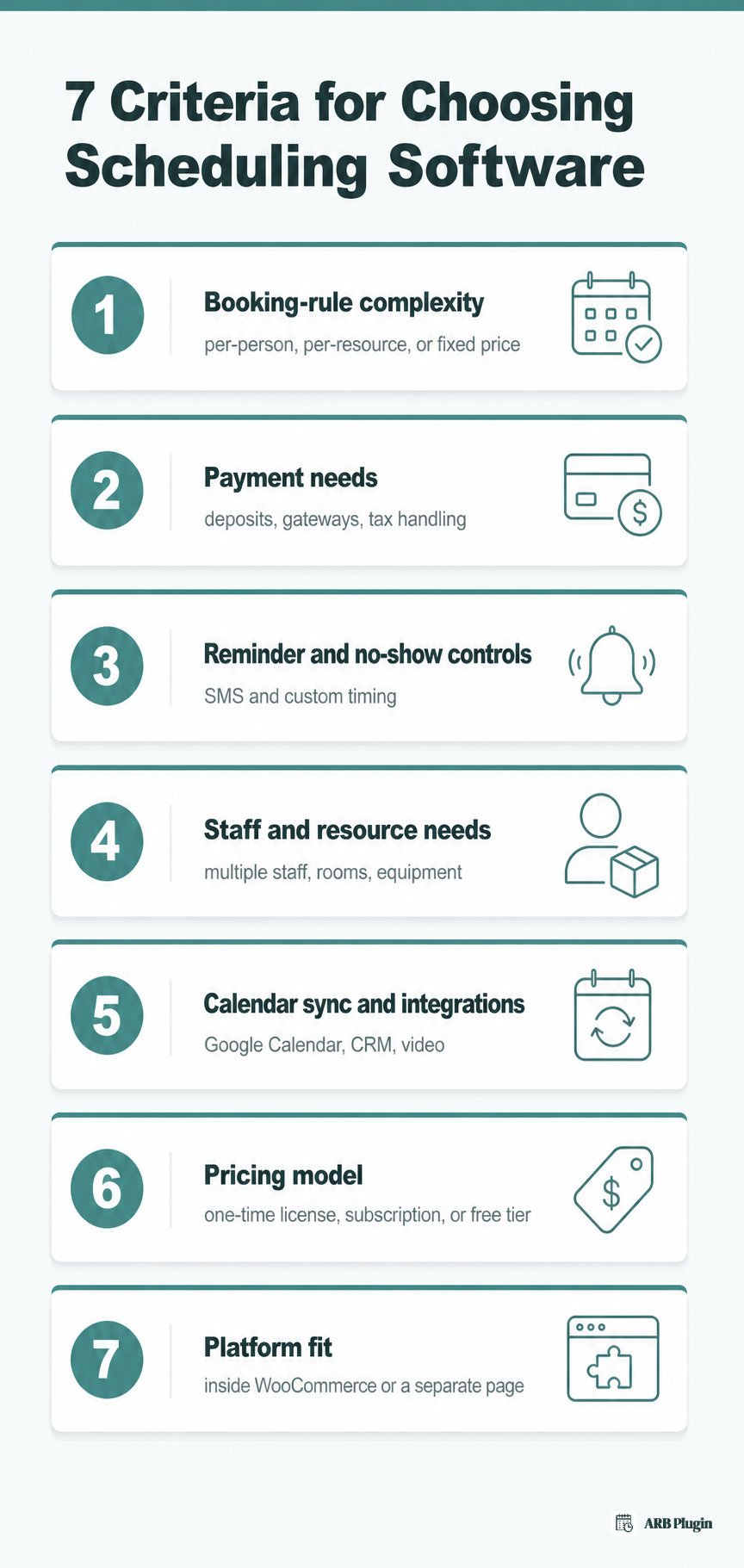
- Booking-rule complexity: whether the business needs per-person, per-resource, or duration-based pricing, or just a single fixed-price slot.
- Payment needs: whether the business needs deposits, multiple payment gateways, and tax handling, or a single charge at booking.
- Reminder and no-show controls: whether the business needs SMS reminders in addition to email, and customizable reminder timing.
- Staff and resource needs: whether the business needs to schedule multiple staff members, rooms, or equipment with separate availability.
- Calendar sync and integrations: whether the business needs to sync bookings to Google Calendar, a CRM, or a video-meeting tool.
- Pricing model: whether a one-time plugin license, a monthly subscription, or a free tier fits the budget best.
- Platform fit: whether scheduling should live inside the WooCommerce store the business already runs, or on a separate hosted page.
Platform fit is usually the deciding factor for a business already running WordPress and WooCommerce. A plugin can add appointment booking to WooCommerce directly, keeping bookings inside the cart and checkout already in place.
Pricing spans three shapes. Free tiers carry strict limits. Subscriptions run roughly $10 to $50 a month, and one-time WordPress plugin licenses run roughly $50 to a few hundred dollars. A one-time license costs more upfront than a single month of a subscription, but nothing recurring after that.
How ARB handles appointment scheduling on WooCommerce
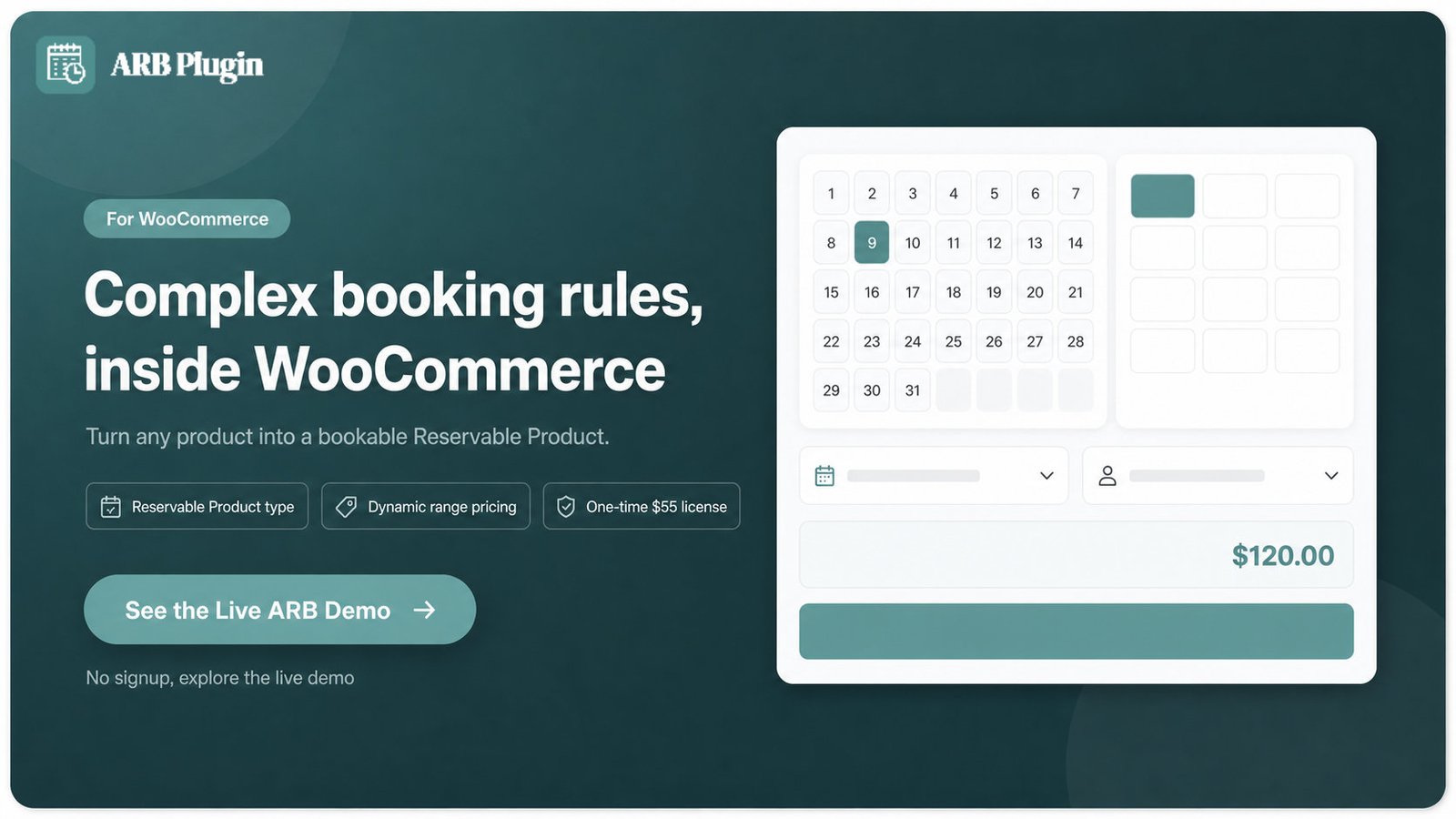
ARB turns any WooCommerce product into a bookable Reservable Product. Bookings, pricing, and payments then run inside the WooCommerce store a business already owns, instead of a separate system.
ARB is the WordPress/WooCommerce-plugin type of appointment scheduling software described above: a self-hosted, one-time-licensed plugin, not a subscription, priced at $55 on CodeCanyon. It fits businesses whose booking rules are genuinely complex, like per-person or per-resource pricing, rather than a single fixed price per slot.
The Reservable Product configures across five tabs covering general settings, availability, costs, persons, and resources. Its range-based dynamic pricing adjusts cost by person type, resource, date, time, or day of the week, calculated in real time as the customer books.
Because ARB is a WooCommerce extension, it inherits the store's existing payment gateways, tax rules, and coupons rather than requiring a separate checkout. See the booking flow directly on the live ARB demo.
FAQs
What is appointment scheduling software?
Appointment scheduling software is a tool that lets customers book, reschedule, and pay for appointments online while it automates availability, reminders, and calendar sync. It replaces phone calls, emails, and manual calendars with a self-service booking flow.
What is the best appointment scheduling software?
The best appointment scheduling software depends on the platform and booking rules a business already has. A WordPress or WooCommerce store gets the most value from a native plugin rather than a hosted, standalone scheduler. See compare WooCommerce booking plugins for specific options.
What is the most commonly used appointment scheduling system?
No single system dominates the category. Hosted SaaS schedulers see the broadest general use across service businesses. WordPress and WooCommerce stores more commonly rely on a booking plugin installed directly on the site.
Is Google appointment scheduling free?
Google's built-in appointment scheduling, run through Google Calendar's booking pages, is free with any Google account. Collecting payments or using advanced business features generally requires a paid Google Workspace plan.
Which software is used for scheduling?
Businesses use one of three tool types for scheduling. A hosted SaaS scheduler runs a standalone booking page. A WordPress or WooCommerce plugin adds bookings inside an existing site. A POS-integrated system bundles scheduling into salon, clinic, or restaurant software already in use.
Is there free appointment scheduling software?
Yes. Several hosted SaaS schedulers offer a free tier, typically capped on the number of staff, services, or monthly bookings. A one-time-licensed WordPress plugin is a common alternative to a subscription, trading a single upfront cost for no recurring fee.
How much does appointment scheduling software cost?
Appointment scheduling software costs $0 for a limited free tier, roughly $10 to $50 a month for a hosted subscription. A WordPress plugin license runs about $50 to a few hundred dollars once. A one-time license costs more upfront but nothing recurring after that.
Can I add appointment scheduling to my own website?
Yes. A WordPress or WooCommerce site can add scheduling directly through a booking plugin. Reservations then stay inside the site instead of on a separate hosted page, the same WordPress/WooCommerce path covered above.