Advance booking notice is the minimum lead time a customer must give before an appointment or reservation begins. A common example requires bookings at least 24 hours ahead. It gives a business time to prepare and blocks last-minute bookings it cannot fulfill.
Why Businesses Set an Advance Booking Notice
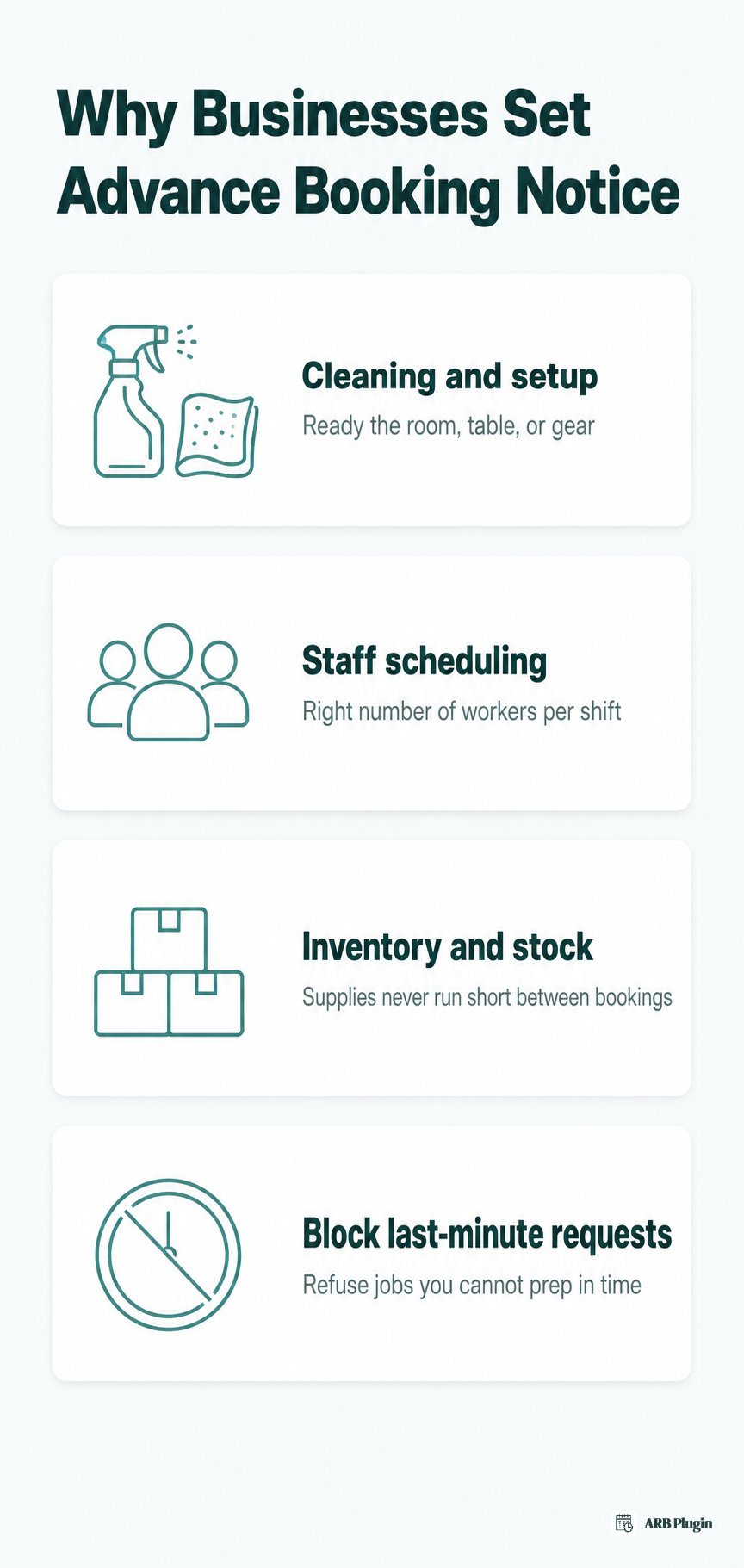
Businesses set an advance booking notice to protect the runway they need between a booking and the appointment itself. That runway covers cleaning, staffing, and stock, and it blocks a same-day request the business has no real way to prepare for.
- Cleaning and setup time for a room, table, or piece of equipment before the next customer arrives.
- Staff scheduling for the right number of workers on a given day or shift.
- Inventory and stock control so supplies do not run short between one booking and the next.
- Protection against unfulfillable last-minute requests, the bookings a business simply cannot staff or stock in time.
Some systems calculate the notice as a cutoff counted backward from the appointment's start time, rather than forward from the moment of booking. Either approach also helps prevent double booking, since staff get a confirmed window to check a slot before it locks in. Event vendors who do accept last-minute requests often charge a rush fee to cover the compressed prep time. This runway is distinct from buffer time, the gap after a booking ends, covered next.
Advance Booking Notice vs Booking Window vs Buffer Time
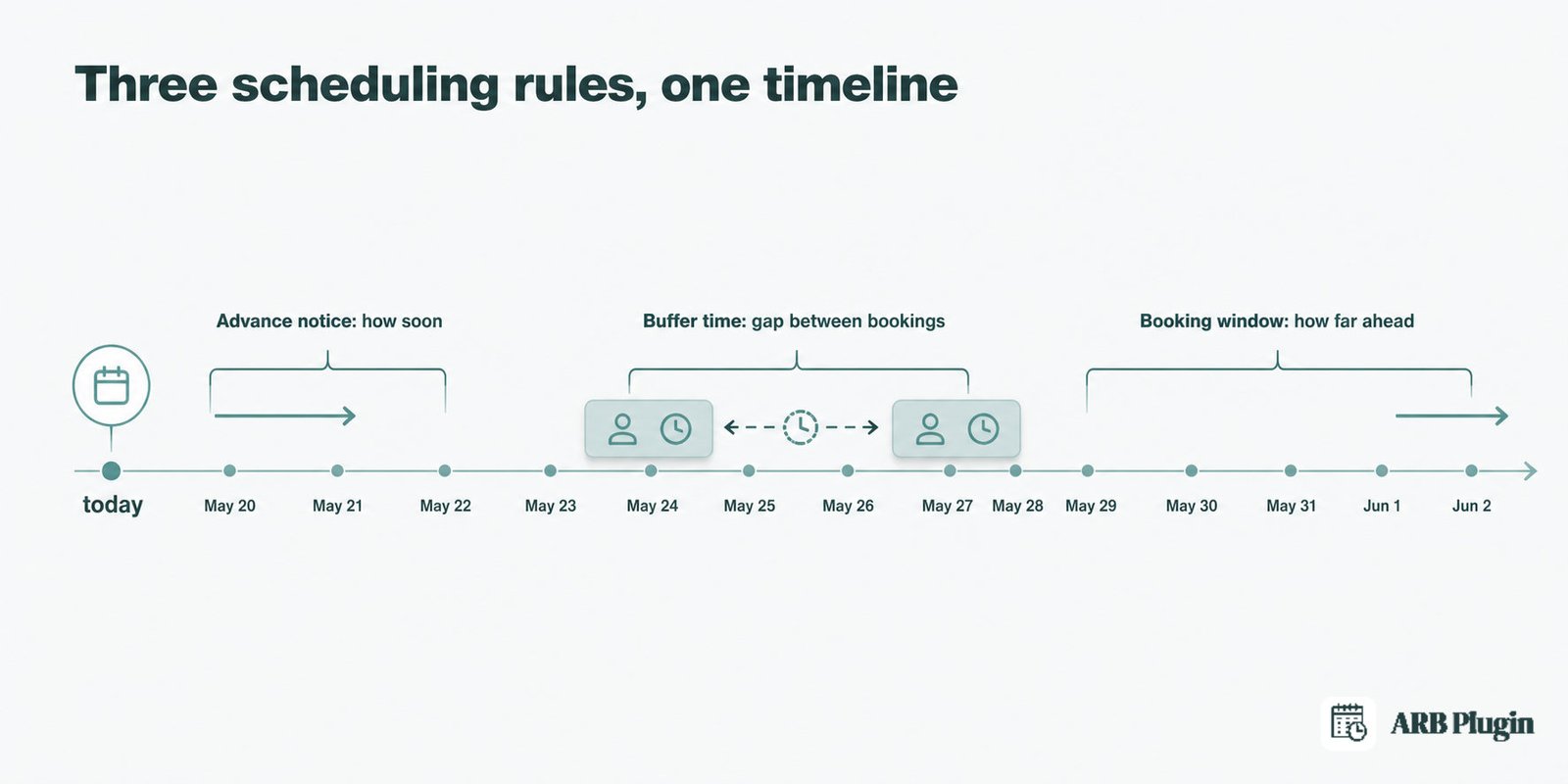
Advance booking notice, booking window, and buffer time are three separate scheduling rules that get confused constantly. Each one controls a different edge of the calendar.
| Concept | What it controls | Example | Direction |
|---|---|---|---|
| Advance booking notice | The minimum lead time before a booking | Book at least 24 hours ahead | How soon a booking can be made |
| Booking window (horizon) | How far in advance bookings open | Bookings open up to 60 days out | How far ahead a booking can be made |
| Buffer time (vacant period) | The gap between two bookings | A 20-minute break after each appointment | Spacing between bookings |
Advance notice sets the earliest moment a customer can book; the booking window sets the latest reservable date on the other end of the calendar. Between two confirmed bookings sits buffer time, the gap that stops a business from double-booking itself through its own schedule. All three rules gate the same underlying unit, the time slot a customer actually selects.
Typical Advance Booking Notice Periods by Industry
Typical advance notice ranges from same-day to two weeks. The right period depends on how much prep a booking genuinely requires. That holds whether a business runs a reservation system for stays or a scheduler for appointments.
| Industry | Typical advance notice | Why |
|---|---|---|
| Salons and spas | 2 to 24 hours | Quick services need little setup time |
| Clinics and doctors | 24 to 48 hours | Charts, referrals, and equipment need prep |
| Tours and activities | 24 to 72 hours | Guides and group sizes need confirming |
| Equipment and vehicle rental | 24 hours to a few days | Cleaning and inspection between renters |
| Events and catering | 1 to 2 weeks | Staffing, ordering, and setup take longer |
| Hotels and short stays | Same day to 1 day | Rooms turn over fast between guests |
Clinics that book in short, 15-minute slots often pair that length with 30 to 60 minutes of notice. That window is tight enough to fill a day without letting a patient claim the next chair while it is still being cleaned. Setting the minimum notice to zero allows instant, same-day booking right up to the appointment's start. That is the opposite end of the range from a two-week catering lead time.
How to Set an Advance Booking Notice in a Booking System
Setting a minimum advance notice takes five steps in nearly any booking system.
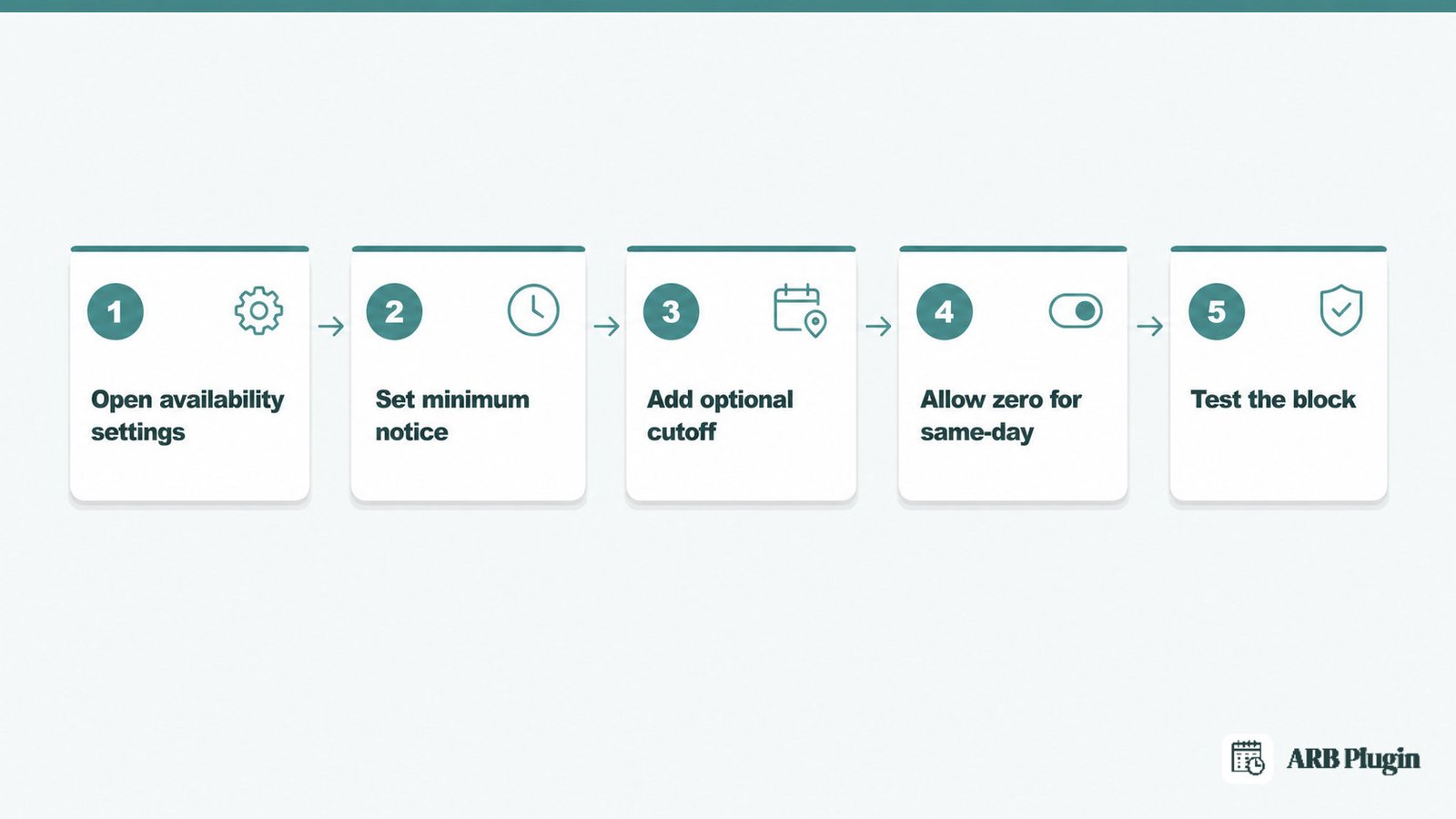
- Open the service or product's availability settings.
- Set a minimum notice, or lead time, in hours, days, or weeks.
- Set an optional cutoff relative to the appointment's start time instead of the moment of booking.
- Decide whether same-day or instant booking is allowed, and set the value to zero to allow it.
- Test the setting by attempting a booking inside the window to confirm the system blocks it.
This is a setting most any online booking system exposes, though the field names differ by platform. A quick consultation and a full-day rental rarely need the same notice window, so revisit the value per service rather than setting one number store-wide.
Is It "Advance Notice" or "Advanced Notice"?
Advance notice is the correct, standard phrase. Advance functions as an adjective meaning prior or beforehand, seen in the phrase 24 hours' advance notice. Advanced notice is a common error: advanced means far along or complex, like an advanced class, not prior or beforehand. Grammar references, including Thesaurus.com's usage guide, converge on the same point. Advance notice is far more common and is the standard form to use in writing.
How ARB Sets Advance Booking Notice in WooCommerce
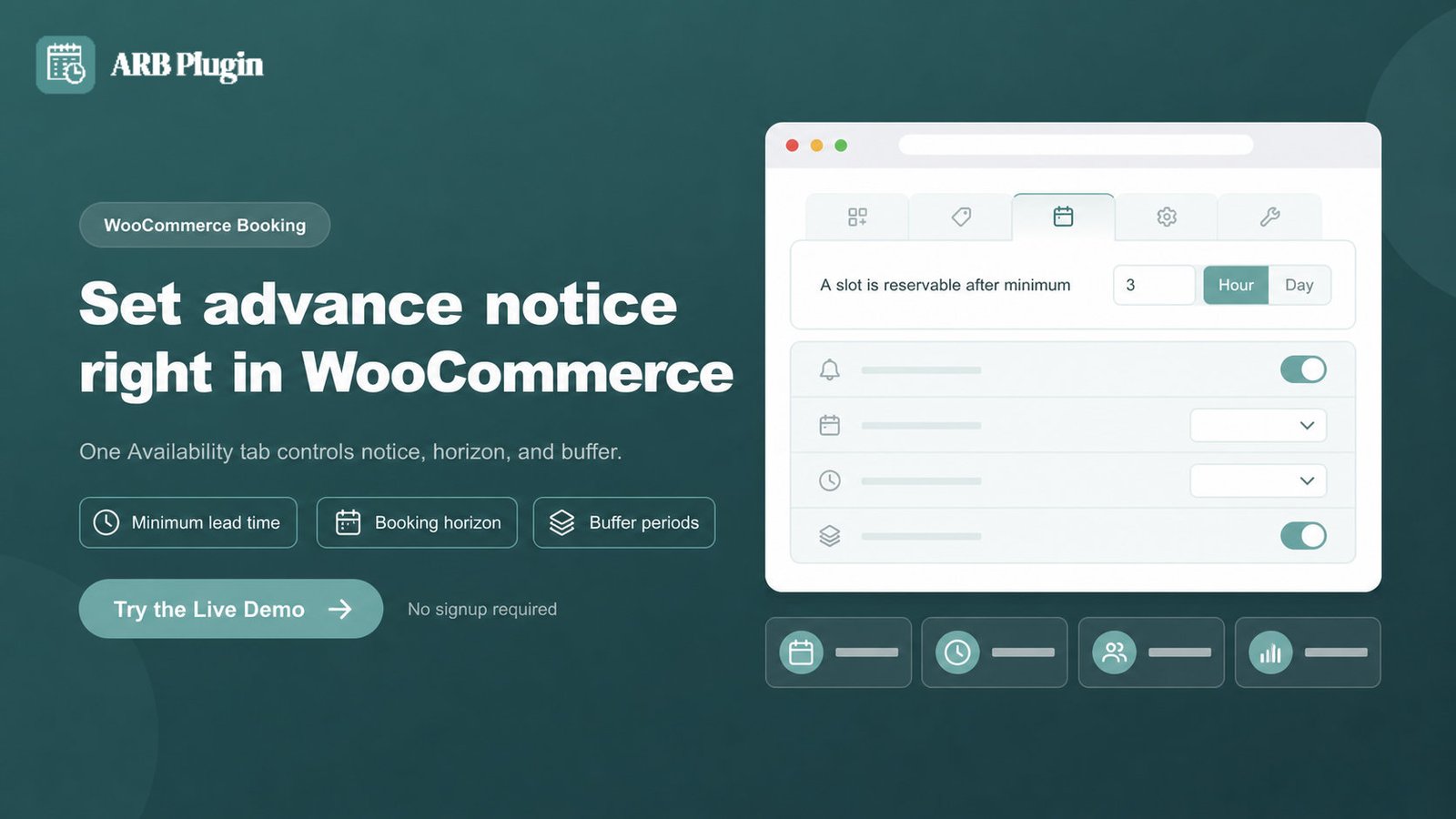
ARB lets a WooCommerce store owner set a minimum advance notice directly on a Reservable Product's Availability tab. A slot then stops accepting new bookings inside that chosen lead time, no separate booking platform required.
ARB is WooCommerce-native, so every reservation, payment, and notice rule runs inside the store's own checkout. On a Reservable Product's booking availability settings, the field labeled "A slot is reservable after minimum" sets that lead time in hours, days, or weeks. Setting it to zero keeps the slot bookable right up until it starts.
The counterpart field, "A slot is reservable till," sets the booking horizon, how far ahead a customer can see and choose a date. A separate field, "Requires a vacant period of," sets the buffer between two bookings. All three configure from the same Availability tab on any bookable product in WooCommerce, at a one-time price of around $55.
Open the live ARB demo to test a minimum notice setting before adding it to a live store.
FAQs
What is advance booking notice?
Advance booking notice is the minimum lead time a customer must give before a booking, such as 24 hours ahead of the appointment. It protects the prep time a business needs and blocks bookings that arrive too close to the start.
What is a booking notice?
A booking notice is the period between when a booking is made and when the appointment or reservation happens. Advance booking notice sets the minimum length that period must be before a booking is allowed.
What is advance booking?
Advance booking simply means reserving a slot ahead of time, in general. It differs from advance booking notice, which is the specific minimum lead time a system requires before it accepts that booking.
What is a good advance notice period for appointments?
A good advance notice period for most appointments runs 24 to 48 hours, though it depends on prep needs. A quick service can use as little as 2 hours, while a high-touch appointment often needs the full 48.
Can customers book with zero advance notice?
Yes, if the minimum notice is set to zero, customers can book instantly, right up to the appointment's start time. Any value above zero blocks a booking that falls inside that window.
Does advance booking notice stop same-day bookings?
Yes, whenever the notice period is longer than the time left in the day. A 24-hour minimum notice, for example, stops any booking someone tries to make for later that same day.