A bookable product in WooCommerce is a product customers reserve by date, time, or slot instead of buying off the shelf. WooCommerce core has no native bookable product type, so a booking extension adds one for appointments, rentals, and reservations.
This guide compares a bookable product to a regular product, lists plugin options and prices, and shows how to build one.
How a Bookable Product Differs From a Regular WooCommerce Product
A bookable product and a regular WooCommerce product diverge on four points.
| Attribute | Regular WooCommerce product | Bookable product |
|---|---|---|
| Definition | A physical or digital item sold at a fixed price | A time-based reservation, rental, or appointment |
| Purchasing flow | Customer selects a quantity, adds to cart, and checks out directly | Customer picks a date, time, or slot on a calendar before checkout |
| Inventory control | Stock count drops by the exact quantity purchased | Time slots and resource capacity replace a stock count |
| Setup requirement | Built natively into WooCommerce core | Requires an added booking extension |
WooCommerce's core product types, simple, variable, grouped, virtual, and downloadable, all sell a fixed item at checkout. A bookable product replaces that quantity field with a booking form: a calendar, a time slot picker, and an availability rule set. The store manages capacity per slot instead of stock per warehouse.
This structure is what turns a WooCommerce store into an online booking system, not just a shop with a calendar attached. The booking form, not the cart quantity field, is what makes the product bookable.
Why WooCommerce Needs a Booking Extension to Create Bookable Products
WooCommerce core ships five product types, and none of them include a calendar, an availability rule, or a time slot. A booking extension registers a new product type that adds calendar logic, availability rules, and slot-based scheduling to the product page.
The five core WooCommerce product types are:
- Simple products
- Variable products
- Grouped products
- Virtual products
- Downloadable products
WooCommerce's own documentation confirms a booking extension adds appointment-based bookings, rentals, reservations, and time-based services to a store. That is the extension's job: WooCommerce core has no equivalent built in.
Extensions name this new type differently. WooCommerce Bookings calls its type a Bookable Product. Other plugins use names such as a reservation system or a booking engine for the same idea. Both describe a calendar-driven product with availability and pricing rules.
What Businesses Sell as Bookable Products
Seven types of businesses commonly sell bookable products in WooCommerce, each reserving time or capacity instead of shipping stock.
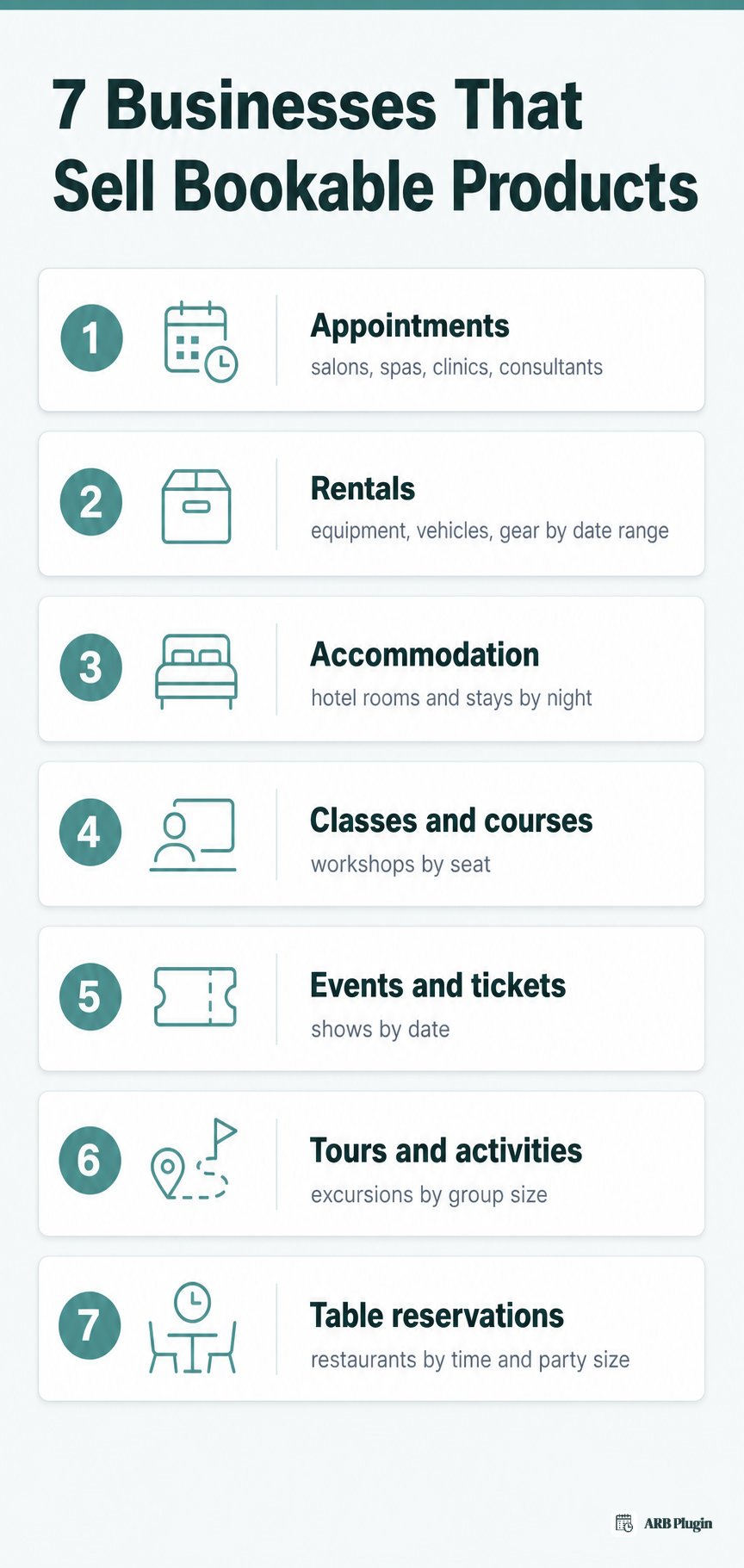
- Appointments: salons, spas, clinics, and consultants booking service slots by time.
- Rentals: equipment, vehicles, and gear reserved by date range.
- Accommodation: hotel rooms and vacation stays booked by night.
- Classes and courses: workshops and training sessions booked by session or seat.
- Events and tickets: concerts, shows, and ticketed dates booked by date and quantity.
- Tours and activities: guided tours, excursions, and experiences booked by date, time, and group size.
- Table reservations: restaurants holding a table for a specific time and party size.
Each of these examples relies on resources, the rooms, staff, or equipment a booking extension tracks per slot. Capacity limits on those resources are also what prevents double booking when two customers try to reserve the same slot.
Plugin Options for Adding a Bookable Product to WooCommerce
Four established plugins add a bookable product type to WooCommerce, each with a different license model and price.
| Plugin | Product-type name | License model | Price | WooCommerce-native |
|---|---|---|---|---|
| WooCommerce Bookings (official) | Bookable Product | Subscription | $249 per year | Yes |
| ARB (Fluent-Themes) | Reservable Product | One-time | $55 | Yes |
| YITH Booking and Appointment | Booking product | Subscription | $249.99 per year | Yes |
| PluginHive Booking and Appointment | Bookable product | Subscription | $149 per year | Yes |
For a full evaluation of these options, see the WooCommerce Bookings alternatives roundup or the best WooCommerce booking plugin comparison.
How to Create a Bookable Product in WooCommerce With ARB
In WooCommerce, you add a bookable product with a booking plugin such as WooCommerce Bookings or ARB. With ARB, you create a Reservable Product, configure five tabs, and customers book and pay through your normal WooCommerce checkout.
Step-by-Step: From Reservable Product to First Booking
Building a bookable product with ARB takes five steps from installation to a live booking.
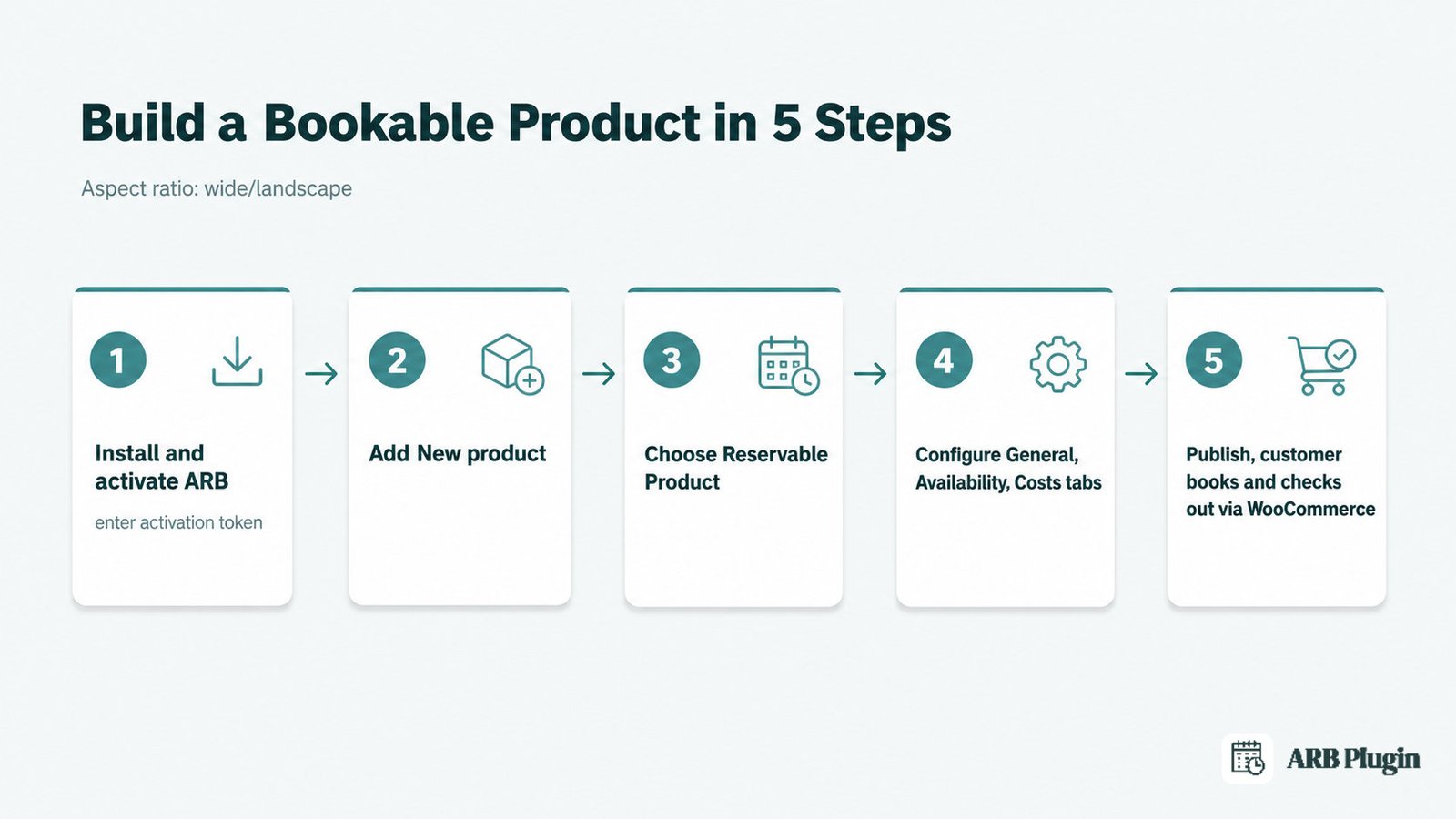
- Install and activate ARB, then enter its activation token in ARB Settings.
- Open Products, then Add New in the WordPress admin.
- Choose Reservable Product from the Product Data dropdown.
- Configure duration, availability, and pricing across the General, Availability, and Costs tabs.
- Publish the product; customers then pick a date, time, or resource and check out through WooCommerce.
For the equivalent steps with other plugins, see how to add a booking to WooCommerce.
What Each of ARB's Five Booking Tabs Controls
ARB's Product Data screen exposes five tabs once you select Reservable Product.
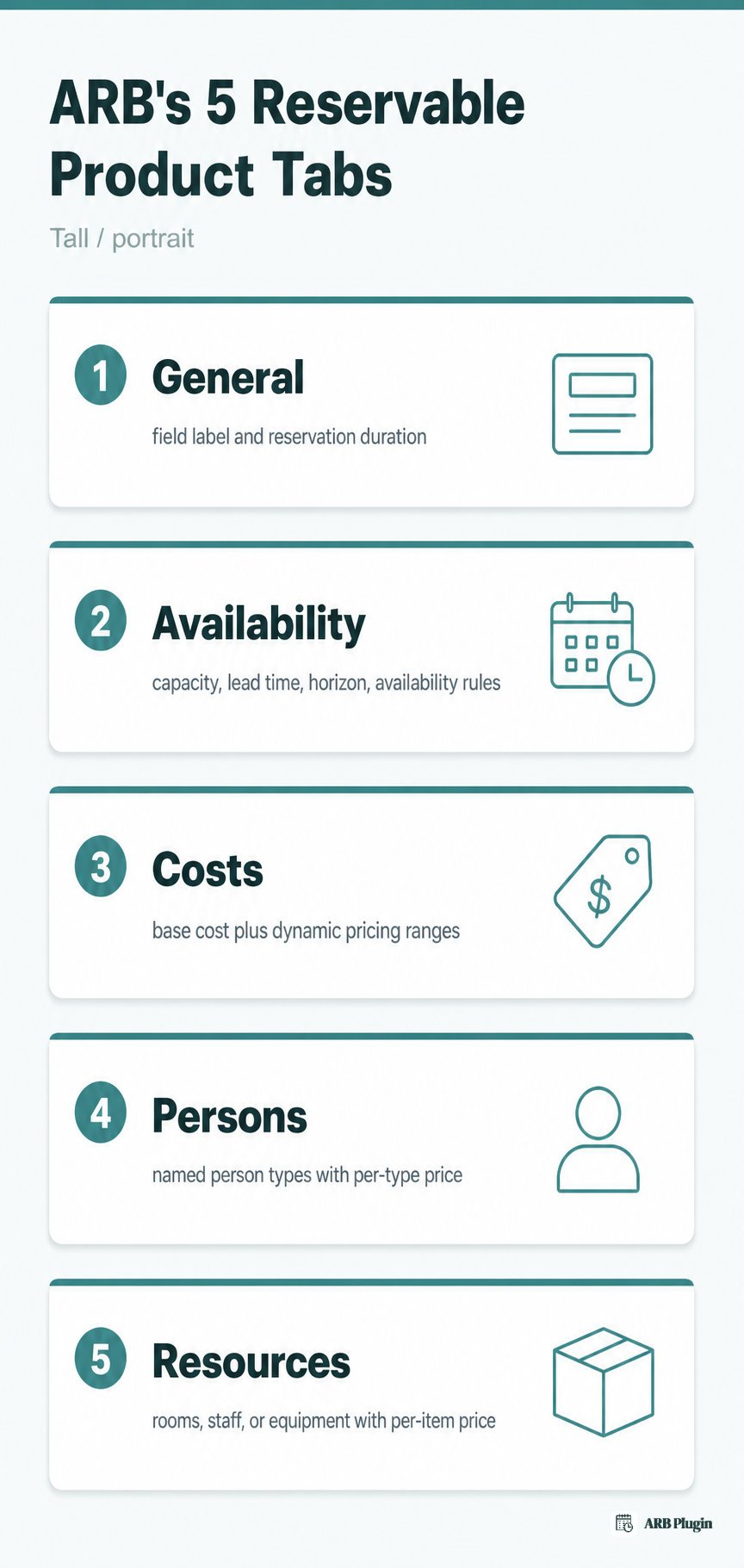
- General: the field label and reservation duration, from minutes to months.
- Availability: max reservations per slot, lead time, booking horizon, and availability rules such as vacant periods between bookings.
- Costs: base and display cost, plus dynamic pricing ranges by slot count, person count, date, time, or day of week.
- Persons: named person types, such as adult or child, each with its own price.
- Resources: bookable rooms, staff, or equipment, each with its own price and availability.
Every tab feeds the same real-time price shown on the product page, calculated as the customer picks options. Checkout then runs through WooCommerce's own cart and gateways. Try the ARB booking demo to see a Reservable Product configured end to end.
FAQs
What is a bookable product in WooCommerce?
A bookable product in WooCommerce is a product type customers reserve by date, time, or slot instead of buying at a fixed quantity. WooCommerce core has no native version, so a booking extension such as WooCommerce Bookings or ARB adds it.
Does WooCommerce have bookable products built in?
No. WooCommerce core ships five product types, simple, variable, grouped, virtual, and downloadable, and none of them handle a calendar or time slot. A booking extension registers the bookable product type.
How much does a bookable product plugin cost?
WooCommerce Bookings costs $249 a year. ARB is a one-time CodeCanyon license priced at $55. PluginHive costs about $149 a year, and YITH Booking and Appointment costs $249.99 a year.
Is there a free way to add bookable products to WooCommerce?
Not from the major, actively maintained options. WooCommerce Bookings and ARB are both paid, and free WordPress.org booking plugins tend to be limited or unmaintained. Budget for a paid extension for reliable bookings.
Can I turn an existing WooCommerce product into a bookable product?
Yes. Open the product in Product Data, and switch its product type to the booking plugin's bookable or reservable type. Then configure availability, duration, and pricing before republishing.
What is the difference between a bookable product and a reservable product?
The two terms describe the same concept under different plugin naming. WooCommerce Bookings calls its product type a Bookable Product, while ARB calls its equivalent a Reservable Product.
What types of businesses use bookable products?
Appointment businesses, rental operators, hotels and vacation stays, course and class providers, event and tour organizers, and restaurants taking table reservations all use bookable products. Each sells time or capacity rather than physical stock.
A bookable product is what turns a standard WooCommerce store into a booking engine, once a booking extension adds the type. WooCommerce Bookings, YITH, PluginHive, and ARB all add it at different prices and license models, and ARB's Reservable Product is the one-time-license option among them. Try the ARB booking demo above to configure a Reservable Product before you buy, or compare the full field in the plugin roundups linked above.