Feature Page
Your WooCommerce Bookings, Automatically on Google Calendar
See how ARB syncs WooCommerce bookings to Google Calendar: free .ics export plus a one-way paid add-on, compared honestly against two-way rivals.
See Every Booking Without Opening WordPress
Push every confirmed reservation straight to Google Calendar with ARB's one-way add-on, or export any booking free with built-in .ics.
See ARB's booking flow in the live demo before you buy.
ARB gets confirmed reservations onto the calendar your team already checks, two honest ways.
- Automatic one-way push: the paid Google Calendar add-on sends each confirmed booking to your calendar hands-free.
- Free .ics export: ARB core attaches an importable calendar file to any notification email, no add-on needed.
- One-time pricing: the $19 add-on and $55 plugin license are single payments, never yearly subscriptions.
- Zero OAuth setup: skip the Google Cloud project and Client ID that native two-way rivals demand.
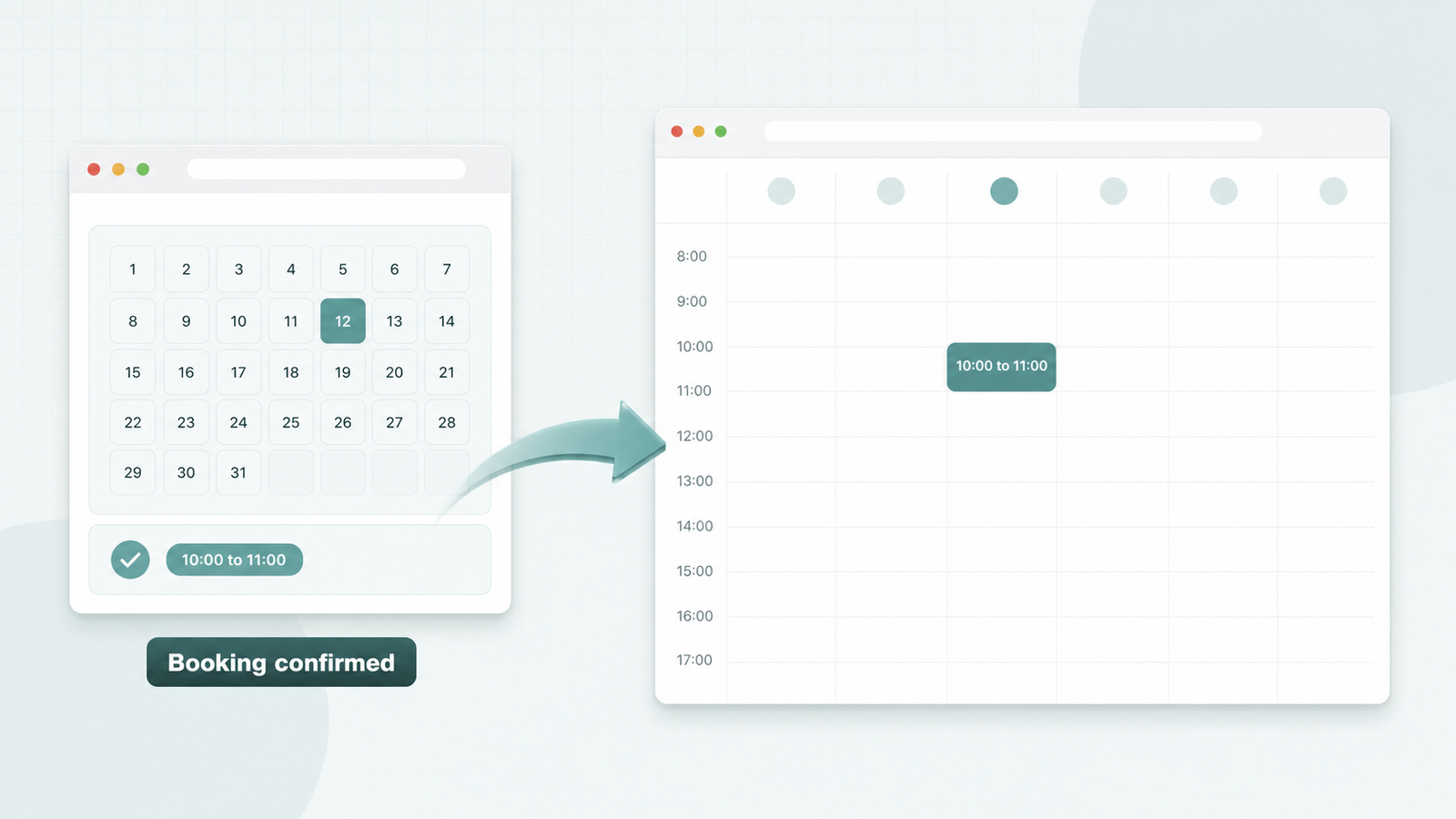
What ARB's Google Calendar Sync Actually Does
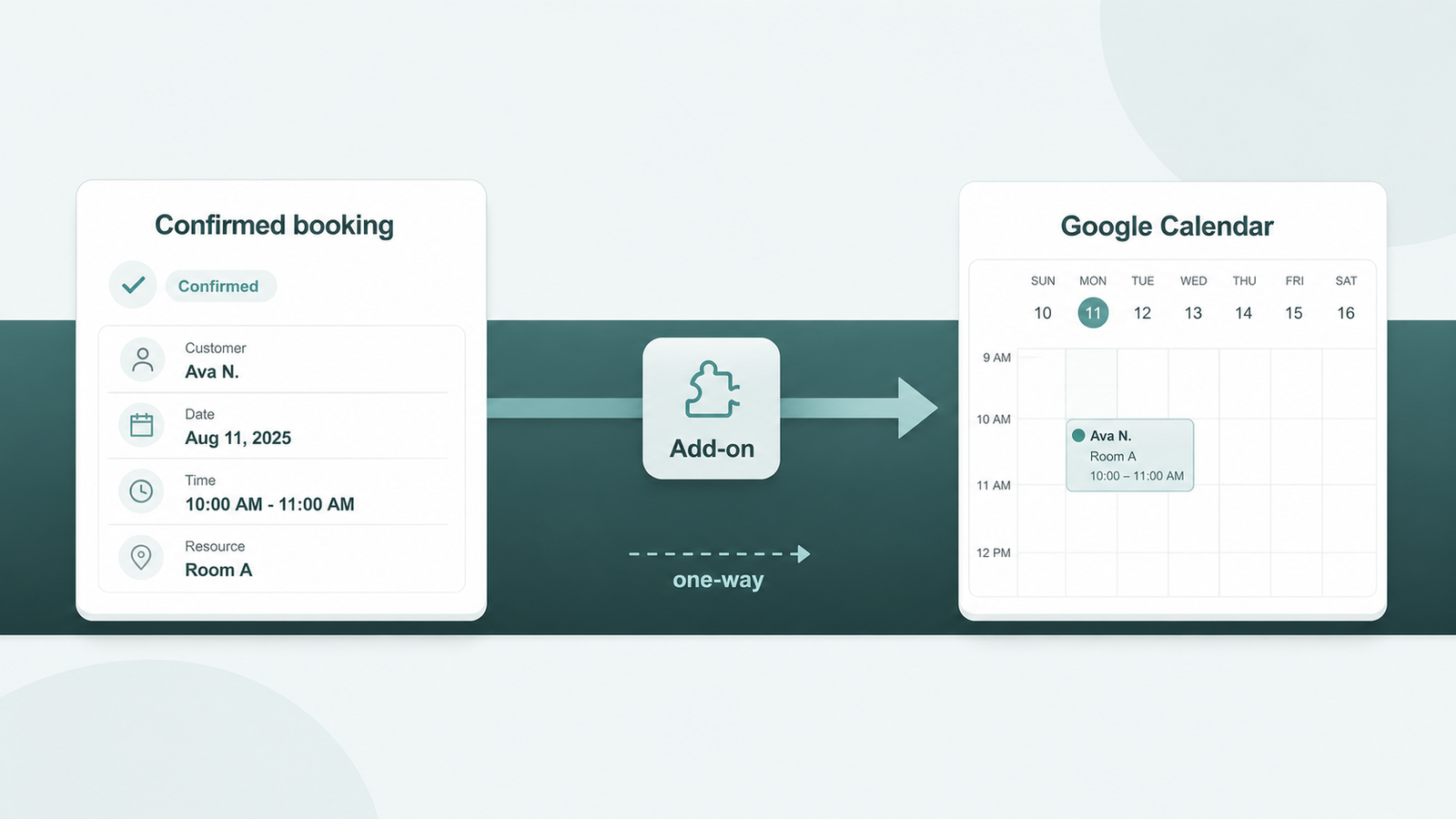
Automatic One-Way Sync
The ARB Google Calendar add-on pushes every confirmed WooCommerce booking to your Google Calendar automatically.
- Connect one Google account through the add-on setup screen.
- Sync new confirmed bookings without sending a manual email.
- Costs $19 one-time, sold separately from the base license.
Free .ics Export
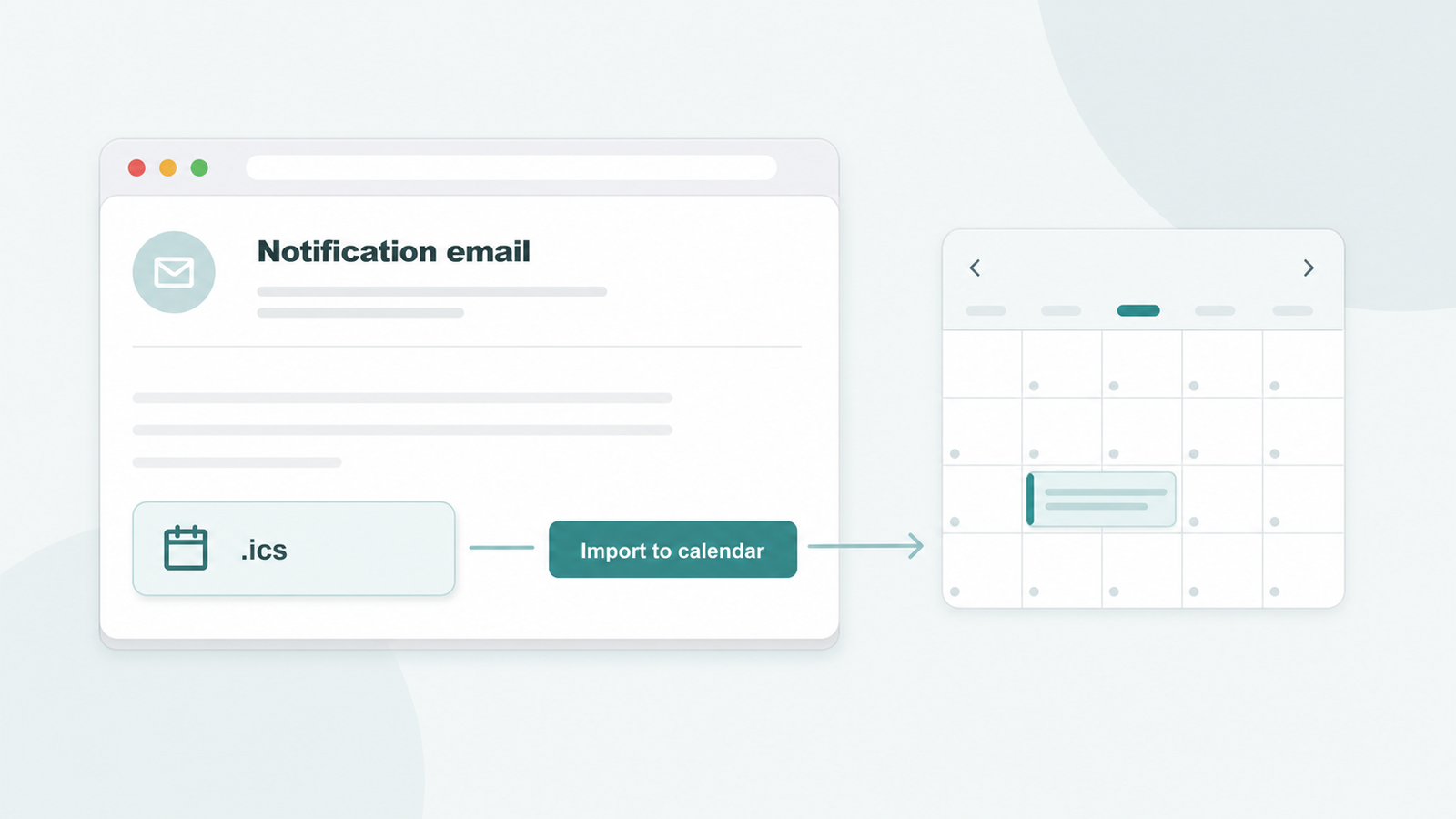
ARB core attaches an iCalendar file to notification emails, so any booking imports into Google Calendar.
- Enable Attach iCalendar file under Reservations, Send Notification.
- Send the file to one customer or in bulk.
- Import the .ics file free, no add-on.
Honest One-Way Limits
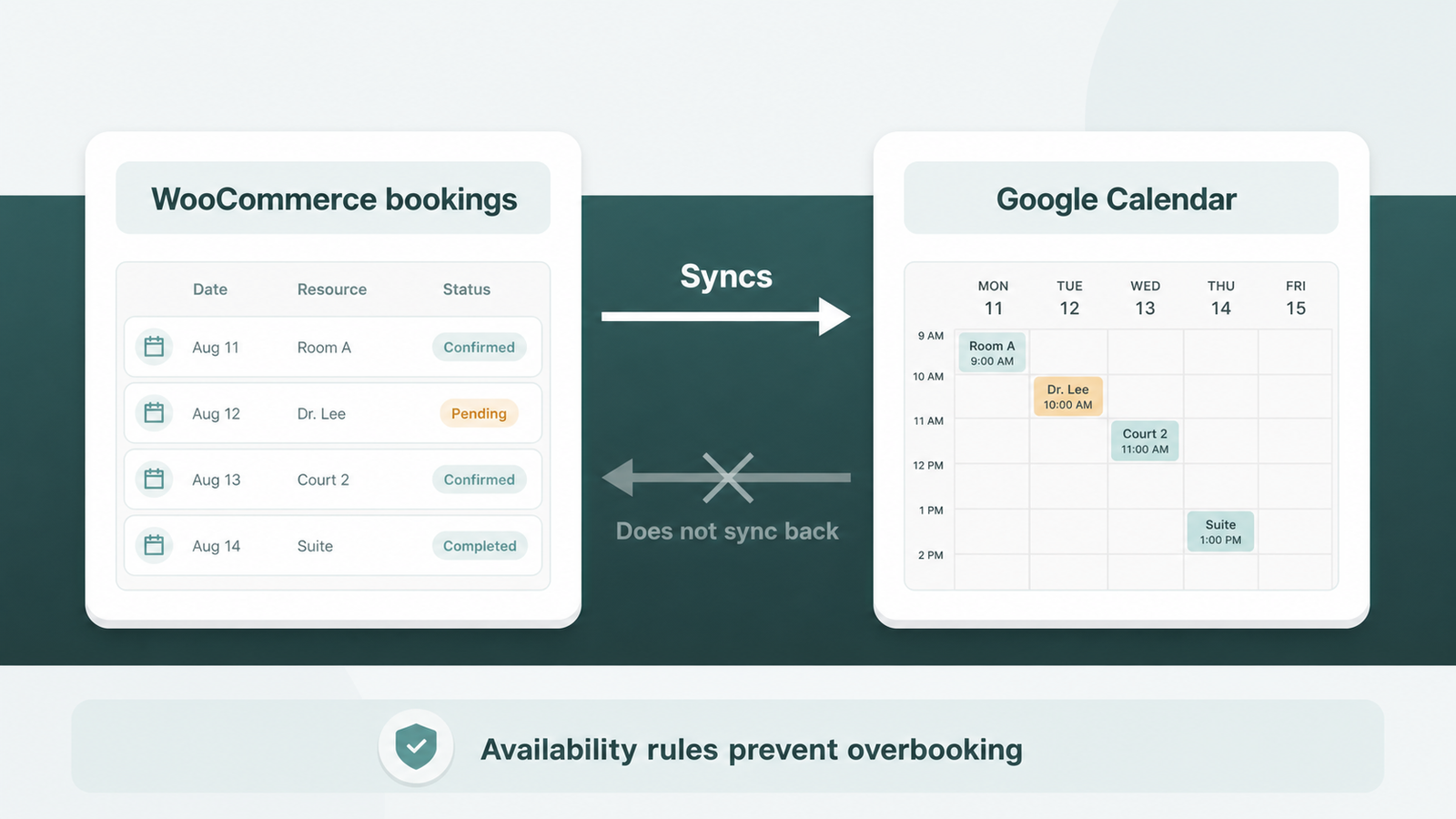
Sync runs one way only, so bookings flow out to Google but never back.
- Push confirmed reservations from WooCommerce to Google Calendar.
- Blocking time in Google does not block WooCommerce slots.
- Rely on ARB availability rules to prevent overbooking.
Built on ARB's Booking Engine
Synced events carry the reservation time set by ARB's full availability and resource engine.
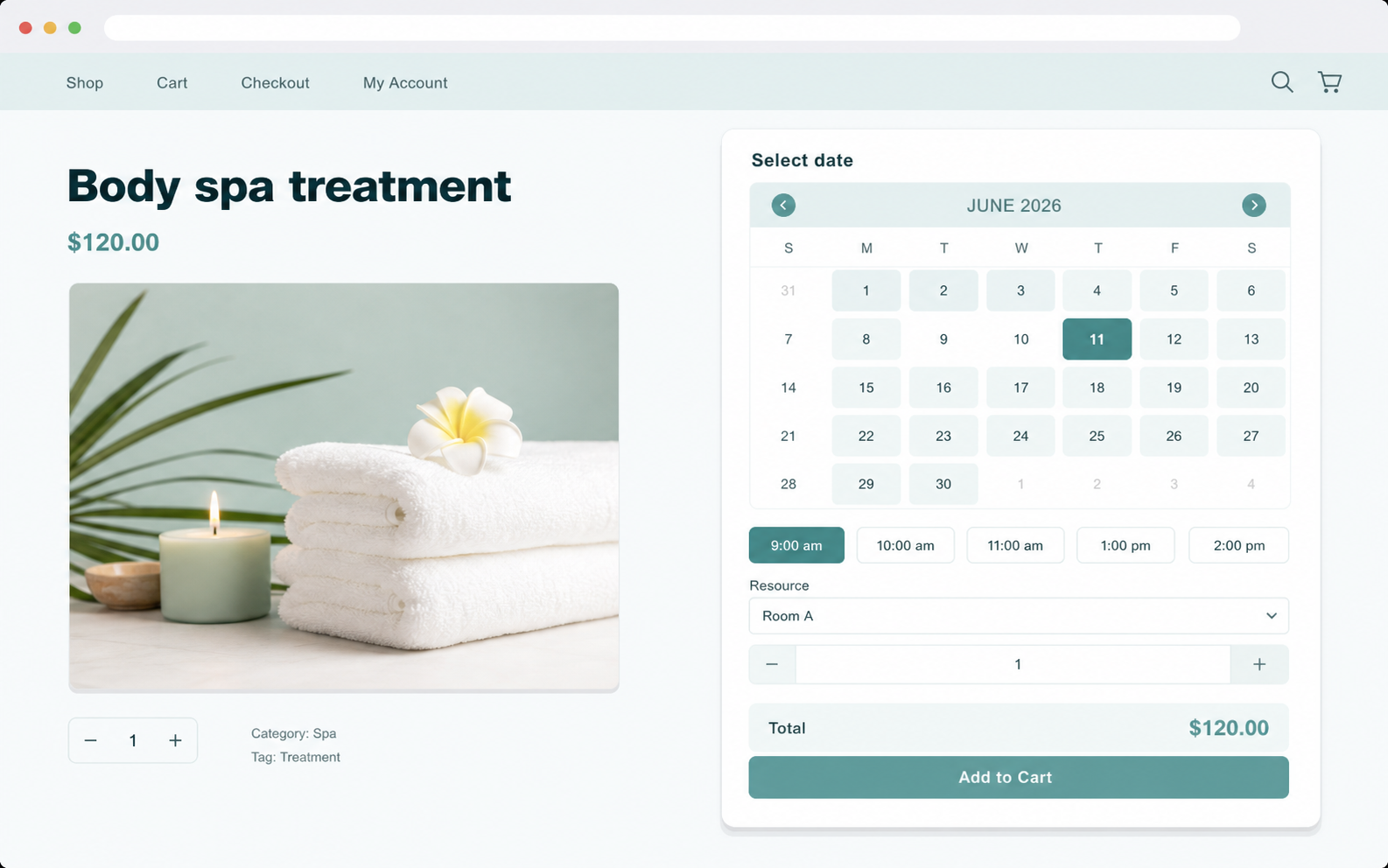
- Control bookable slots with the on-site booking calendar.
- Assign staff or rooms through bookable resources.
- Adjust rates with dynamic booking pricing ranges.
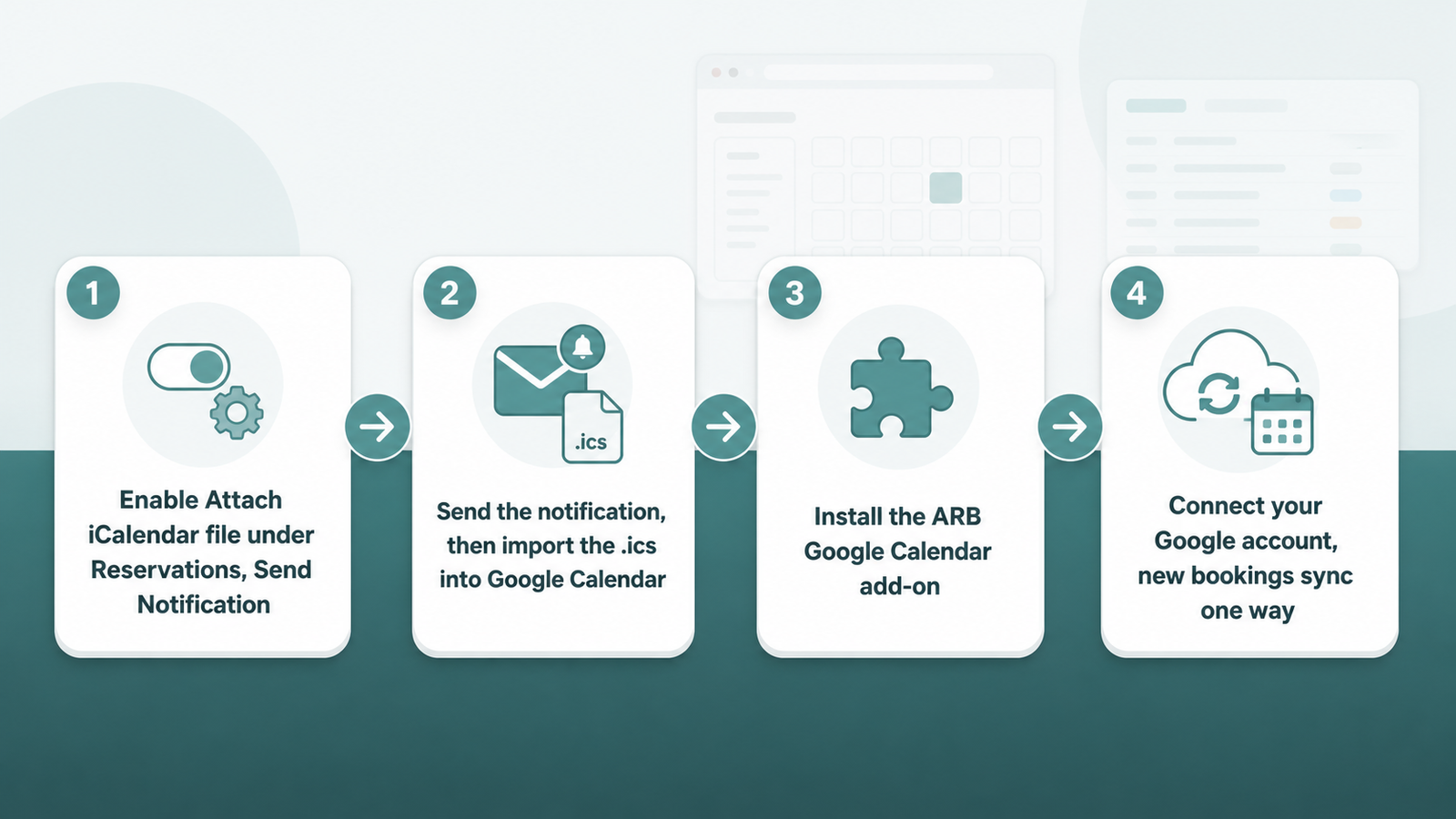
How to Sync WooCommerce Bookings to Google Calendar
Pick the free manual route, or automate the push with the paid add-on.
- Enable Attach iCalendar file under Reservations, Send Notification.
- Send the notification, then import the .ics into Google Calendar.
- For automation, follow the ARB Google Calendar add-on setup.
- Connect your Google account; new bookings sync one way.
ARB vs Native Two-Way Sync Plugins
ARB starts cheaper and simpler; rivals sync both directions for a yearly fee.
| Plugin | Sync direction | Price |
|---|---|---|
| ARB | One-way (paid add-on) plus free .ics export | $55 one-time plus $19 add-on |
| WooCommerce Bookings | Two-way (native) | $249 a year |
| PluginHive Bookings and Appointments | Two-way (native) | $149 a year |
Run Your Day From One Calendar
Start every WooCommerce booking flowing to Google Calendar with the ARB appointment booking plugin. Open the live ARB demo to see the booking flow before you buy.
Frequently asked questions
Straight answers to the questions that matter most
Does ARB sync WooCommerce bookings to Google Calendar automatically?
Yes, with the paid ARB Google Calendar add-on installed and connected. Without the add-on, export is manual: enable Attach iCalendar file under Send Notification, then import the emailed .ics file yourself.
Is ARB's Google Calendar sync two-way?
No. ARB's add-on sync is one-way, pushing confirmed bookings out to Google Calendar only. It does not pull Google Calendar events back into WooCommerce availability.
Do I need the add-on, or can I use the free .ics export?
Either works, depending on how much automation you need. The free .ics export needs no add-on but requires sending a notification email per booking or batch. The paid add-on automates that push.
How much does the ARB Google Calendar add-on cost?
The add-on is $19 one-time (Regular License) on its own CodeCanyon listing. It is sold separately from the $55 base license; check the listing for the current price.
Can I sync WooCommerce bookings to Outlook or Apple Calendar?
ARB does not document Outlook or Apple Calendar sync. Its Google Calendar add-on and .ics export both target Google Calendar specifically.
What booking details show up in Google Calendar?
The reservation date and time slot, the one detail ARB's documentation confirms. ARB has not published whether the resource, person count, or cost fields appear inside the calendar event itself.
Will Google Calendar block double-bookings in WooCommerce?
No. One-way sync does not push Google Calendar events back into WooCommerce, so blocking time in Google Calendar will not block that slot in ARB. WooCommerce Bookings and PluginHive offer that reverse direction; ARB controls capacity independently through its own Availability tab.