Use Case Page
Book Appointments Inside Your WooCommerce Store
Take one-at-a-time appointment bookings on WooCommerce with ARB: availability rules, reminders, native checkout, and a one-time $55 license.
Why service businesses book appointments on WooCommerce
For salons, clinics, trainers, and consultants: take one-at-a-time appointment bookings through the WooCommerce checkout you already run.
Try the live ARB demo before you buy.
ARB turns any WooCommerce product into a bookable appointment, so your whole booking flow stays inside your store.
- No double-booking. Cap each slot at one customer, so two clients never grab the same time.
- One-time license. Pay about $55 once ($249 for client and agency use), with no yearly renewal for core features.
- Native checkout. Bookings pay through your existing WooCommerce cart, coupons, taxes, and gateways.
- One admin view. Every reservation, staff schedule, and reminder lives in the store you already manage.
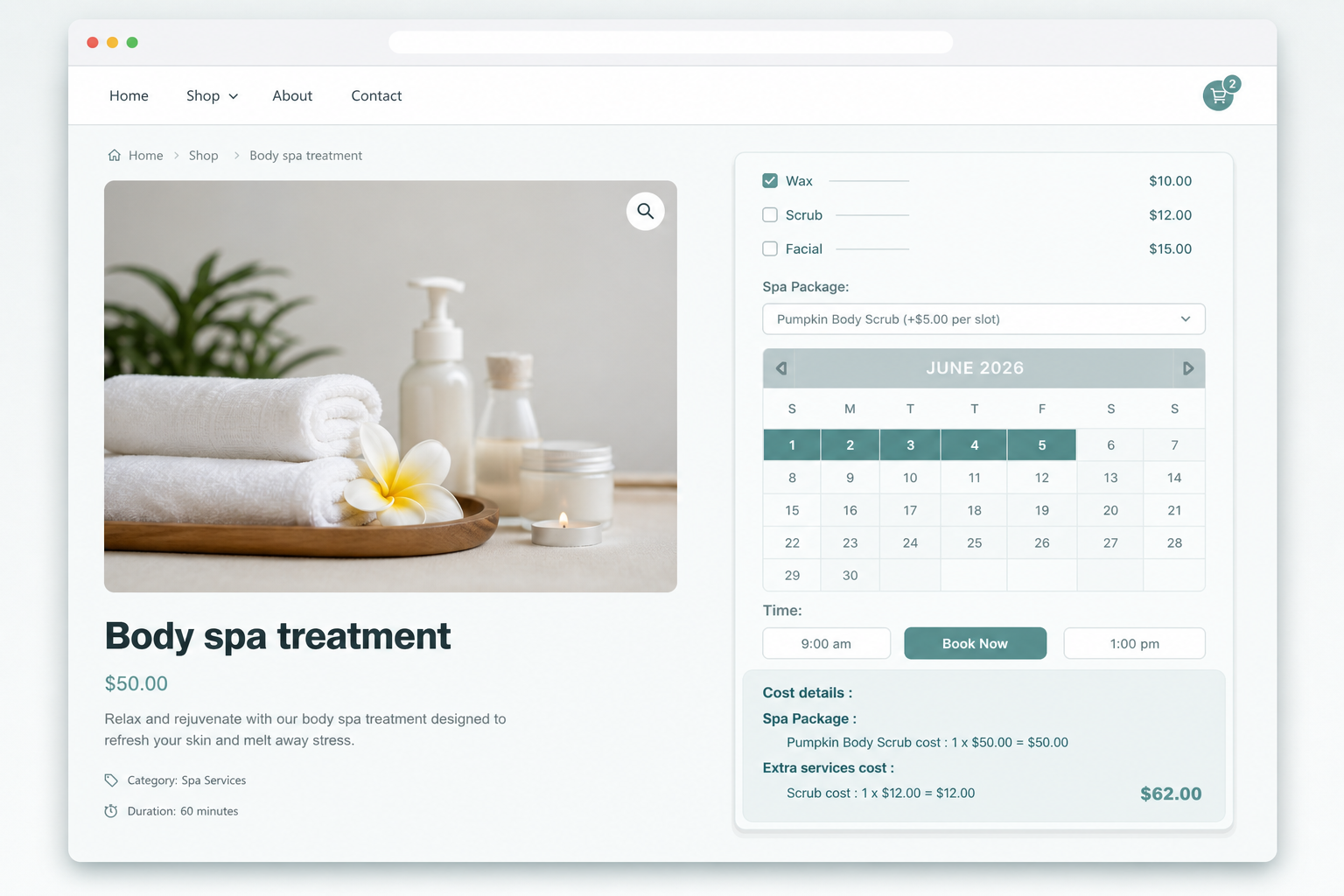
Everything an appointment needs, set per service
Time-slot appointments with availability rules
Set a fixed slot length, then let customers pick an open time on any available date.
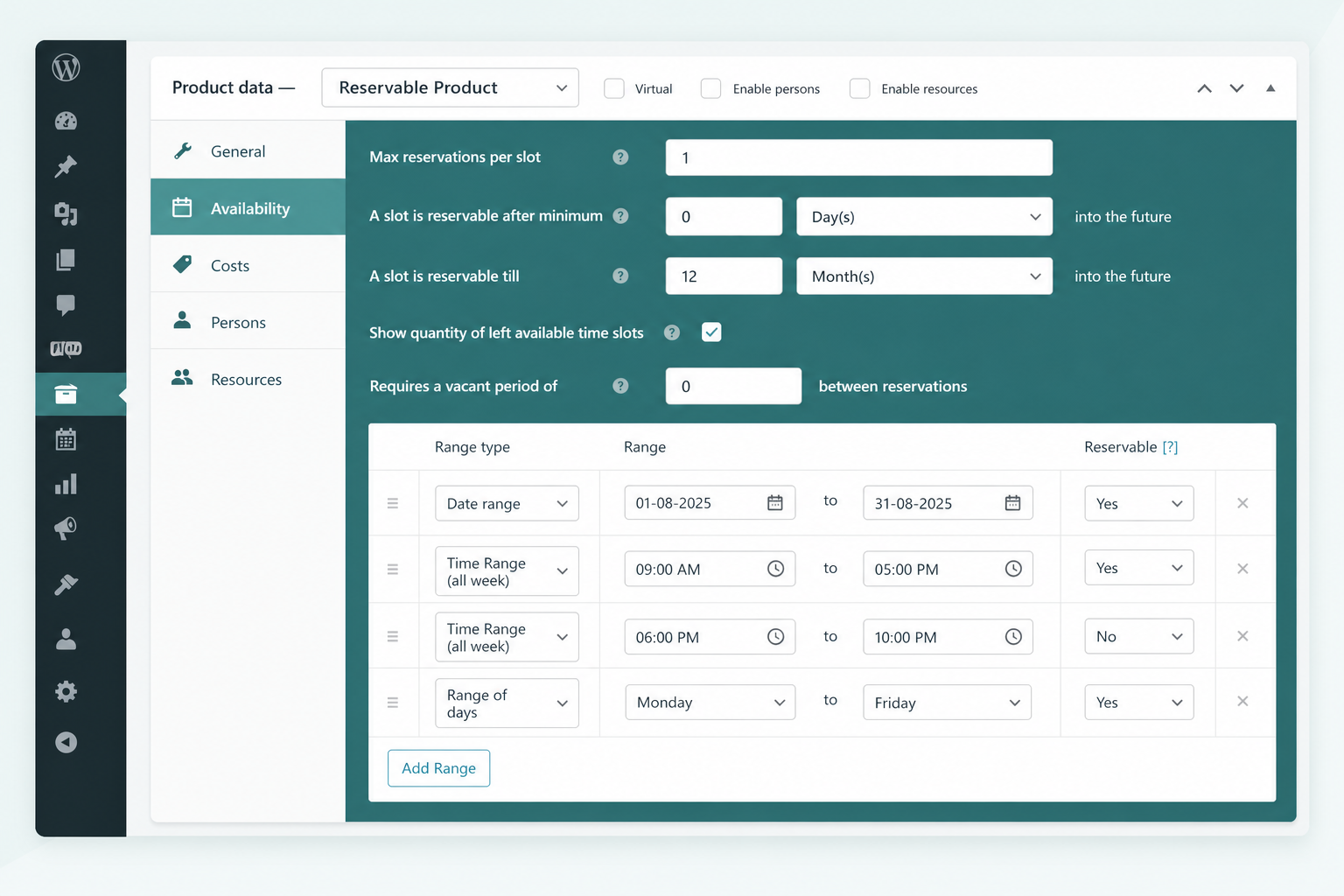
- Cap each slot at one booking to stop double-booking.
- Add buffer time between appointments for cleanup or notes.
- Give each staff member their own availability rules.
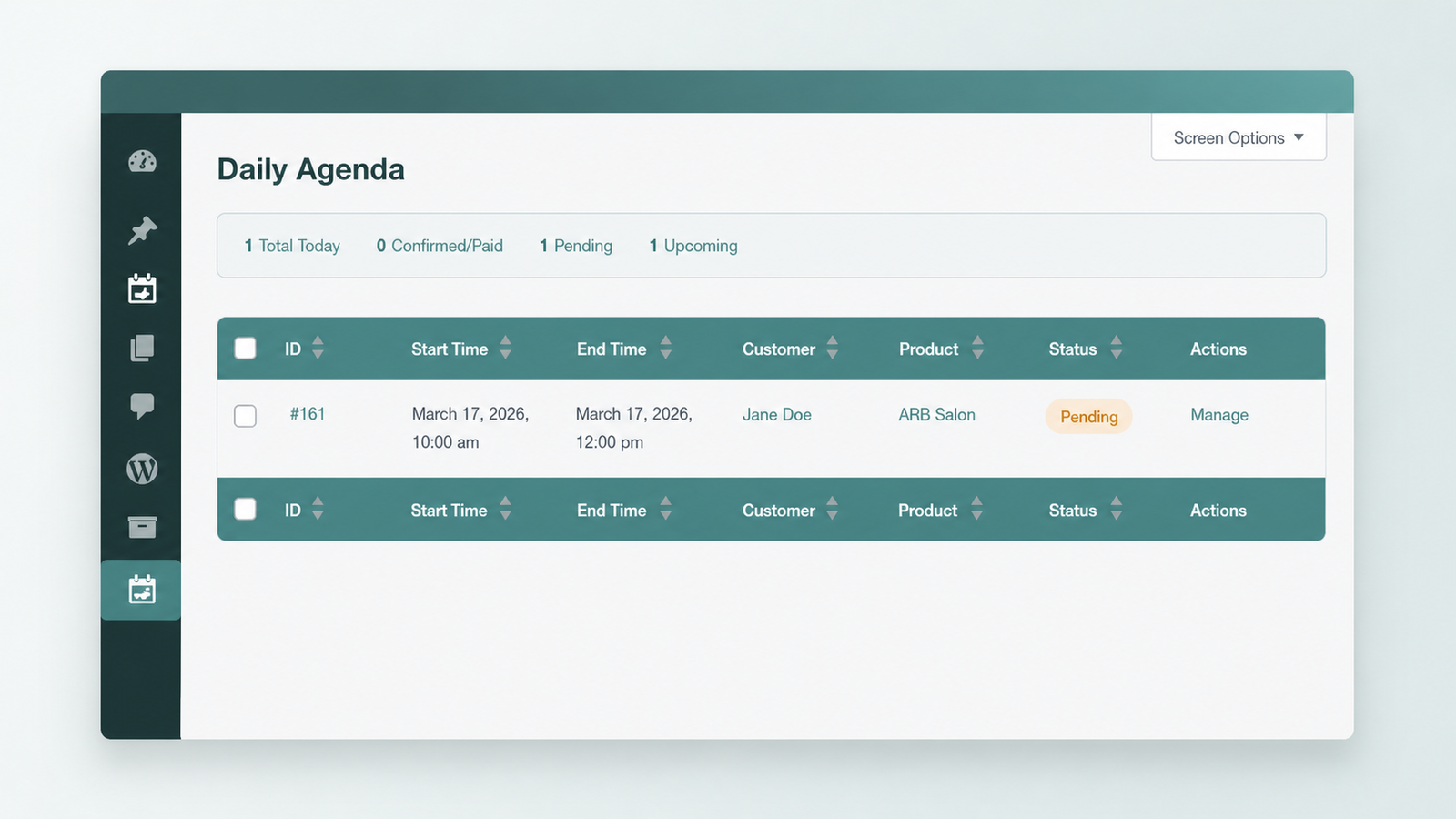
Reminders and a daily agenda
ARB emails a confirmation the moment a booking lands, then sends reminders before it.
- Send automatic or bulk reminder emails with dynamic tags.
- View every reservation for the day at once.
- Export bookings to calendars with an iCalendar file.
Approval, quotes, and native checkout
Auto-confirm on payment, or require approval before the customer pays through WooCommerce.
- Collect payment through your existing WooCommerce gateways and taxes.
- Switch on Request for Quote for price-first services.
- Configure every rule per service or per resource.
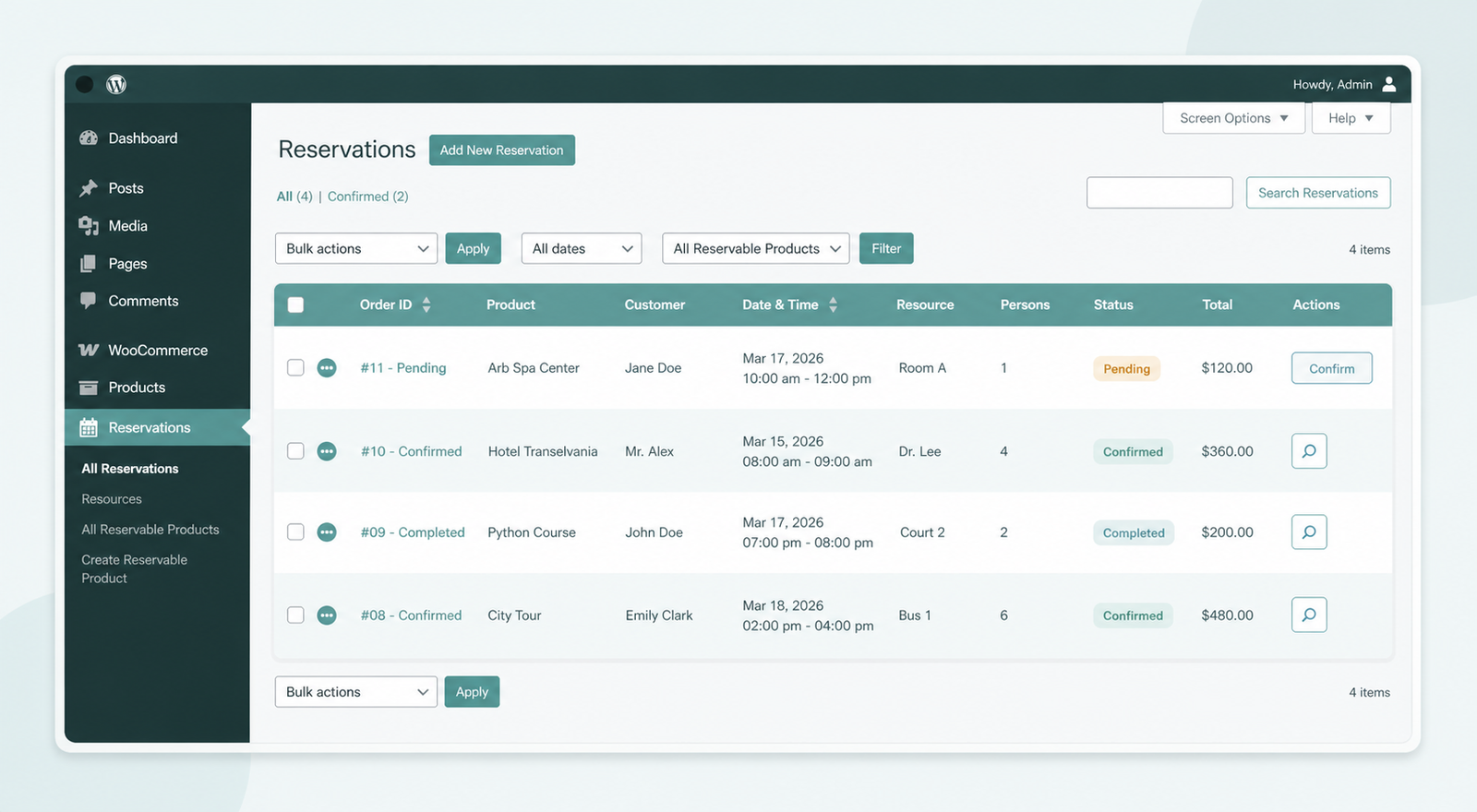
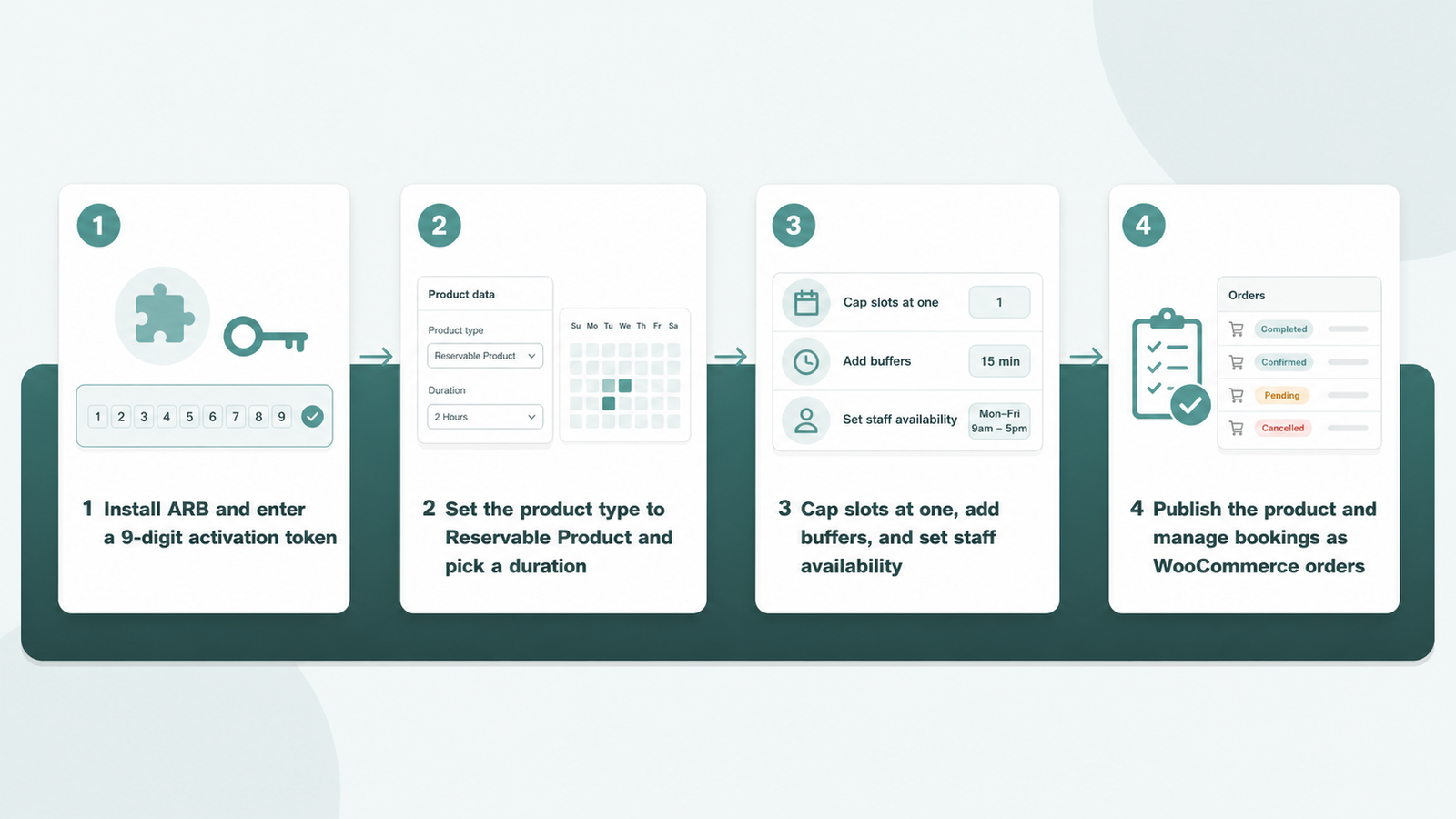
Set up appointment booking in four steps
You turn a normal product into a bookable appointment from the WooCommerce admin.
- Install ARB and enter your 9-digit activation token.
- Set the product type to Reservable Product and pick a duration.
- Cap slots at one, add buffers, and set staff availability.
- Publish the product, then manage bookings as WooCommerce orders.
Is ARB the right fit?
ARB suits some appointment businesses better than others, so here is the honest split.
Great fit if the following sounds like you.
- You want one-time, WooCommerce-native appointment booking with no subscription.
- You need per-service durations, availability rules, and one-at-a-time slots for doctors, salons, or consultants.
- You already collect payments through WooCommerce and want bookings there too.
Look elsewhere if you need any of these.
- You need deposits or partial payments at checkout, which ARB does not offer.
- You need native two-way calendar sync (Google sync is a one-way $19 add-on), built-in staff logins, or dashboards.
- You want native SMS reminders without the separate $15 add-on, covered in booking-plugin comparisons.
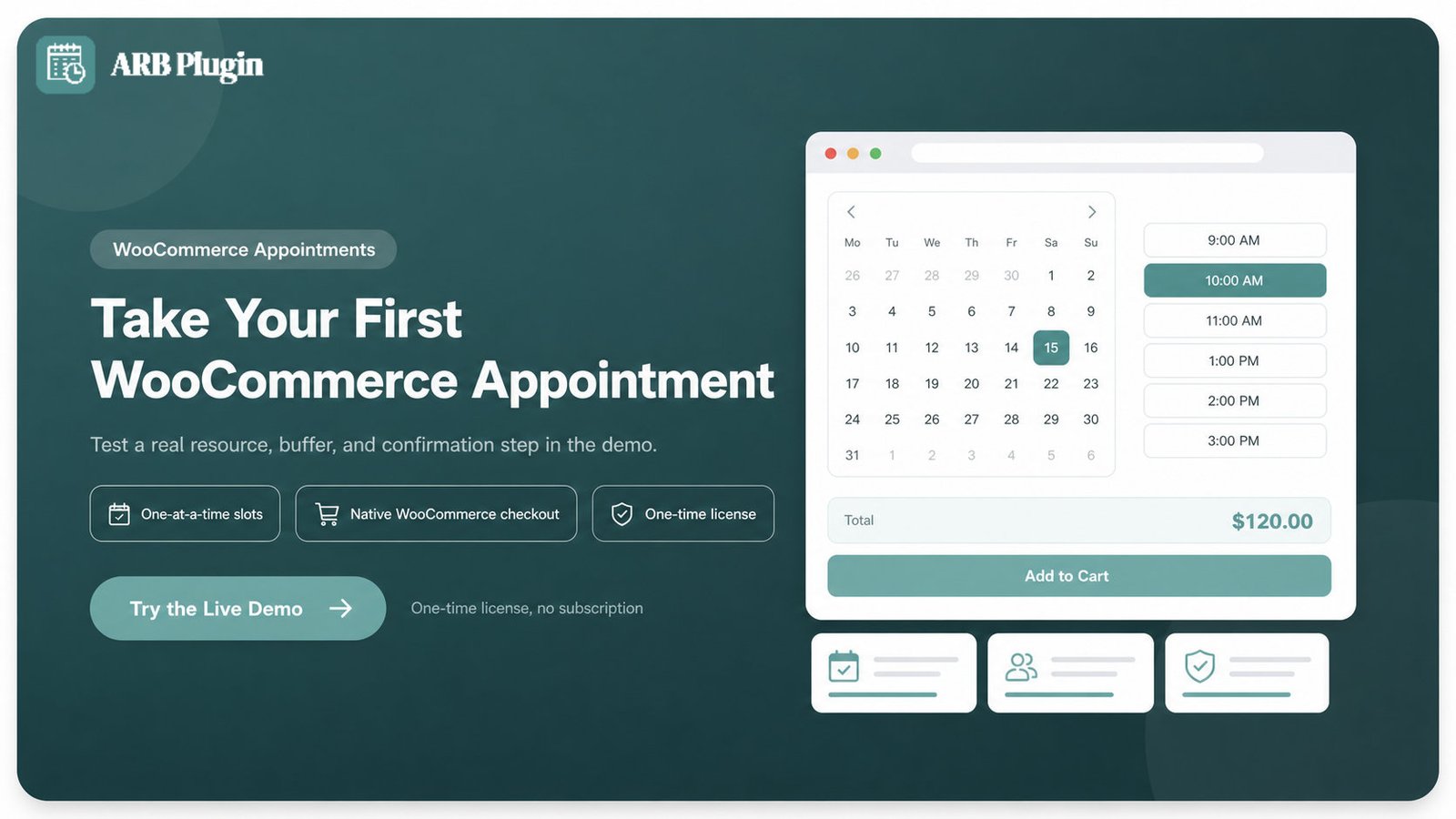
Take your first WooCommerce appointment today
Build a test appointment with a real resource, a buffer, and a confirmation step, then check ARB pricing before you buy.
Frequently asked questions
Straight answers to the questions that matter most
Does ARB work with my existing WooCommerce checkout?
Yes. Every appointment books as a standard WooCommerce order, so the store's existing payment gateways, tax rules, and coupons apply with nothing extra to configure.
How do I make a slot bookable by only one person at a time?
Set Max Reservations per Slot to 1 on the Availability tab. Once a customer books that slot, it disappears from the calendar for everyone else.
Can I add buffer time between appointments?
Yes. The "Requires a vacant period of" setting on the Availability tab inserts a gap before the next slot becomes bookable. Back-to-back appointments never run together as a result.
Can each staff member have their own schedule?
Yes. Model each staff member as a Resource, and set that Resource's own availability. The front-end calendar shows only the chosen staff member's open slots.
Can I require approval before an appointment is confirmed?
Yes. Confirmation-required mode hides the payment method at checkout until an admin approves the booking, then collects payment through the customer's My Account page.
Can customers reschedule or cancel their own appointment?
Cancellation is allowed on a per-product basis, and customers manage their own bookings from their account area. An admin can edit, reschedule, or cancel any reservation directly from the Reservations manager.
Does ARB send appointment reminders?
Yes, by email. ARB sends an automatic confirmation email on booking and supports manual or bulk reminder emails with dynamic tags. Google Calendar sync is a separate paid add-on and runs one-way; core ARB ships an iCalendar (.ics) export instead.
Is there a free WooCommerce appointment booking plugin?
Free plugins exist in the WordPress.org repository, but they are limited, typically to one calendar. ARB is a one-time premium license, evaluated through its live demo rather than a free trial.
My WooCommerce appointment booking is not working. What should I check?
Check four things first. Confirm WooCommerce is active. Confirm the product type is set to Reservable Product. Confirm a resource or persons dropdown exists if the calendar is hidden. Confirm the 9-digit activation token is entered correctly.
Where do I download ARB?
ARB is sold and downloaded through its CodeCanyon listing, with demo data bundled into the purchase files. There is no separate free download.
More setup and troubleshooting answers live in the WooCommerce booking FAQ.