Industry Page
Turn Your WooCommerce Store Into a Hotel Booking System
Add per-night hotel and room booking to WooCommerce with ARB: rooms as resources, seasonal pricing, and no double-booking, for a one-time $55 license.
Everything a direct-booking hotel needs, inside WooCommerce
For small hotels, B&Bs, and vacation rentals: take per-night room bookings on your own WooCommerce store, no subscription.
Try a room, a seasonal rate, and an occupancy price in the live demo before you buy.
ARB adds a per-night room-reservation layer to WooCommerce, so every stay becomes a normal order you already manage.
- Own your bookings. Guests reserve nights and pay through your existing WooCommerce checkout.
- Pay once. A one-time $55 license instead of the $249-a-year WooCommerce Bookings path.
- Price every season. Set weekend, peak-date, and length-of-stay rates per room.
- Never double-book. Each room blocks the instant a guest reserves those nights.
Four features that run your rooms
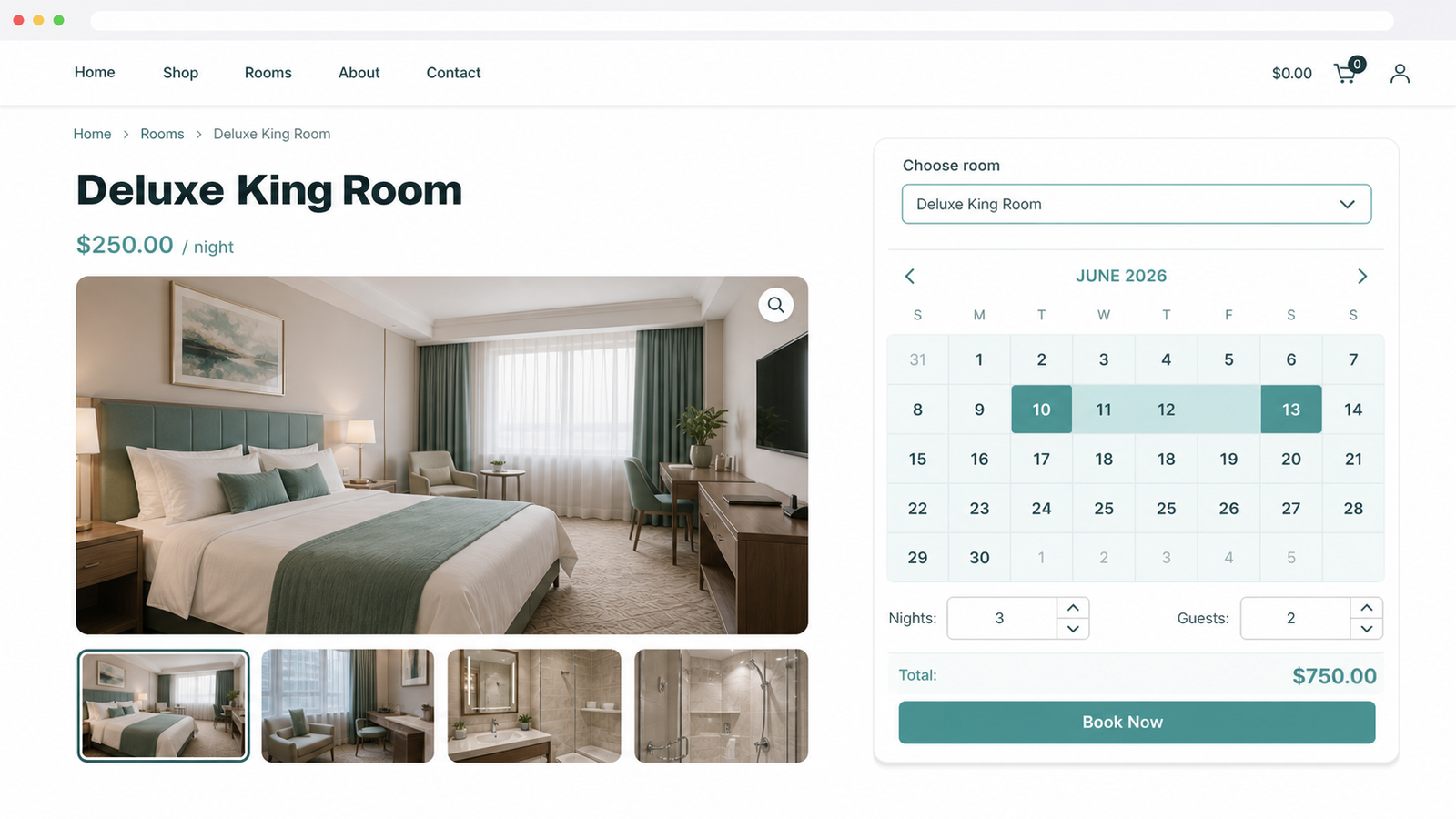
Rooms as bookable resources
Each room or room type becomes its own resource with independent price, calendar, and quantity.
- Sell four identical rooms as one resource, quantity four.
- Show only the chosen room's real availability.
- Price every room independently of the rest.
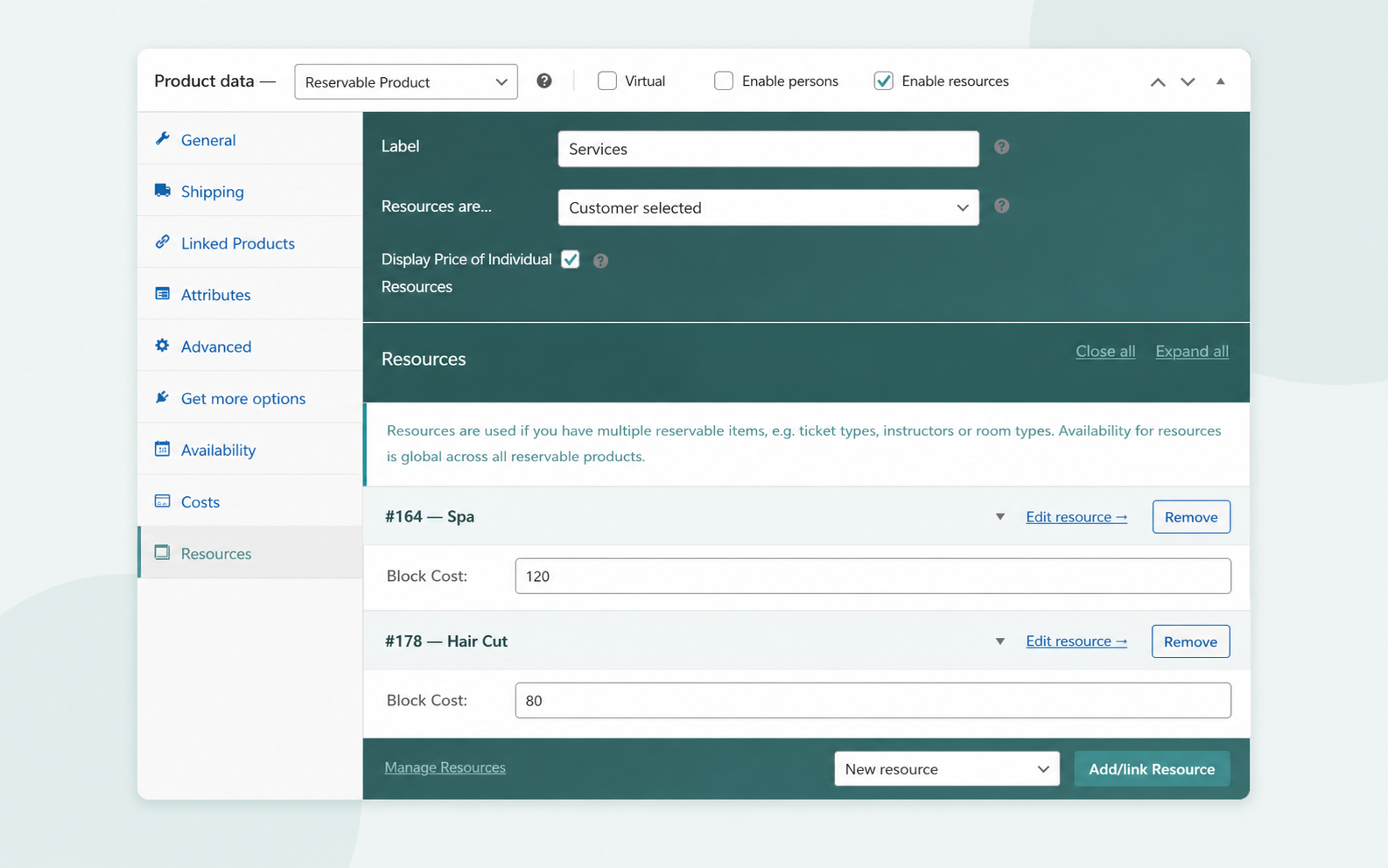
Per-night and seasonal pricing
Add weekend, peak-season, and length-of-stay rates on top of a flat base cost.
- Charge a seasonal surcharge across set calendar dates.
- Add a Friday-to-Sunday weekend rate.
- Discount stays past a set number of nights.
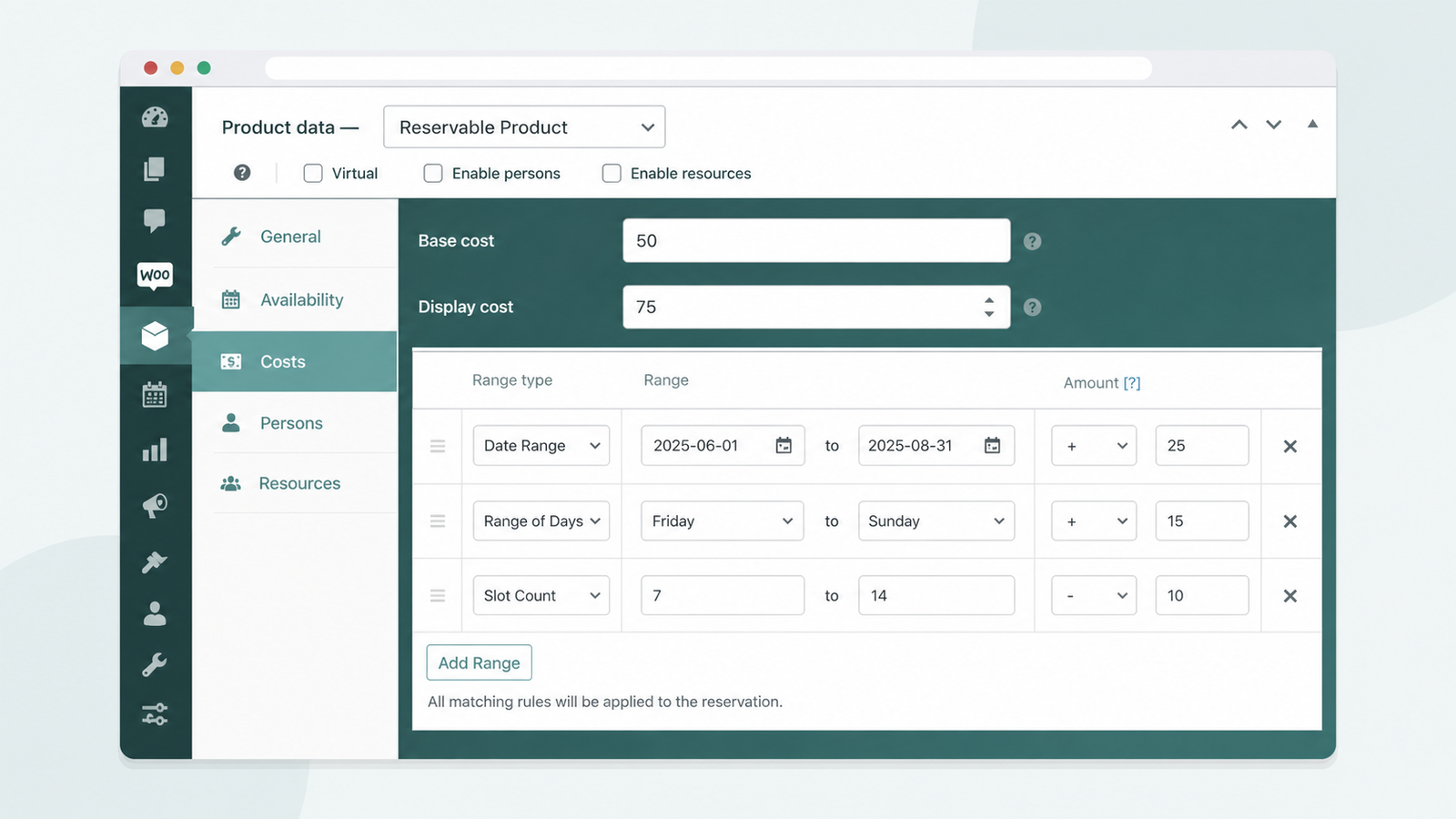
Occupancy pricing for guests
Charge adults, children, and extra guests separately, each with its own price and limits.
- Add per-adult and per-child rates.
- Set minimum and maximum guests per room.
- Keep the base room rate untouched.
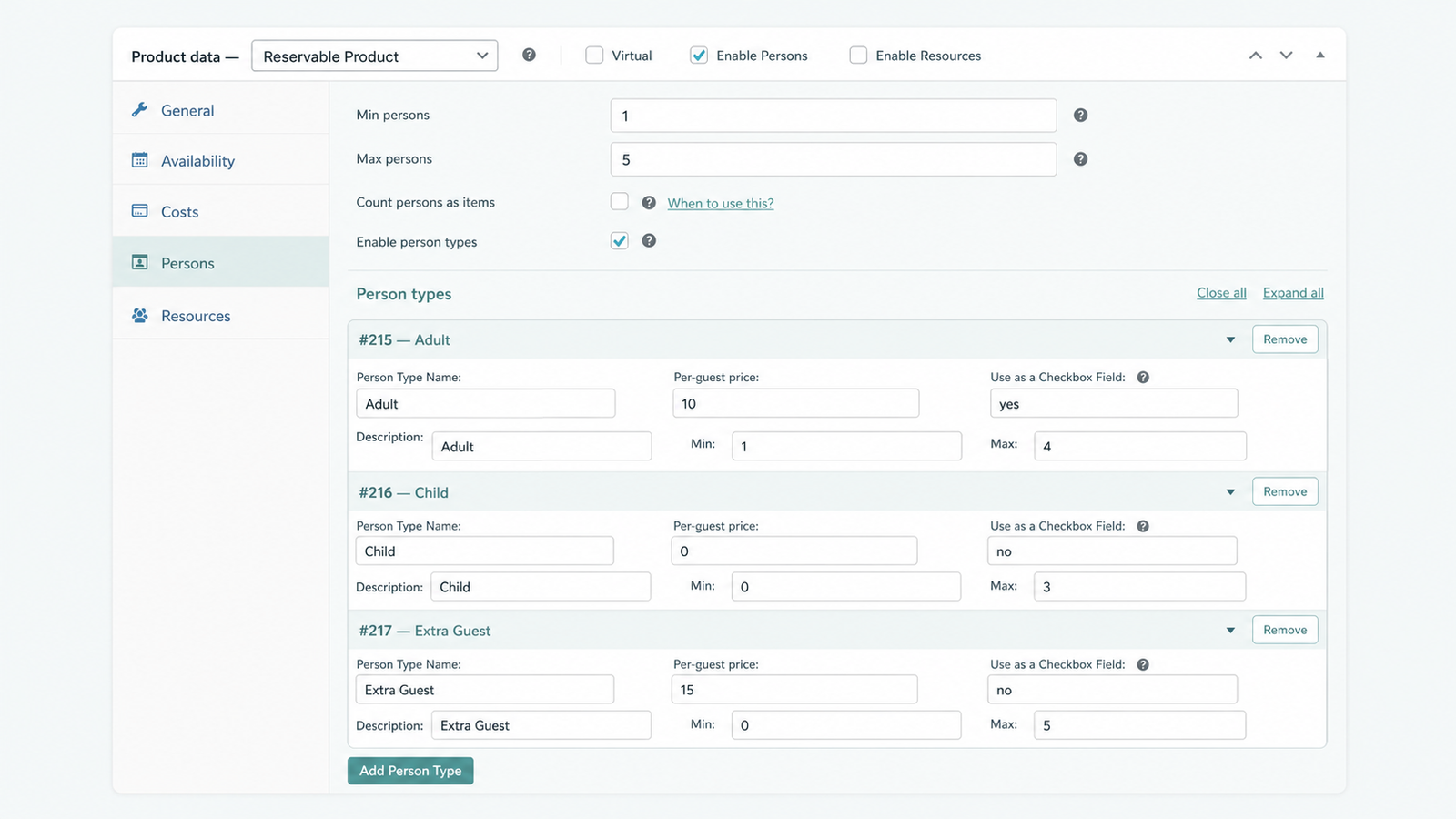
No double-booking, ever
Capacity limits and per-room availability block a second guest from the same dates.
- Block a room the instant it books.
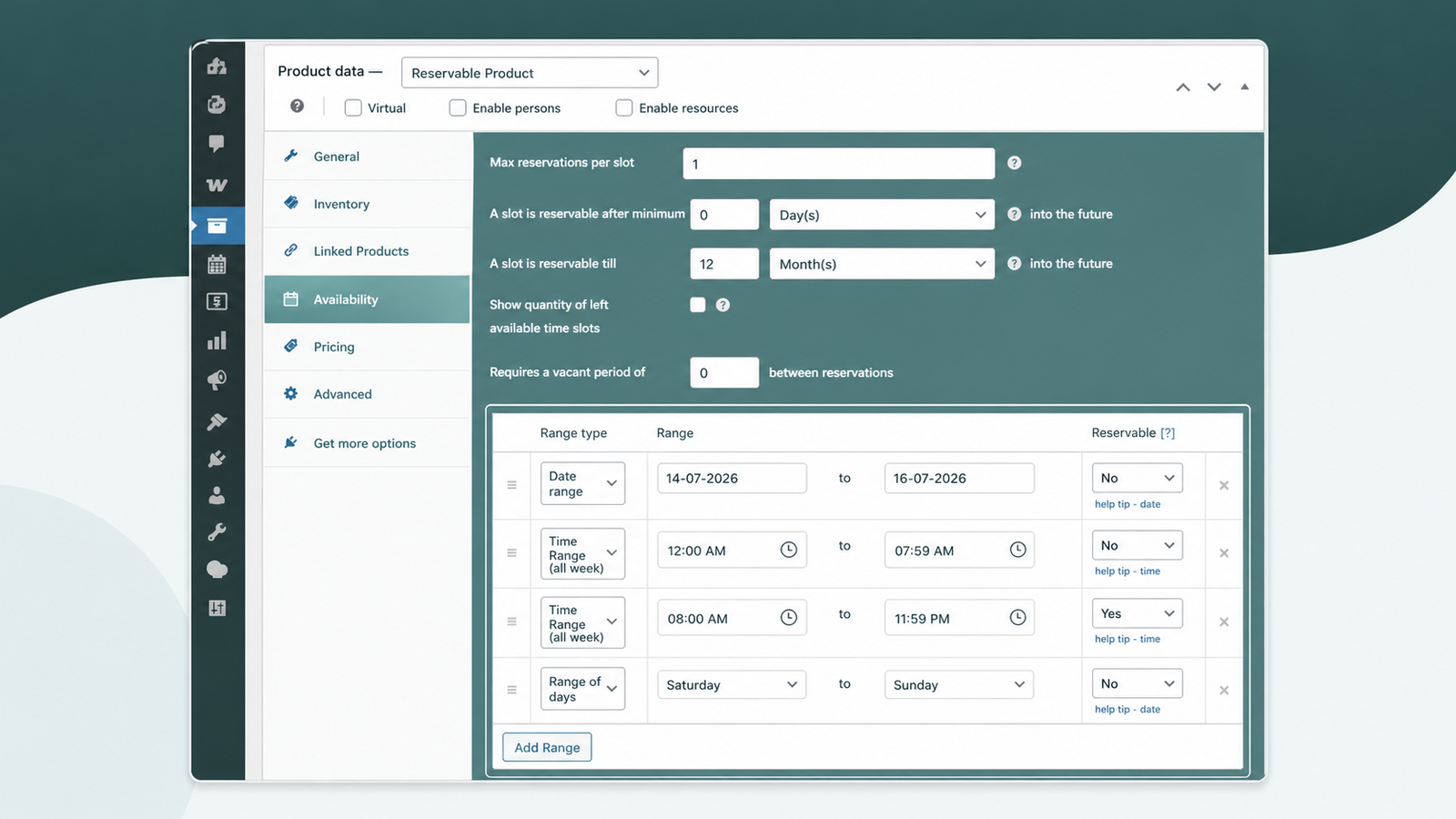
- Blackout dates for maintenance or owner stays.
- Control lead time and booking horizon.
Set up hotel booking in four steps
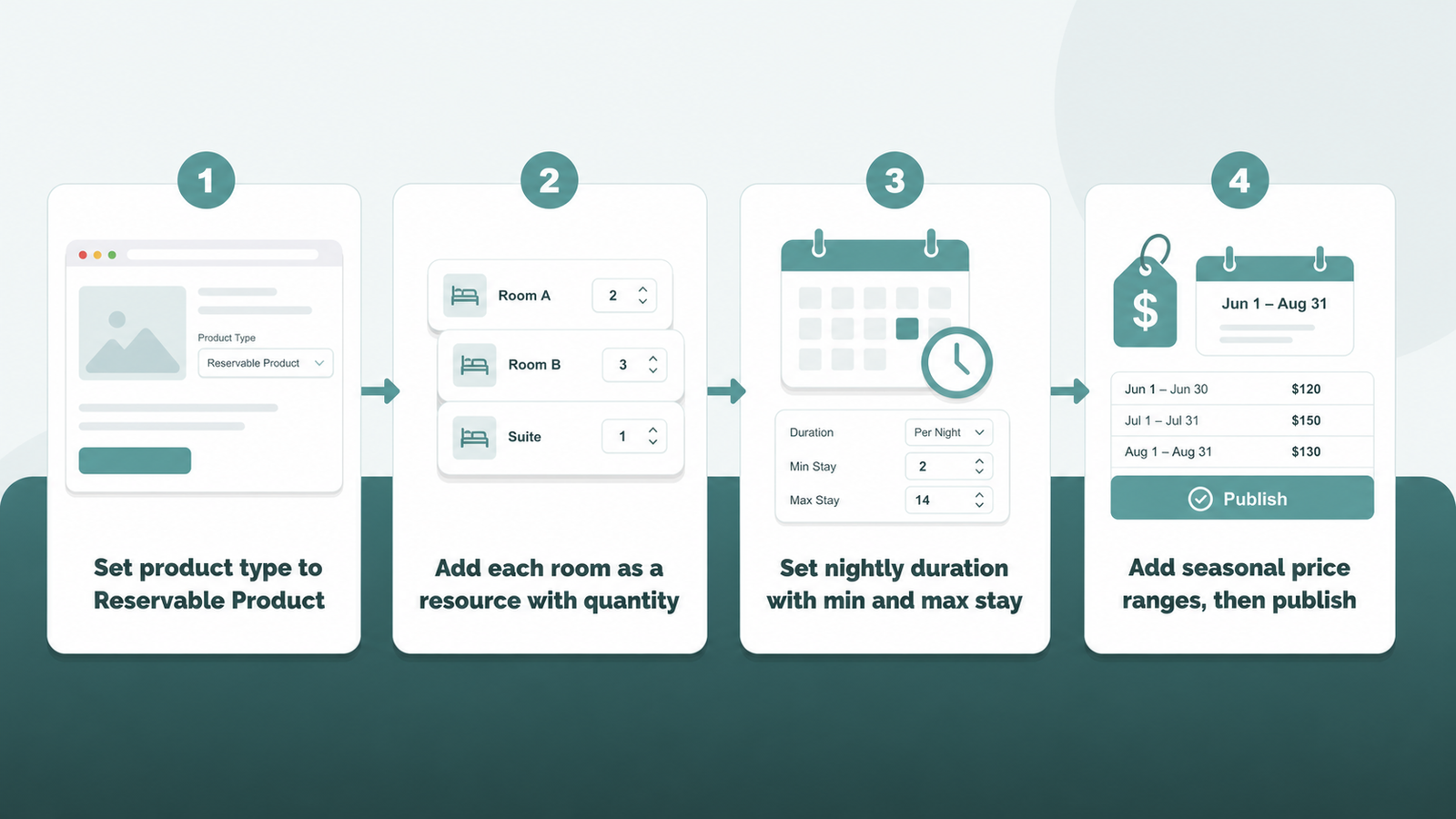
Four steps turn a normal product into a bookable room; the full walkthrough with screenshots covers each.
- Set the product type to Reservable Product.
- Add each room as a resource with its own quantity.
- Set nightly duration with a minimum and maximum stay.
- Add seasonal price ranges, then publish the room.
ARB vs manual bookings on plain WooCommerce
Plain WooCommerce sells one fixed product; it cannot book nights, block a room, or price a stay by season on its own.
| Job | Plain WooCommerce | ARB |
|---|---|---|
| Per-night check-in and check-out | No | Yes |
| Rooms with separate availability | No | Yes, each room a resource |
| Seasonal and weekend pricing | No | Yes, range rules |
| Stop double-booking | No | Yes, capacity per room |
| Price | Free, but fully manual | About $55 one-time |
Is ARB right for your property?
Match ARB against your property before you buy.
ARB is a great fit if all three of these are true.
- You want one-time, WooCommerce-native room booking on your own site.
- You want per-room and seasonal pricing without a subscription.
- You take direct bookings and want every stay as a WooCommerce order.
Look elsewhere if any of these are dealbreakers.
- You need built-in deposits or partial payments before the stay.
- You need channel-manager or OTA sync with Booking.com or Airbnb.
- You need native two-way calendar sync (ARB's Google Calendar add-on is one-way, $19) or native SMS without the $15 add-on.
Test ARB on a real hotel booking before you buy
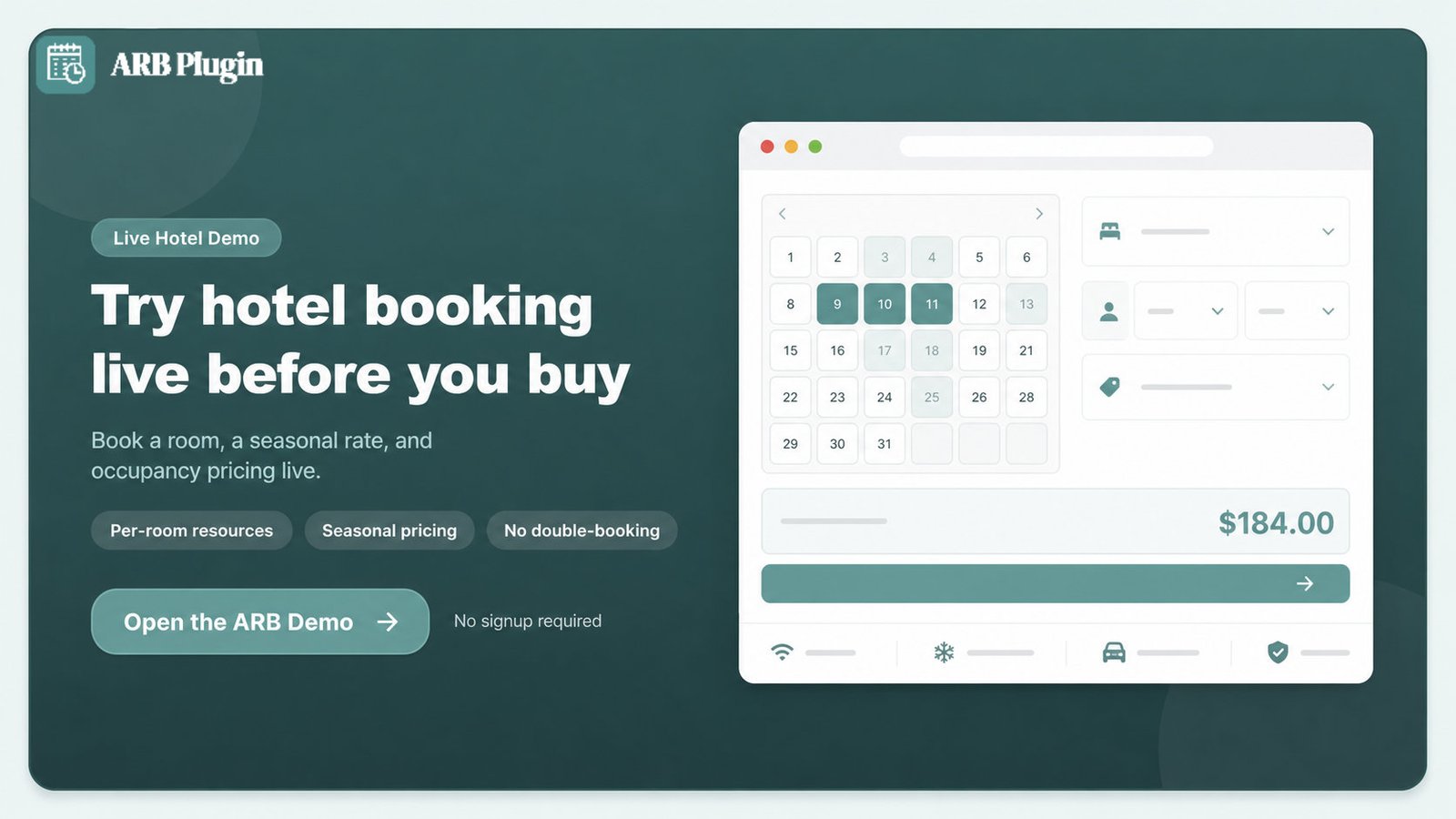
Open the ARB hotel booking demo and book a room, a seasonal rate, and an occupancy price through a live WooCommerce checkout.
Frequently asked questions
Straight answers to the questions that matter most
Is there a free WooCommerce hotel booking plugin?
Yes, two free options exist. The Hotel Booking for WooCommerce plugin on WordPress.org is free. Its free tier does not sync OTA calendars either; only its paid Pro upgrade adds Booking.com and Airbnb iCal sync. WooCommerce's own free Accommodation Bookings add-on still requires the paid, $249-a-year WooCommerce Bookings extension to function. ARB is a one-time approximately $55 license instead of either free-plus-paid-core combination.
Does each booking become a WooCommerce order?
Yes. Every ARB reservation checks out through the store's normal WooCommerce cart, using its existing payment gateways, tax rules, and coupons.
Can guests book multiple nights with check-in and check-out dates?
Yes. Reservation Duration set to nights supports a customer-defined minimum and maximum stay, so guests pick their own length of stay inside that range.
Can I charge different rates for weekends or peak season?
Yes. The Costs tab's Add Range rules price by Date Range for seasonal surcharges and by Range of Days for a weekend surcharge.
How does ARB stop two guests from booking the same room?
Max Reservations per Slot blocks a room the moment it is booked. Combined with each room's own availability quantity, a second guest cannot then select the same dates.
Can I block dates for maintenance, owner stays, or a closed season?
Yes. A date-range-with-time availability rule blacks out specific dates, removing them from the booking calendar entirely.
Can I charge per guest, for adults and children separately?
Yes. Person Types on the Persons tab price adults, children, or any other guest category independently, each with its own minimum, maximum, and price.
Does ARB sync with Airbnb or Booking.com?
No. ARB is not a channel manager. It exports one iCalendar (.ics) file per booking and syncs to Google Calendar only through a separate paid add-on.
Can I take a deposit instead of full payment?
No. ARB has no deposit or partial-payment field. Confirmation-required mode or Request for Quote mode are the closest workflows for holding a stay before full payment.
What does ARB cost?
ARB is a one-time CodeCanyon license, priced at about $55, with no yearly renewal for its core features. Two paid add-ons, Google Calendar sync and SMS notifications, are sold separately.