Staff scheduling, also called employee scheduling or rostering, is the process of assigning employees to shifts and hours to match business demand. It respects each worker's availability, skills, and labor rules, and it controls cost. This keeps a business covered without paying for idle staff.
What does staff scheduling involve?
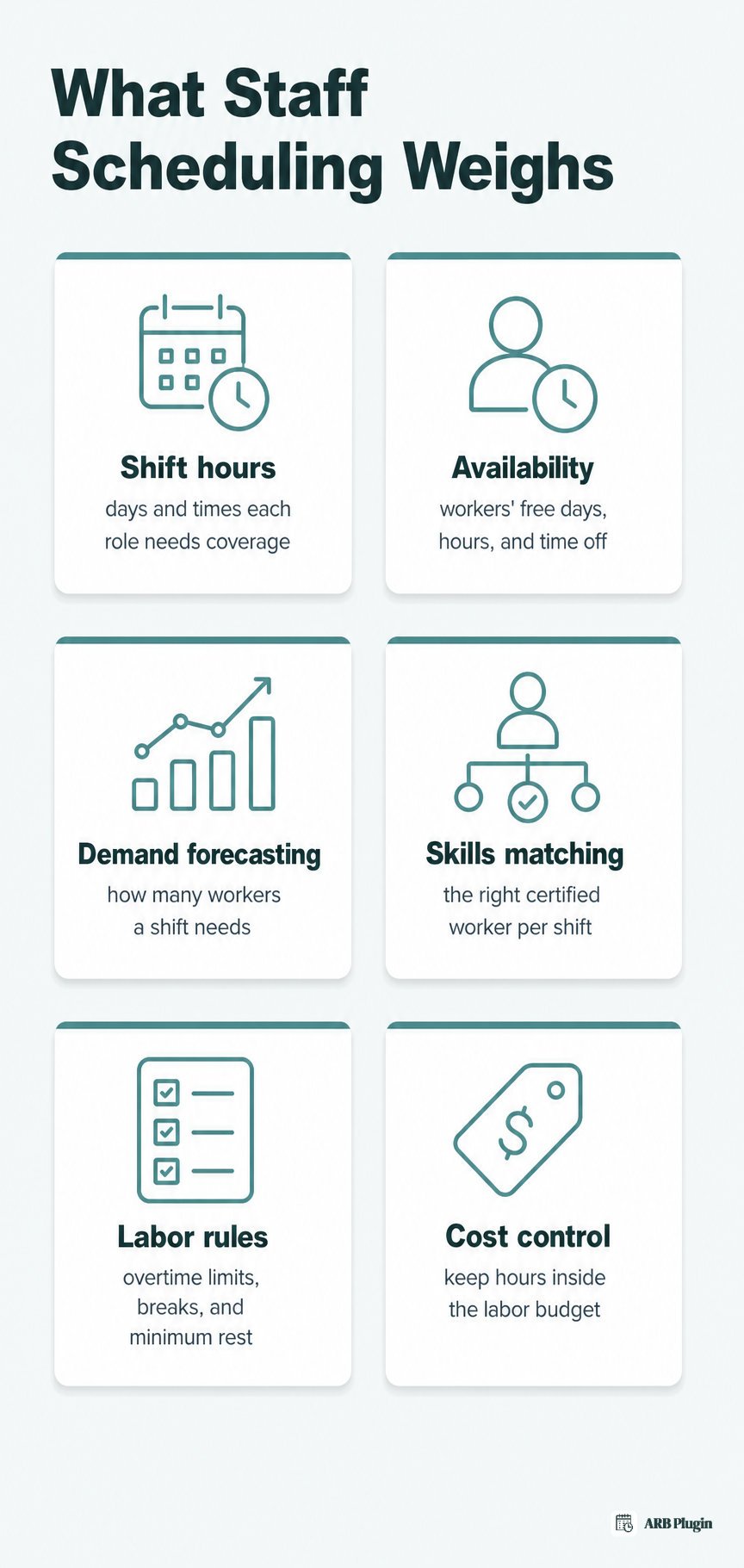
Staff scheduling matches available employees to open shifts. It weighs six inputs: hours needed, availability, forecasted demand, skills, labor rules, and cost. A manager or an app assigns each shift to keep the business covered without going over budget.
Operations researchers call this staff scheduling and rostering: matching staff supply to demand under constraints (Ernst et al., 2004).
- Shift hours: the days and times each role needs coverage.
- Employee availability and time off: the days, hours, and blocked-out dates already on file for each worker.
- Demand and coverage forecasting: predicting how many workers a shift needs from expected traffic or workload.
- Skills and role matching: putting a certified or trained worker on the shift that requires that skill.
- Labor rules: overtime thresholds, required breaks, maximum hours, and minimum rest between shifts (which prevents clopening, closing then reopening a few hours later).
- Cost and budget control: keeping total scheduled hours inside the labor budget for that period.
Common shift patterns
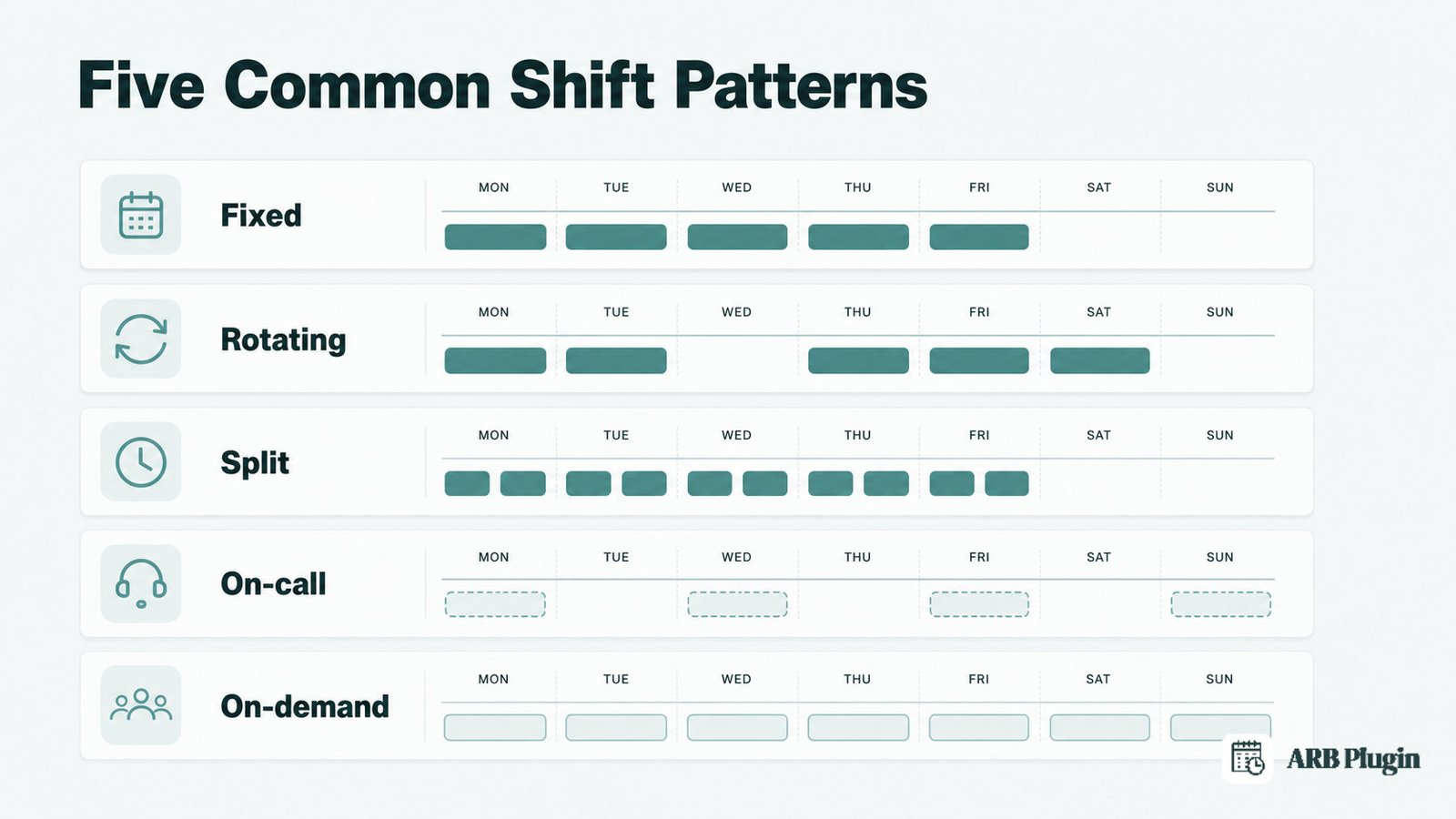
Staff schedules follow five common shift patterns.
- Fixed shifts: the same days and hours every week.
- Rotating shifts: a worker cycles through different shift times over a set period, such as weeks alternating between morning and evening.
- Split shifts: one shift breaks into two separate work blocks in the same day, with an unpaid gap between them.
- On-call shifts: a worker stays reachable and ready to come in if called, without a guaranteed shift.
- On-demand shifts: open shifts post to a pool of workers who claim them as needed, often through a scheduling app.
Common staff scheduling methods and tools
Businesses schedule staff along a rising spectrum of effort and structure: paper or whiteboard schedules, spreadsheets, dedicated shift-scheduling apps, and full workforce-management suites. Each step up trades manual effort for automation and conflict detection, at a higher cost.
| Method | Effort | Error risk | Cost | Best for |
|---|---|---|---|---|
| Paper or whiteboard | High, fully manual | High: lost sheets, illegible changes | Free | A single shift or a handful of staff |
| Spreadsheet | Medium, some formulas | Medium to high: no live sync, version conflicts | Free to low | Small teams with a stable, simple pattern |
| Dedicated shift-scheduling app | Low: templates, auto-fill | Low: built-in conflict checks | Low subscription per user | Growing teams needing swaps and mobile access |
| Workforce-management suite | Low: forecasting built in | Low: demand-matched, compliance checks | Higher subscription | Multi-location businesses with complex labor rules |
Small teams commonly start on spreadsheets. They are free and familiar, but they carry no built-in conflict alerts and no automatic sync across devices, so errors creep in as headcount grows.
Common staff scheduling challenges
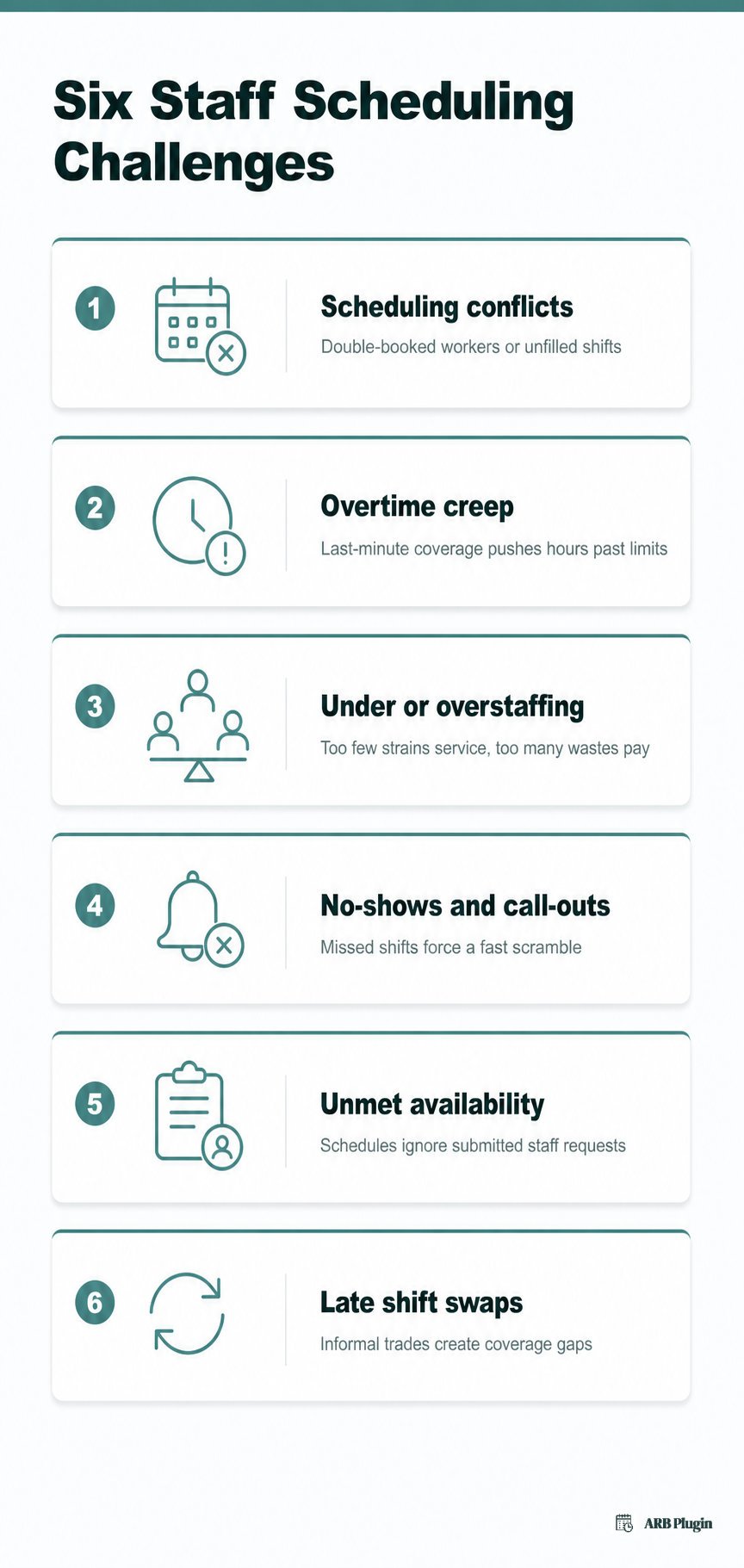
Staff scheduling runs into six recurring problems. They include scheduling conflicts, overtime creep, and uneven staffing levels. No-shows, unmet availability requests, and late shift swaps round out the list. Each problem compounds when schedules are built manually and published late.
- Scheduling conflicts: two shifts double-book the same worker, or a shift goes unfilled entirely.
- Overtime and labor-cost creep: last-minute coverage pushes hours past the overtime threshold, raising payroll cost.
- Understaffing and overstaffing: too few workers strain service quality; too many waste payroll on idle hours.
- Employee no-shows and call-outs: a worker misses a shift without notice, forcing a same-day scramble to cover it.
- Unmet availability and time-off requests: a schedule ignores submitted availability, driving frustration and turnover.
- Late shift-swap requests: workers trade shifts informally, often without manager approval, creating coverage gaps.
Employee no-shows differ from customer no-shows on the appointment side of a service business. A missed customer appointment costs revenue directly, and appointment reminders cut that specific loss, while a missed staff shift costs coverage instead.
Staff scheduling best practices
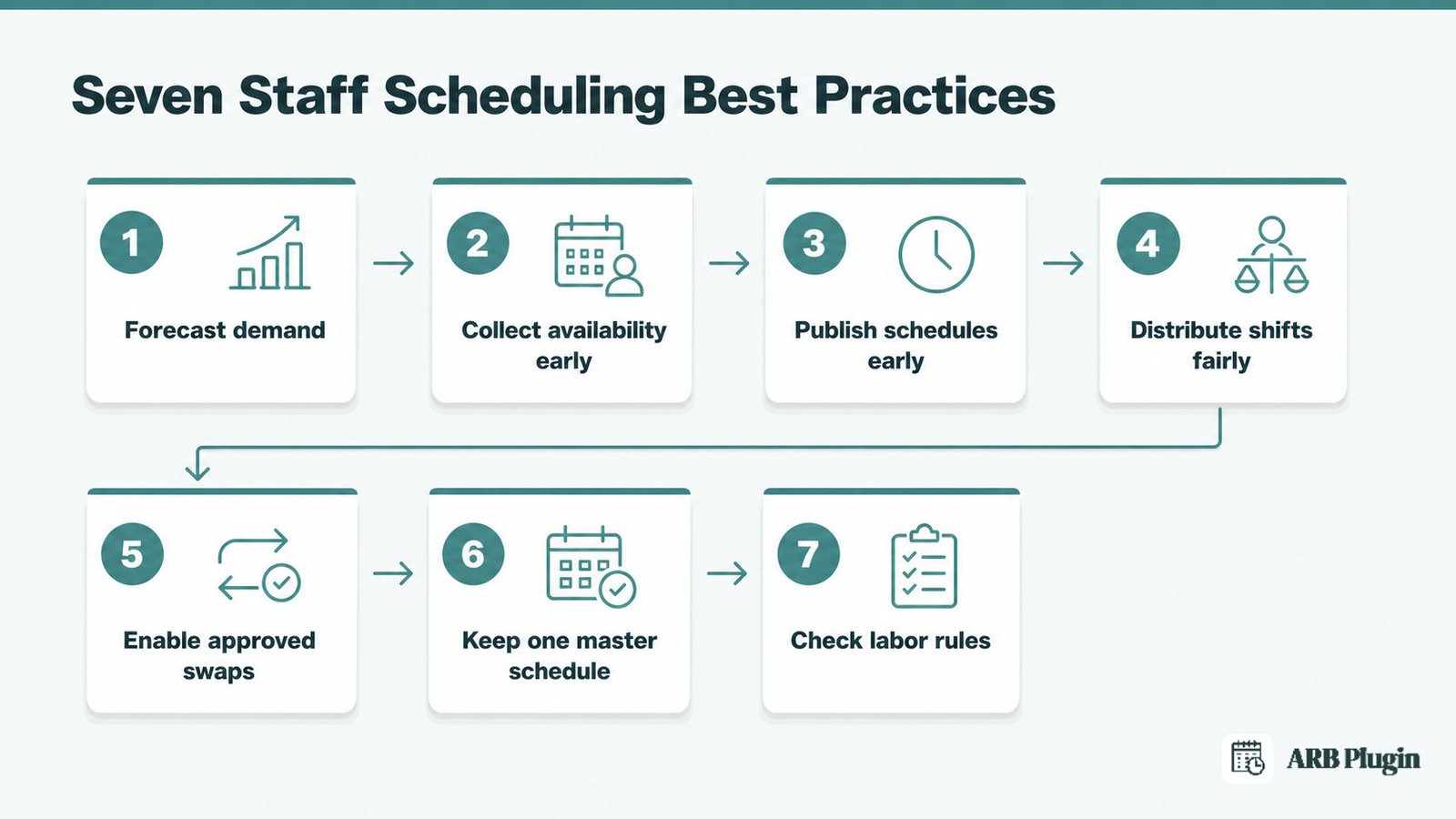
Seven practices keep staff scheduling reliable. Start by forecasting demand, then collect availability and time-off early. Publish schedules ahead of time and distribute shifts fairly. Allow approved swaps, keep one master schedule, and check labor rules before publishing.
- Forecast demand before scheduling: use past sales, foot traffic, or bookings data to estimate how many workers each shift needs.
- Collect availability and time-off requests up front: gather this before building the schedule, not after it publishes.
- Publish schedules early: a week or more of notice cuts last-minute call-outs and swap requests.
- Distribute shifts fairly: rotate weekends, holidays, and undesirable hours instead of repeatedly assigning them to the same workers, and avoid clopening.
- Enable easy, approved shift swaps: let workers trade shifts through a system a manager still reviews and confirms.
- Keep one source of truth: one master schedule, not a chain of texts, sticky notes, and separate spreadsheets.
- Review every schedule against labor rules: check overtime thresholds, required breaks, and minimum rest before publishing it.
How is staff scheduling different from appointment scheduling?
Staff scheduling assigns employees to work shifts and hours that cover a business's operations. Appointment scheduling instead books customers into specific time slots with an available provider or resource. Staff scheduling manages the business's internal workforce, while appointment scheduling turns that staff availability into a customer-facing calendar.
| Attribute | Staff scheduling | Appointment scheduling |
|---|---|---|
| What is scheduled | Employee shifts and work hours | Customer bookings into open time slots |
| Who it serves | The business's own workforce | The business's customers |
| Typical tool | A shift-scheduling or workforce-management app | Appointment scheduling software |
| Example | A cafe rota assigning baristas to Monday's shifts | A salon client booking a haircut for 2 PM Tuesday |
A provider's own staff schedule determines which appointment slots customers can book. A stylist working Tuesday through Friday appears in online appointment scheduling only on those days, never during time off.
Businesses with several available providers often add round-robin scheduling, which spreads new bookings evenly across everyone working that day. What the customer sees next, whether a plain calendar or full appointment booking software, only shows time that staff scheduling already freed up.
How ARB handles staff availability for customer bookings
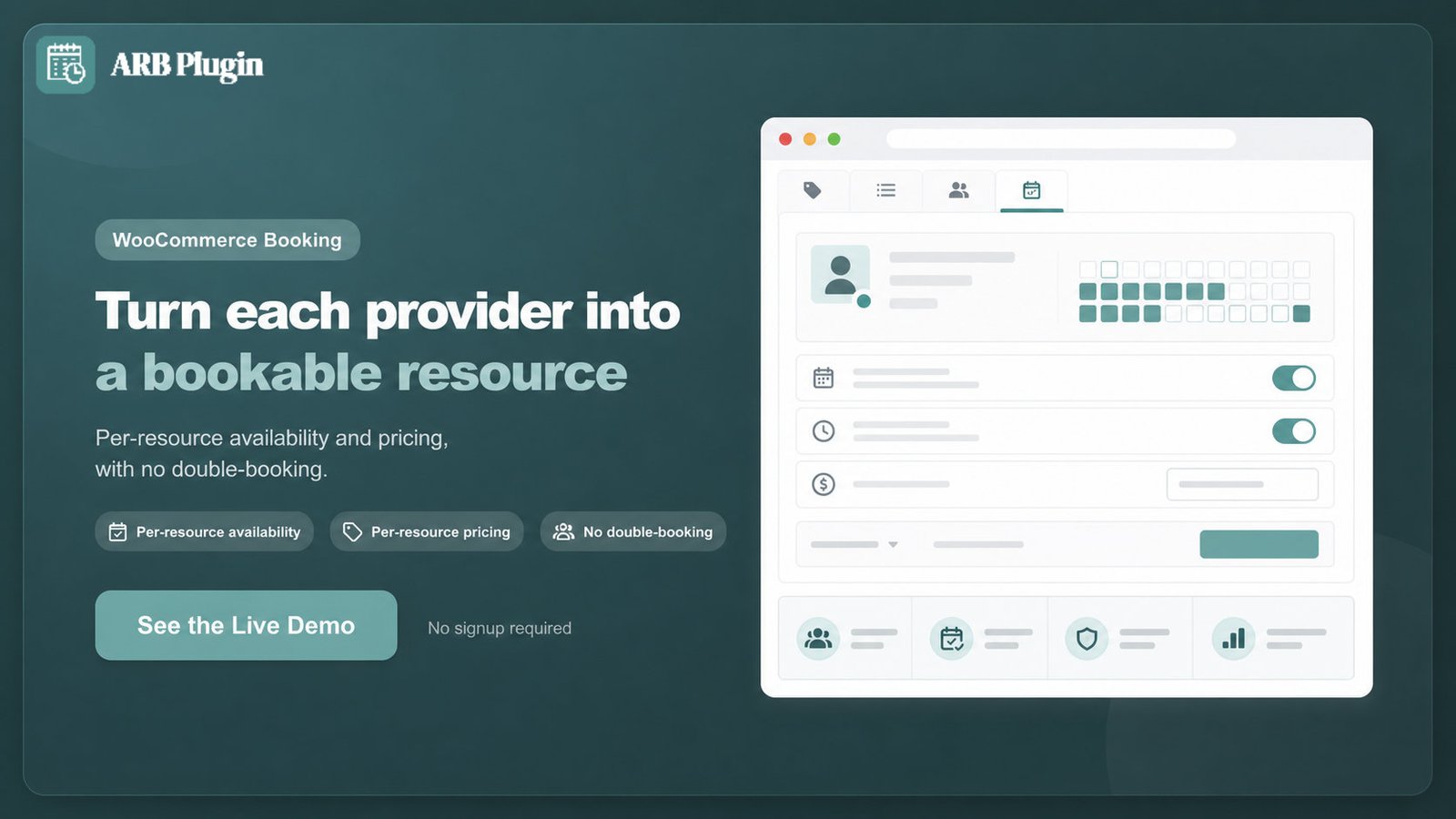
ARB is a WooCommerce appointment-booking plugin, not shift-scheduling software. It lets each staff member act as a bookable Resource with its own availability, so customers book only the specific provider who is actually working.
ARB does not build employee rosters, track staff hours, or manage labor cost. Its only connection to staff scheduling is narrower. It models each provider as a Resource, so the customer-facing calendar respects that person's real availability and never double-books them.
Each provider is configured on the Reservable Product's Resources tab, with its own availability rules and its own price.
A stylist working Tuesday through Saturday and a stylist working Sunday through Wednesday can share one booking page, each showing only their own open slots. Resources also carry per-resource pricing, so a senior provider's time can cost more than a junior provider's.
For actual shift rostering, hour tracking, or labor-cost management, use a dedicated staff-scheduling tool instead. ARB's Resources feature only controls what customers can book, never what staff are paid or how their hours are tracked.
See how ARB turns each provider into one of its booking resources, each with its own availability and price.
FAQs
What is staff scheduling?
Staff scheduling, also called employee scheduling or rostering, is the process of assigning employees to shifts and hours to match demand. It also respects availability, skills, and labor rules.
Is staff scheduling the same as rostering?
Yes. Rostering is another word for staff scheduling, more common outside the United States than inside it.
What is the easiest way to schedule staff for a small business?
A spreadsheet is the easiest starting point for a small team with a stable pattern. Growing teams typically move to a dedicated shift-scheduling app once swaps and conflicts become frequent.
Can you schedule staff in a spreadsheet?
Yes, but a spreadsheet becomes error-prone as a team grows. It has no built-in conflict alerts, no live sync across devices, and no version control when two people edit it at once.
What is a rotating shift schedule?
A rotating shift schedule cycles employees through different shift times over a set period, such as alternating morning and evening weeks. It spreads less desirable hours evenly across a team.
How does staff scheduling reduce no-shows and understaffing?
Confirming availability before publishing, publishing schedules early, and allowing approved swaps all reduce no-shows and understaffing. Workers who help set their own schedule are less likely to skip a shift.
Does ARB do staff (shift) scheduling?
No. ARB is a WooCommerce appointment-booking plugin that manages each provider's customer-facing availability through Resources, not employee shift rosters. For actual staff rostering, use a dedicated staff-scheduling tool.