ZionHost is a WordPress and WHMCS hosting theme from Fluent-Themes, the same studio behind MaxHost. It sells on ThemeForest for a one-time $33, pairing hosting-and-corporate marketing demos with a bridge-free WHMCS client area. I dug through its listing, documentation, demos, and buyer comments. Buyers ask two things: is ZionHost worth buying in 2026, and should you pick it or MaxHost instead? The short version is that it is a genuinely liked, budget-friendly theme that is quietly showing its age.
Here is how ZionHost scores on our seven-dimension rubric.
| Dimension | Weight | Score |
|---|---|---|
| WHMCS Integration & Billing UX | 22% | 3.0/5 |
| Hosting Design & Conversion UX | 16% | 3.5/5 |
| Page Building & Customization | 14% | 3.0/5 |
| Performance & Core Web Vitals | 16% | 3.0/5 |
| Maintenance & Compatibility | 14% | 2.0/5 |
| Value & Licensing | 10% | 4.5/5 |
| Support & Documentation | 8% | 3.0/5 |
| Overall | 100% | 3.1/5 |
Verdict: A solid, budget-friendly pick for buyers who value price over freshness. A 14-month update gap and a single WHMCS layout hold it a clear step back.
How we score: every Fluent-Themes hosting theme runs through the same seven weighted dimensions. Scores come only from the live listing, demos, documentation, and verified buyer reviews. ZionHost genuinely wins on price and rating, and it loses on update recency and WHMCS layout variety. The full methodology is linked in the disclosure below.
What Is ZionHost?
ZionHost is a premium WordPress theme for web hosting, domain reseller, and corporate businesses, sold on ThemeForest by Fluent-Themes. Its core value is a bridge-free WHMCS client-area template paired with hosting-flavored marketing demos, all editable in the WPBakery page builder.
Disclosure: this review is written by the MaxHost team, and ZionHost is our own sibling theme. Both ship from Fluent-Themes. I scored ZionHost on the identical rubric I apply to every hosting theme. I flag both where its sibling wins and where it does not. See exactly how we review WordPress hosting themes.
Who ZionHost Is For
ZionHost fits three buyer types especially well.
- Bootstrapped hosting startups and resellers on the WordPress, WHMCS, and cPanel stack who want the lowest one-time price.
- Freelance developers and small agencies delivering a hosting client site who already build in WPBakery.
- Corporate and IT-services firms wanting a professional, corporate-leaning site where billing is secondary.
Who ZionHost Is NOT For
Skip ZionHost if any of these describe you.
- You build in Elementor, which ZionHost does not support anywhere.
- You need current WHMCS 9.x support, since ZionHost tops out at 8.11.x.
- You want several distinct WHMCS client-area layouts rather than a single one.
- You expect an actively updated theme, as ZionHost's last release was May 2025.
What Are the Key Features of ZionHost?
ZionHost's headline features are a no-bridge WHMCS client-area template, eight hosting-and-corporate homepage demos, WPBakery page building with over 45 content modules, and full WooCommerce support. A bundled WHOIS domain search and a mega menu round out its hosting-specific toolkit.
WHMCS Client-Area Template (No Bridge Plugin)
ZionHost installs a WHMCS client-area template directly into your WHMCS instance, with no separate bridge plugin to buy or maintain. That is its cleanest strength. Across the 126-comment thread I read, no buyer disputes the no-bridge claim. The trade-off is variety, since ZionHost ships one visual design rather than a menu of distinct layouts.
- No-bridge install directly into WHMCS.
- One client-area design, version-matched across 13 WHMCS version bands from 7.10.x to 8.11.x.
- A bundled WHOIS domain search feeding WHMCS domain flows.
That single ceiling matters. WHMCS is now on its 9.x line, and ZionHost's template officially stops at 8.11.x, one major version behind.
Homepage Marketing Demos
ZionHost bundles eight homepage demos (Main, Demo Two through Six, Boxed, and New) plus the WHMCS Template demo, all previewable on its live demo hub. Each leans corporate rather than hosting-storefront-specific, with parallax scrolling built in. That reads as more generic than demos split by hosting type, but it suits a corporate or IT-services buyer well.
Page Building With WPBakery
ZionHost builds exclusively in WPBakery Page Builder, branded on the product page as Visual Composer, with over 45 custom content modules and 1-click demo import. There is no Elementor path anywhere, which I confirmed across its product page, demo hub, and ThemeForest listing. One buyer flatly called the design outdated and asked for Elementor instead. If your workflow is standardized on Elementor, this is a hard stop.
WooCommerce and Lead Capture
ZionHost is fully WooCommerce ready, compatible through WooCommerce 9.8.x, so you can sell SSL, licenses, or services alongside hosting plans. It bundles Aweber for email capture. The product page also lists MailChimp. Its presentation reads more like a logo mention than a documented setup flow, so I would not rely on it.
How Easy Is ZionHost to Set Up?
Setting up ZionHost's WHMCS side takes three core documented steps. It is functional and well-documented, but the full build touches more interfaces than its sibling's equivalent flow.
I worked through ZionHost's own WHMCS setup guide, and the three core steps are clear:
- Upload the version-matched template folder into your WHMCS templates directory via FTP or cPanel.
- Activate the template in the WHMCS admin panel under System Settings, then General.
- Configure the order form under Ordering.
Where it gets busier is the full build. Getting the header, footer, and menus right spans four distinct interfaces. Those are FTP or cPanel, the WHMCS admin panel, direct .tpl file editing, and the WordPress admin.
For a neutral comparison, MaxHost's own WHMCS guide documents the identical three core steps. It confines them to two interfaces, FTP or cPanel plus the WHMCS admin. The core step count is the same. The honest difference is interface span, not the complexity of the core install.
The comment thread shows the small snags you would expect from an older theme. One buyer hit a "sliders not found" error on import, and reports of incomplete demo imports and menu toggling recur. These are single-source reports, so I treat them as a pattern to watch, not a certainty. One buyer also complained about slow demo speed, which the author disputed as a server issue, so I would not lean on that claim.
I also looked for a third-party video walkthrough and found none. For a niche same-vendor theme this old, that absence is itself a small data point about ZionHost's thin public footprint. The 34-article knowledgebase is enough to self-serve the core install.
How Much Does ZionHost Cost?
ZionHost costs a one-time $33 for the Regular License or $2,950 for the Extended License, both bundling WPBakery and Revolution Slider. Six months of author support is included, extendable to twelve for $7.88. There is no free trial and no free tier.
| License | Price (one-time) | Inclusions |
|---|---|---|
| Regular | $33 | Full theme, one WHMCS template, WPBakery, Revolution Slider, 6-month support |
| Extended | $2,950 | Same features, plus resale and SaaS usage rights |
| Support extension | $7.88 | Extends author support from 6 to 12 months |
At $33 on its ThemeForest listing, ZionHost is one of the cheapest genuine WHMCS themes on the marketplace. Its support extension also beats most rivals. You can only evaluate it before buying through the public demo, since there is no trial.
What Are the Pros of ZionHost?
ZionHost's strengths are concrete. It has the lowest entry price in its sibling set, the highest raw rating in the category, and an undisputed no-bridge claim.
- Lowest price in its class at a one-time $33, well under most WHMCS hosting themes.
- A 4.97 out of 5 rating across 38 reviews, the highest raw average in the researched set.
- A cheaper support extension at $7.88 for six extra months.
- Bridge-free WHMCS templating that installs directly, with no recurring bridge-plugin cost.
- A decade-long marketplace tenure since March 2016, with no sign the item was ever pulled.
What Are the Cons of ZionHost?
The limitations are just as concrete. They include a 14-month update gap, a single WHMCS layout, no Elementor support, and slower support replies.
- A stale update history, since the last release was 2 May 2025 (v9.8.3) with no 2026 changelog found anywhere.
- Compatibility one major version behind on every axis: WordPress 6.8.x, WooCommerce 9.8.x, and WHMCS 8.11.x.
- Just one WHMCS visual design, version-matched rather than offered as distinct layouts.
- WPBakery-only building, with no Elementor path and a buyer explicitly requesting it.
- Recurring small bugs in the comment thread: slider errors, incomplete demo imports, and menu toggling.
- Support-response friction, with an advertised 24-hour promise against a listed response time of up to two business days.
What Do ZionHost Buyers Say?
ZionHost's existing buyers are durably happy: 4.97 out of 5 across 38 reviews is the highest raw rating in its category. But fresh public discussion is thin. There is no meaningful Reddit or forum footprint, so the ThemeForest comment thread carries the buyer voice.
ThemeForest ratings and comments stand in for G2 or Capterra here, which do not list marketplace theme products. Across 126 comments, the picture is a satisfied niche with a few age-related snags.
- "Your Design is outdated", a buyer on ThemeForest, paired with a request for Elementor support.
- "sliders not found", a buyer reporting an import error during setup.
- One buyer received an automated reply pushing a paid support extension for a routine question, then self-resolved it.
- Many buyers still commend the author's support in the thread, praising prompt, helpful replies on setup and WHMCS questions.
- The 4.97 aggregate across 38 reviews signals genuine, durable satisfaction among the theme's owners.
Is ZionHost Worth It?
ZionHost is worth it if you want a low-cost, no-bridge WHMCS theme and you build in WPBakery. It is not worth it if you need Elementor, current WHMCS 9.x support, or the reassurance of a recently updated theme.
Choose ZionHost if:
- You are price-sensitive and want a genuine WHMCS theme for a one-time $33.
- You already build in WPBakery and do not need Elementor.
- You are comfortable with a single WHMCS client-area layout.
Look elsewhere if:
- You need Elementor or several distinct WHMCS layouts.
- You require current WHMCS 9.x compatibility.
- You want the freshest, most actively maintained option, in which case see our full maxhost alternatives roundup.
Considering MaxHost Instead? How the Fluent-Themes Siblings Compare
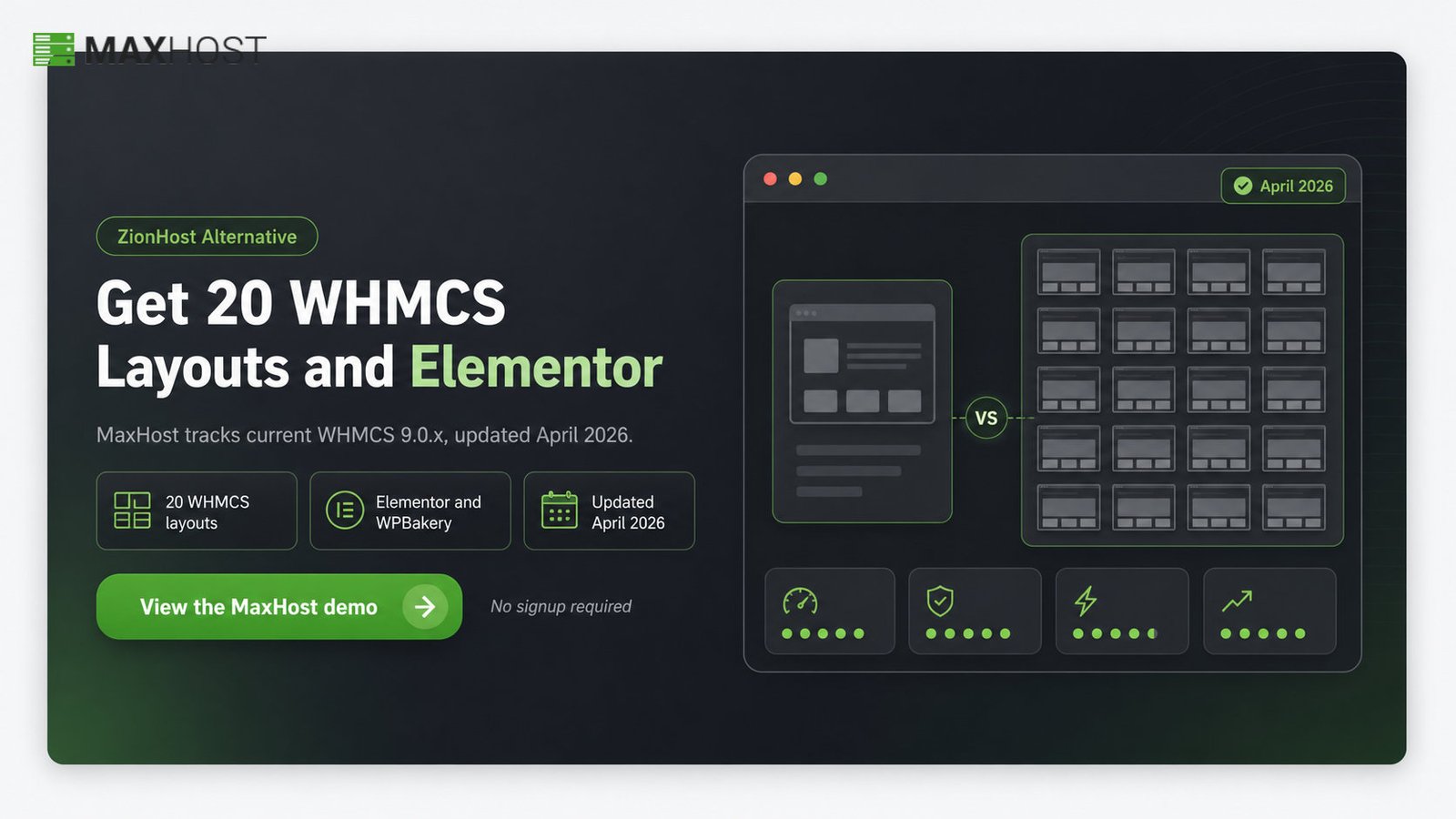
MaxHost is the newer, more actively maintained sibling, and it directly addresses ZionHost's three sharpest limitations. It ships 20 WHMCS layouts against ZionHost's one, supports both Elementor and WPBakery, and was last updated in April 2026.
Here is how the two siblings line up on the attributes buyers weigh most.
| Attribute | ZionHost | MaxHost |
|---|---|---|
| Price (one-time, Regular) | $33 | $49 |
| ThemeForest rating | 4.97 (38 reviews) | 4.69 (48 reviews) |
| WHMCS client-area designs | 1 | 20 layouts |
| Page builders | WPBakery only | Elementor and WPBakery |
| Last update | 2 May 2025 | 28 April 2026 |
| WordPress, WooCommerce, WHMCS ceiling | 6.8.x, 9.8.x, 8.11.x | 6.9.x, 10.7.x, 9.0.x |
| Support extension to 12 months | $7.88 | $13.88 |
If ZionHost's single WHMCS design or its WPBakery-only building is your main worry, MaxHost answers both. If the 14-month update gap concerns you, MaxHost tracks current WordPress 6.9.x, WooCommerce 10.7.x, and WHMCS 9.0.x, one step ahead on every axis.
The honest trade-off runs the other way too. MaxHost costs more, at a one-time $49 against ZionHost's $33. It also carries a slightly lower raw rating, 4.69 across 48 reviews versus 4.97 across 38. You pay the premium for builder flexibility, WHMCS layout choice, and update recency, not for a better price or a higher star average.
For the full feature-by-feature breakdown, read our maxhost vs zionhost guide. If you are weighing MaxHost against the category's best-seller instead, see our maxhost vs hostiko comparison. Either way, the most useful next step is to load the theme yourself and view the MaxHost demo.
FAQs
Is ZionHost good for reseller hosting businesses?
Yes, for bootstrapped resellers on a tight budget. ZionHost gives you a WordPress marketing site and a bridge-free WHMCS client area for a one-time $33. It runs on the WordPress, WHMCS, and cPanel stack most resellers use. Just accept WPBakery-only editing and a single client-area layout.
Is ZionHost better than MaxHost?
Not overall, but it wins on price. ZionHost is cheaper ($33 versus $49) and higher rated (4.97 versus 4.69). MaxHost leads on WHMCS layout variety, dual builders, and update recency. Your budget and your builder preference decide which sibling fits.
Does ZionHost require a WHMCS Bridge plugin?
No. ZionHost installs its WHMCS client-area template directly into your WHMCS instance, with no separate bridge plugin to buy or maintain. That avoids the recurring cost and update fragility bridge-based themes carry. It is one of ZionHost's most durable selling points.
Is ZionHost still updated in 2026?
Not visibly. ZionHost's last confirmed ThemeForest update is 2 May 2025 (v9.8.3), and no 2026 changelog appears anywhere I searched. It still sells and works, but its compatibility ceilings sit one major version behind the current WordPress and WHMCS lines.
Is ZionHost easy to use for beginners?
Mostly. The core WHMCS setup is three documented steps, and demo import is one click. Beginners should expect the fuller build to touch several interfaces, and to lean on the 34-article knowledgebase. WPBakery is approachable, though there is no Elementor option for those who prefer it.
What are the best alternatives to ZionHost?
MaxHost is the closest sibling alternative, adding Elementor and current WHMCS support. Hostiko is the category best-seller. For the wider field, browse our hostiko alternatives explained, and ZionHost also appears in our best WordPress hosting themes roundup, ranked against the full category.