1. How to make sidebar only for current page?
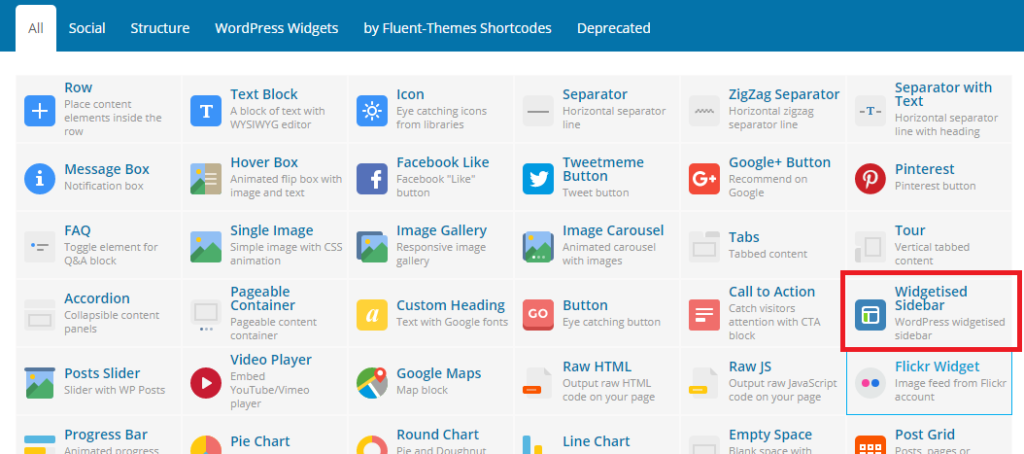
At first you need to create sidebar area for adding widgets. So please follow the Other Widgets part form Place Widgets. After creating sidebars you can use it on your current pages which is build using page builder. Now you will add Widgetised Sidebar addon. And Select Sidebar which you want to show as sidebar in the current page.
Want to change Widgets Design?
We are able to change widgets design for current page. Just follow the below image instruction and make interactive sidebar. This features is bottom of the page editor. So you can change it from page editor. After changing something Publish/Update the current page. No need to explain, It’s simple!

2. How to make change default sidebar design?
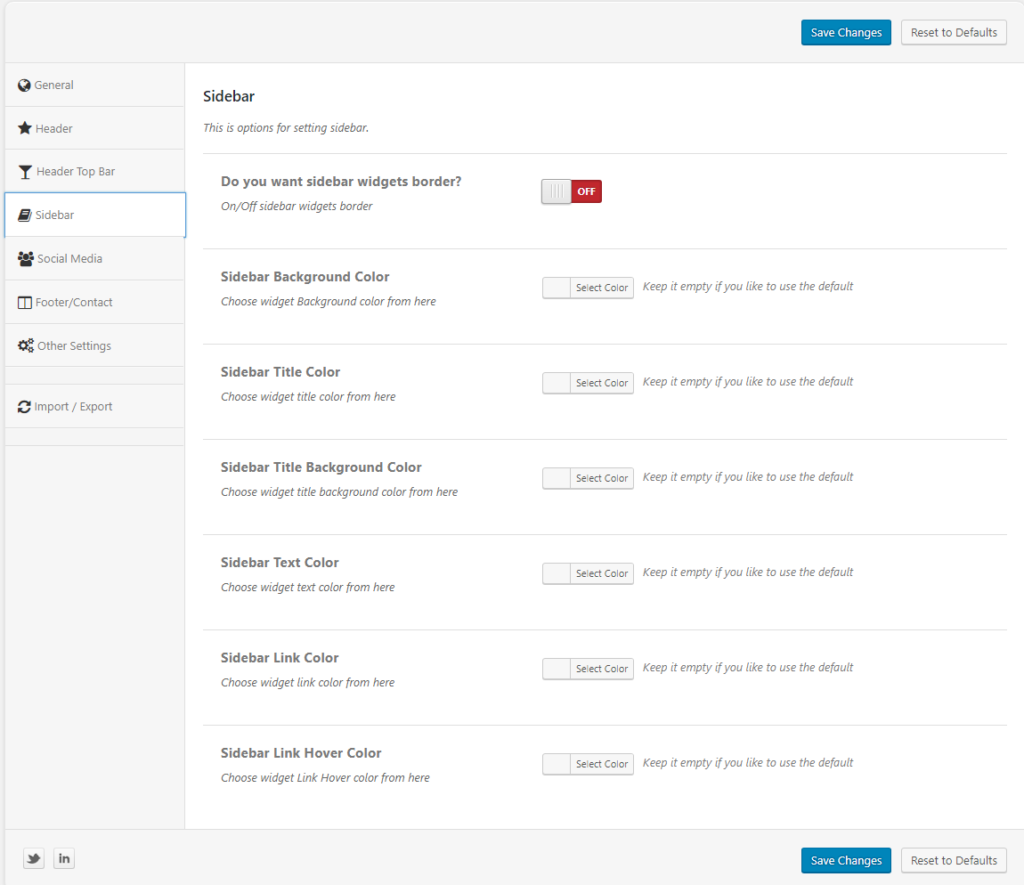
We are able to change widgets design for all pages. Just follow the below image instruction and make interactive default sidebar. Appearance > Theme Options > Sidebar and make change what you need.